Skip to content
YOU ARE NOT SIGNED IN Sign in

Sort by

18 products

Filters

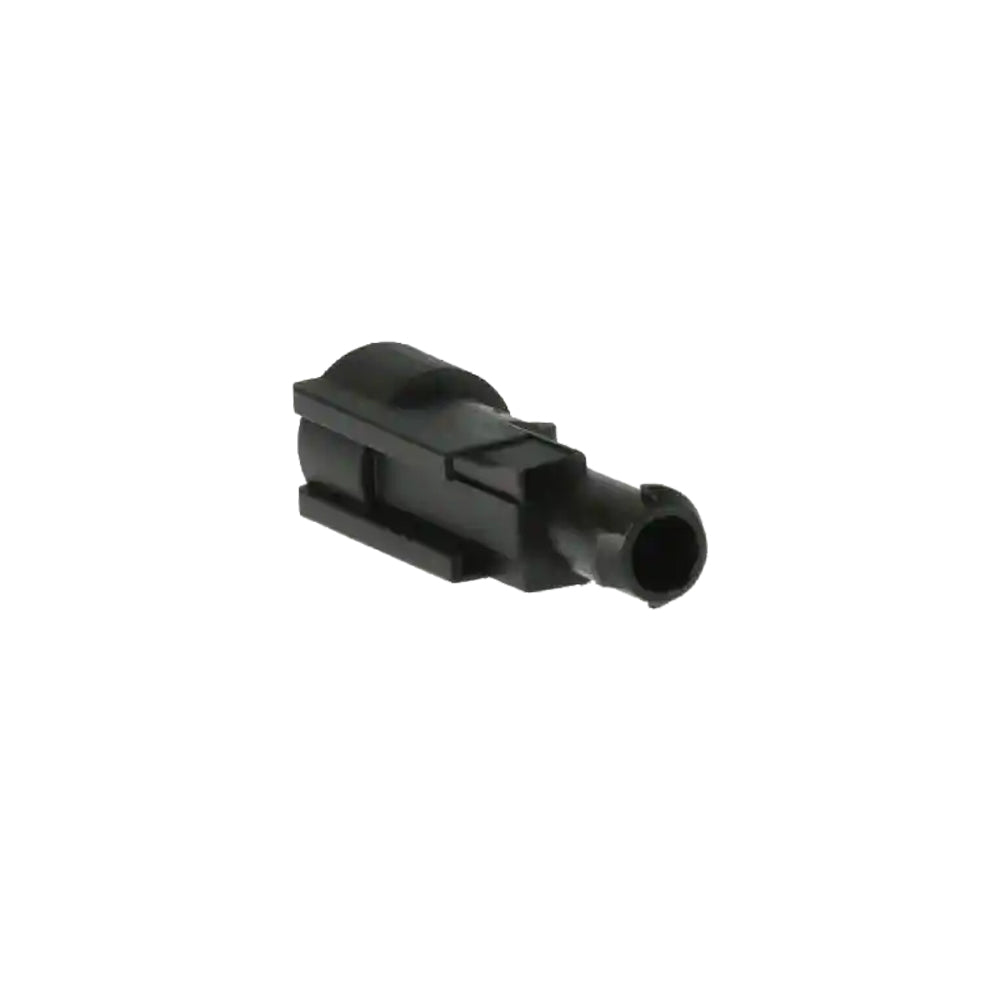
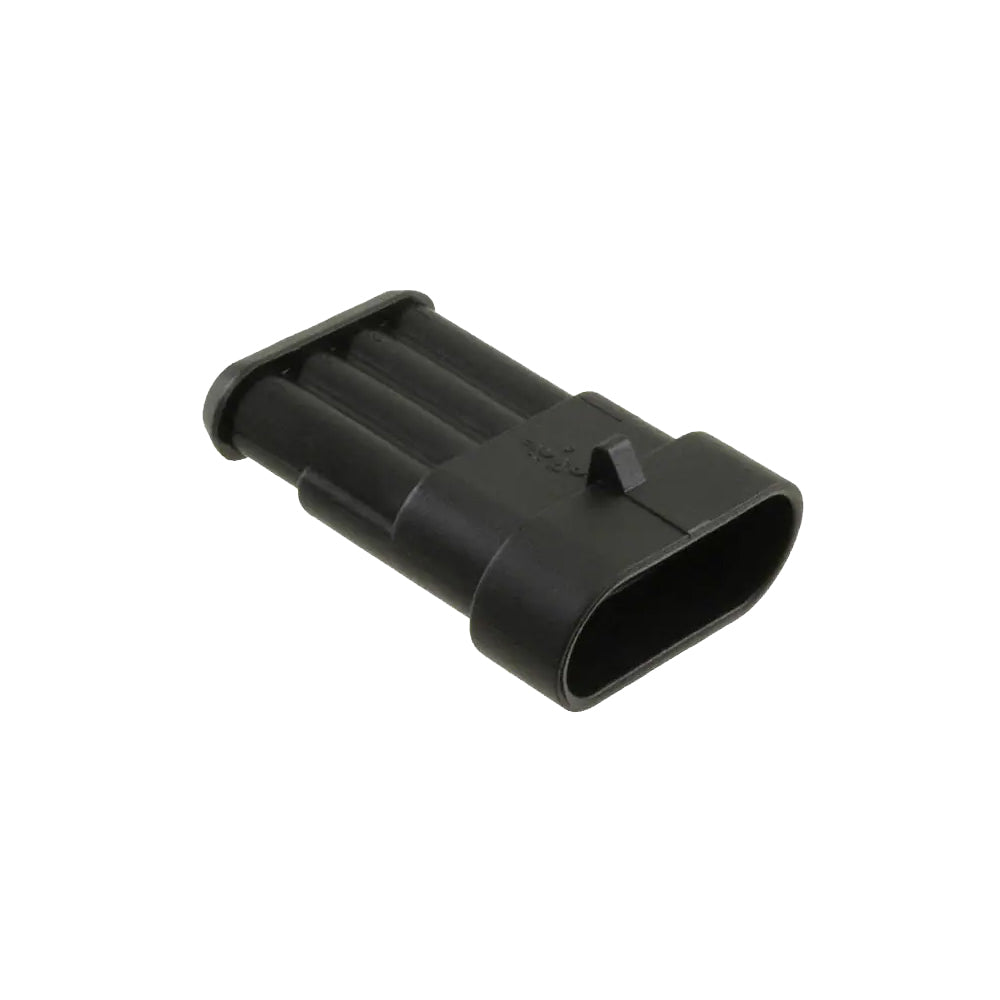
01 Pin Plug | C-282079-201 Pin Plug | C-282079-2
01 Pin Plug | C-282079-2 Sale price$27.00 USD

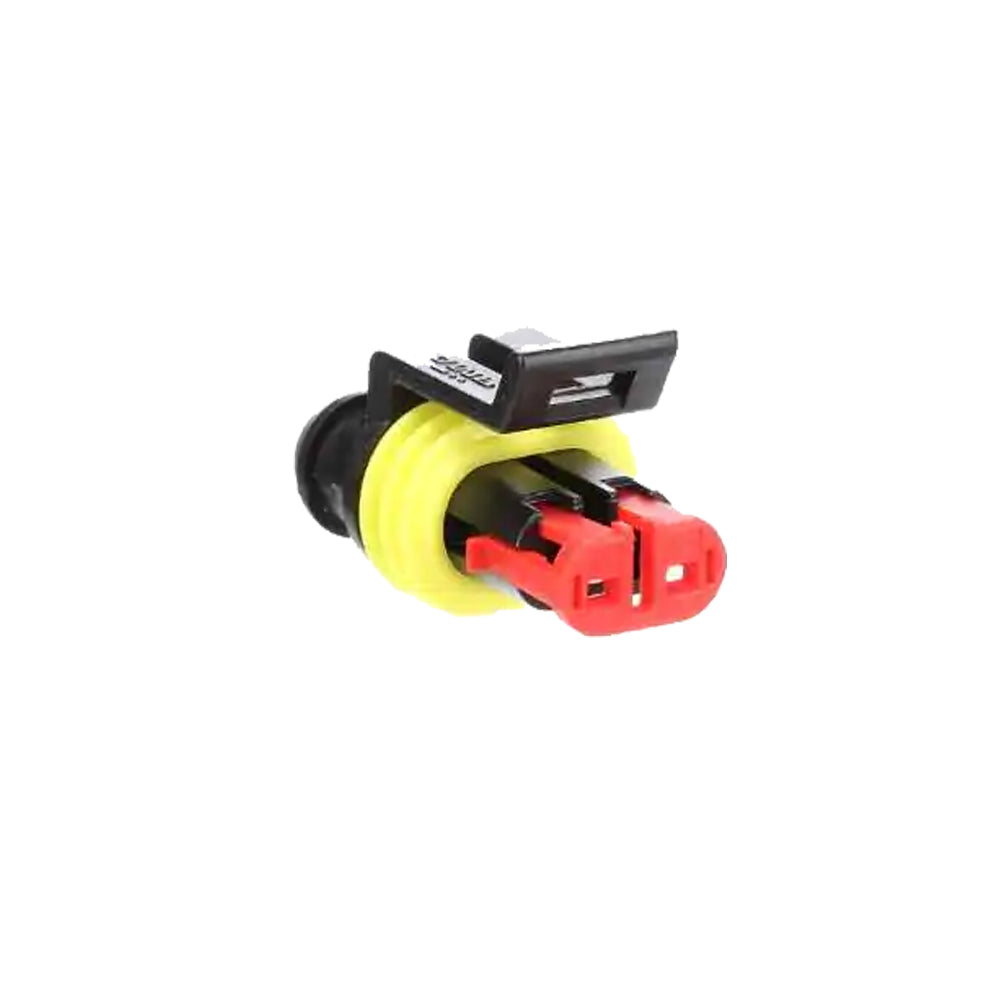
01 Pin Receptacle | C-282103-101 Pin Receptacle | C-282103-1
01 Pin Receptacle | C-282103-1 Sale price$27.00 USD
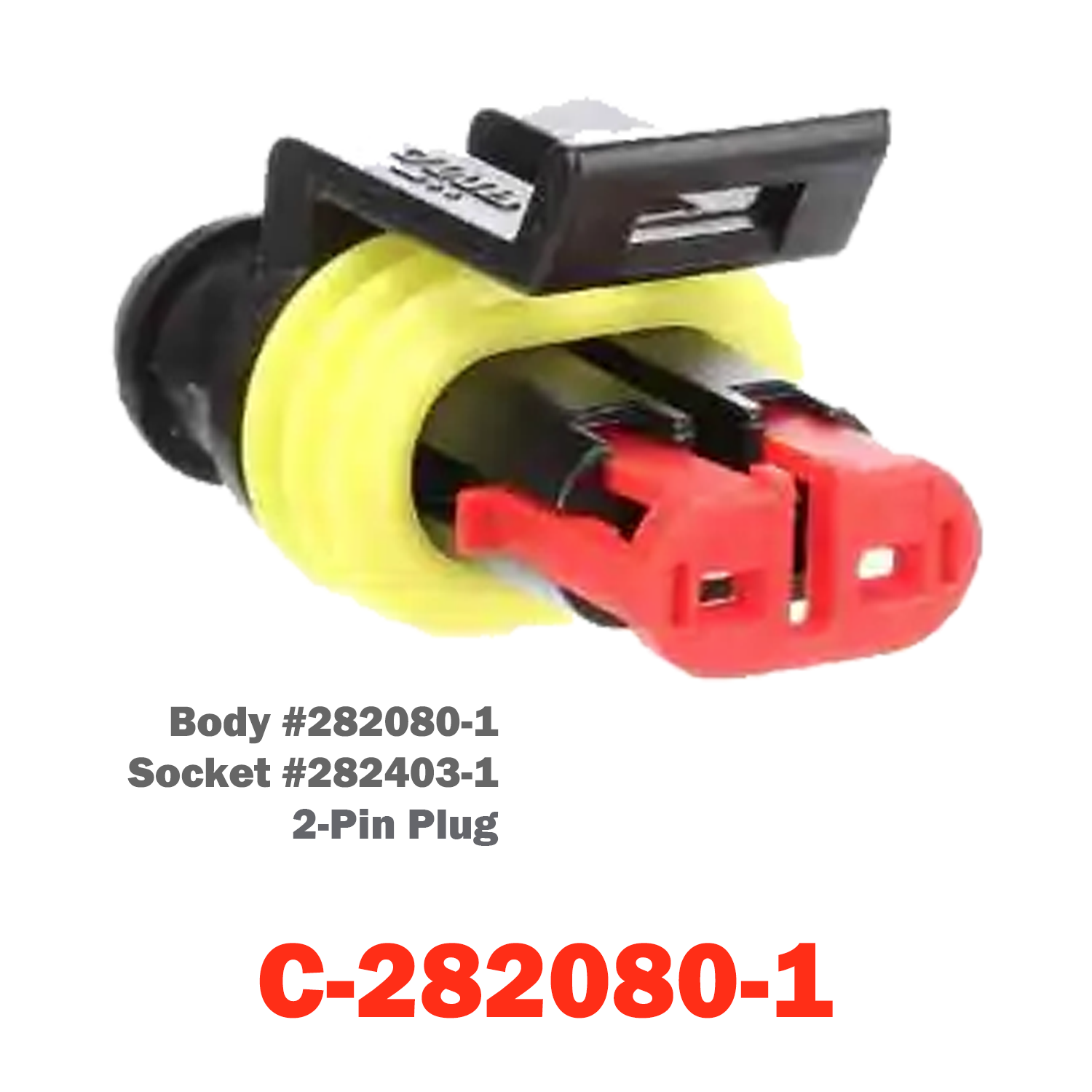
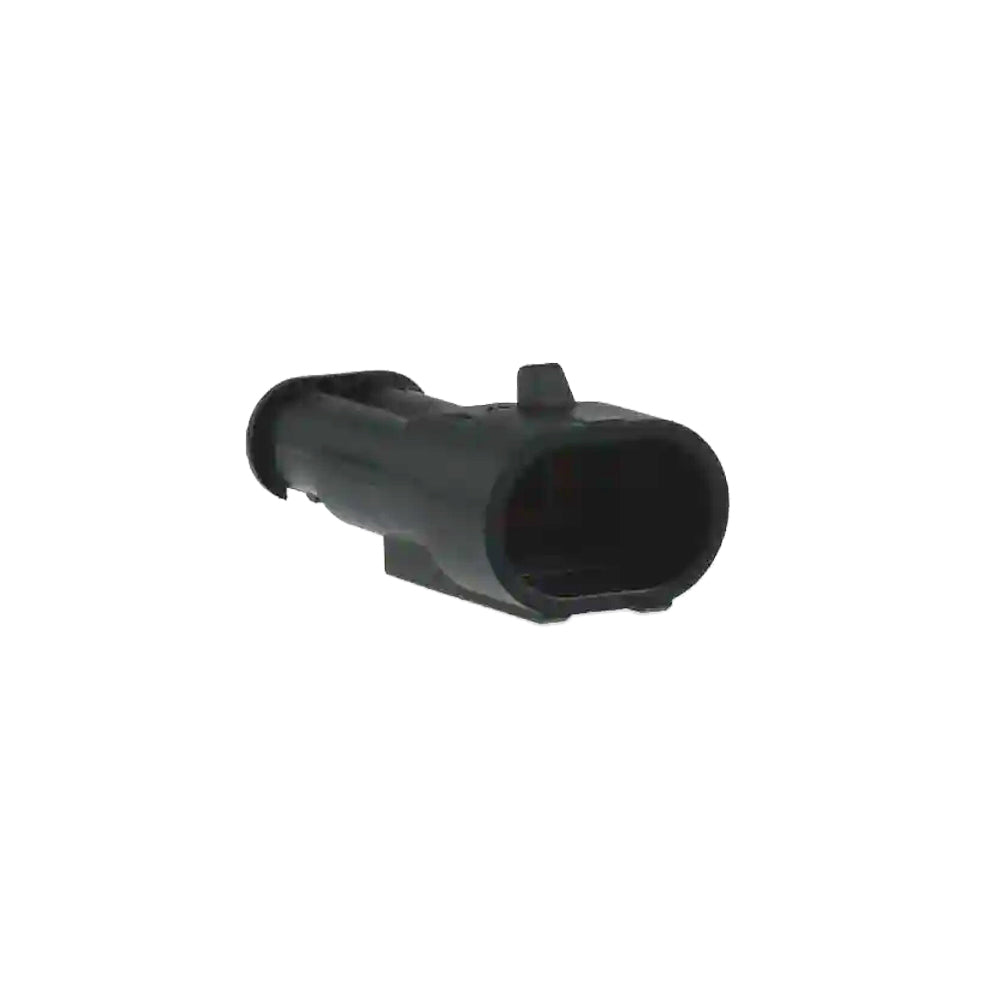
02 Pin Plug | C-282080-102 Pin Plug | C-282080-1
02 Pin Plug | C-282080-1 Sale price$27.00 USD
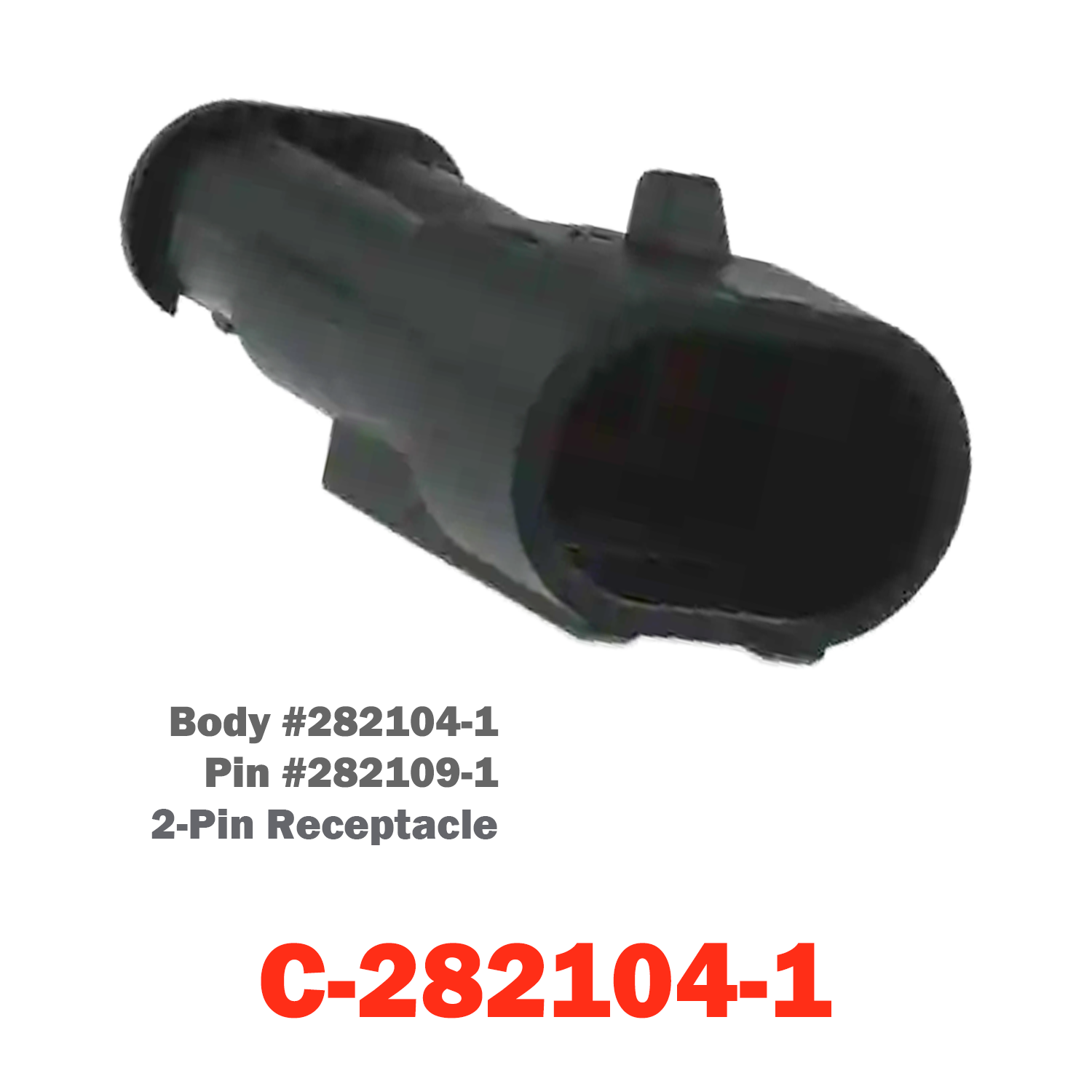
02 Pin Receptacle | C-282104-102 Pin Receptacle | C-282104-1
02 Pin Receptacle | C-282104-1 Sale price$27.00 USD
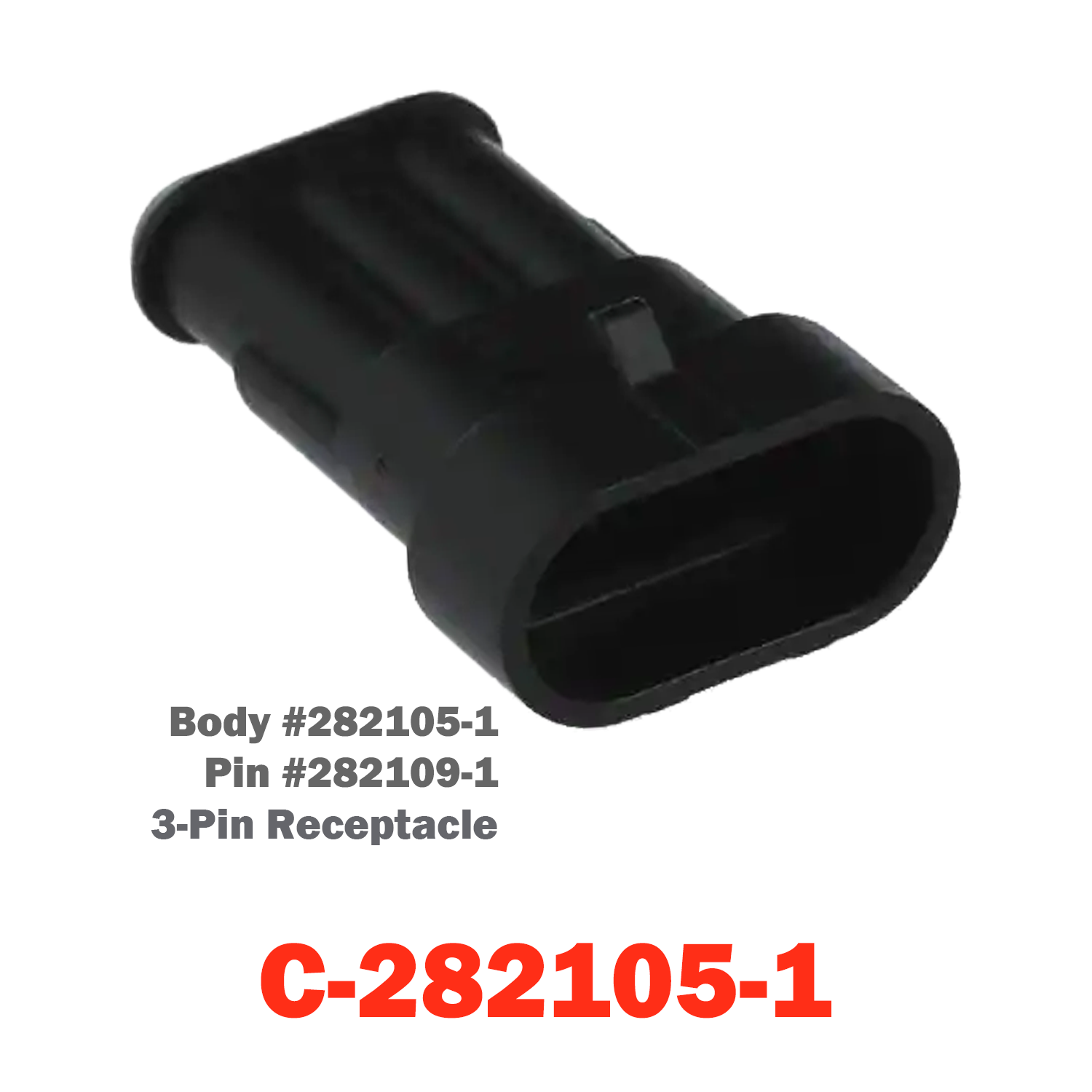
03 Pin Receptacle | C-282105-103 Pin Receptacle | C-282105-1
03 Pin Receptacle | C-282105-1 Sale price$27.00 USD
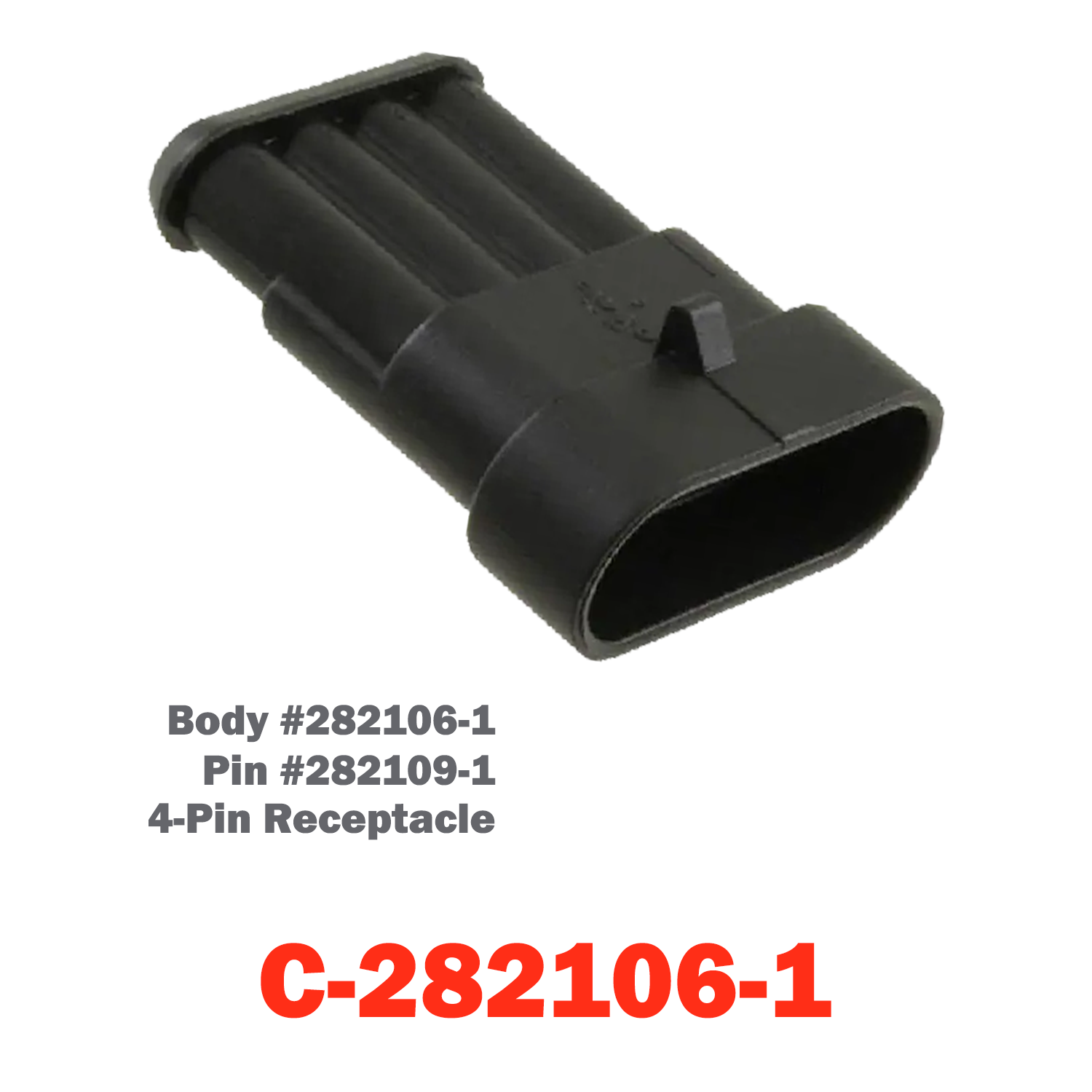
04 Pin Receptacle | C-282106-104 Pin Receptacle | C-282106-1
04 Pin Receptacle | C-282106-1 Sale price$30.00 USD
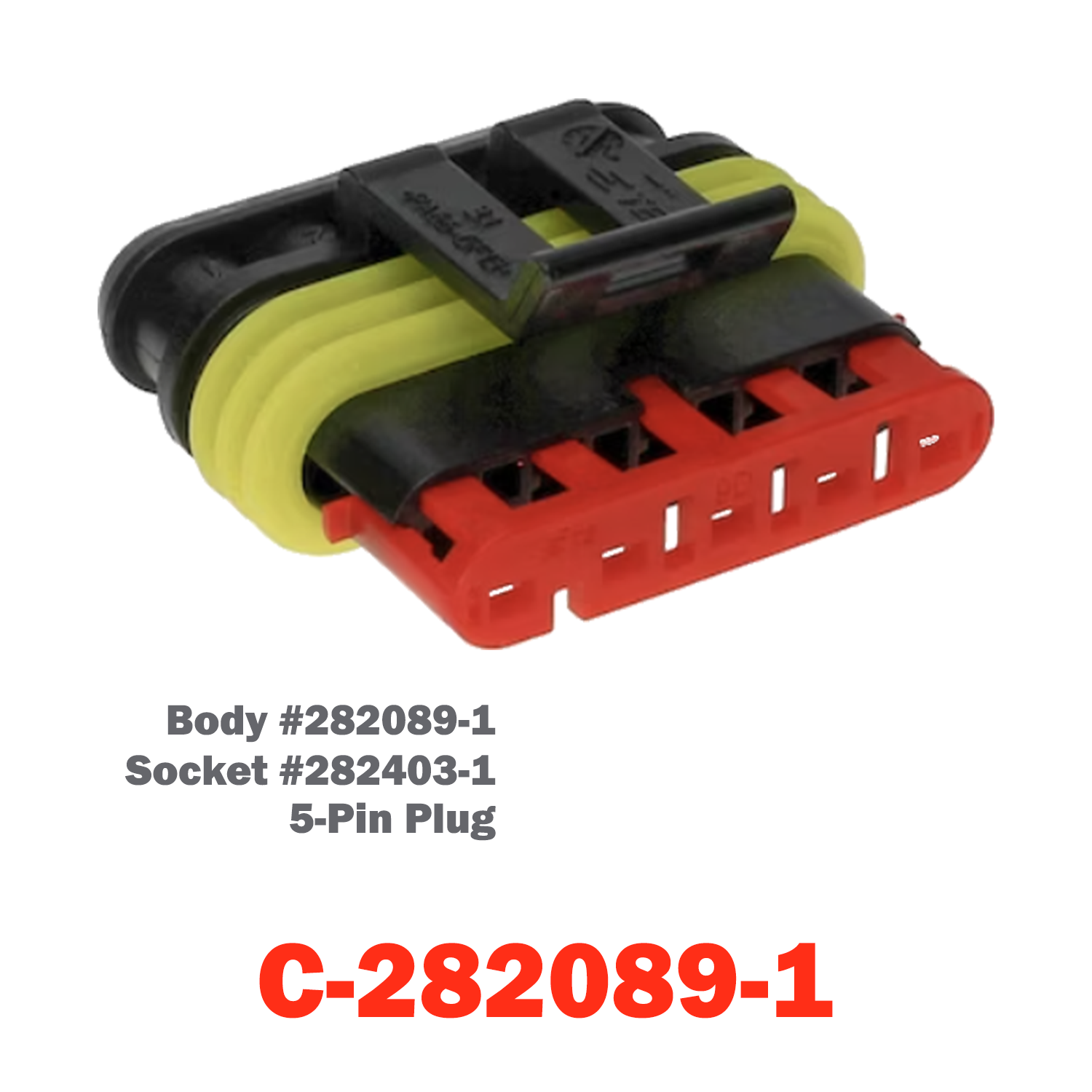
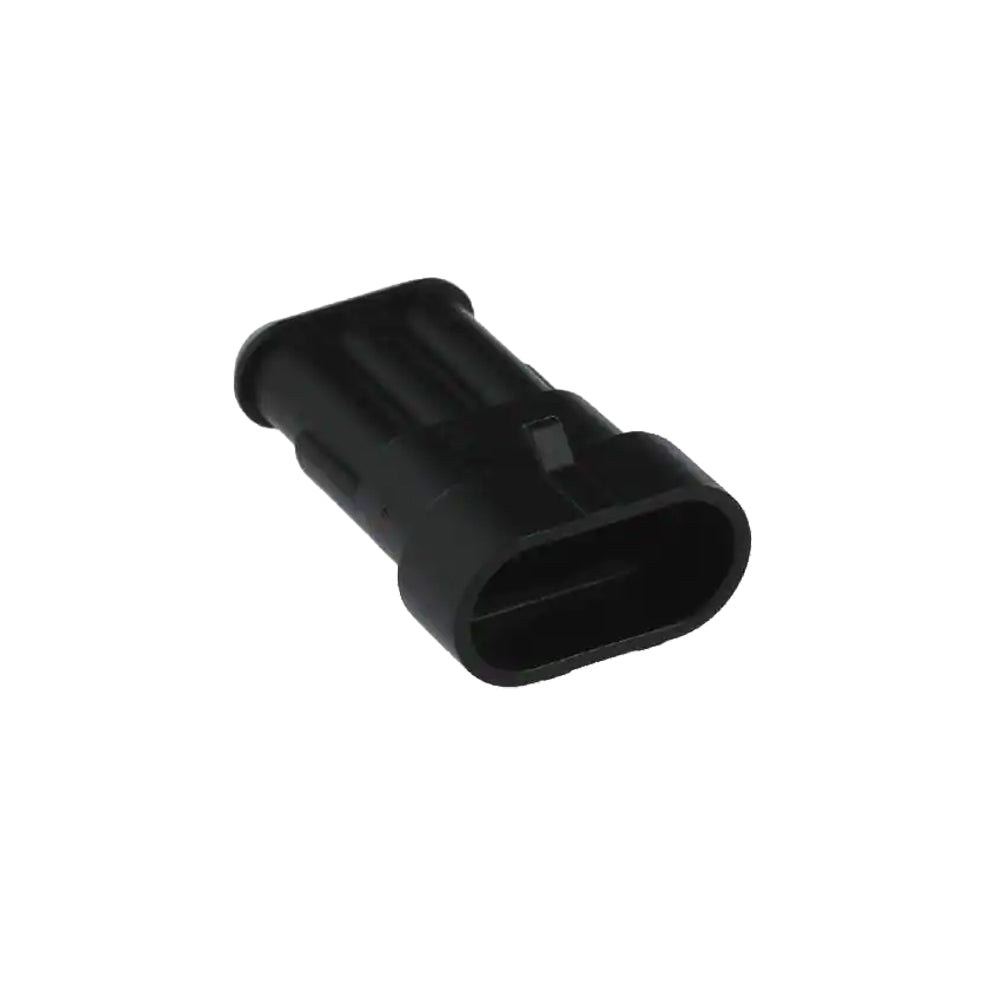
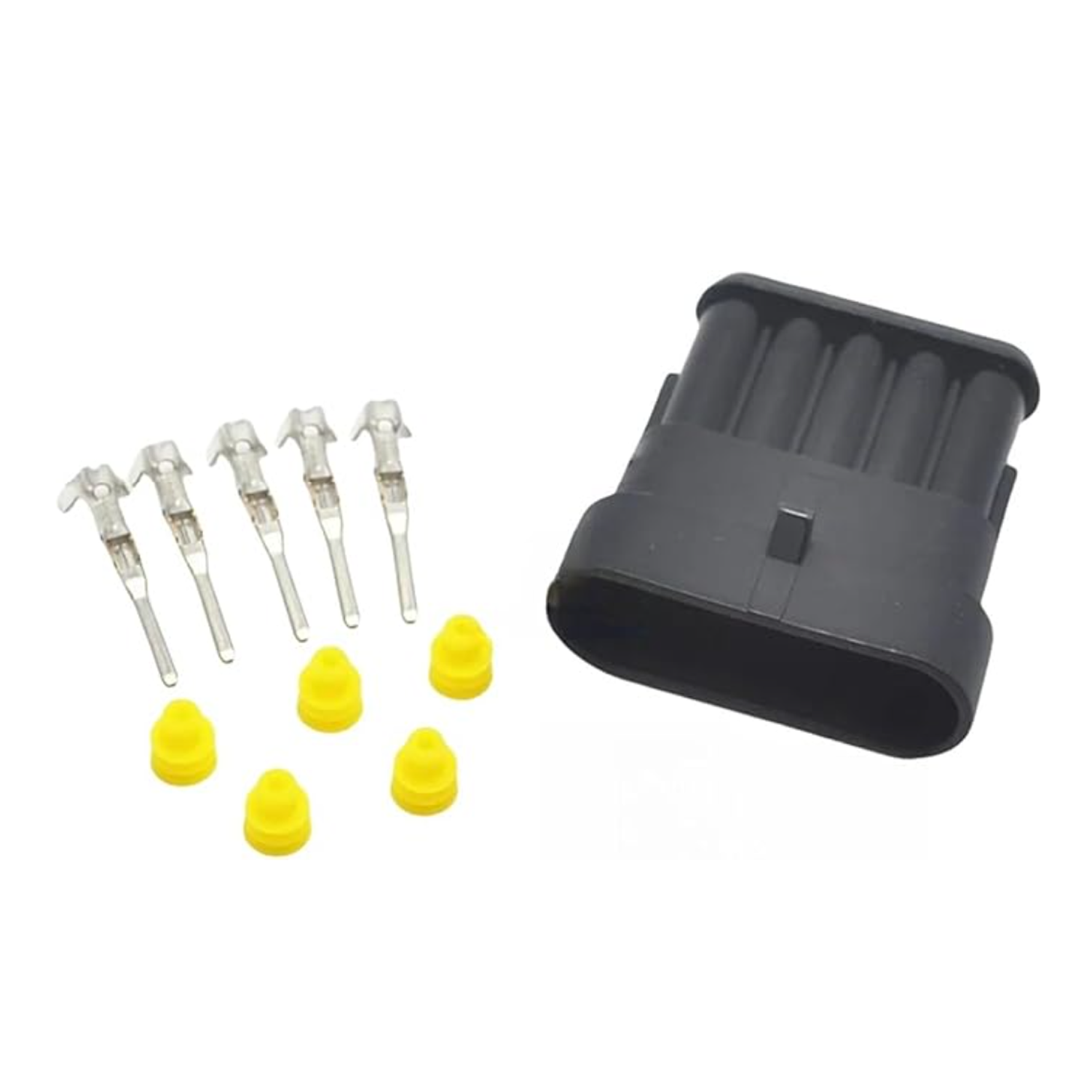
05 Pin Plug | C-282089-105 Pin Plug | C-282089-1
05 Pin Plug | C-282089-1 Sale price$15.00 USD
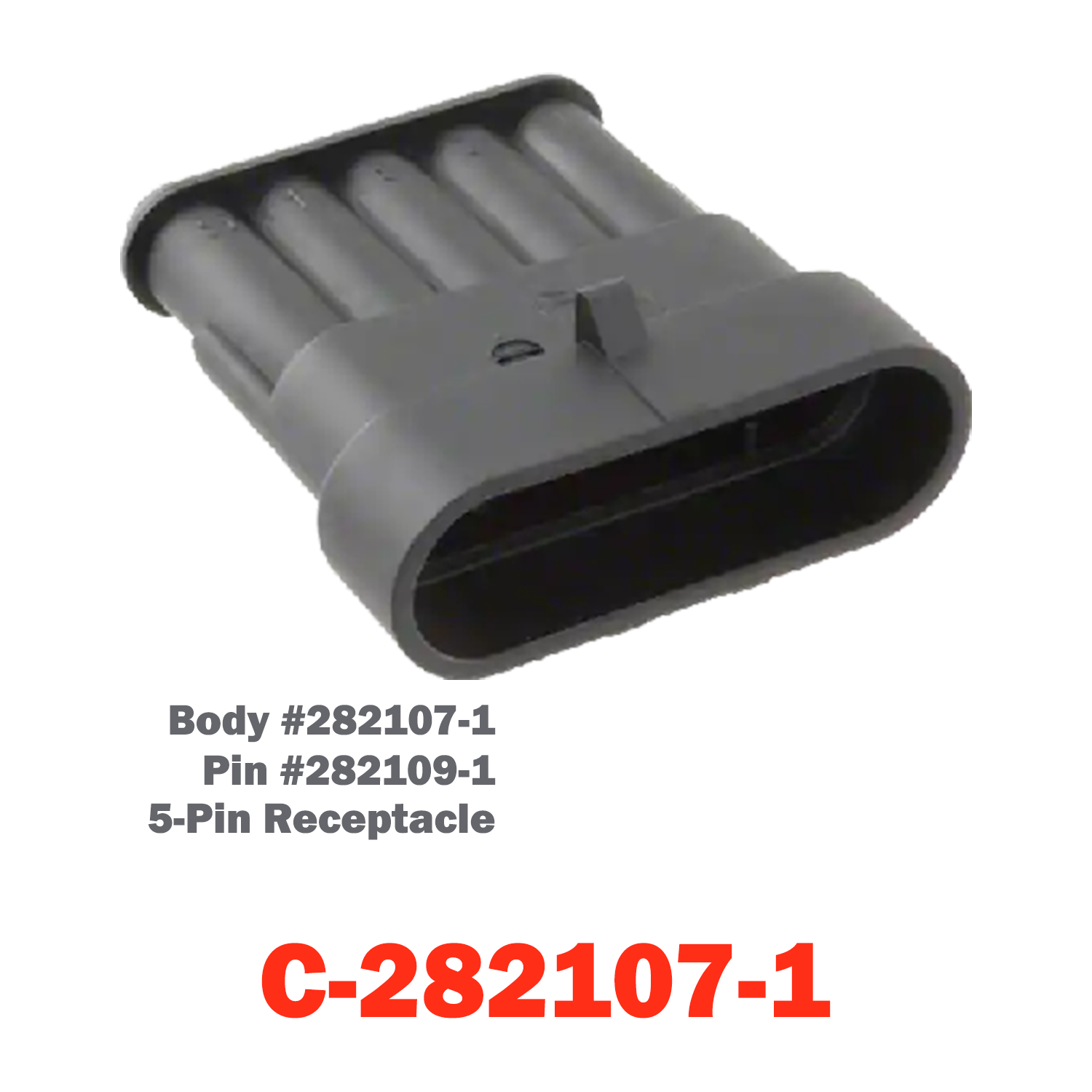
05 Pin Receptacle | C-282107-105 Pin Receptacle | C-282107-1
05 Pin Receptacle | C-282107-1 Sale price$15.00 USD
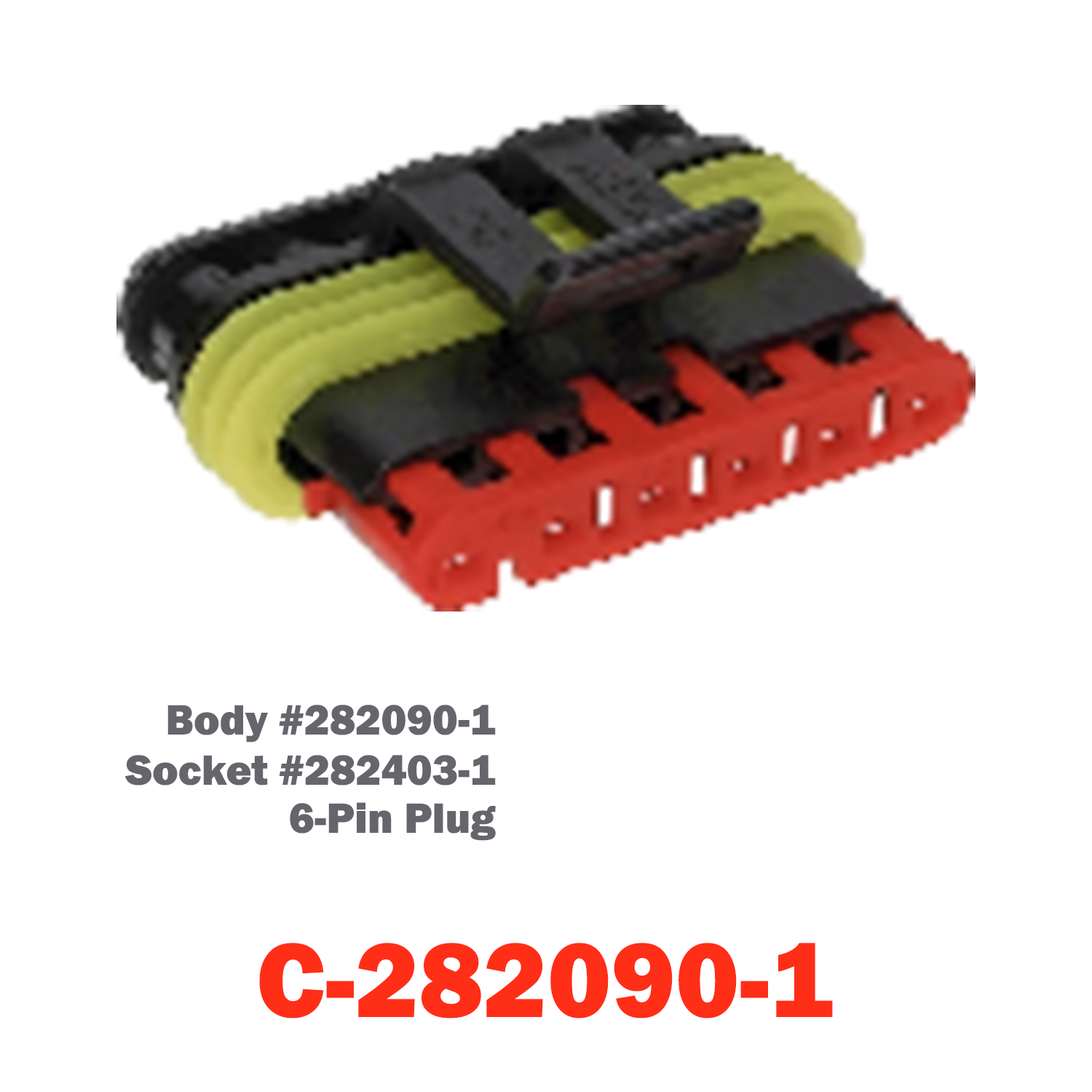
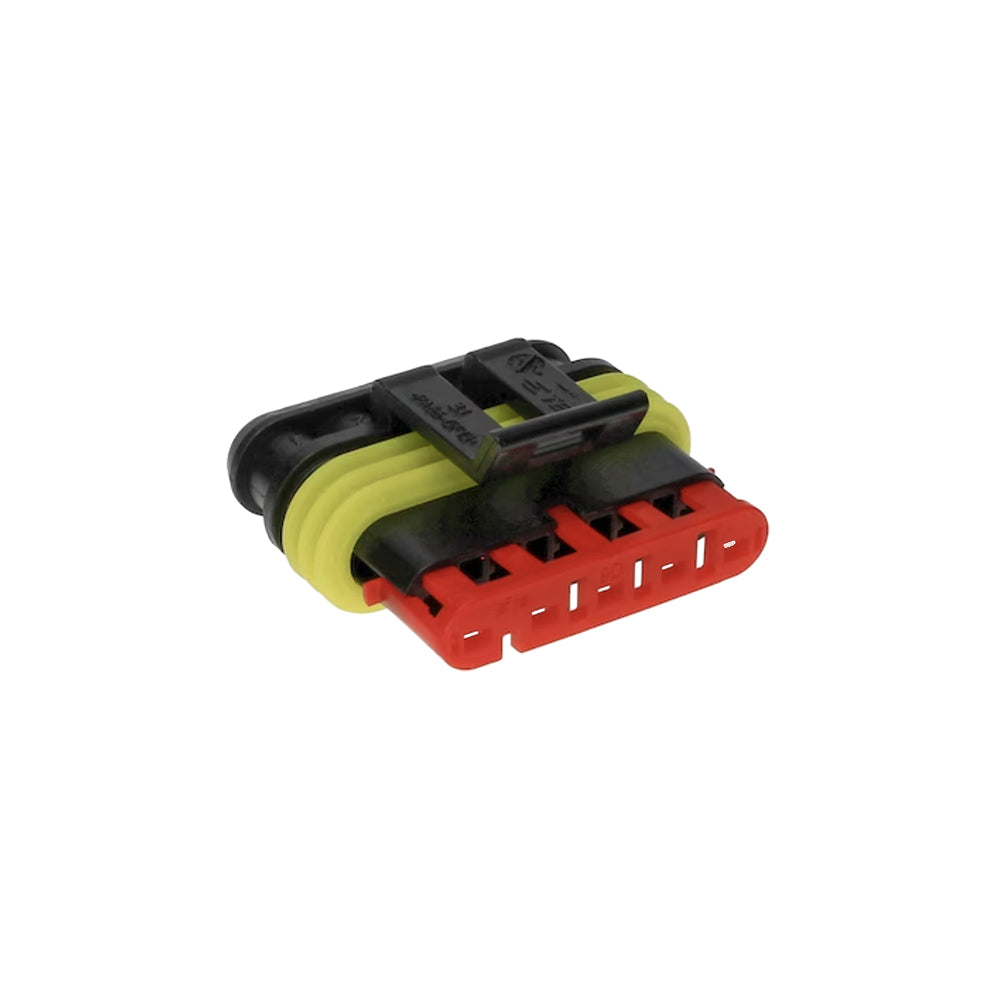
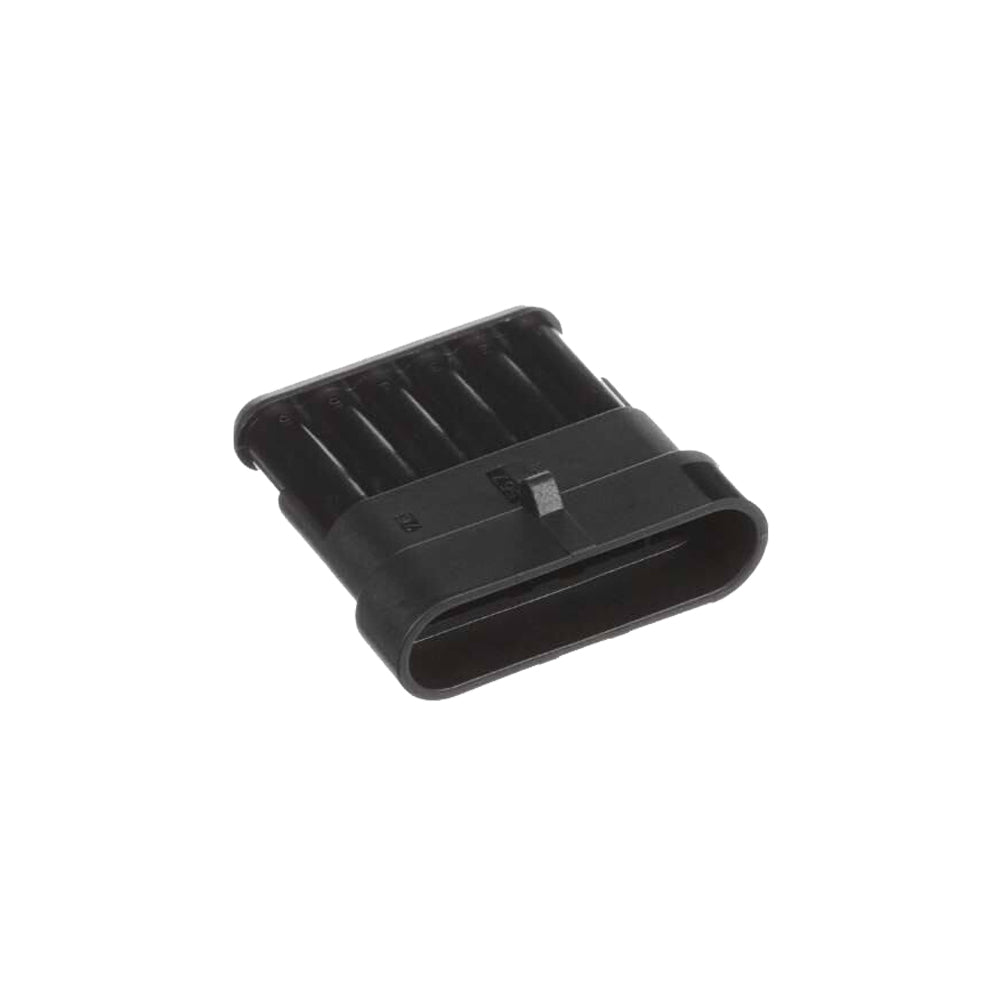
06 Pin Plug | C-282090-106 Pin Plug | C-282090-1
06 Pin Plug | C-282090-1 Sale price$29.00 USD
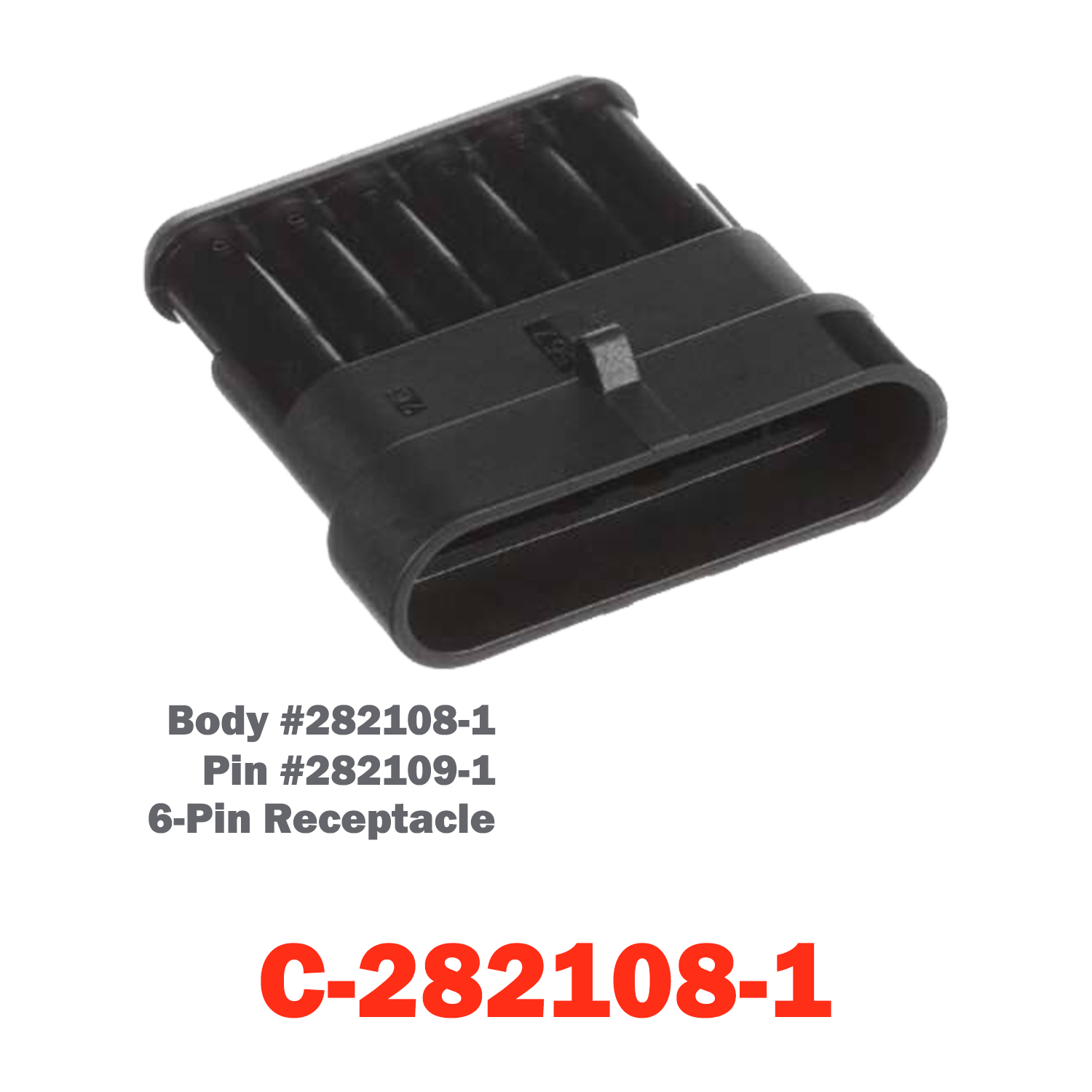
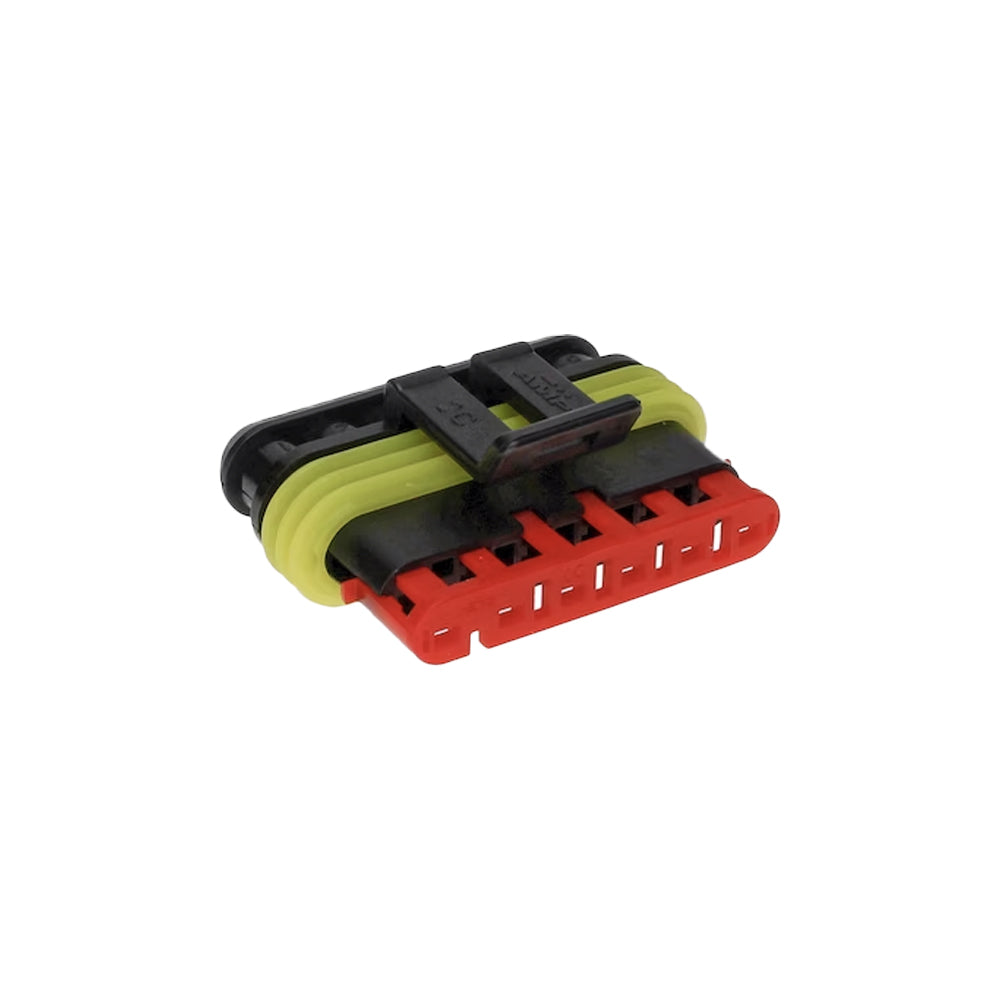
06 Pin Receptacle | C-282108-106 Pin Receptacle | C-282108-1
06 Pin Receptacle | C-282108-1 Sale price$29.00 USD
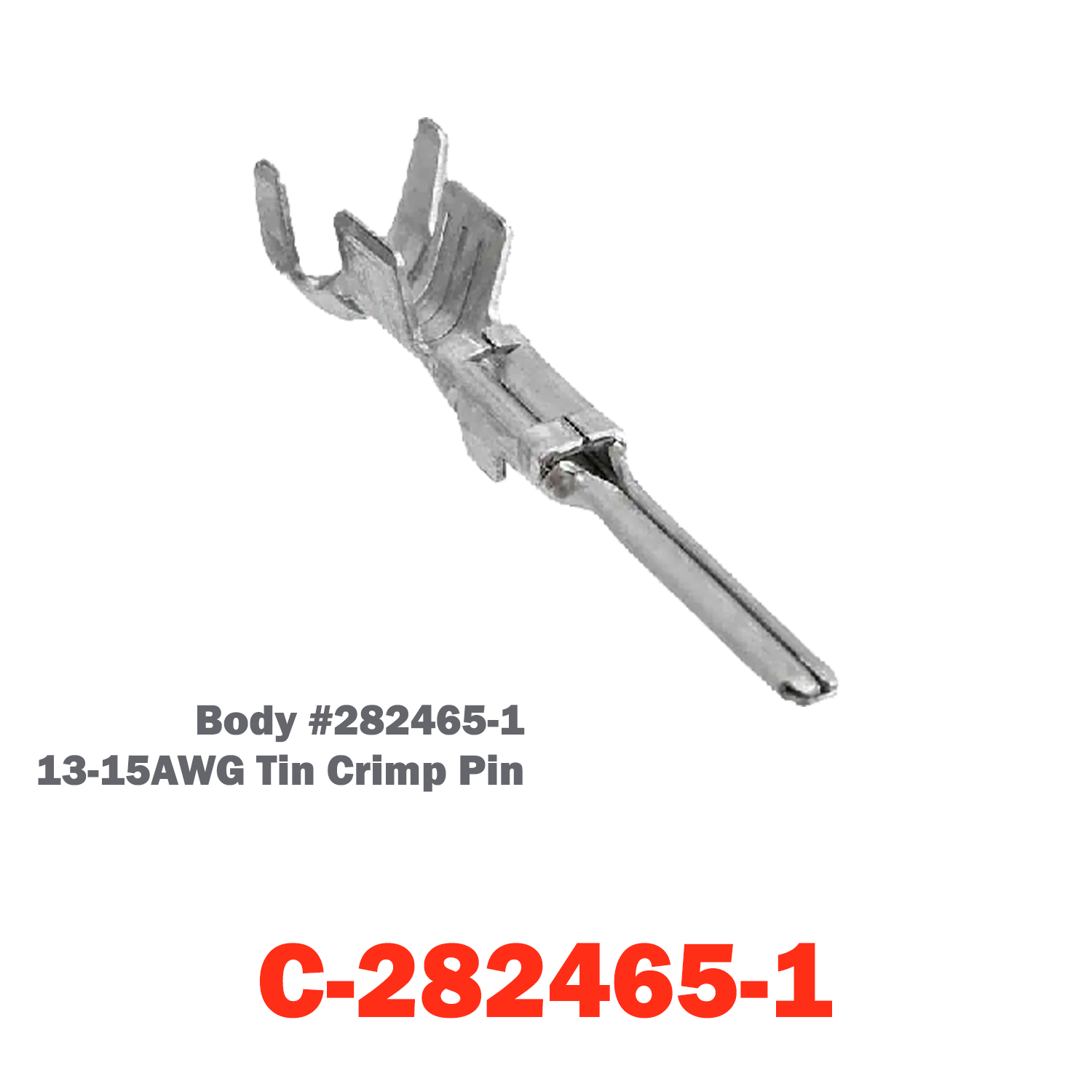
13-15AWG Tin Crip Pin | C-282465-1
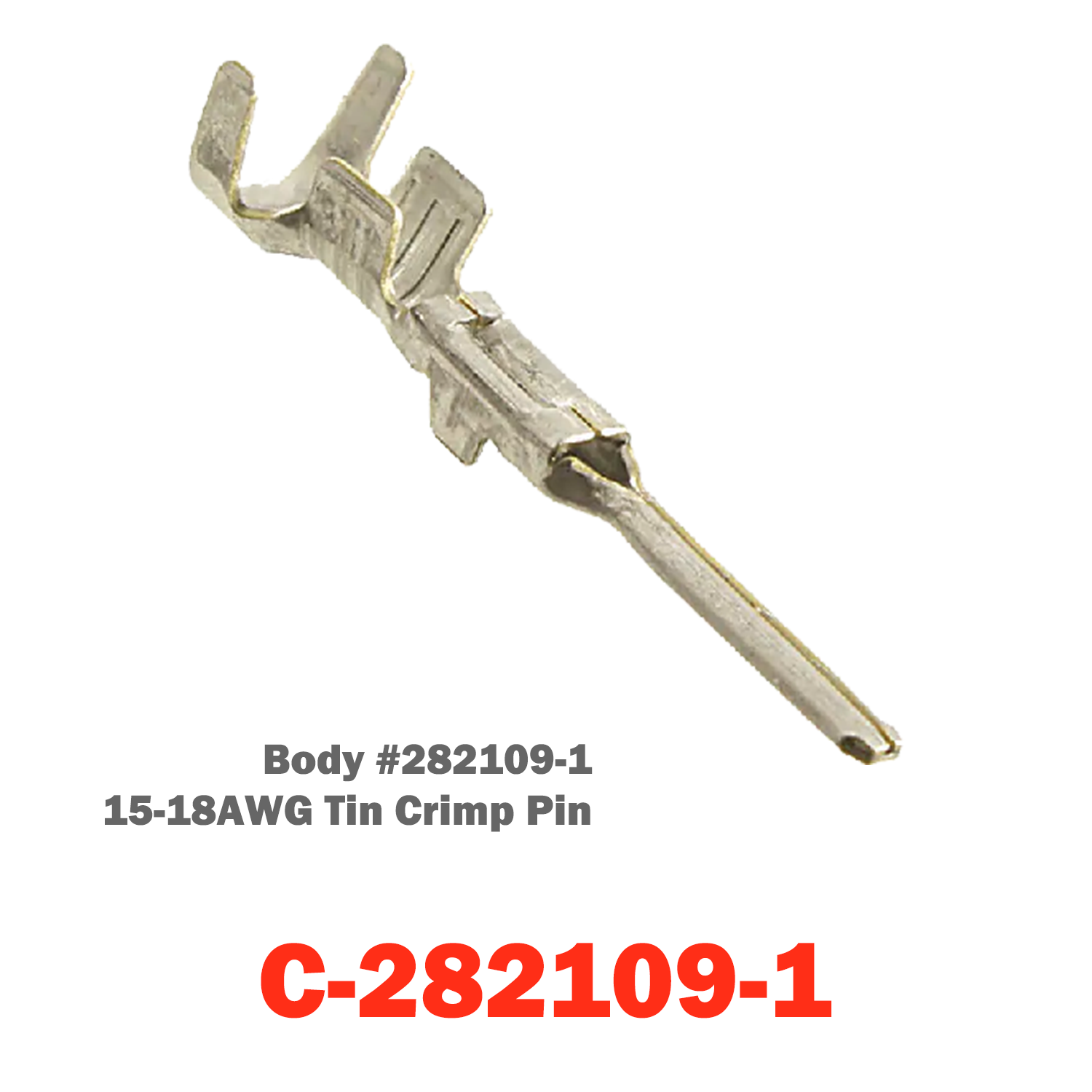
15-18AWG Tin Crimp Pin | C-282109-1
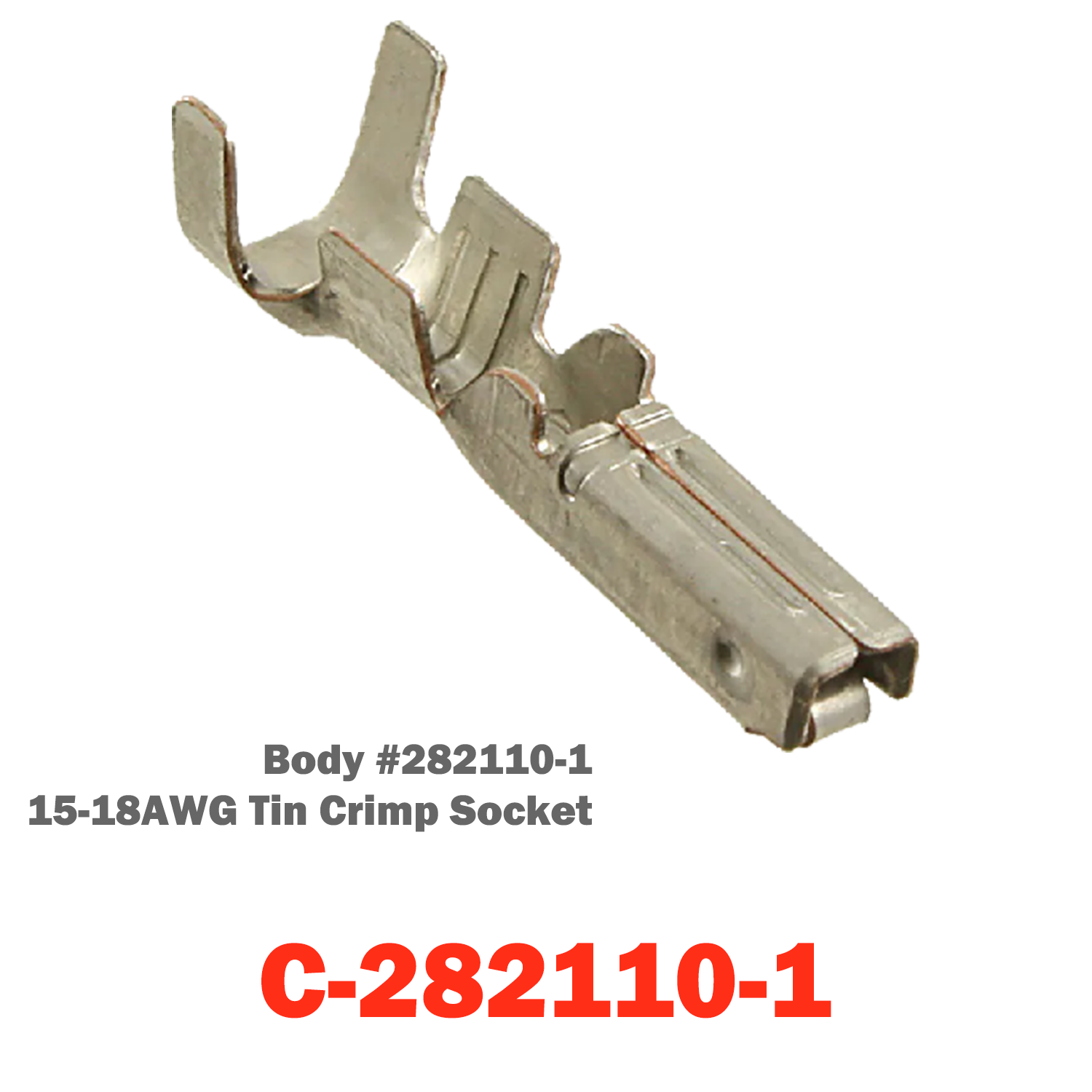
15-18AWG Tin Crip Socket | C-282110-1
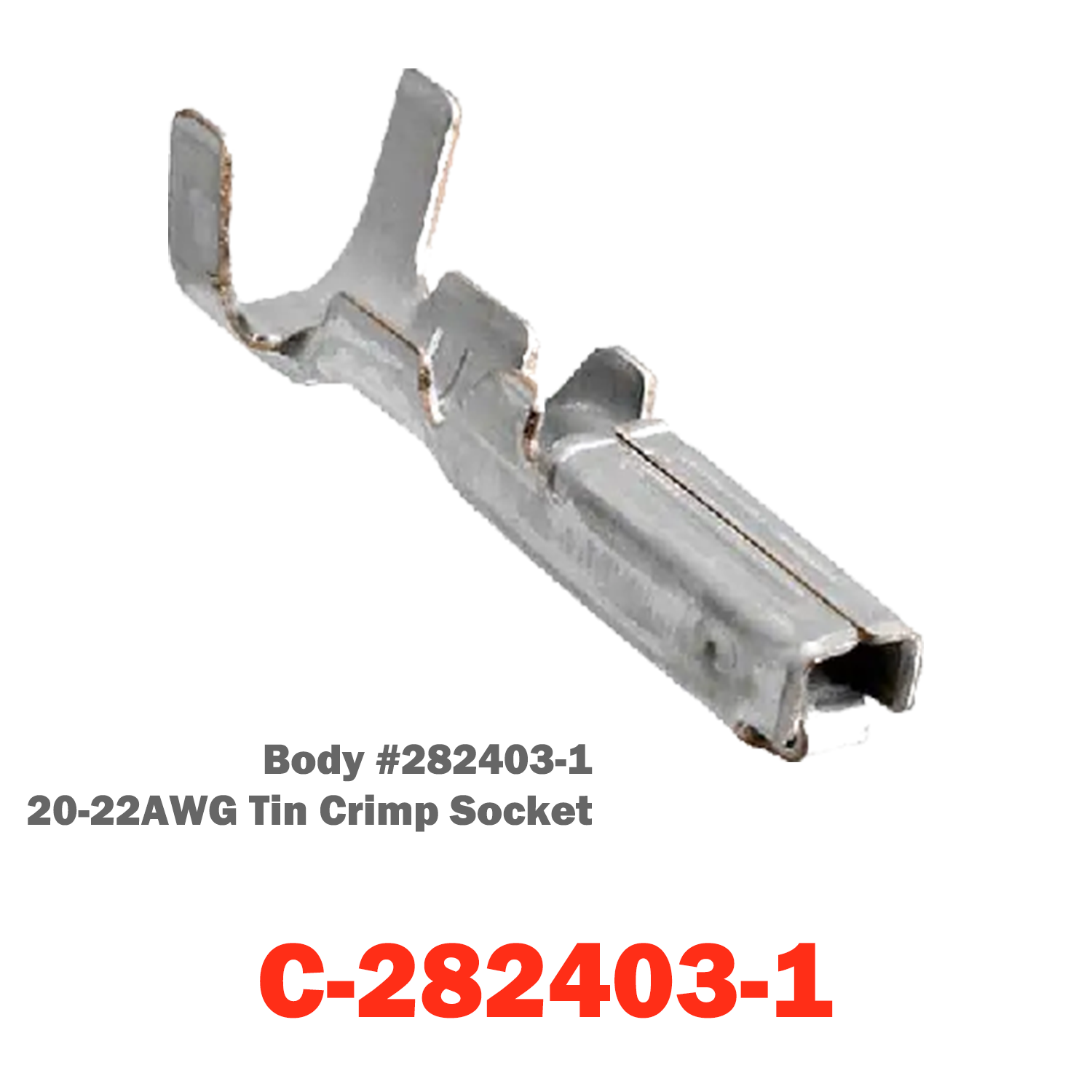
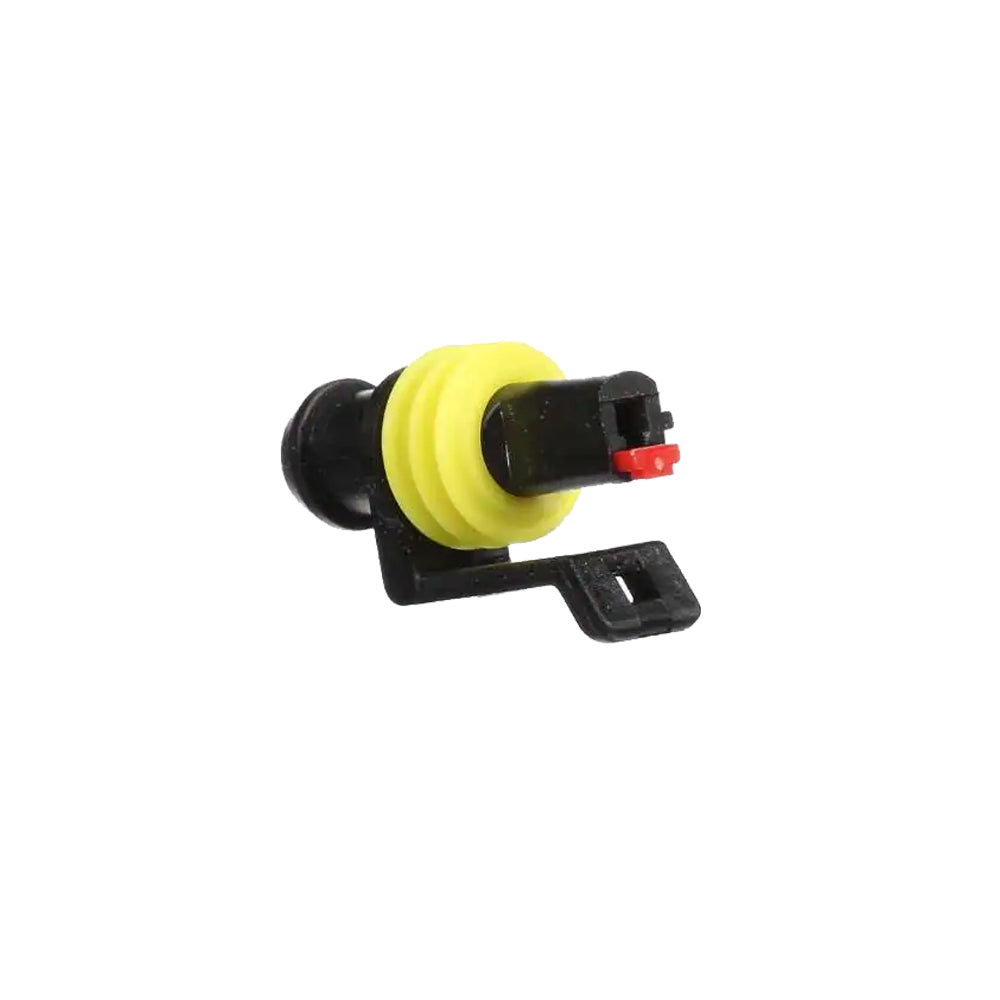
20-22AWG Tin Crimp Socket | C-282403-1
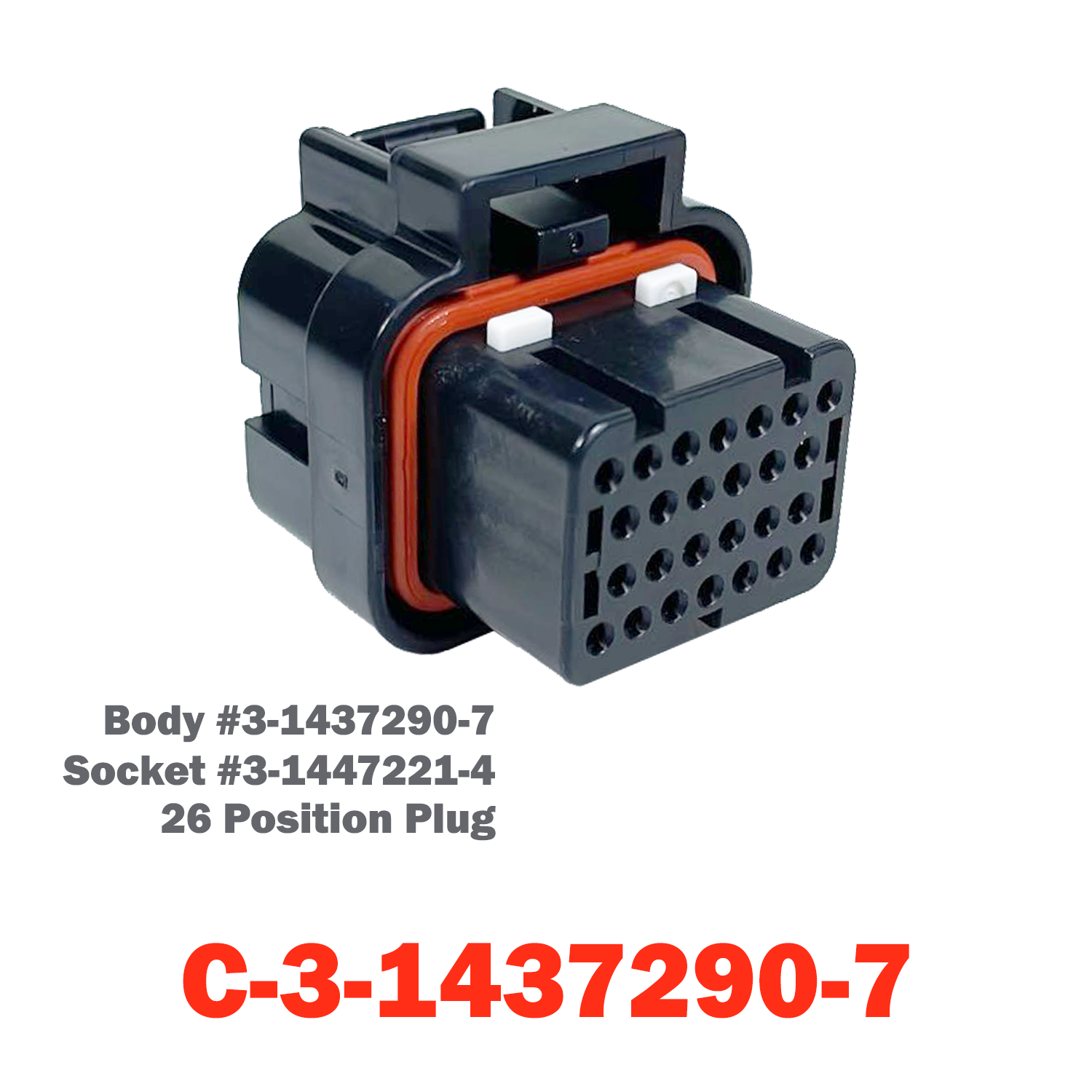
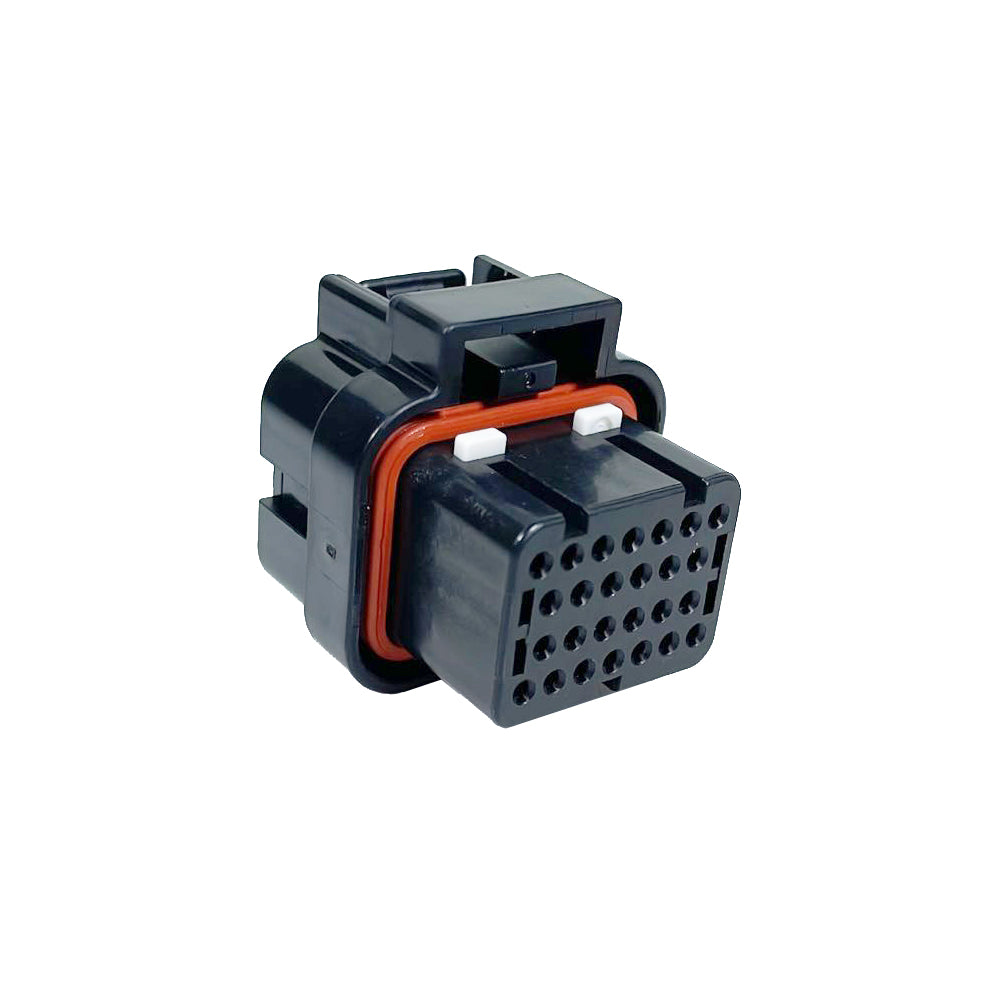
26 Position Plug | C-3-1437290-726 Position Plug | C-3-1437290-7
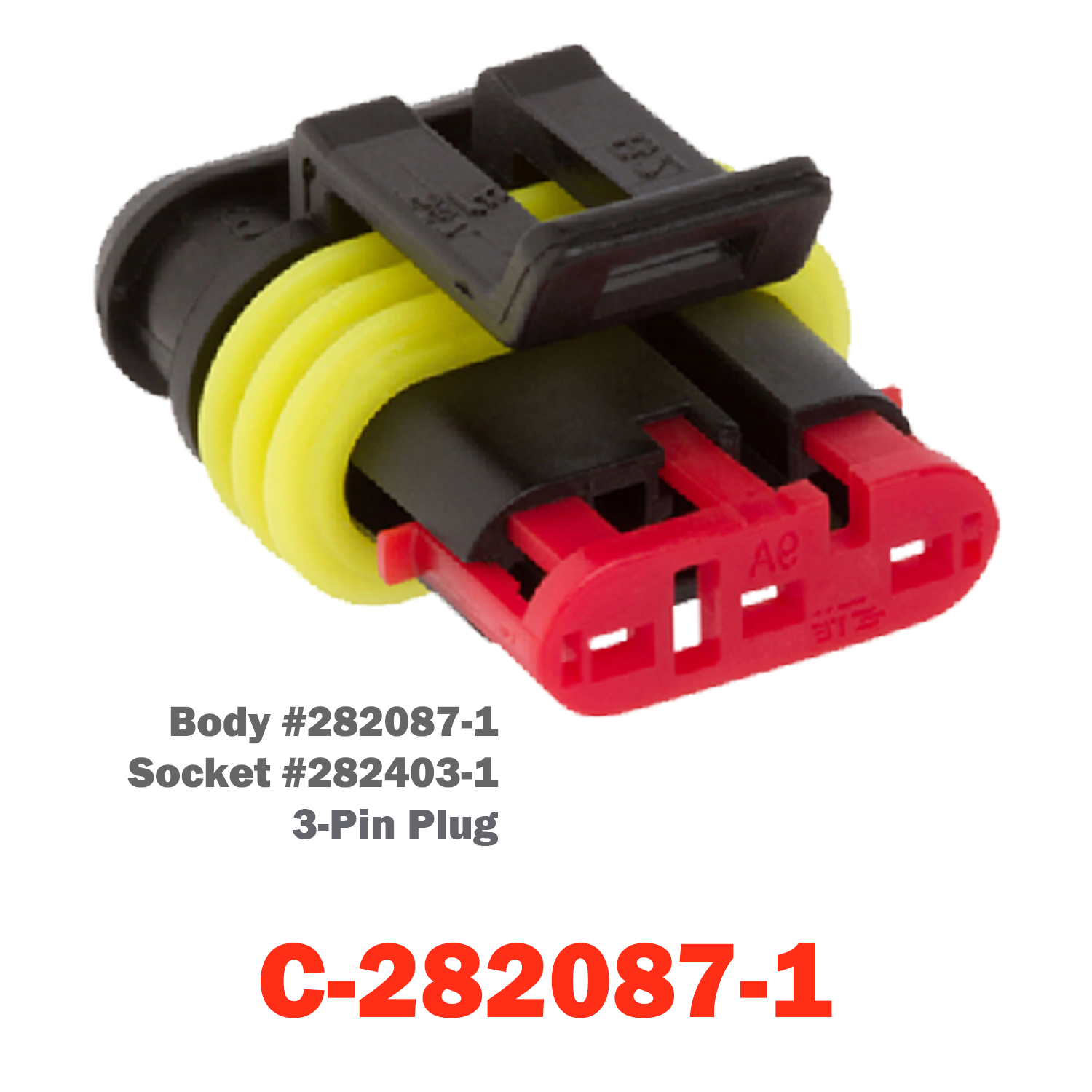
C-282087-1
C-282087-1 Sale price$28.00 USD
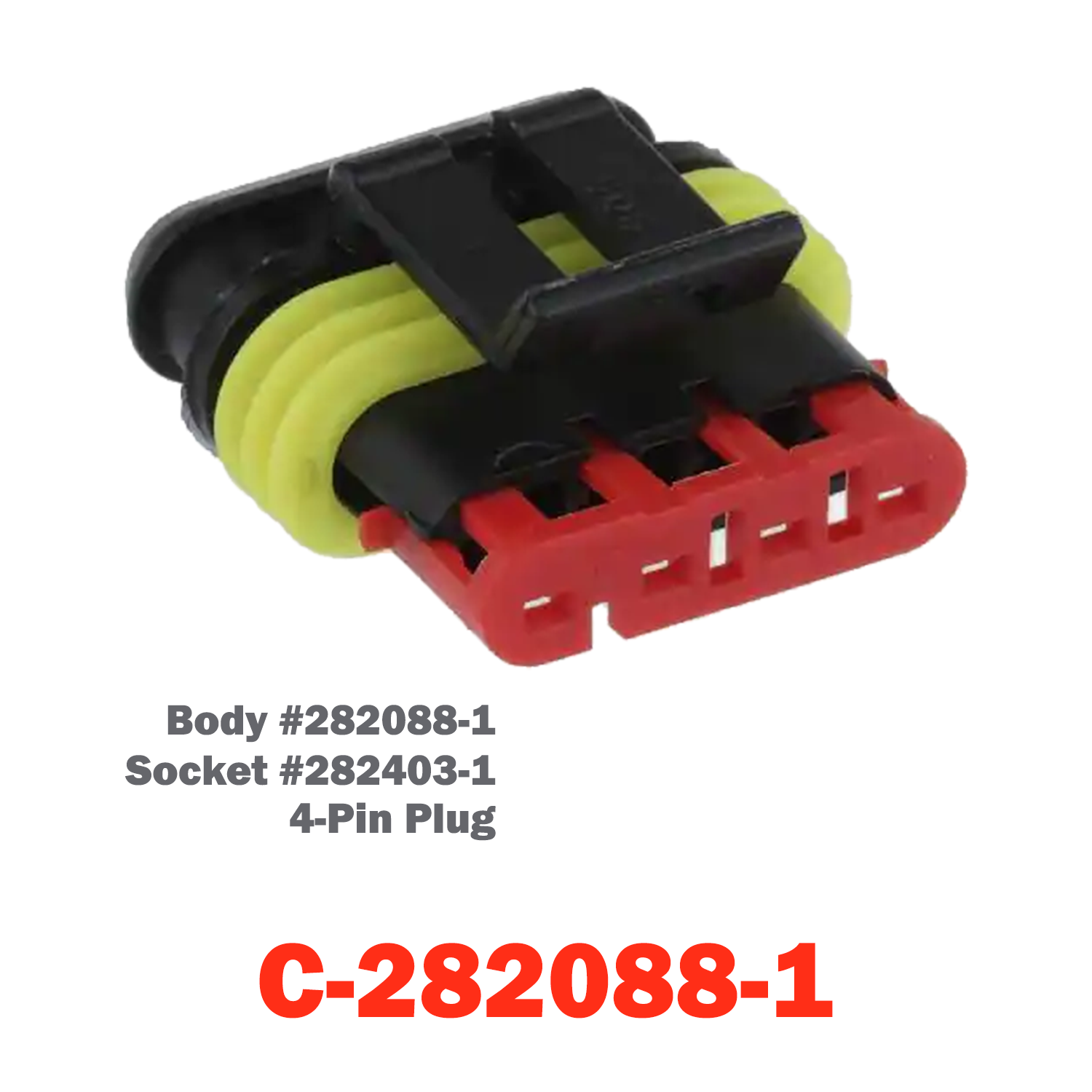
C-282088-1
C-282088-1 Sale price$33.00 USD
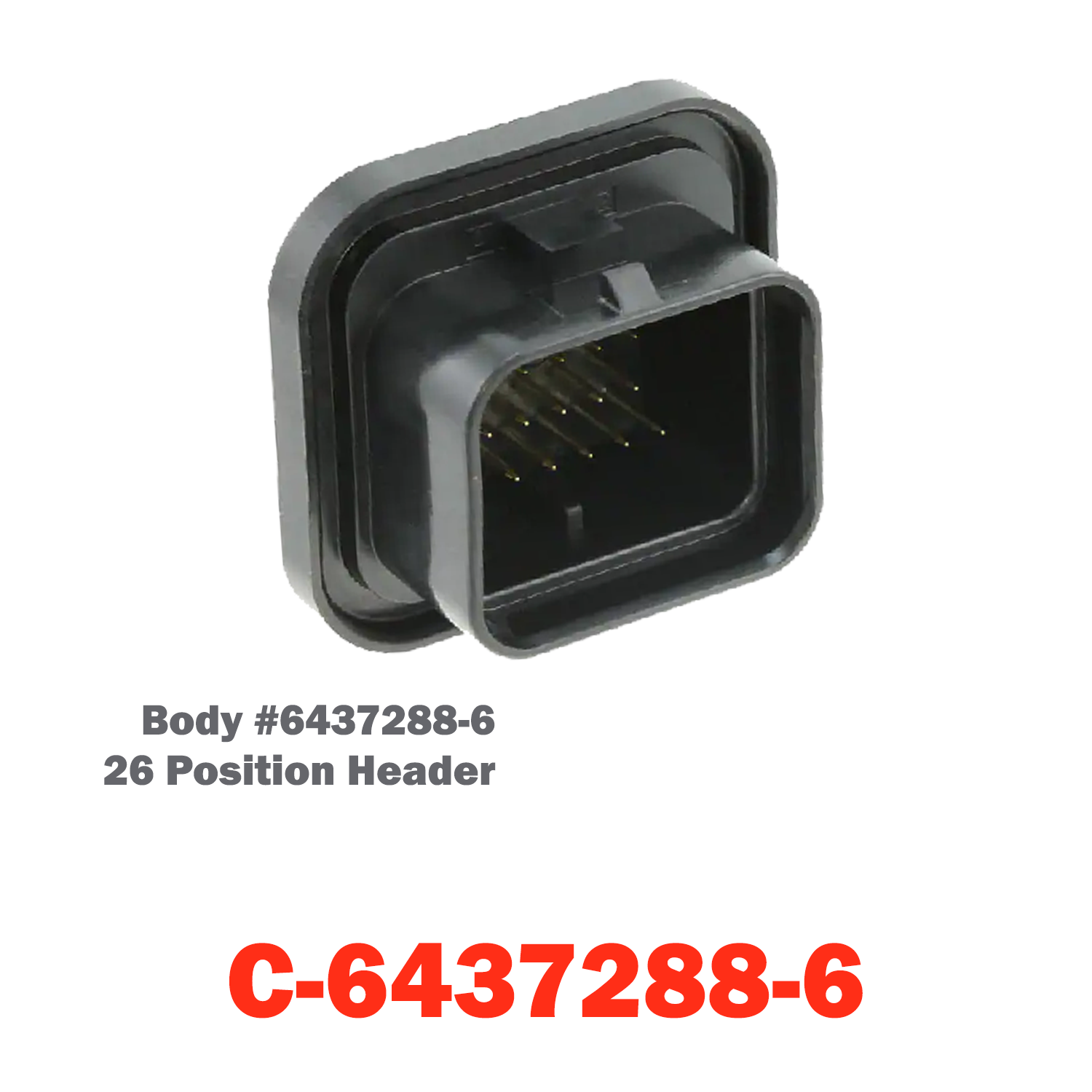
C-6437288-6 | 26 Position Header

Install Sensor-1 on your iPhone or iPad

  1. Tap the Share button in Safari.
  2. Scroll down and tap “Add to Home Screen.”
  3. Tap “Add.”
  4. Open Sensor-1 from the new icon on your Home Screen.

Install Sensor-1 on Android

  1. Open Sensor-1.com in Google Chrome.
  2. Tap the three-dot menu.
  3. Tap “Install app” or “Add to Home screen.”
  4. Confirm the installation.

Install Sensor-1 on your Mac

  1. In Safari, choose File → Add to Dock.
  2. In Google Chrome, open the browser menu and select Save and Share → Install Page as App, if available.

Install Sensor-1 on Windows

  1. In Microsoft Edge: open the three-dot menu, select “Apps,” then “Install this site as an app.”
  2. In Google Chrome: open the three-dot menu, select “Cast, save, and share,” then “Install page as app” or “Create shortcut.” If available, select “Open as window.”