Skip to content

Sort by

21 products

Filters

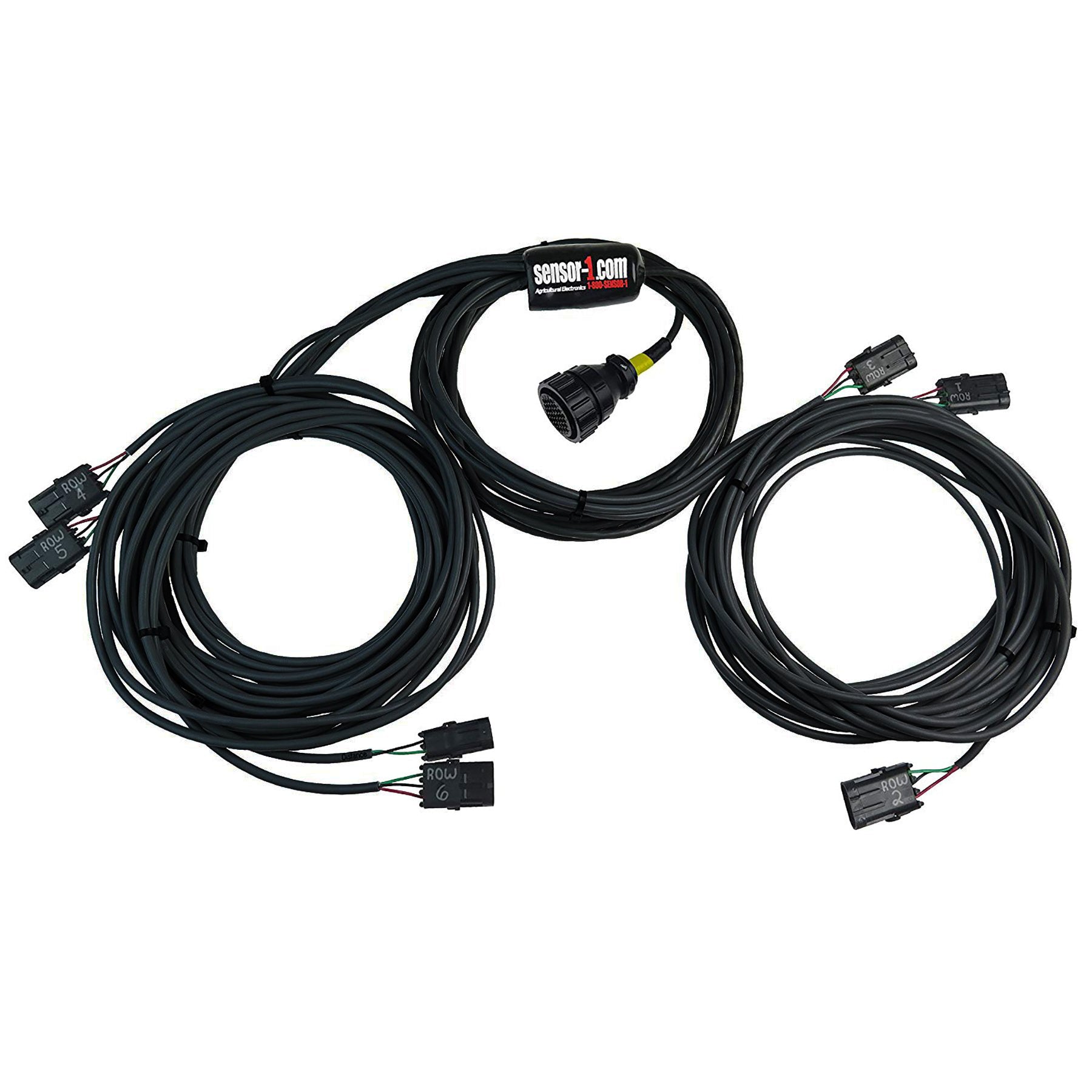
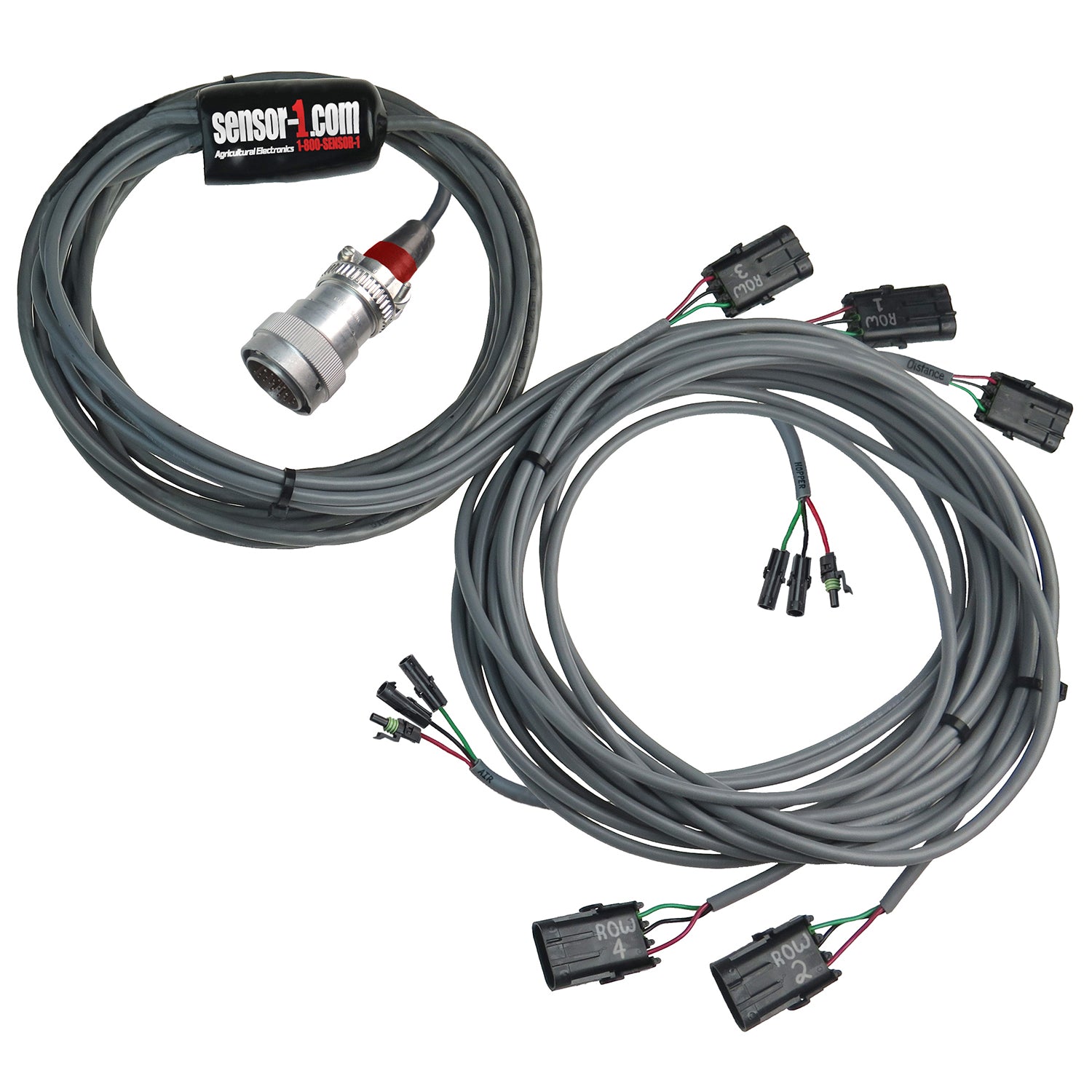
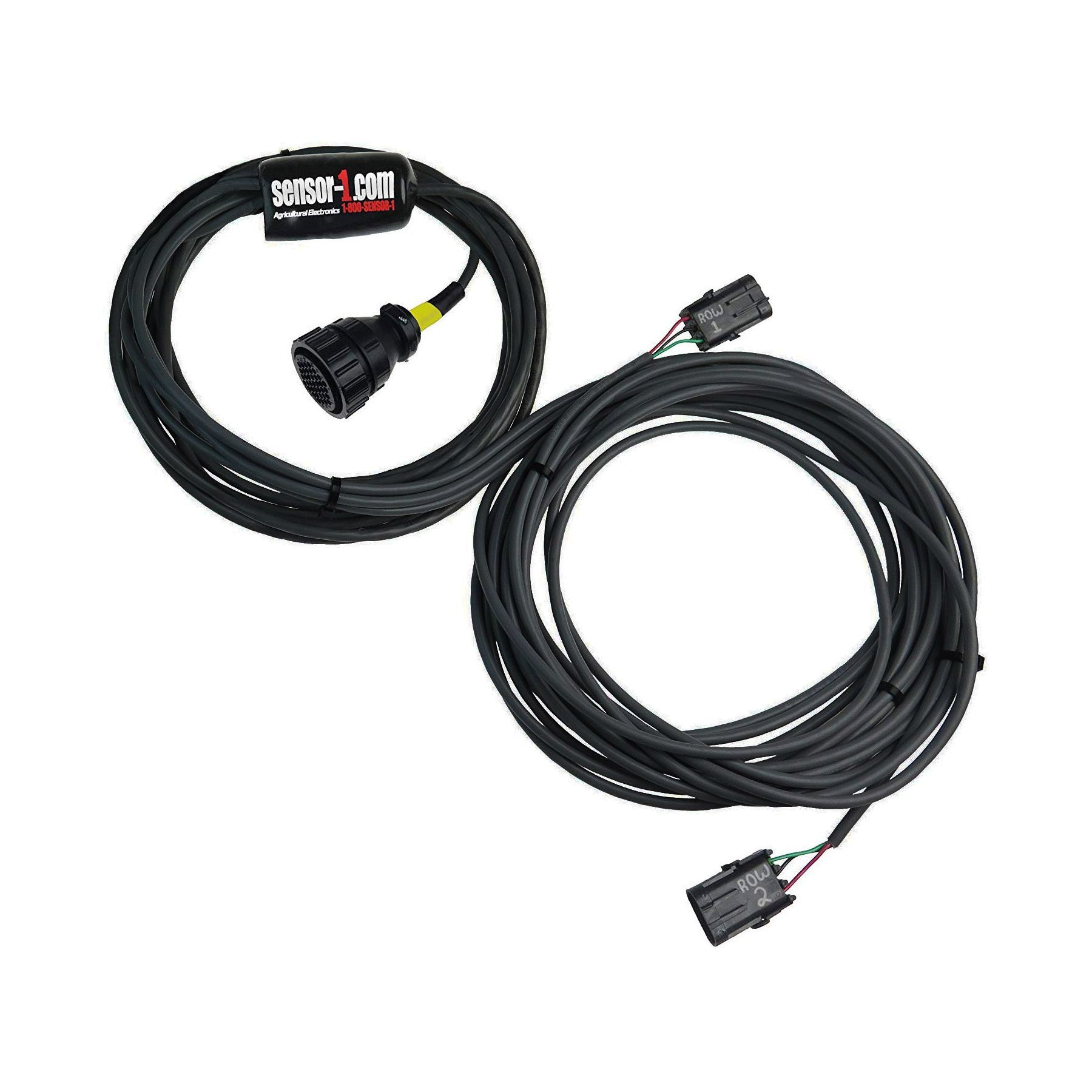
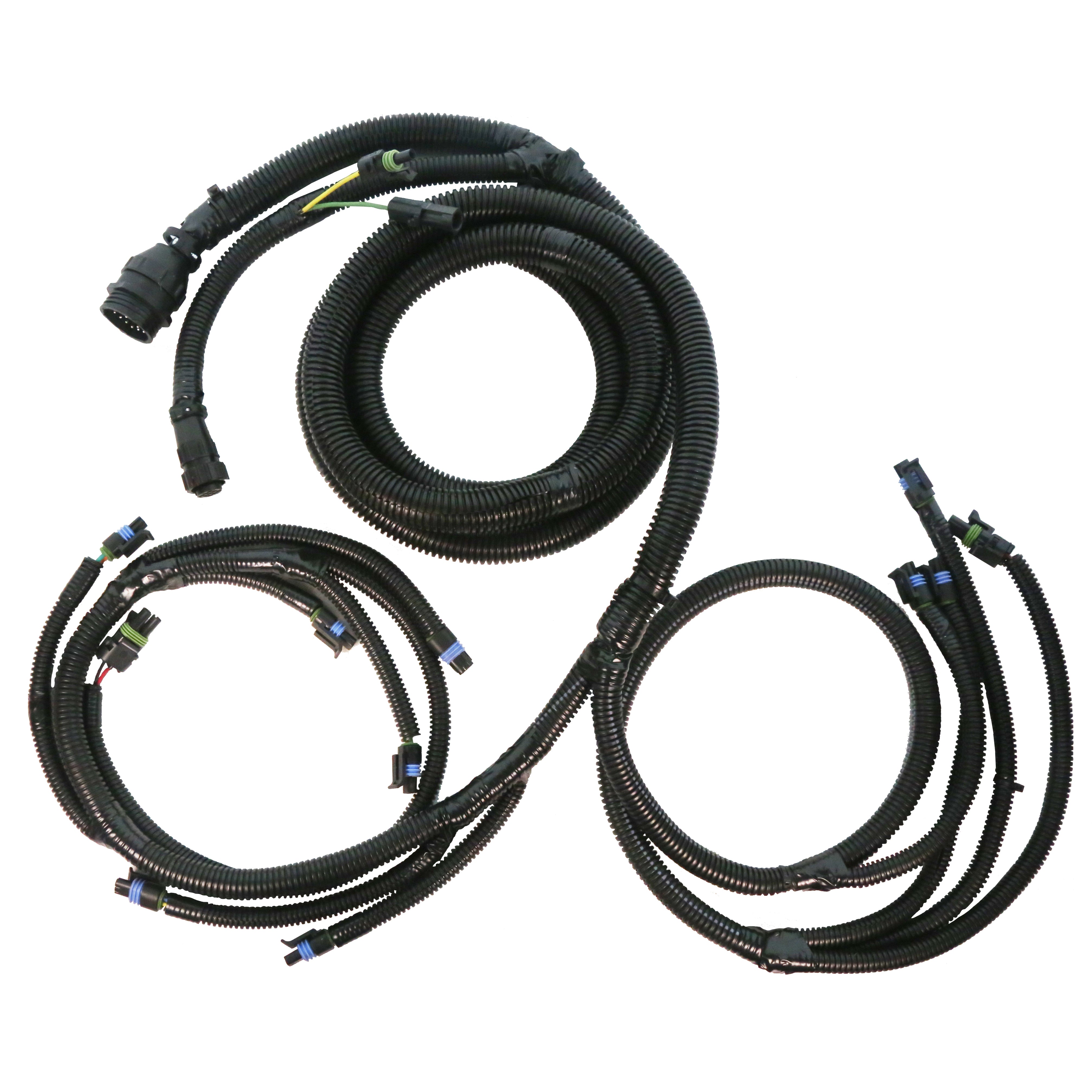
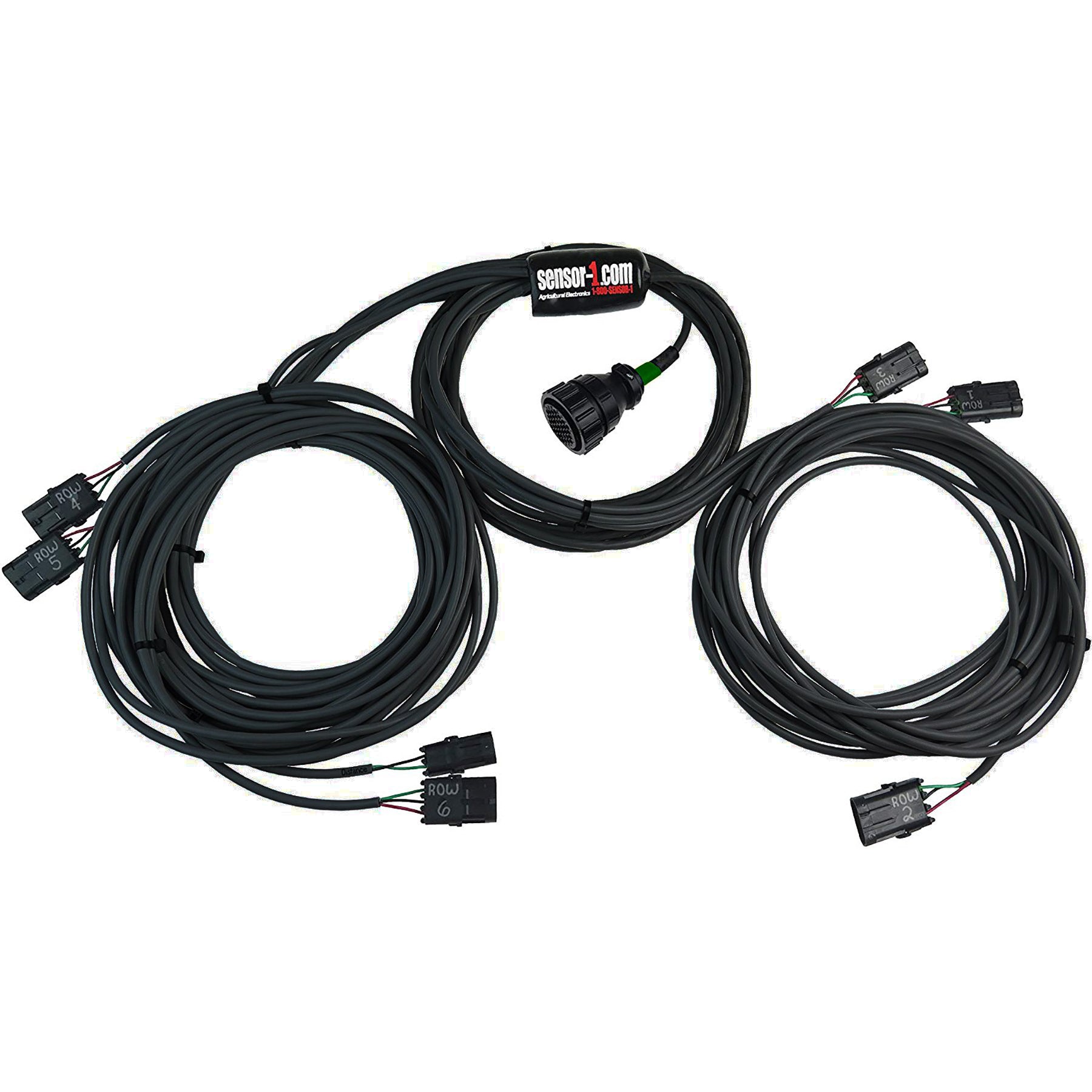
Planter Harnesses for John Deere Monitors | 4-12 RowsPlanter Harnesses for John Deere Monitors | 4-12 Rows
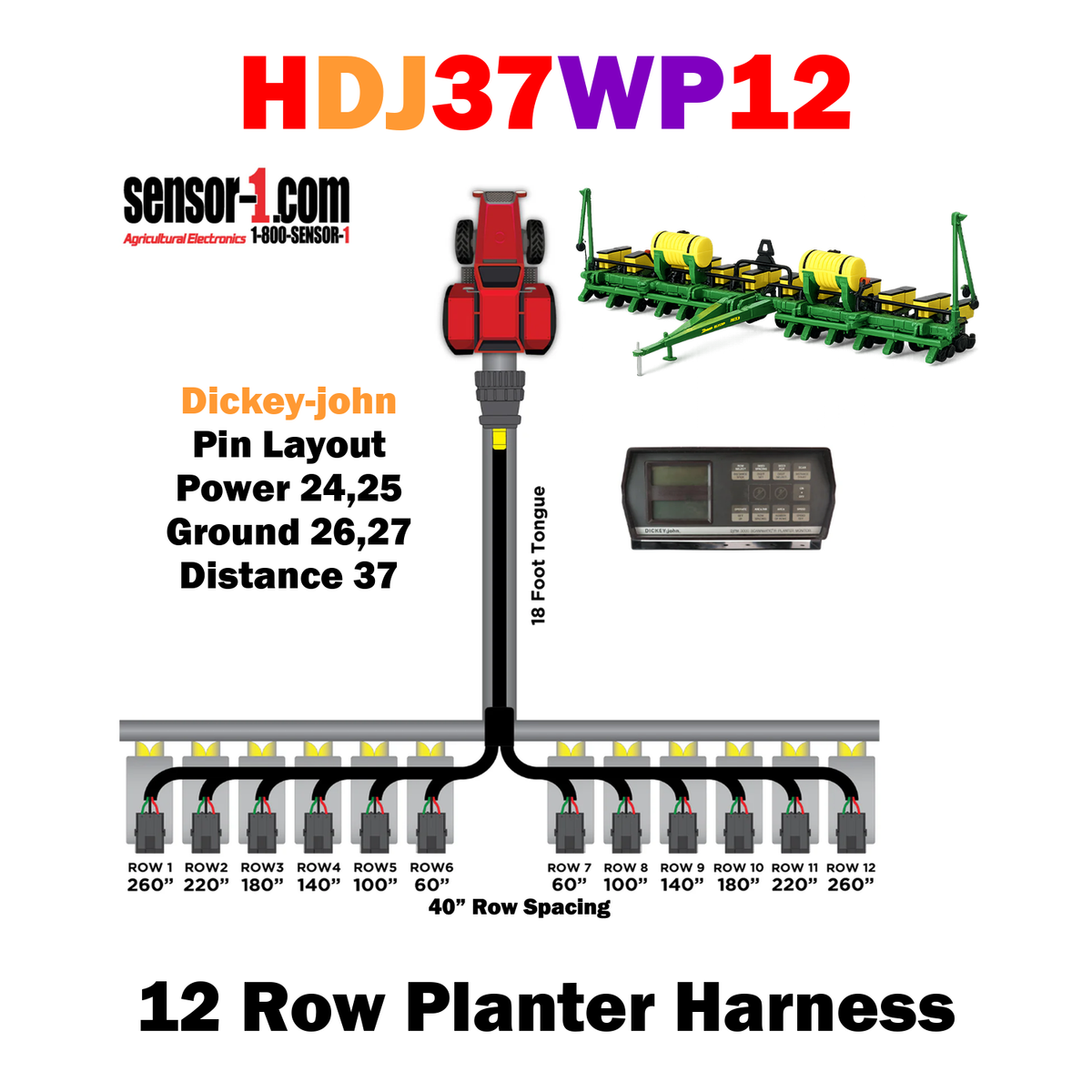
Planter Harnesses for Dickey-john Monitors | 4-12 RowsPlanter Harnesses for Dickey-john Monitors | 4-12 Rows
Planter Harnesses for Case IH MonitorsPlanter Harnesses for Case IH Monitors
Planter Harnesses for Case IH Monitors Sale priceFrom $250.00 USD

Grain Drill Harness | 2-24 RowsGrain Drill Harness | 2-24 Rows
Grain Drill Harness | 2-24 Rows Sale priceFrom $150.00 USD

Clutch Harnesses
Clutch Harnesses Sale price$0.00 USD
HAGLEADER-XXHAGLEADER-XX
HAGLEADER-XX Sale priceFrom $400.00 USD
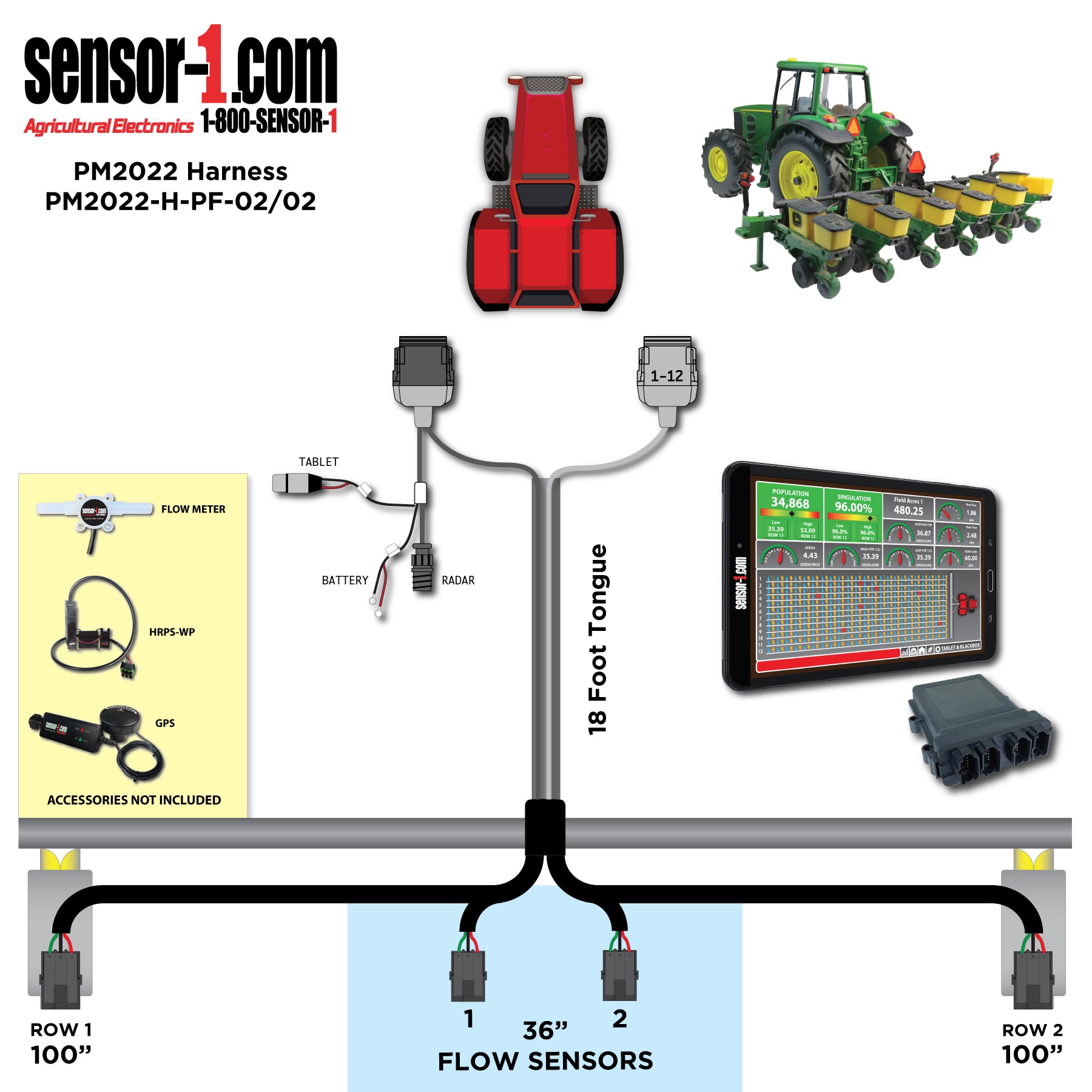
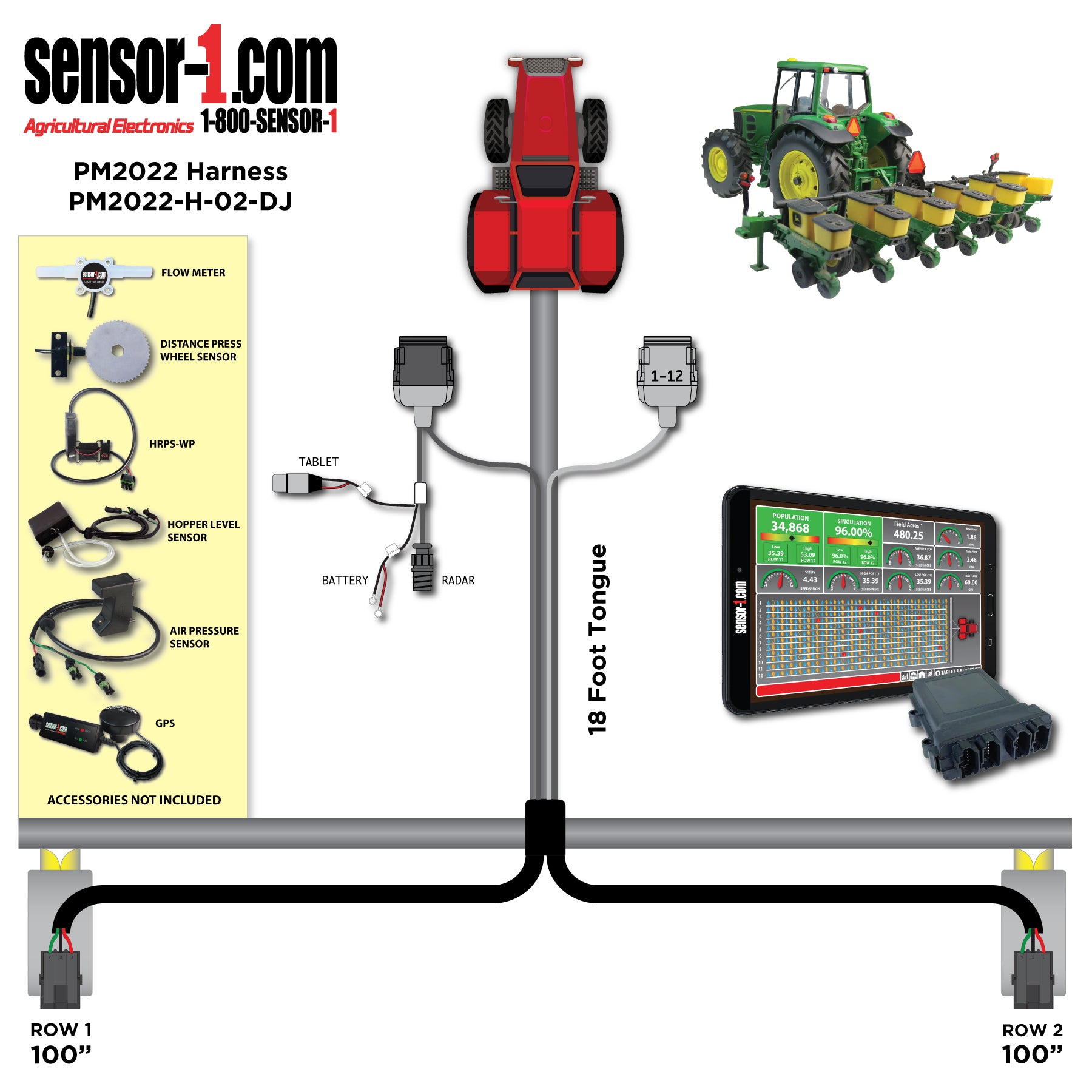
PM2022 Planter/Flow HarnessesPM2022 Planter/Flow Harnesses
PM2022 Planter/Flow Harnesses Sale priceFrom $200.00 USD

PM2022 Harness (Deutsch)PM2022 Harness (Deutsch)
PM2022 Harness (Deutsch) Sale priceFrom $200.00 USD

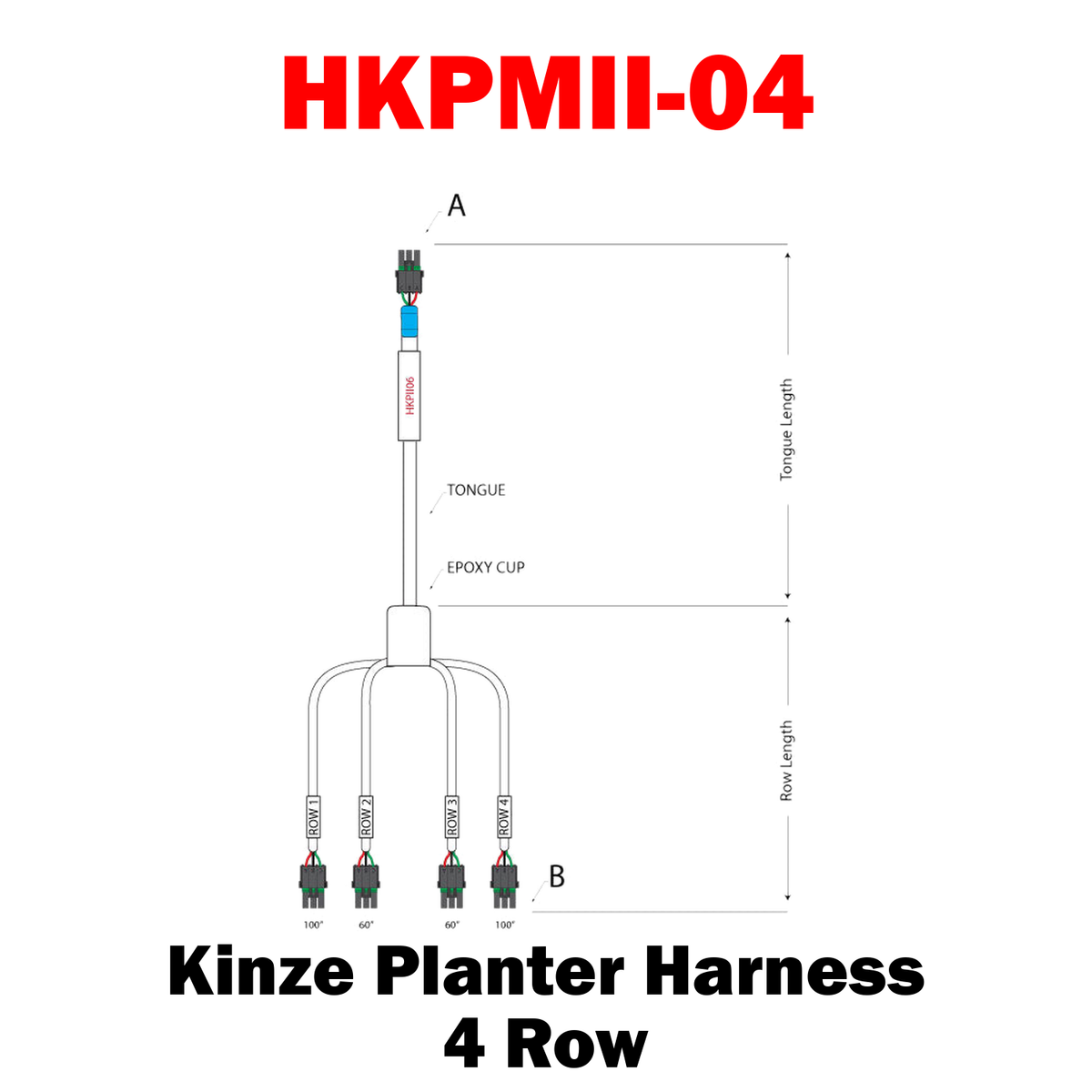
KPMII HarnessKPMII Harness
KPMII Harness Sale priceFrom $260.00 USD
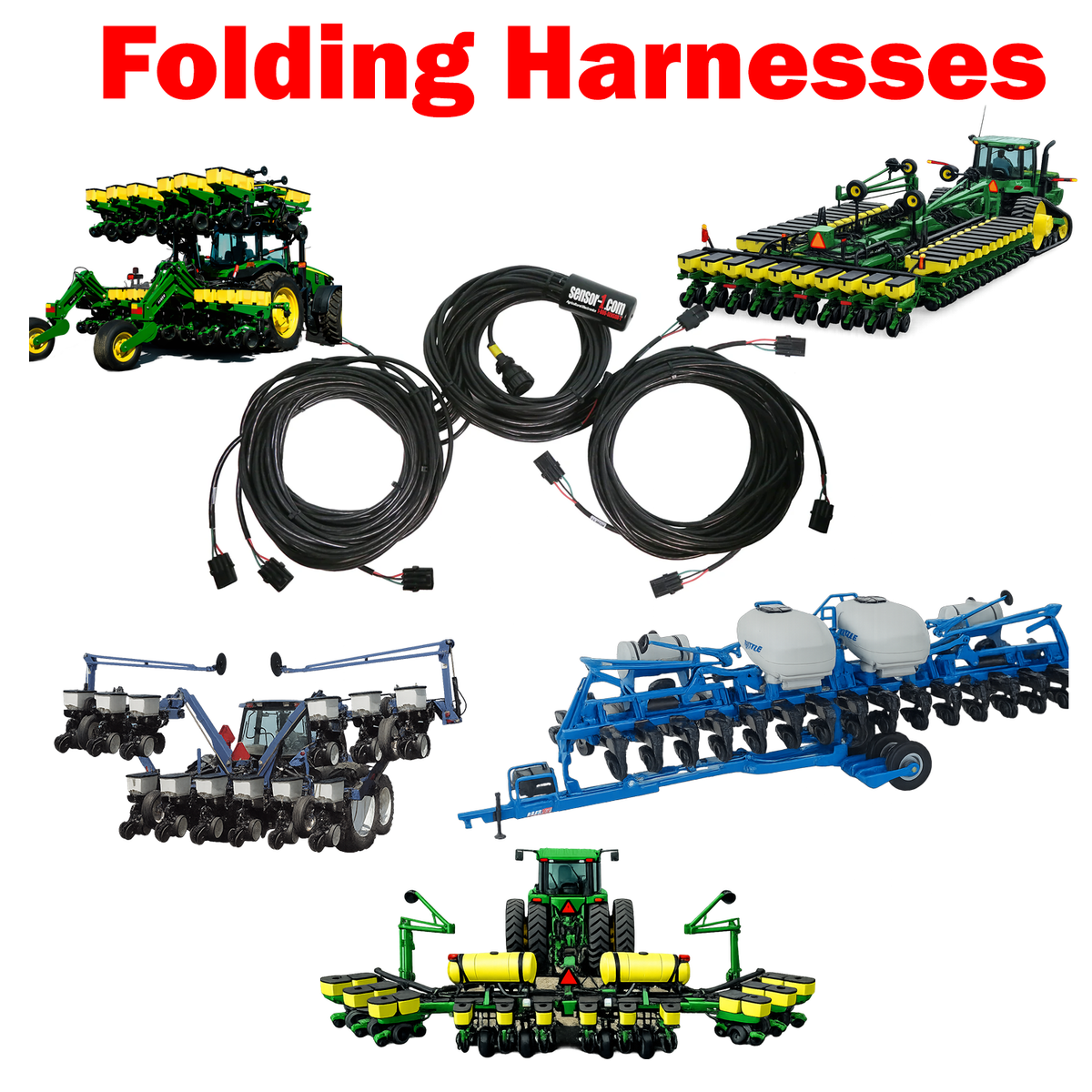
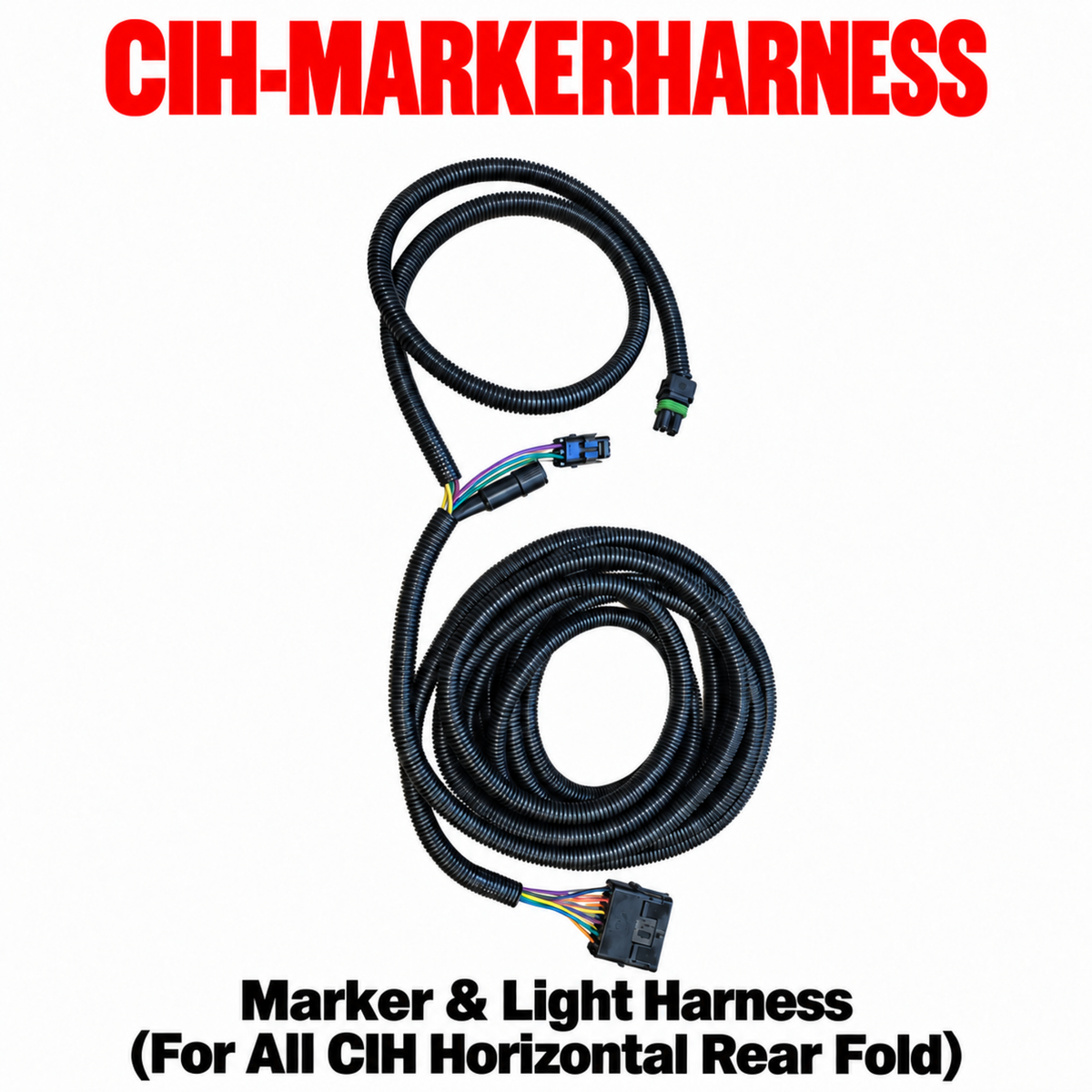
Specialty Fold HarnessesSpecialty Fold Harnesses
Specialty Fold Harnesses Sale priceFrom $650.00 USD
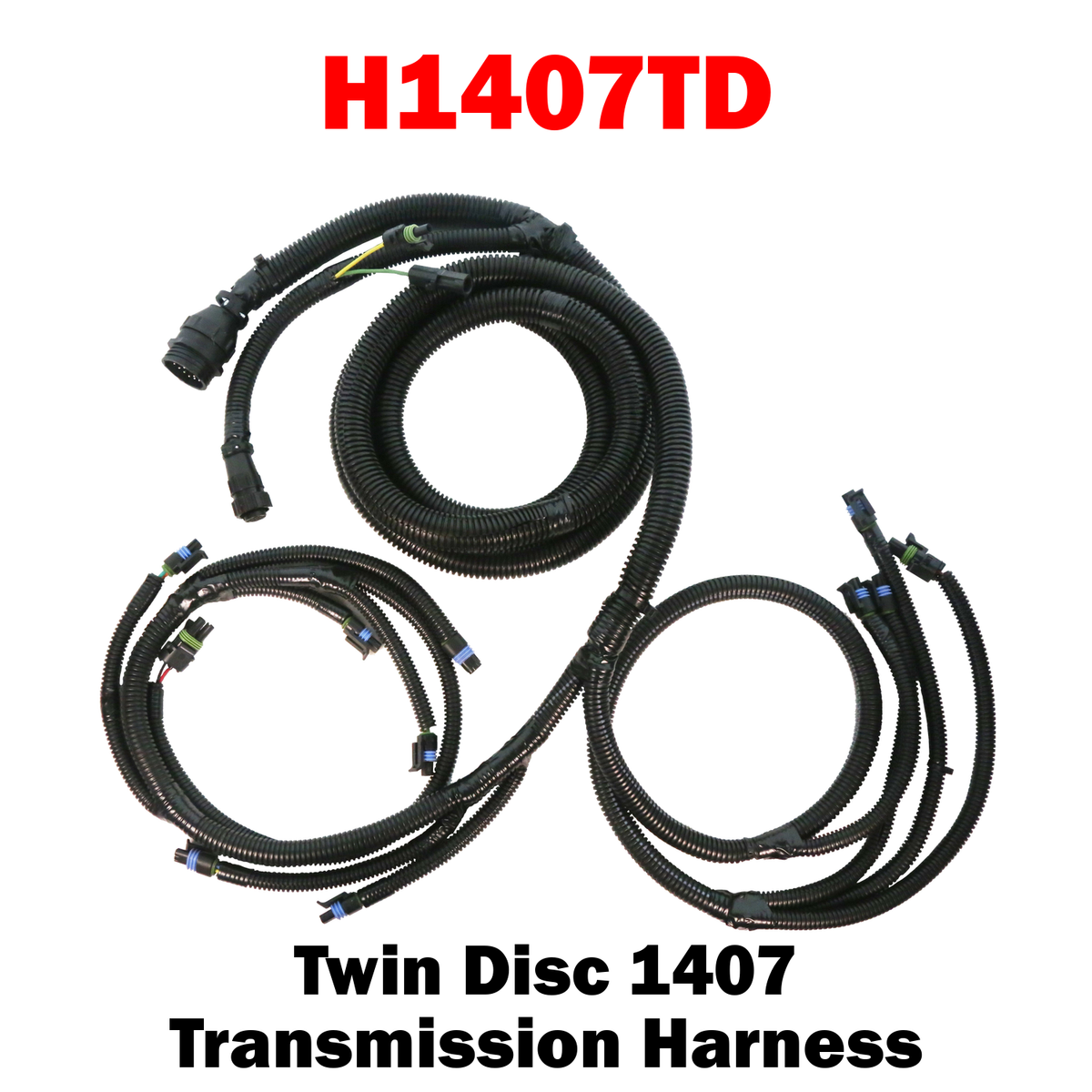
Twin Disc 1407 Transmission Harness
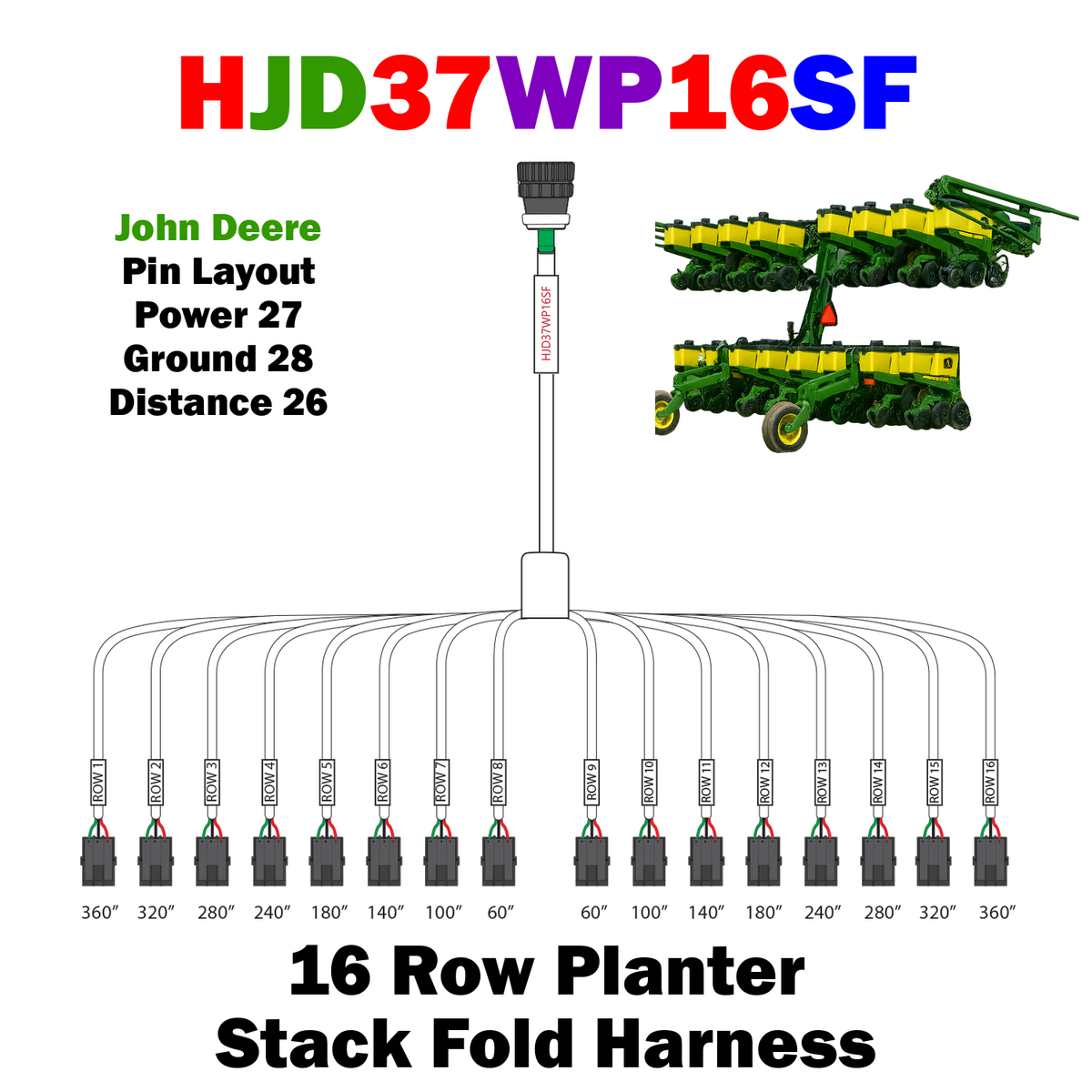
HJD37WP16SF
HJD37WP16SF Sale price$960.00 USD
HAGLEADER-23
HAGLEADER-23 Sale price$1,265.00 USD
HAGLEADER-06
HAGLEADER-06 Sale price$450.00 USD
HAGLEADER-12
HAGLEADER-12 Sale price$800.00 USD
HAGLEADER-04
HAGLEADER-04 Sale price$300.00 USD
HAGLEADER-31
HAGLEADER-31 Sale price$1,705.00 USD
HAGLEADER-32
HAGLEADER-32 Sale price$1,760.00 USD
HAGLEADER-16
HAGLEADER-16 Sale price$880.00 USD
HAGLEADER-24
HAGLEADER-24 Sale price$1,320.00 USD
HAGLEADER-08
HAGLEADER-08 Sale price$550.00 USD

Install Sensor-1 on your iPhone or iPad

  1. Tap the Share button in Safari.
  2. Scroll down and tap “Add to Home Screen.”
  3. Tap “Add.”
  4. Open Sensor-1 from the new icon on your Home Screen.

Install Sensor-1 on Android

  1. Open Sensor-1.com in Google Chrome.
  2. Tap the three-dot menu.
  3. Tap “Install app” or “Add to Home screen.”
  4. Confirm the installation.

Install Sensor-1 on your Mac

  1. In Safari, choose File → Add to Dock.
  2. In Google Chrome, open the browser menu and select Save and Share → Install Page as App, if available.

Install Sensor-1 on Windows

  1. In Microsoft Edge: open the three-dot menu, select “Apps,” then “Install this site as an app.”
  2. In Google Chrome: open the three-dot menu, select “Cast, save, and share,” then “Install page as app” or “Create shortcut.” If available, select “Open as window.”