Skip to content

Sort by

15 products

Filters

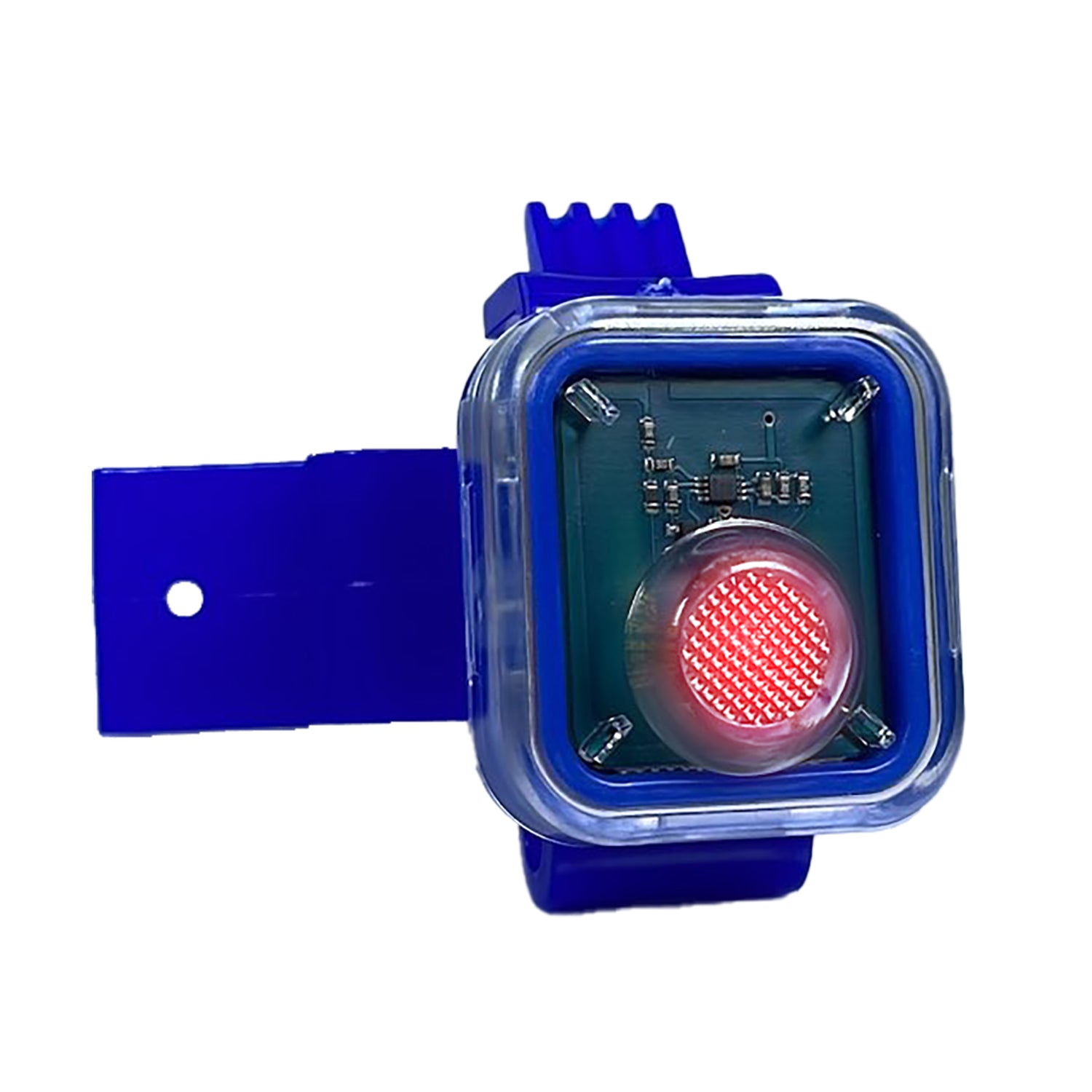
CIH-SWITCH Case IH Sensor Shaft Sensors
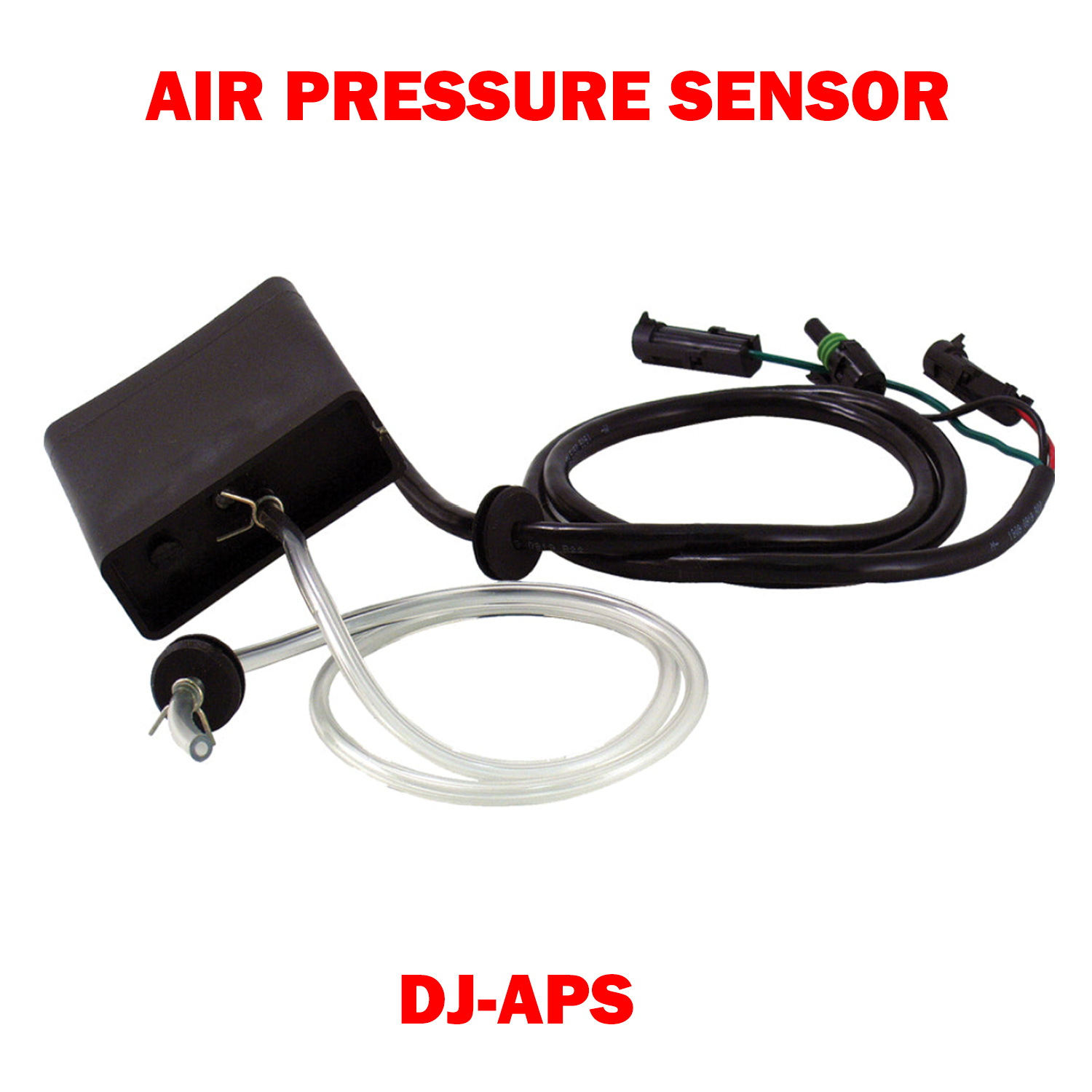
DJ-APS (466820920S1)
DJ-APS (466820920S1) Sale priceFrom $270.00 USD
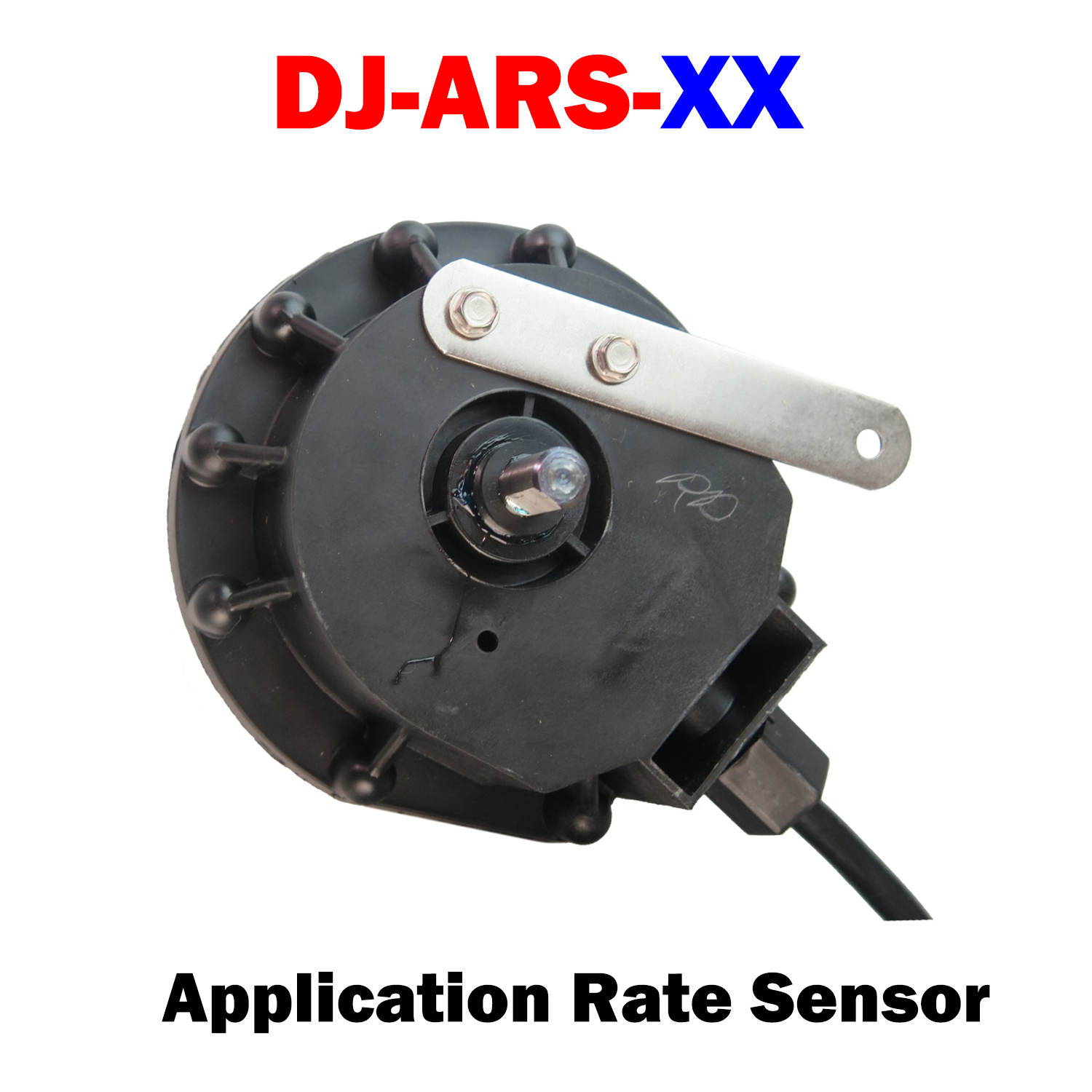
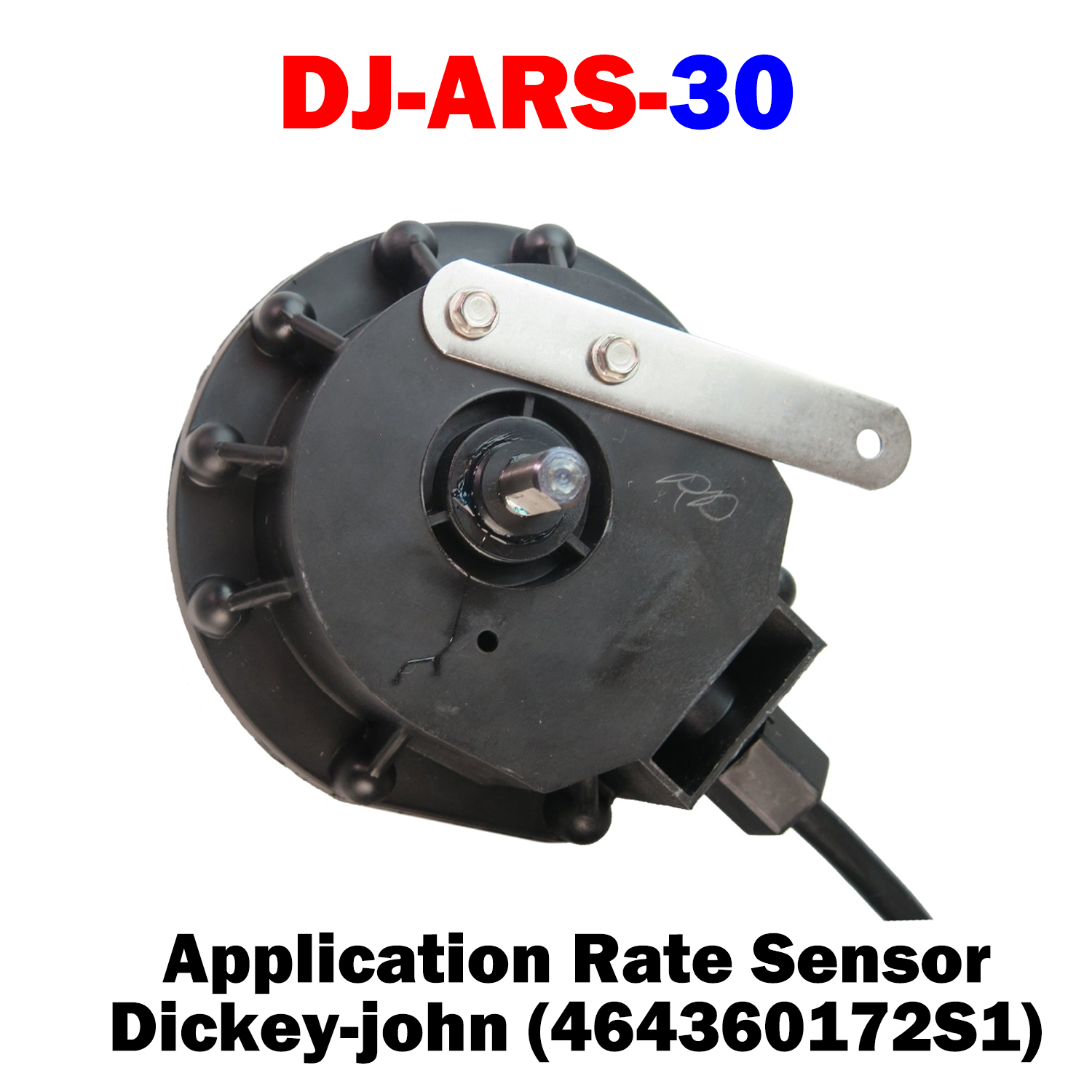
DJ-ARS-XX Dickey- john Application Rate SensorDJ-ARS-XX Dickey- john Application Rate Sensor
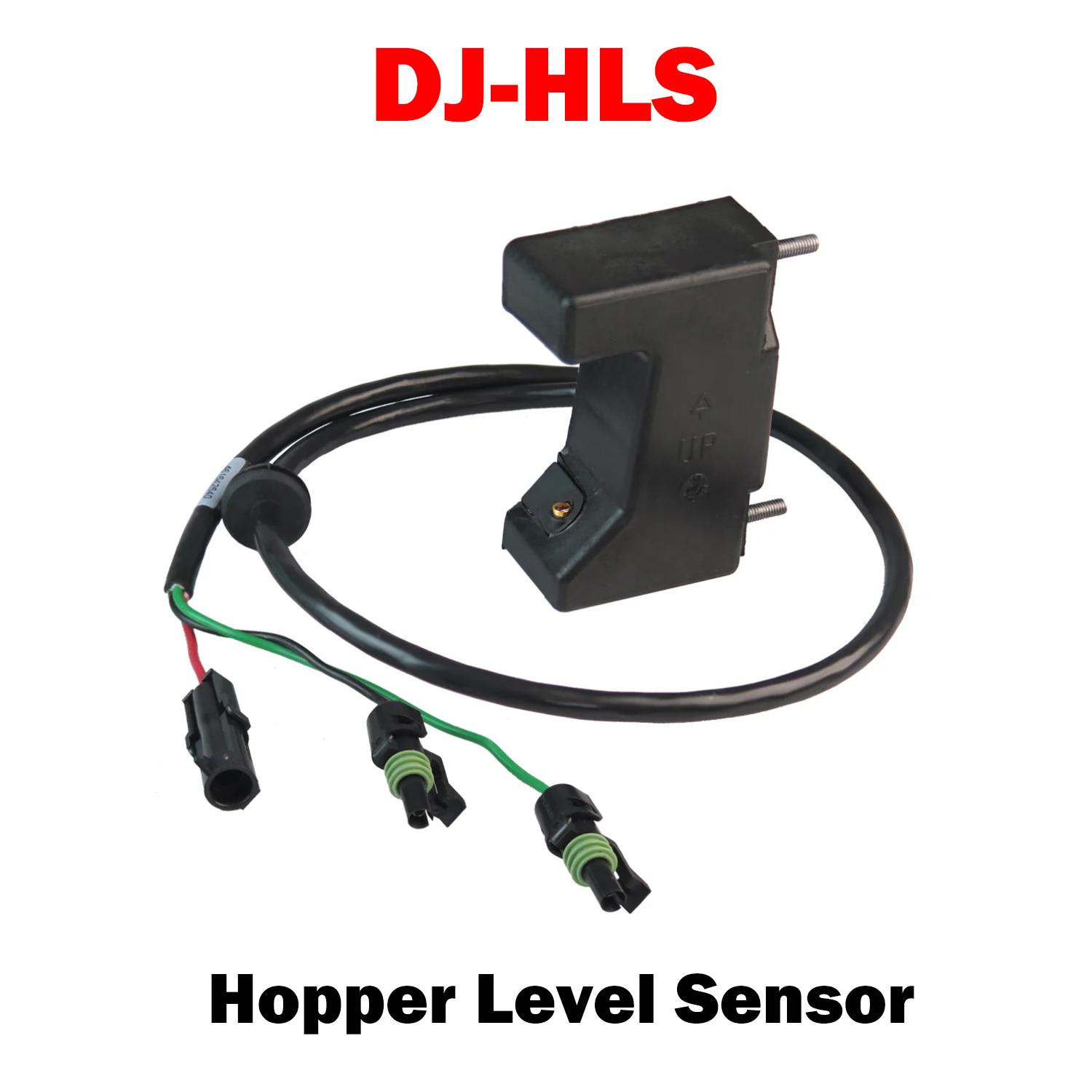
DJ-HLS | Hopper Level Sensor 466820720S3
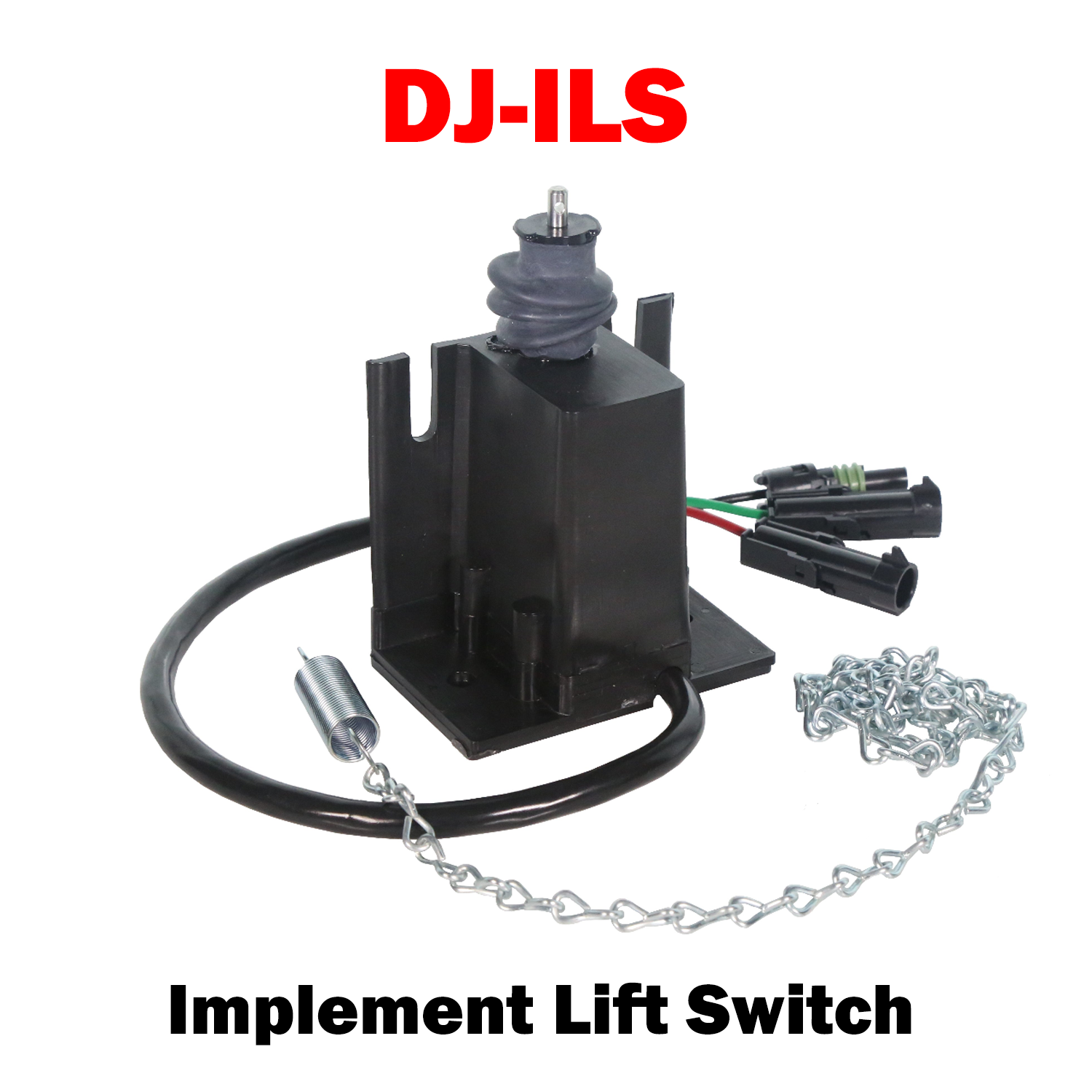
DJ-ILS  (463720150S1)  Implement Lift Switch
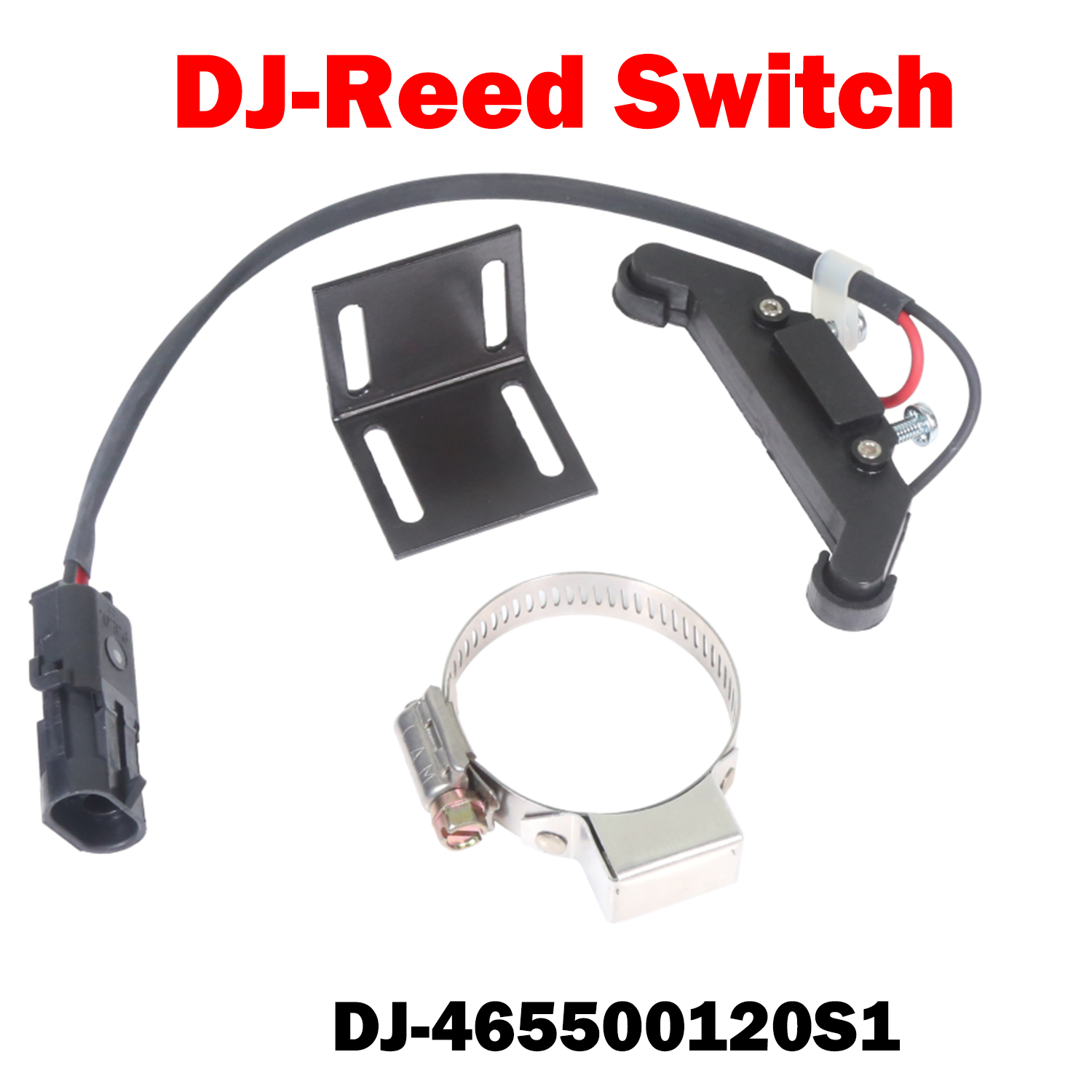
DJ-Reed Switch (465500120S1)
DJ-Reed Switch (465500120S1) Sale price$70.00 USD
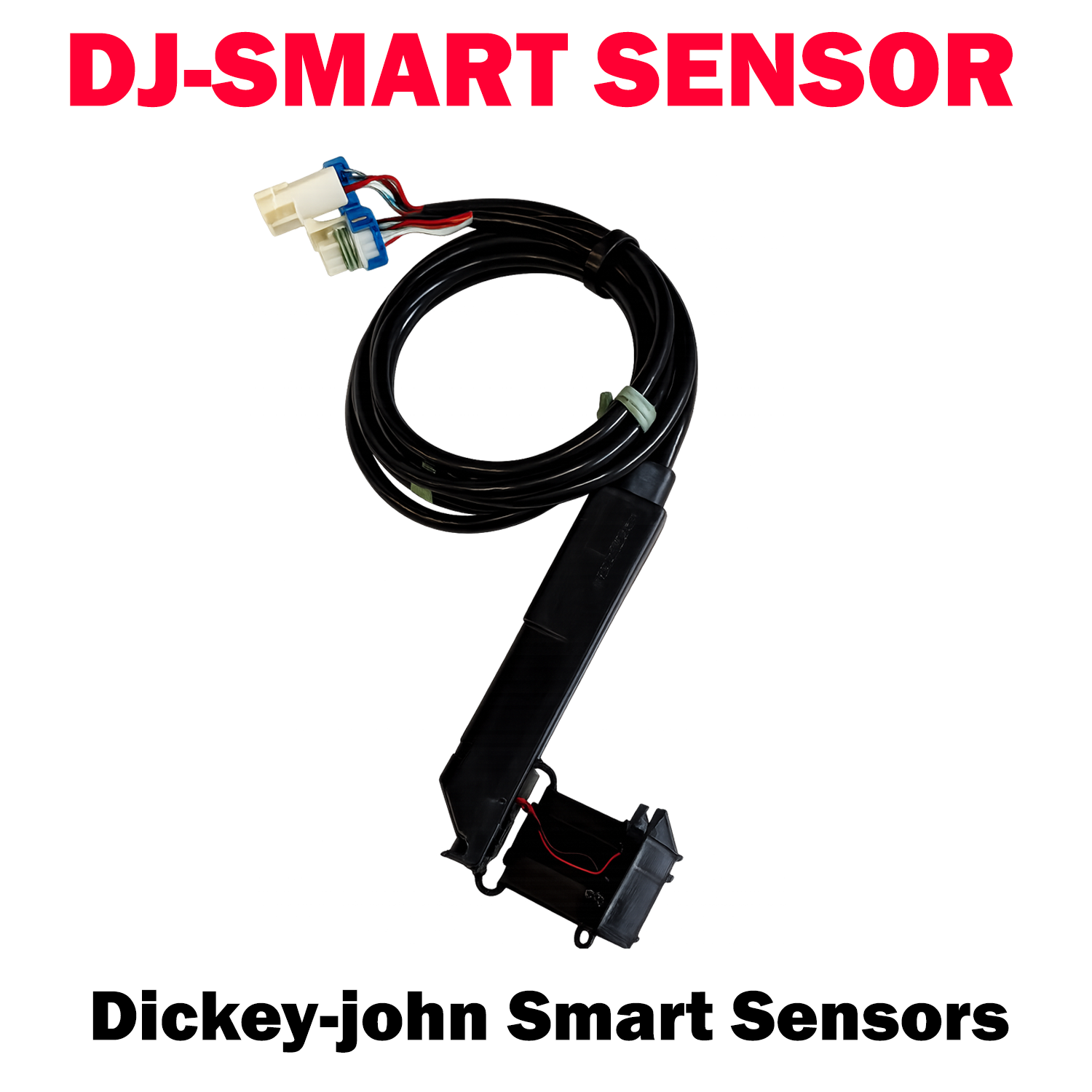
DJ-SMART SENSOR  466230240S1
DJ-SMART SENSOR 466230240S1 Sale price$550.00 USD
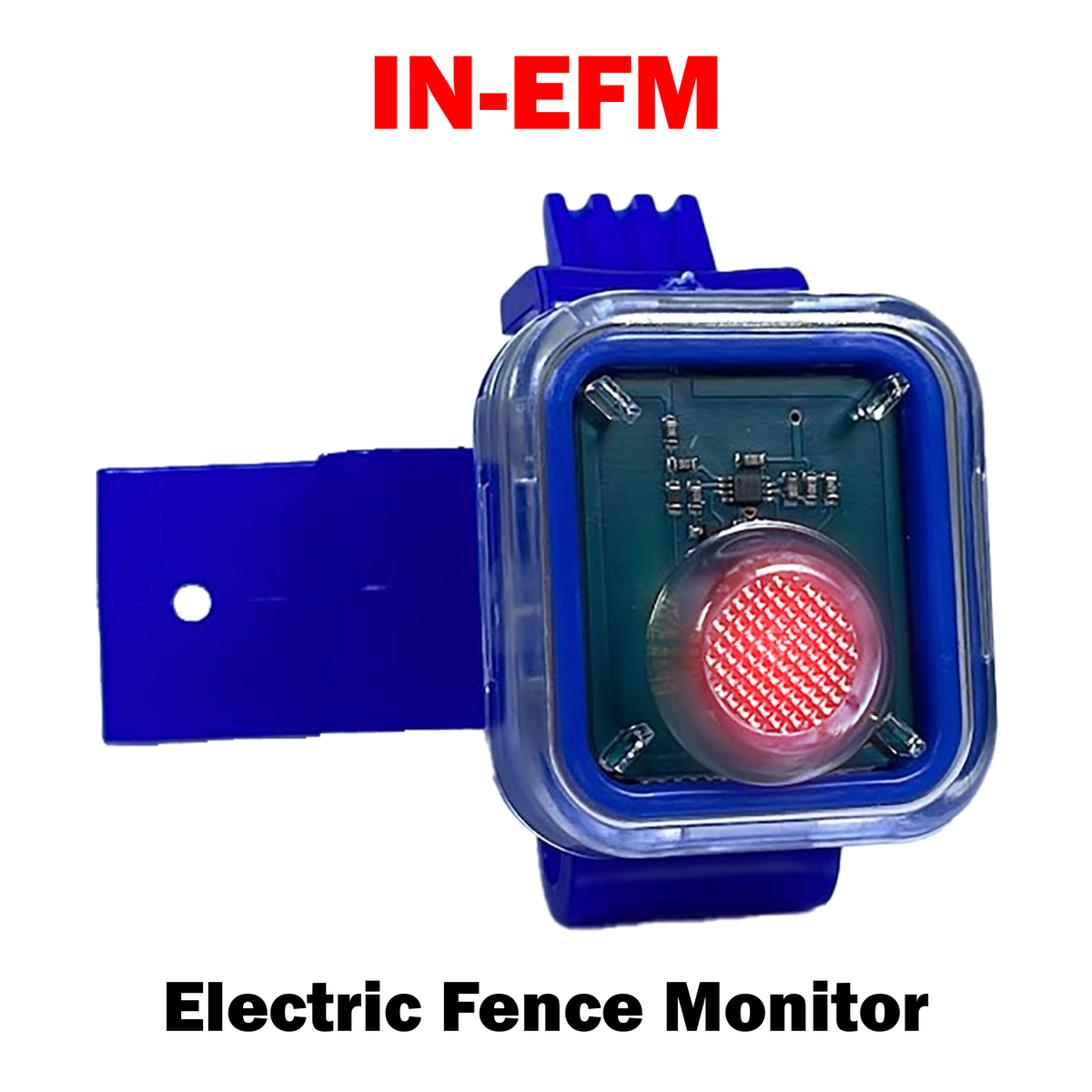
Electric Fence MonitorElectric Fence Monitor
Electric Fence Monitor Sale price$24.99 USD
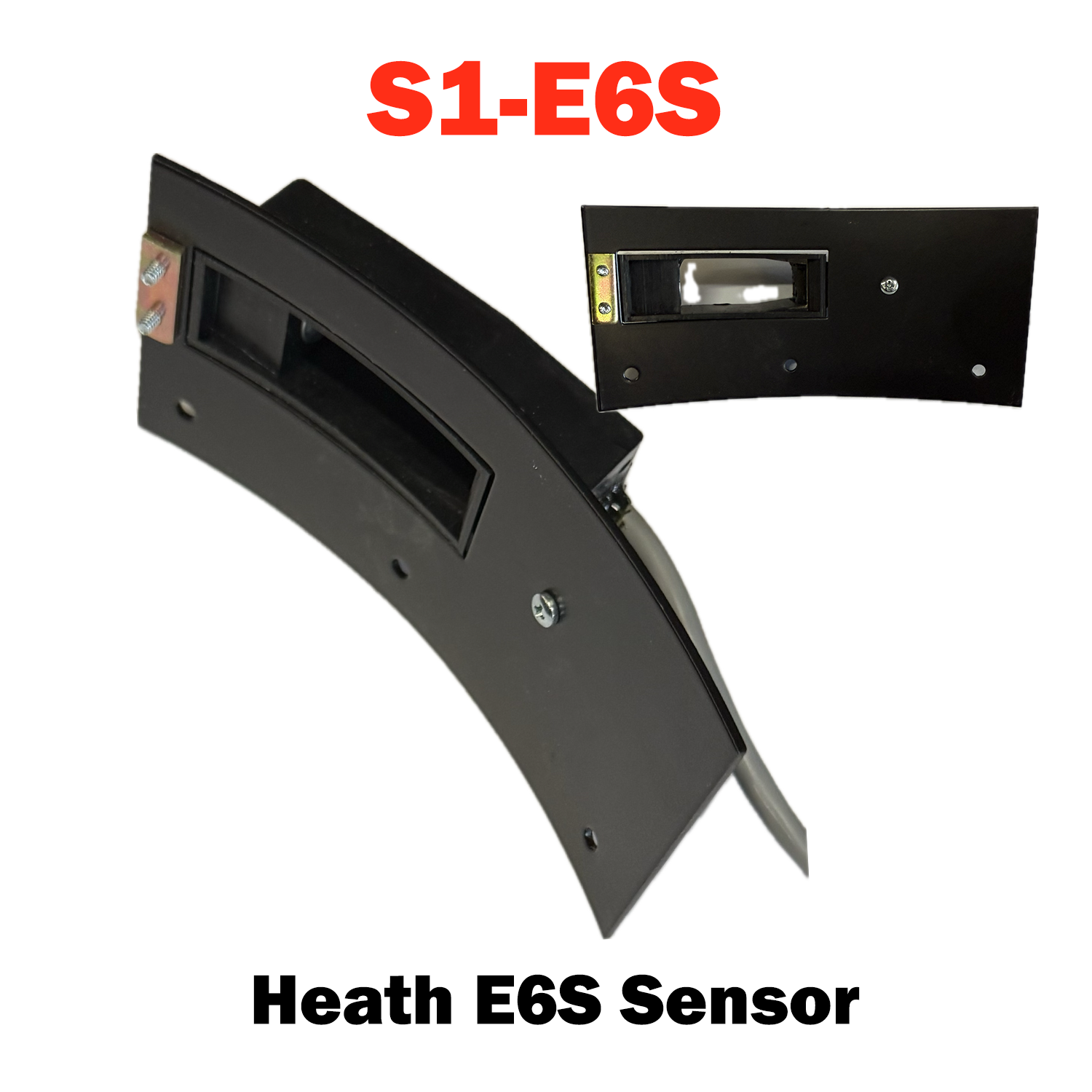
S1-E6S
S1-E6S Sale price$100.00 USD
S1-HWSK-2WP
S1-HWSK-2WP Sale price$250.00 USD
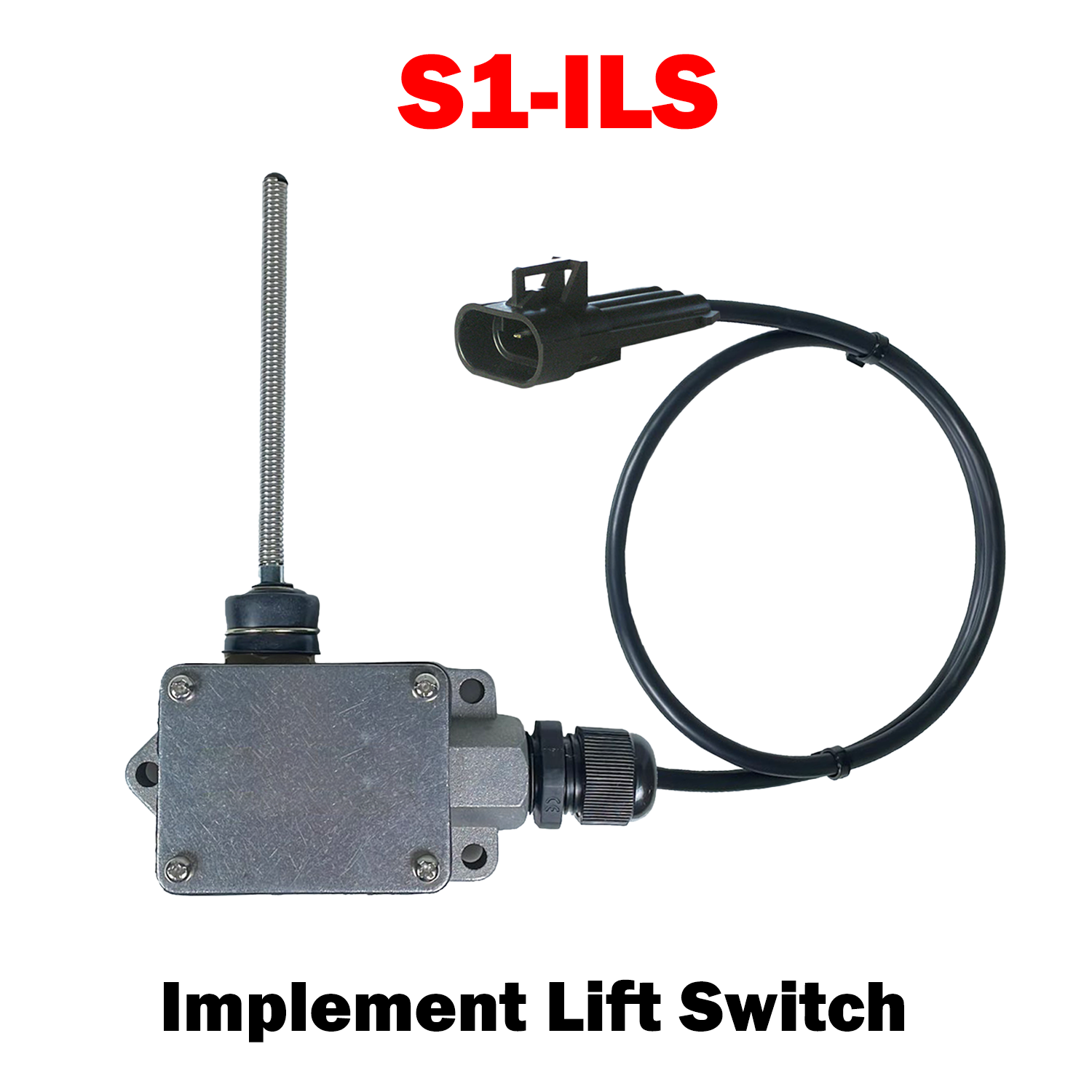
S1-ILS
S1-ILS Sale price$200.00 USD
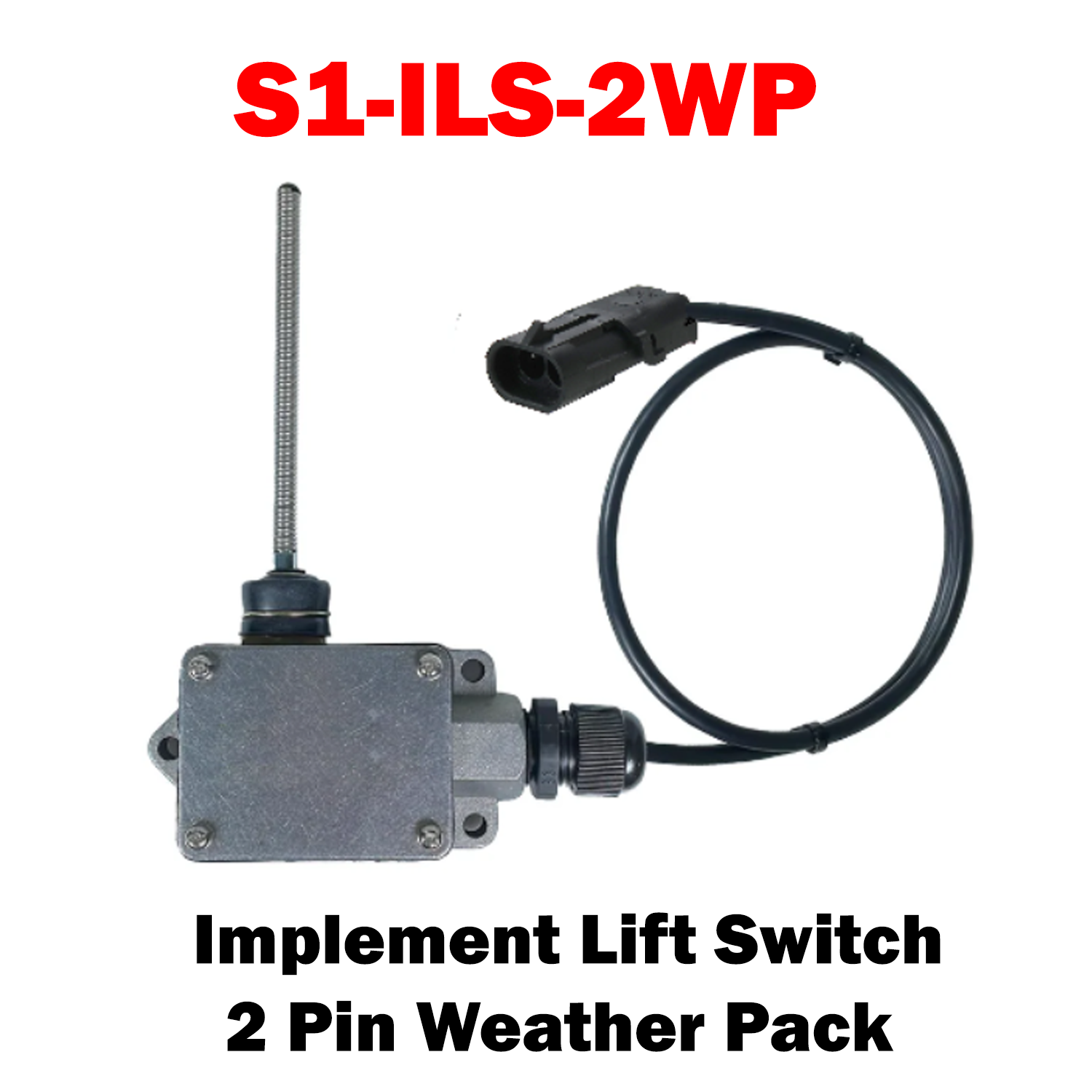
S1-ILS-2WP
S1-ILS-2WP Sale price$200.00 USD
S1-IWLS-2WP
S1-IWLS-2WP Sale price$125.00 USD
S1-IWLSK
S1-IWLSK Sale price$300.00 USD
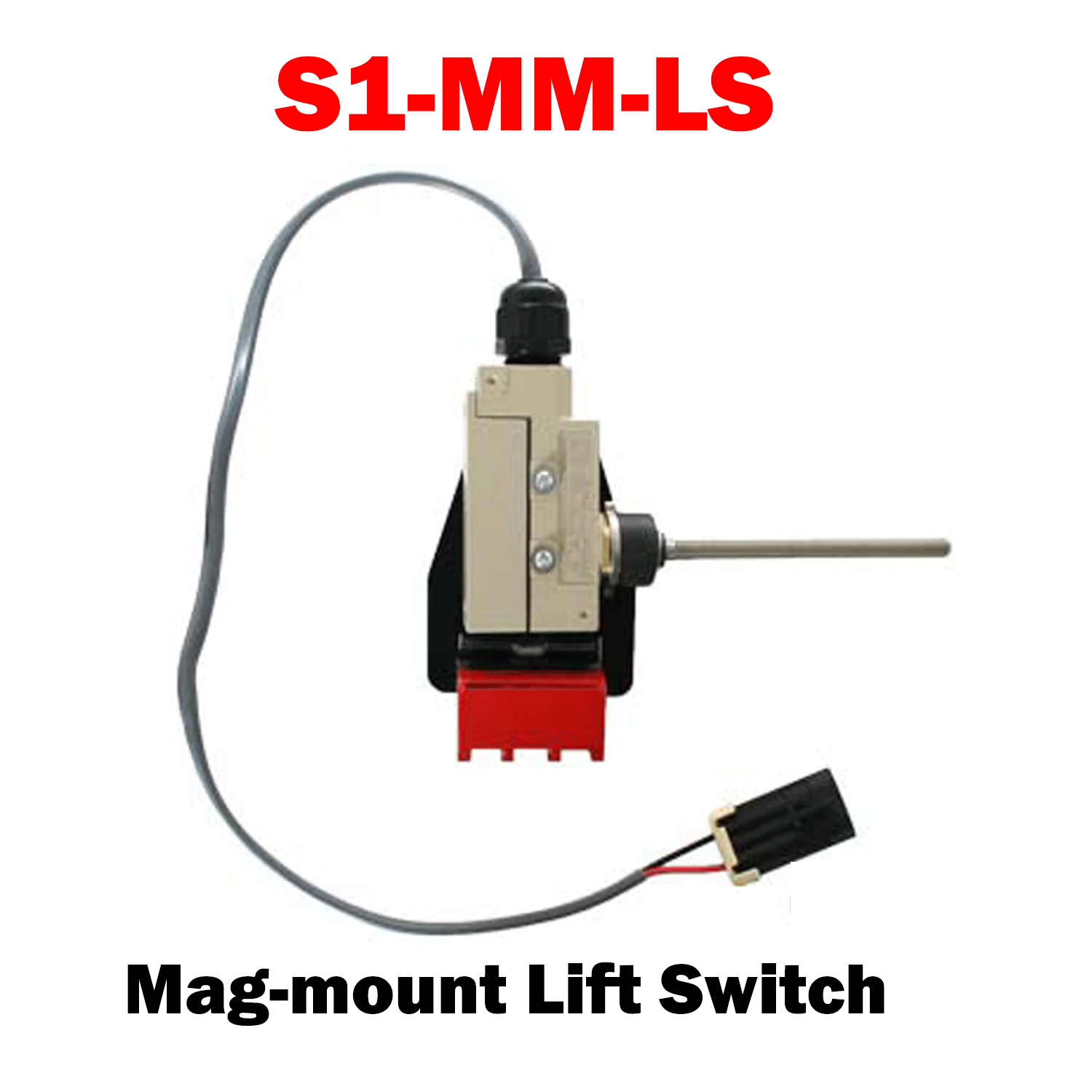
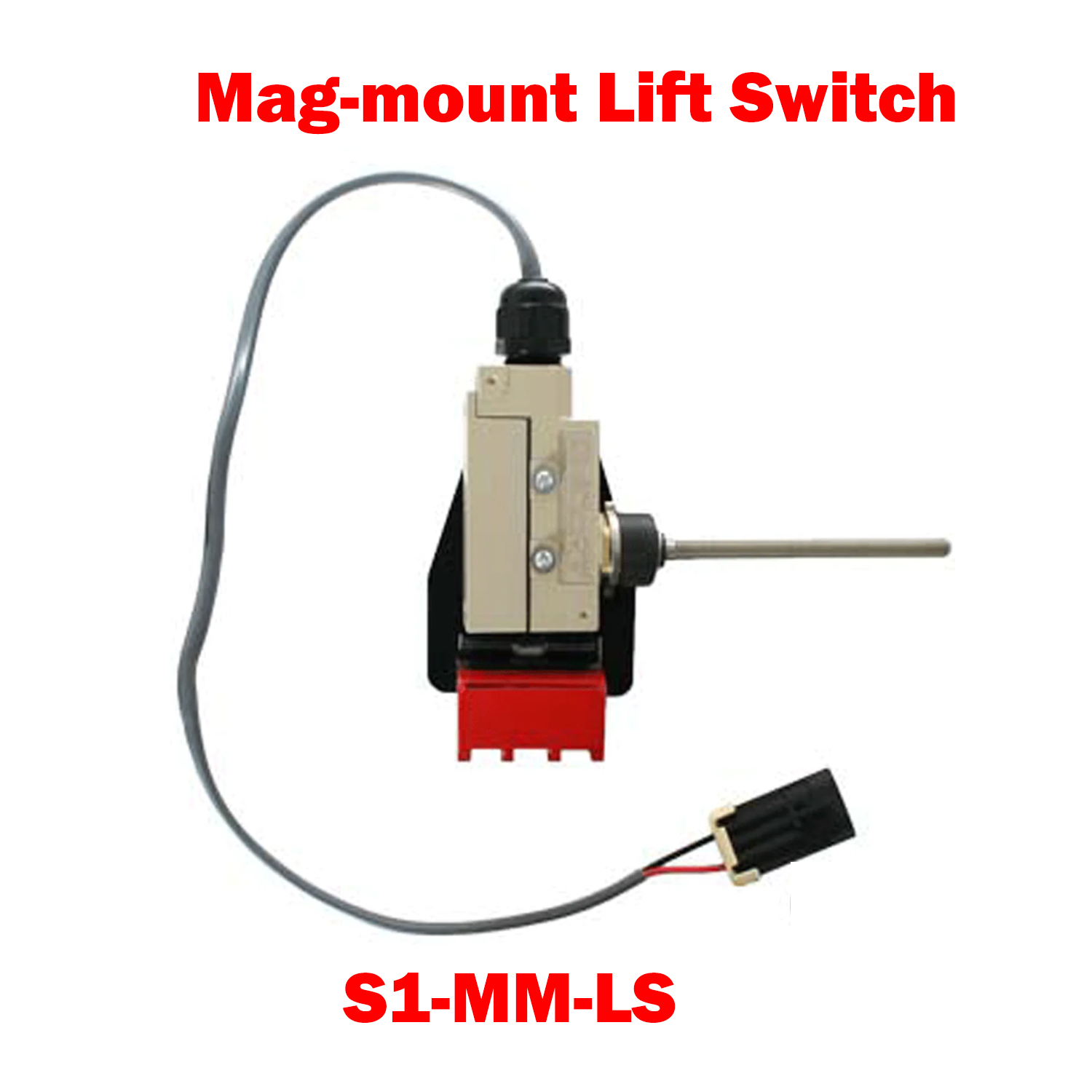
S1-MM-LSS1-MM-LS
S1-MM-LS Sale price$300.00 USD

Install Sensor-1 on your iPhone or iPad

  1. Tap the Share button in Safari.
  2. Scroll down and tap “Add to Home Screen.”
  3. Tap “Add.”
  4. Open Sensor-1 from the new icon on your Home Screen.

Install Sensor-1 on Android

  1. Open Sensor-1.com in Google Chrome.
  2. Tap the three-dot menu.
  3. Tap “Install app” or “Add to Home screen.”
  4. Confirm the installation.

Install Sensor-1 on your Mac

  1. In Safari, choose File → Add to Dock.
  2. In Google Chrome, open the browser menu and select Save and Share → Install Page as App, if available.

Install Sensor-1 on Windows

  1. In Microsoft Edge: open the three-dot menu, select “Apps,” then “Install this site as an app.”
  2. In Google Chrome: open the three-dot menu, select “Cast, save, and share,” then “Install page as app” or “Create shortcut.” If available, select “Open as window.”