

sensor-1.com
Agricultural Electronics · 1-800-SENSOR-1
202 Main Street · Princeton, KS 66078 · 1-800-736-7671
-
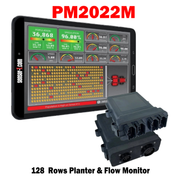
 PM2022$1,850.00Shop now ›
-
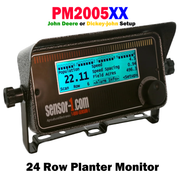
 PM2005$1,300.00Shop now ›
-
 PMPOP-16$1,100.00Shop now ›
-
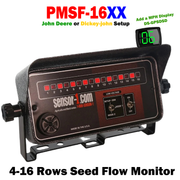
 PMSF-16$950.00Shop now ›
-
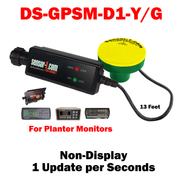
 DS-GPSM-D1-Y/G$450.00Shop now ›
-
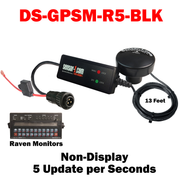
 DS-GPSM-R5-BLK$550.00Shop now ›
-
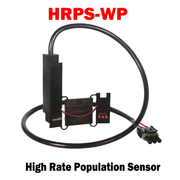
 HRPS-WP$95.00Shop now ›
-
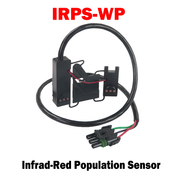
 IRPS-WP$90.00Shop now ›
-
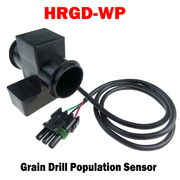
 HRGD-WP$150.00Shop now ›
-
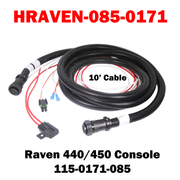
 HRAVEN-085-0171 (115-0171-085)$485.00Shop now ›
-
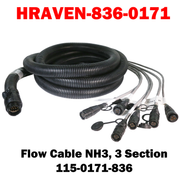
 HRAVEN-836-0171 (115-0171-836)$1,050.00Shop now ›
-
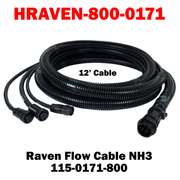
 HRAVEN-800-0171 (115-0171-800)$525.00Shop now ›
-
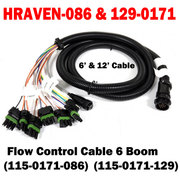
 HRAVEN-086-0171 (115-0171-086)From $510.00Shop now ›
-
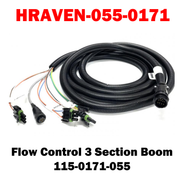
 HRAVEN-055-0171 (115-0171-055)$475.00Shop now ›
-
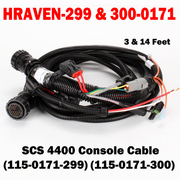
 HRAVEN-299-0171 (115-0171-299)From $1,046.00Shop now ›
-
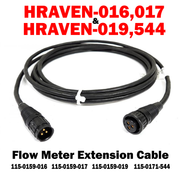
 Raven Flow Meter Extension CableFrom $140.00Shop now ›
-
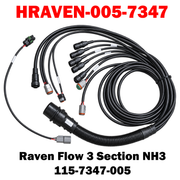
 HRAVEN-005-7347 (115-7347-005)$1,565.00Shop now ›
-
 HRAVEN-262-0171 (115-0171-262)From $108.00Shop now ›
-
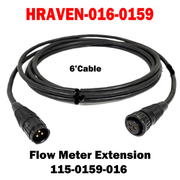
 HRAVEN-016-0159 (115-0159-016)$125.00Shop now ›
-
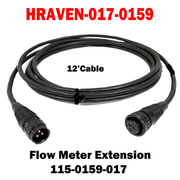
 HRAVEN-017-0159 (115-0159-017)$160.00Shop now ›
-
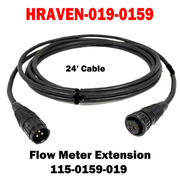
 HRAVEN-019-0159 (115-0159-019)$180.00Shop now ›
-
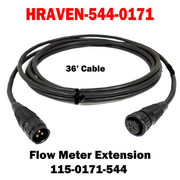
 HRAVEN-544-0171 (115-0171-544)$235.00Shop now ›
-
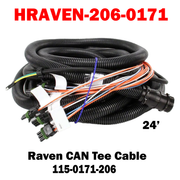
 HRAVEN-206-0171 (115-0171-206)$825.00Shop now ›
-
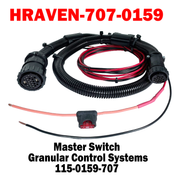
 HRAVEN-707-0159 (115-0159-707)$500.00Shop now ›
-
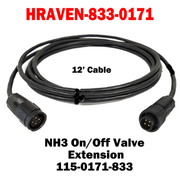
 HRAVEN-833-0171 (115-0171-833)$170.00Shop now ›
-
 HRAVEN-313-0171 (115-0171-313)From $640.00Shop now ›
-
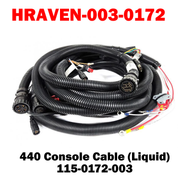
 HRAVEN-003-0172 (115-0172-003)$3,025.00Shop now ›