



























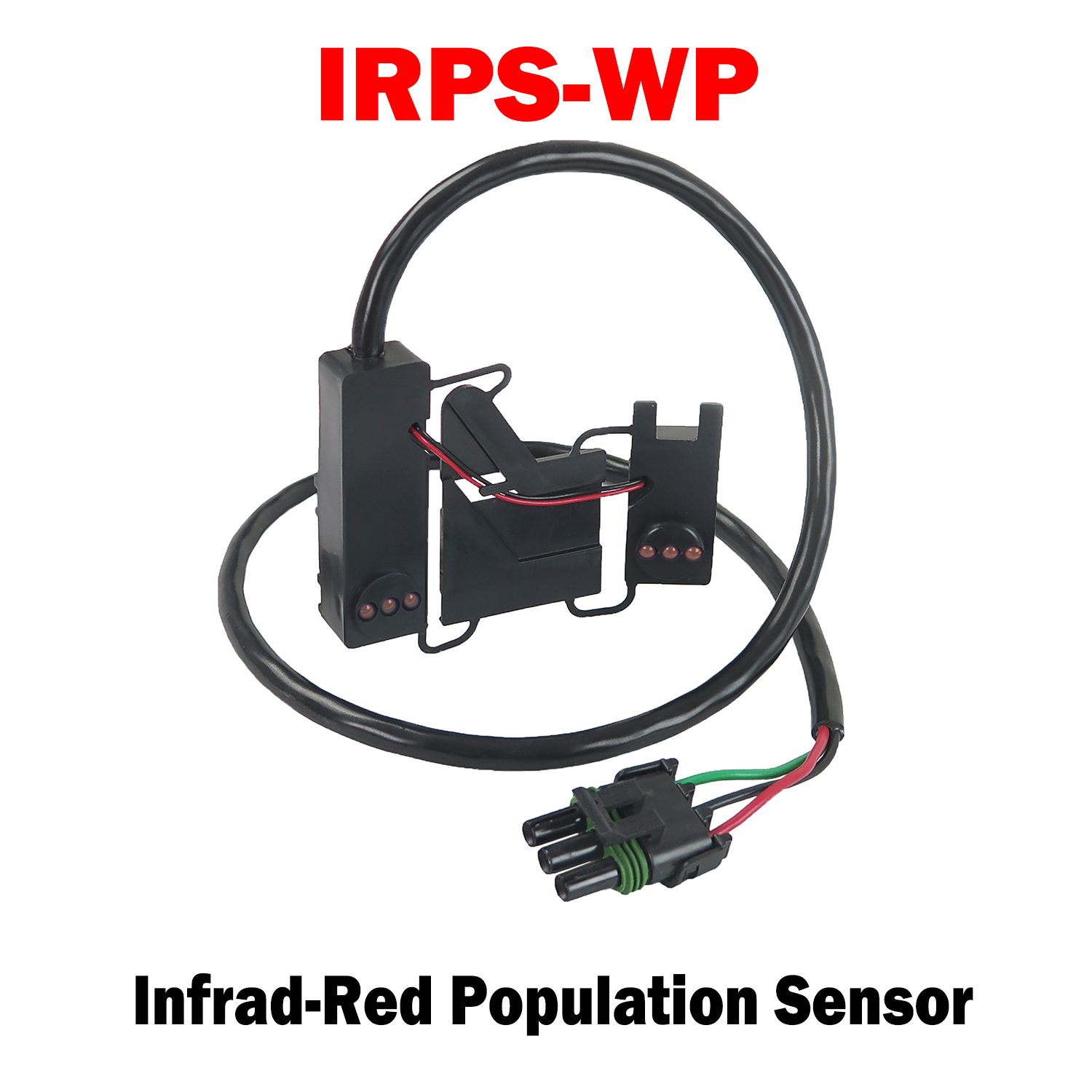
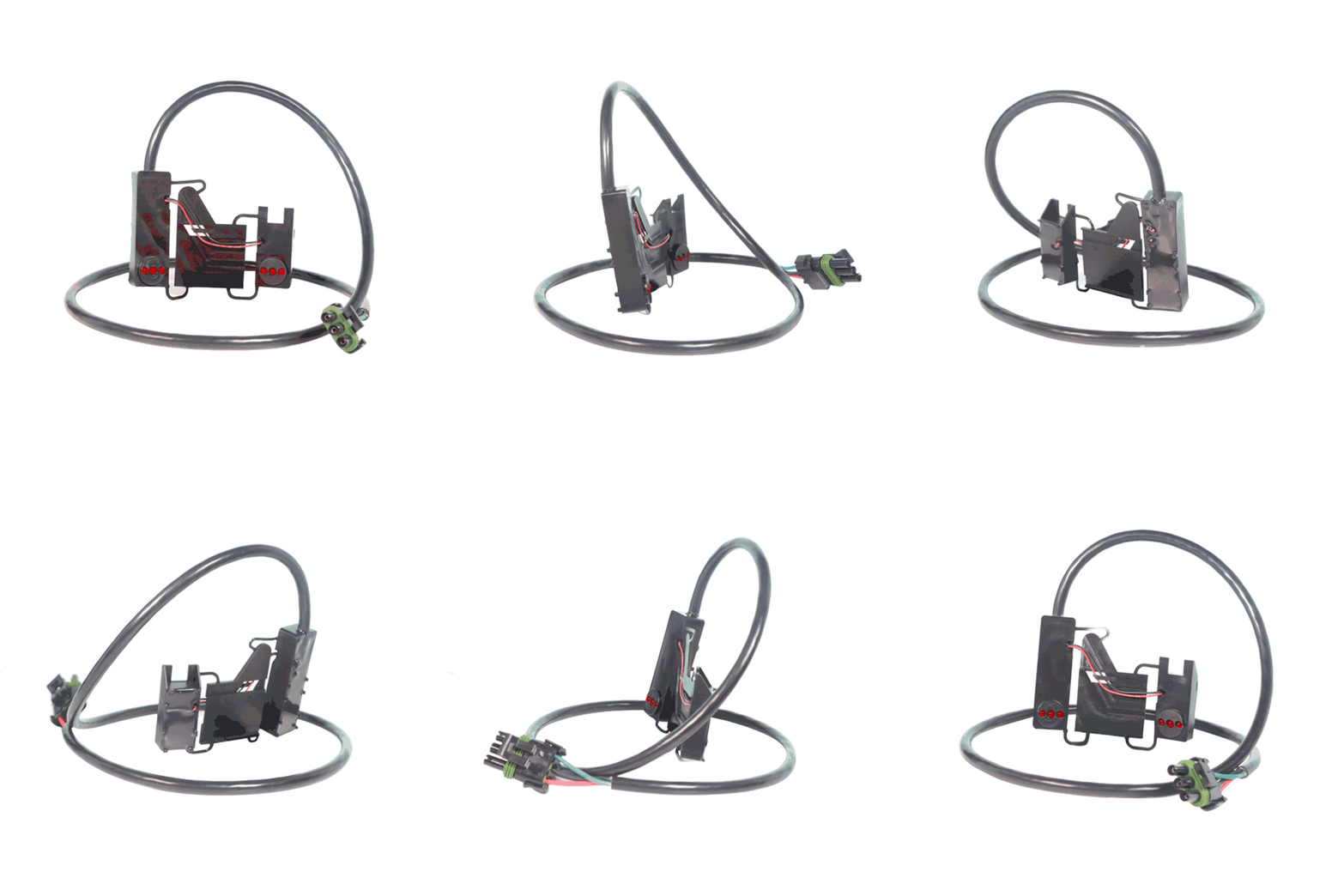
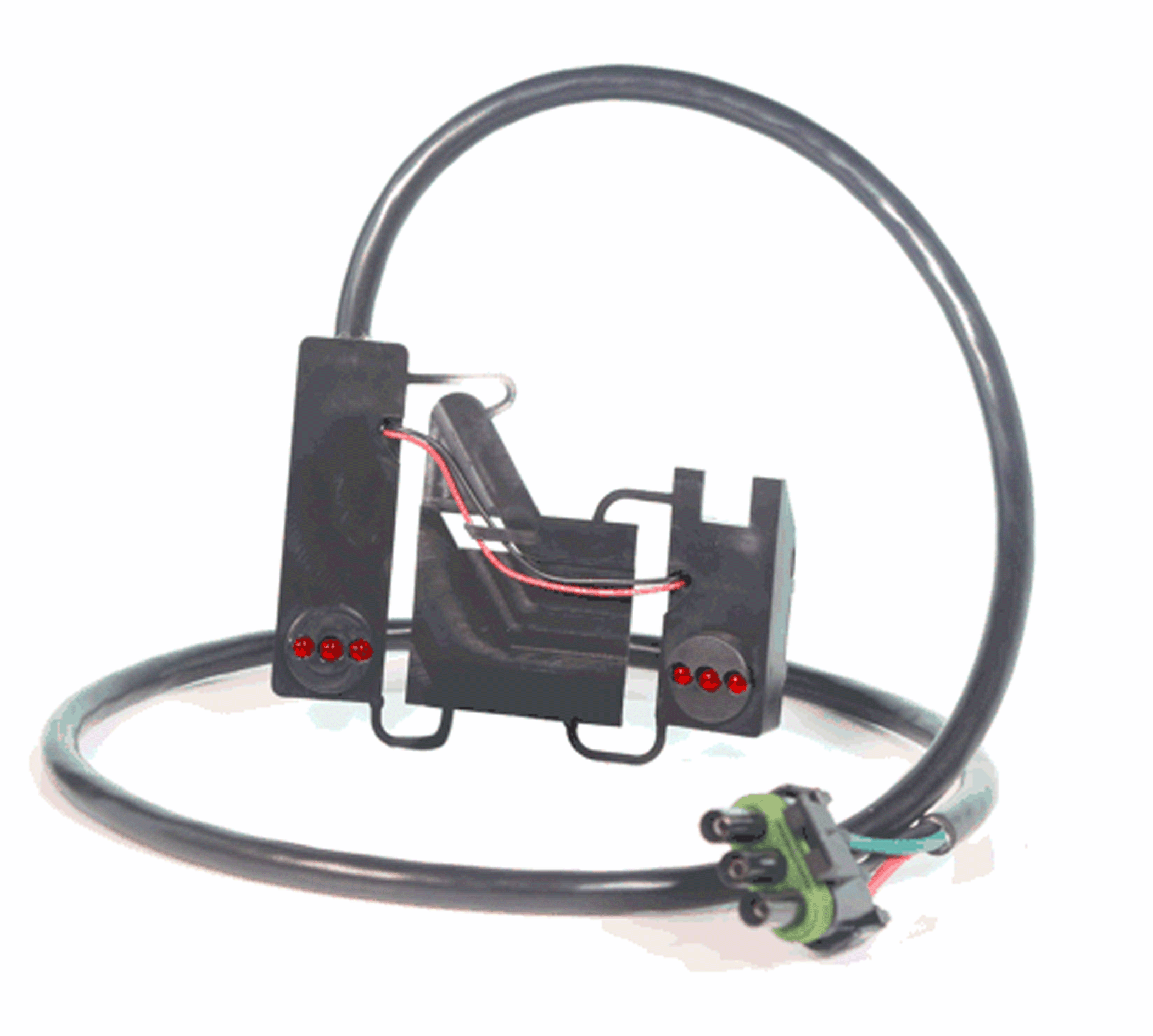
IRPS-WP | Infrared Planter Seed Sensor (AA658293)
A Hy-Rate infrared seed sensor for large seed types, counting 1 to 135 seeds per second at up to 98% accuracy in corn, soybeans, sunflowers, sorghum, sugar beets and edible beans. It works on photo detection: LEDs cast a light field across the seed tube and a detector opposite registers each seed that breaks it.
Key Features
• Three LED Eyes – Accurate population counting in corn and soybeans
• Common Harnessing – Uses the same wiring as Hy Rate and Hy Rate Plus, so upgrading later is straightforward
• Wide Monitor Compatibility – For John Deere Computer-Trak 100 through 350 built 1986 and after; comparable to Dickey-john 452440891AS1 and 452441280S1
%0AA%20Hy-Rate%20infrared%20seed%20sensor%20for%20large%20seed%20types,%20counting%201%20to%20135%20seeds%20per%20second%20at%20up%20to%2098%25%20accuracy%20in%20corn,%20soybeans,%20sunflowers,%20sorgh...)
IRPS-WP | AA588293
Sale price$90.00 USD
Choose options
IRPS-WP | AA588293
Sale price$90.00 USD