



























Skip to content
YOU ARE NOT SIGNED IN Sign in
Sale price$1,046.00 USD
Size:

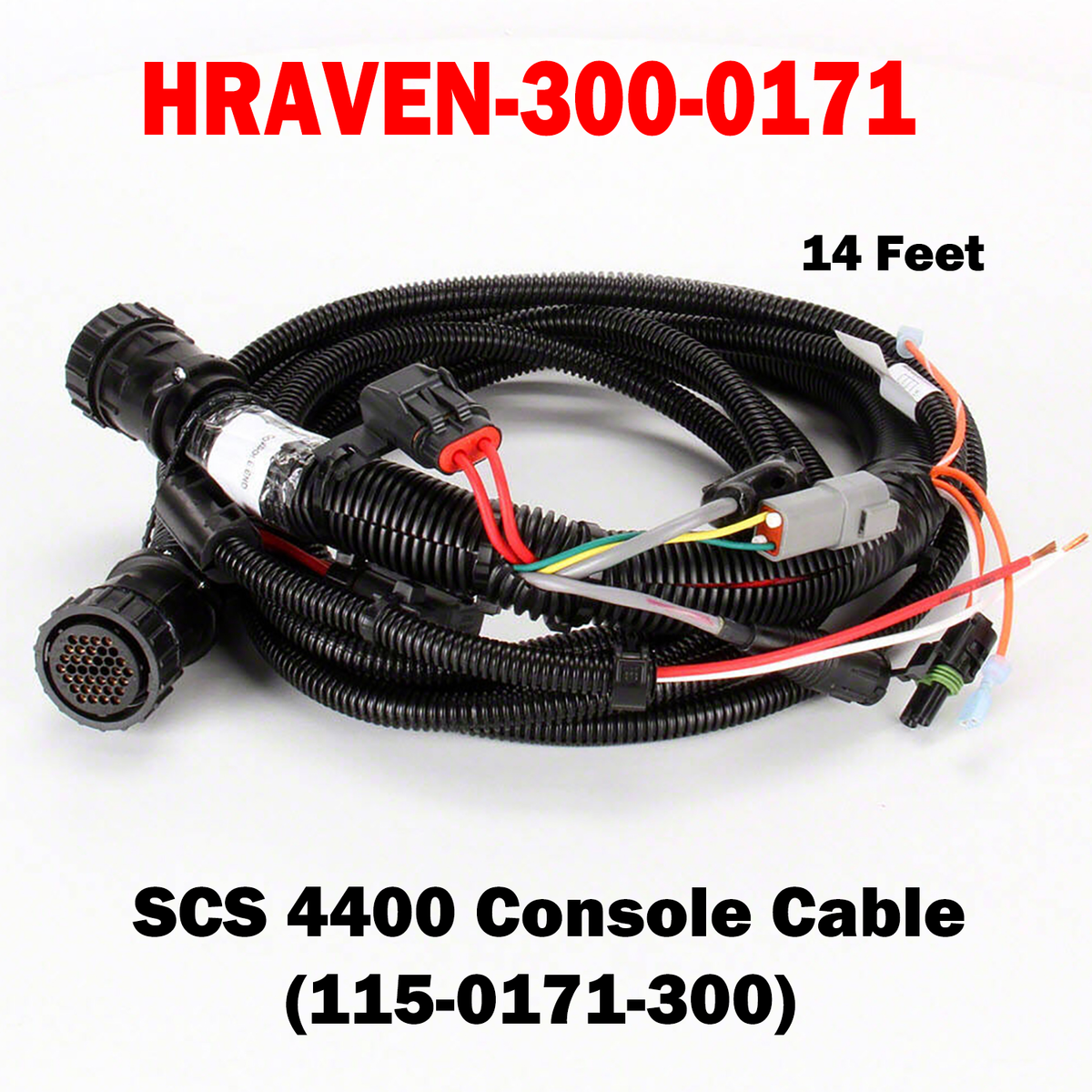
HRAVEN-299-0171 & HRAVEN-300-0171

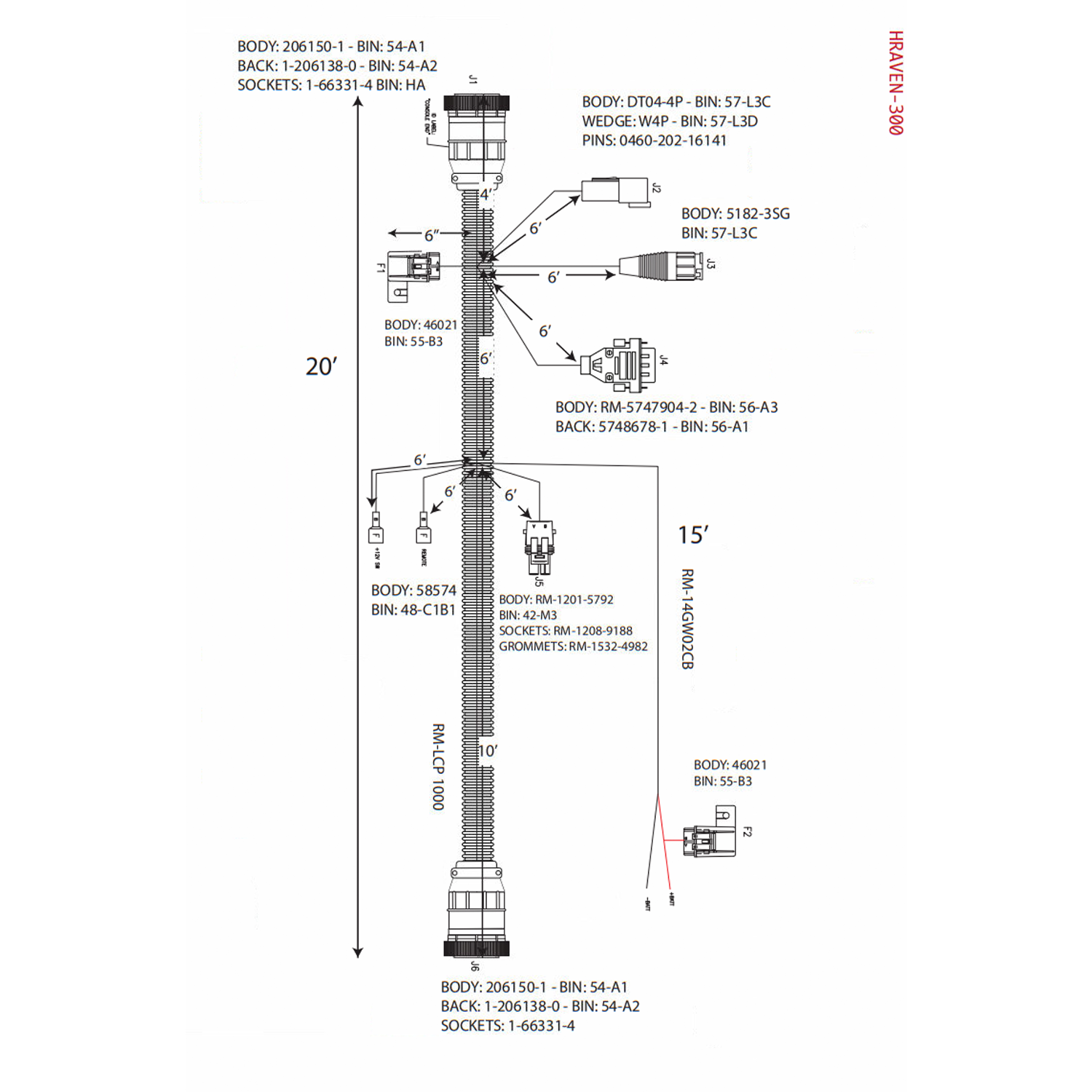
Factory-specified console cables for the Raven SCS 4400 control system. Each carries power and signal between the console and the control system, differing only in length — choose the short run for a console mounted close to its connection point, or the long one where it sits well across the cab.

Key Features

SCS 4400 Console Cable – Correct OEM interface for reliable system communication
Two Lengths Available – HRAVEN-299 (115-0171-299) 3 feet · HRAVEN-300 (115-0171-300) 20 feet
Durable, Field-Ready Construction – Rugged connectors and jacket built to withstand moisture, vibration and rough field conditions

HRAVEN-299 & 300 Console Cable
HRAVEN-299 & 300 Console Cable Sale price$1,046.00 USD

Install Sensor-1 on your iPhone or iPad

  1. Tap the Share button in Safari.
  2. Scroll down and tap “Add to Home Screen.”
  3. Tap “Add.”
  4. Open Sensor-1 from the new icon on your Home Screen.

Install Sensor-1 on Android

  1. Open Sensor-1.com in Google Chrome.
  2. Tap the three-dot menu.
  3. Tap “Install app” or “Add to Home screen.”
  4. Confirm the installation.

Install Sensor-1 on your Mac

  1. In Safari, choose File → Add to Dock.
  2. In Google Chrome, open the browser menu and select Save and Share → Install Page as App, if available.

Install Sensor-1 on Windows

  1. In Microsoft Edge: open the three-dot menu, select “Apps,” then “Install this site as an app.”
  2. In Google Chrome: open the three-dot menu, select “Cast, save, and share,” then “Install page as app” or “Create shortcut.” If available, select “Open as window.”