



























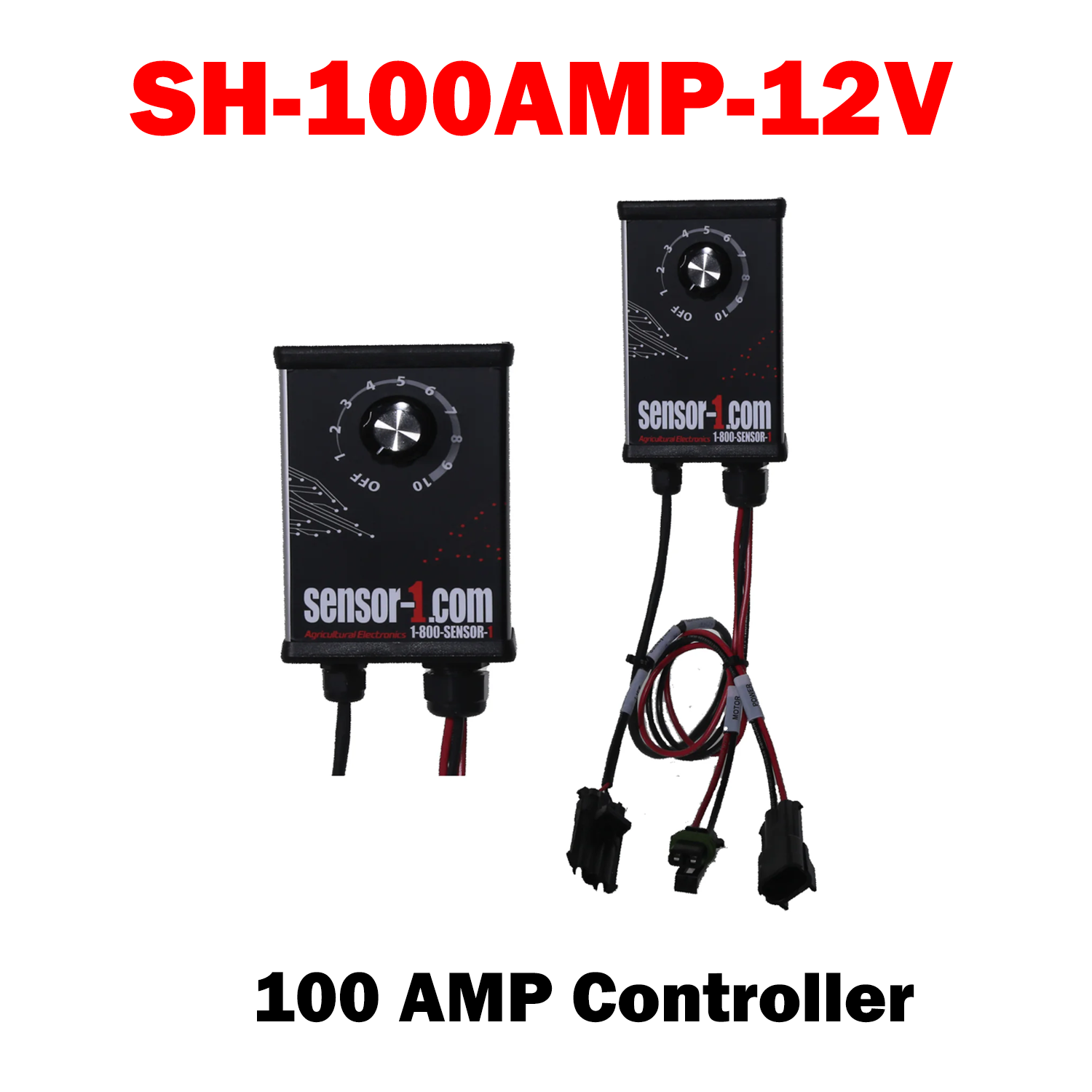
DC Motor Speeds Controller, DC 12-60V 100A
- Sensor-1 same design as the 40 amp but a 100 amps speed controller designed. This unit will handle the load of a single pump or two 12 volt pumps simultaneously for the larger planters and drills on the market.
- Main on/off switch plus a control knob used to increase or decrease motor speed, thereby changing the pressure within the system.
-
The preferred installation in the cab of the tractor with the provided fused power cable connected to the tractor battery and NOT to an accessory plug. This method allows for the proper amperage draw by the motor(s).
-
Other connections to the Sensor-1 Controller are for the power cable(s) to the pump(s) and the remotely mounted Run Hold Switch.
- Should you have a system that requires dual pumps, a provided “Y” cable is plugged into the controller pump lead and the two pump power cables are plugged into the “Y” cable. :
Wire connections (see image)
- 12 Volt DC—Power connection to battery ONLY
-
Pump Cable Connection and/or “Y” Cable—Connection for dual pump systems
-
Remote Run Hold Whisker Switch Connection—DO NOT discard shorting plug after removal; retain for use should Run Hold switch get damaged

S1-JDS100AMPS-ESC
Sale price$350.00 USD
Choose options
S1-JDS100AMPS-ESC
Sale price$350.00 USD