



























Skip to content
Sale price$750.00 USD

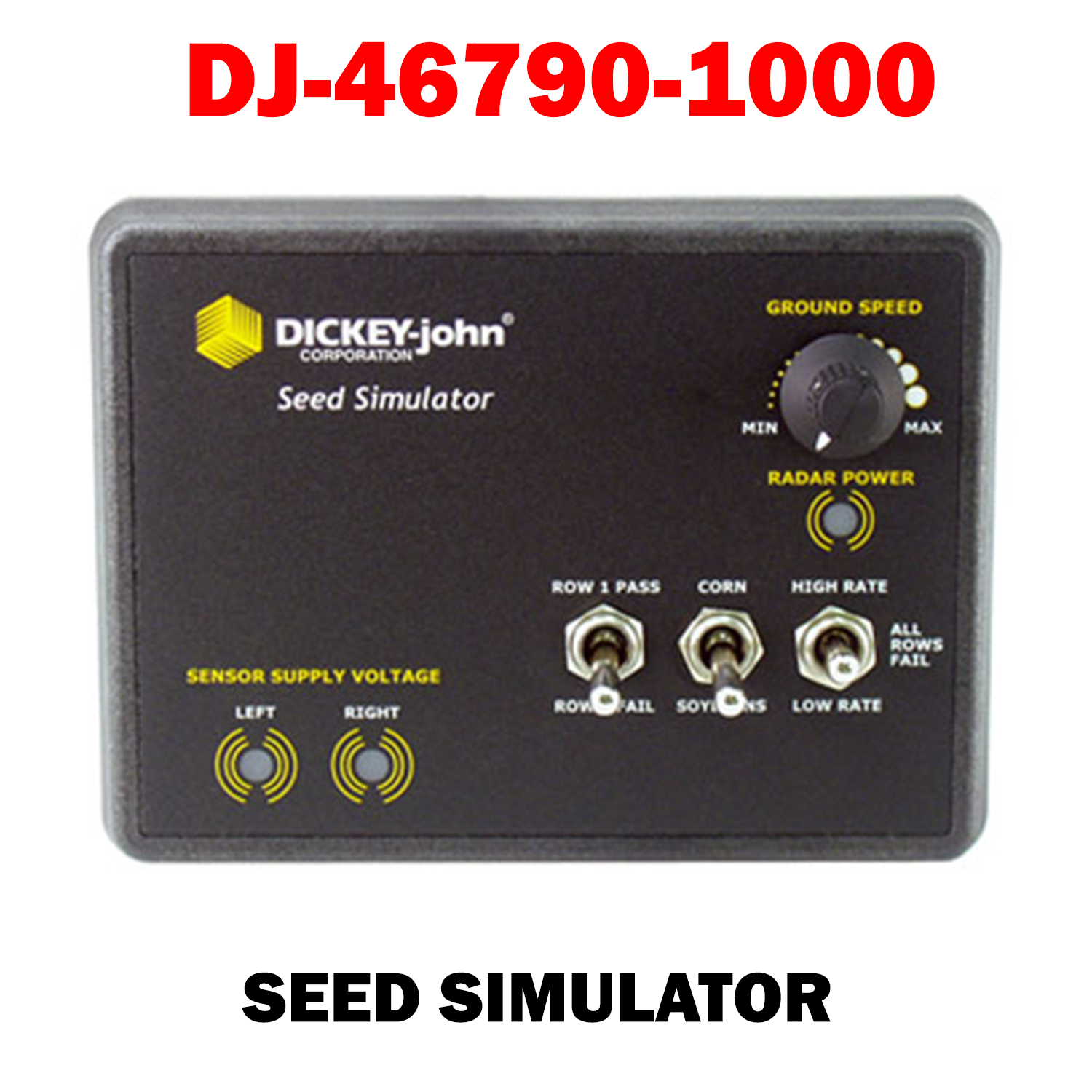
DJ-46790-1000   Seed Simulator

Test your planter monitors with DICKEY-john's Seed Simulator. The Seed Simulator can demonstrate functionality of most DICKEY-john® planter monitors (PM100, 200, 300, 400, 500, 600, 1000, 3000, Seed Manager™ SE and ASM™ II). An adapter cable is required to connect to the appropriate planter monitor. 

  • Features and Benefits:
  • Replicates one or all row failure
  • Simulates seed sensor and radar ground speed signals on planters up to 36 rows
  • Reproduces two seeding rates for both corn and soybeans
  • Checks the planter monitor +8 volt supply to the seed sensors and +12 volt supply to radar
dickey-John Seed Simulator (46790-1000)
dickey-John Seed Simulator (46790-1000) Sale price$750.00 USD

Install Sensor-1 on your iPhone or iPad

  1. Tap the Share button in Safari.
  2. Scroll down and tap “Add to Home Screen.”
  3. Tap “Add.”
  4. Open Sensor-1 from the new icon on your Home Screen.

Install Sensor-1 on Android

  1. Open Sensor-1.com in Google Chrome.
  2. Tap the three-dot menu.
  3. Tap “Install app” or “Add to Home screen.”
  4. Confirm the installation.

Install Sensor-1 on your Mac

  1. In Safari, choose File → Add to Dock.
  2. In Google Chrome, open the browser menu and select Save and Share → Install Page as App, if available.

Install Sensor-1 on Windows

  1. In Microsoft Edge: open the three-dot menu, select “Apps,” then “Install this site as an app.”
  2. In Google Chrome: open the three-dot menu, select “Cast, save, and share,” then “Install page as app” or “Create shortcut.” If available, select “Open as window.”