




























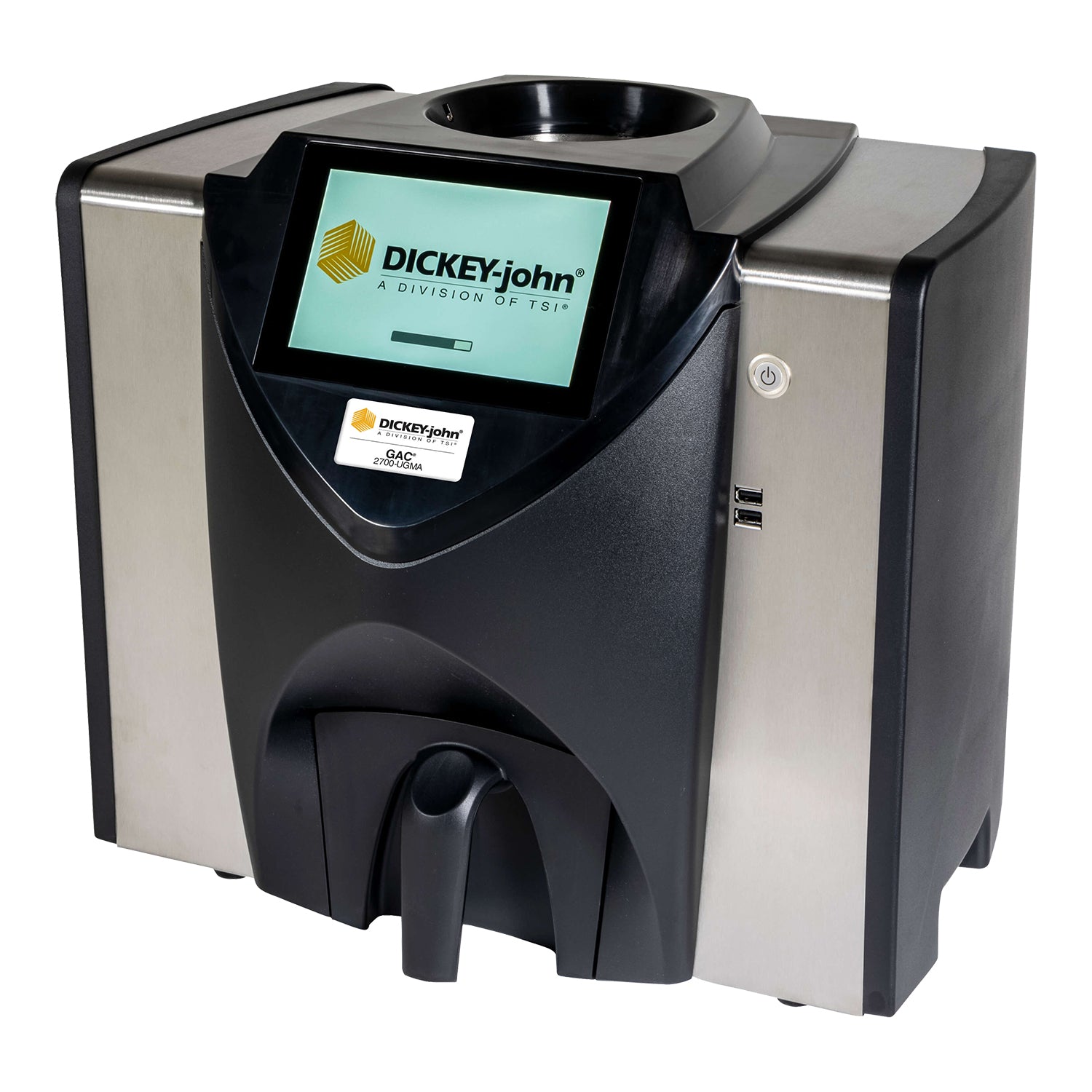
DICKEY-john® is a pioneer in the usage of 149 mHz / UGMA technology in grain moisture analyzers. The new GAC™ 2700-UGMA moisture tester utilizes this technology to provide a high level of accuracy to measurements. The Unified Grain Moisture Algorithm (UGMA) provides more accurate moisture readings across all grain types, including in a wider range of grain densities, as well as a wider temperature range. Increased repeatability and greater consistency are also improved qualities of the UGMA. Additionally, the GAC™ 2700-UGMA moisture tester allows for measurements of frozen and hot grains up to 113 degrees.
The unit is equipped with NTEP calibrations for all grain types.
Features and Benefits:
- NTEP certified, FGIS Certified, UGMA compliant
- An official moisture meter of the USDA-AMS
- Easy-to-use, intuitive color touch screen eliminates operator training
- Accurate temperature-sensing capabilities to measure frozen and hot grain
- Rapid Analysis Mode reduces the need to touch the instrument during operation
- Improved processing provides shorter analysis time allowing more samples to be ran, especially important during busy seasons
- Multiple USB ports on the back of the unit for software upgrades, USB devices, printer and barcode readers
- Additional USB ports located on the front of unit for easy calibration imports, as well a as well as keyboard and mouse plug-ins for inputting set-up data

Choose options
DJ-GAC2700UGMA | Grain Moisture Tester
Sale price$7,490.00 USD