



























Skip to content
YOU ARE NOT SIGNED IN Sign in
Sale price$850.00 USD

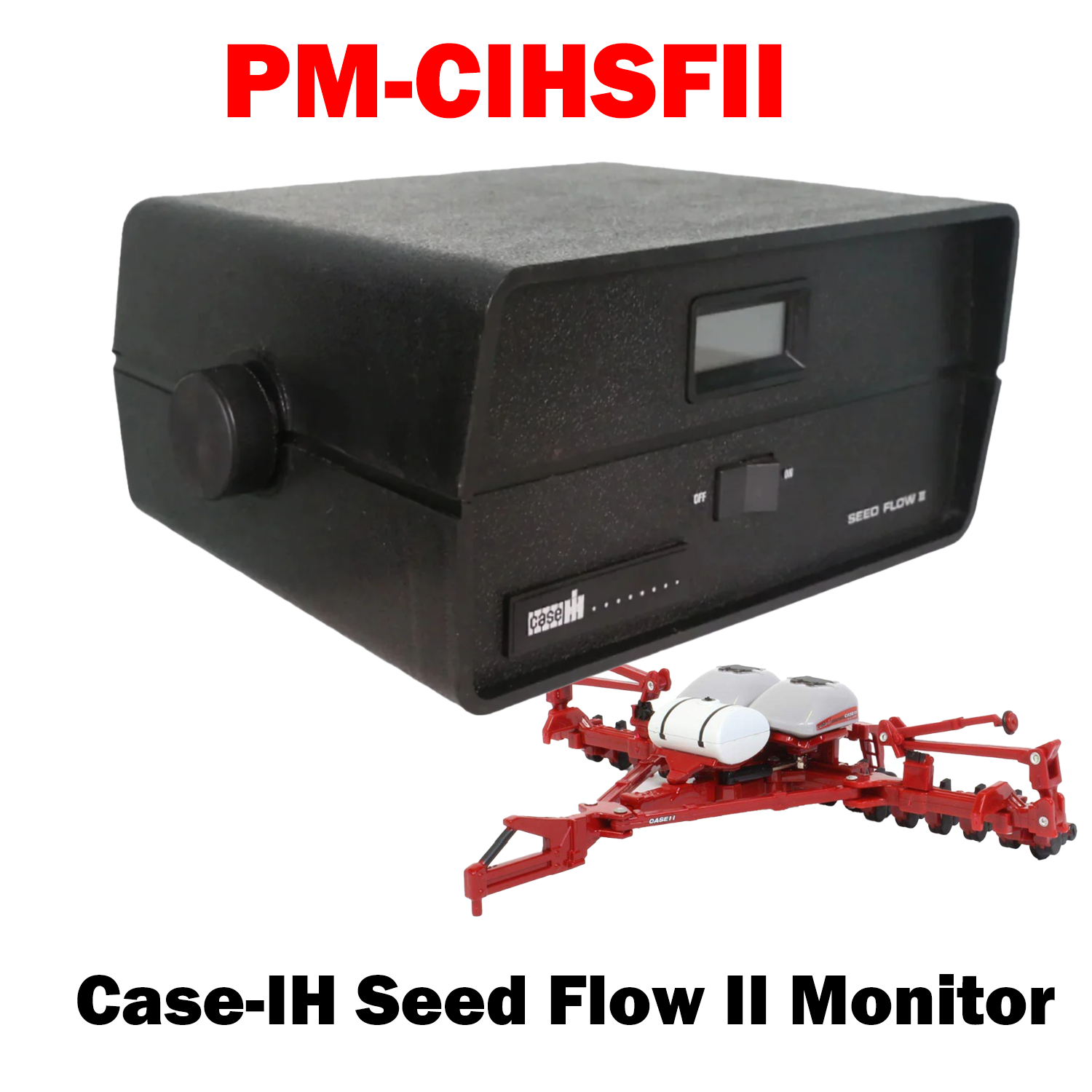
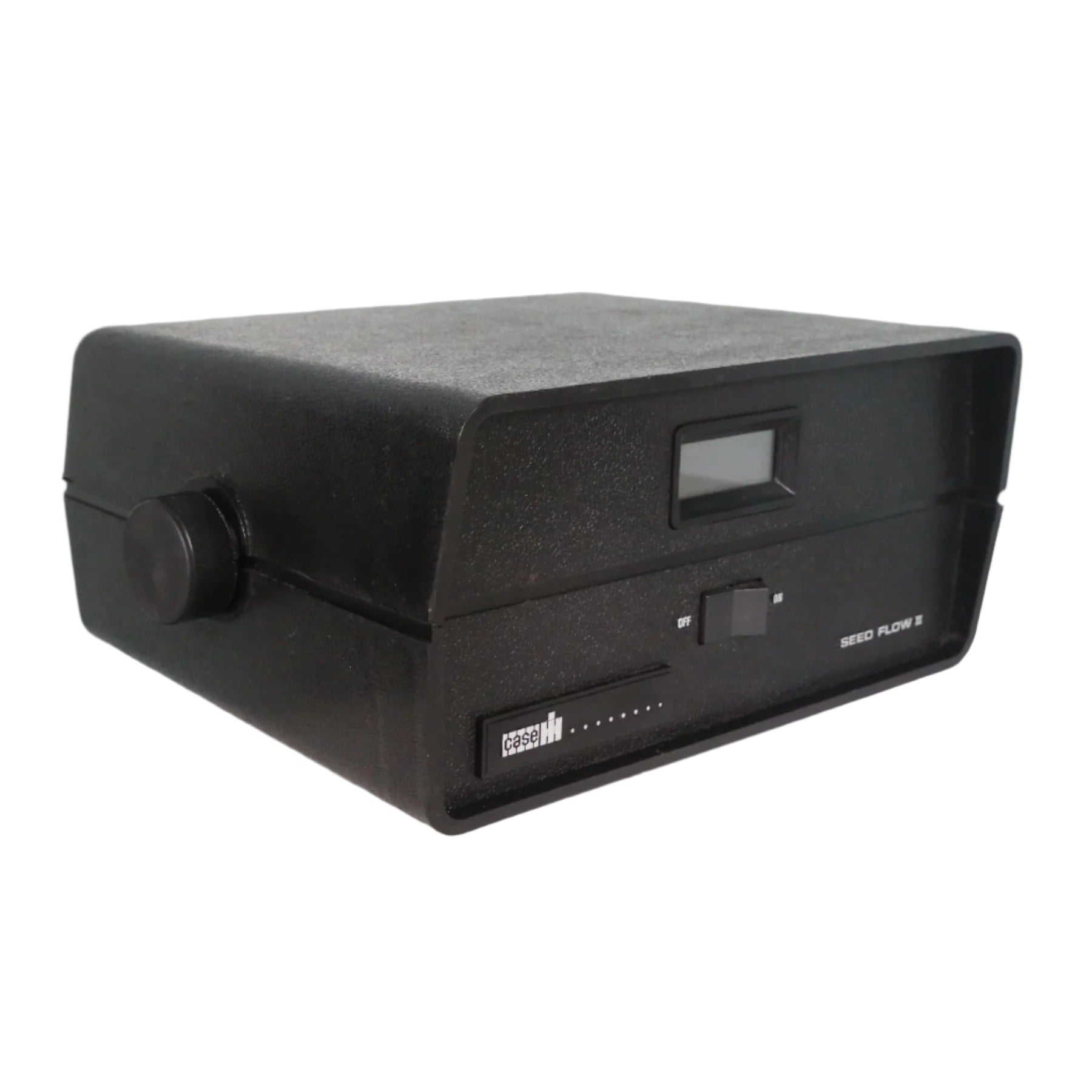
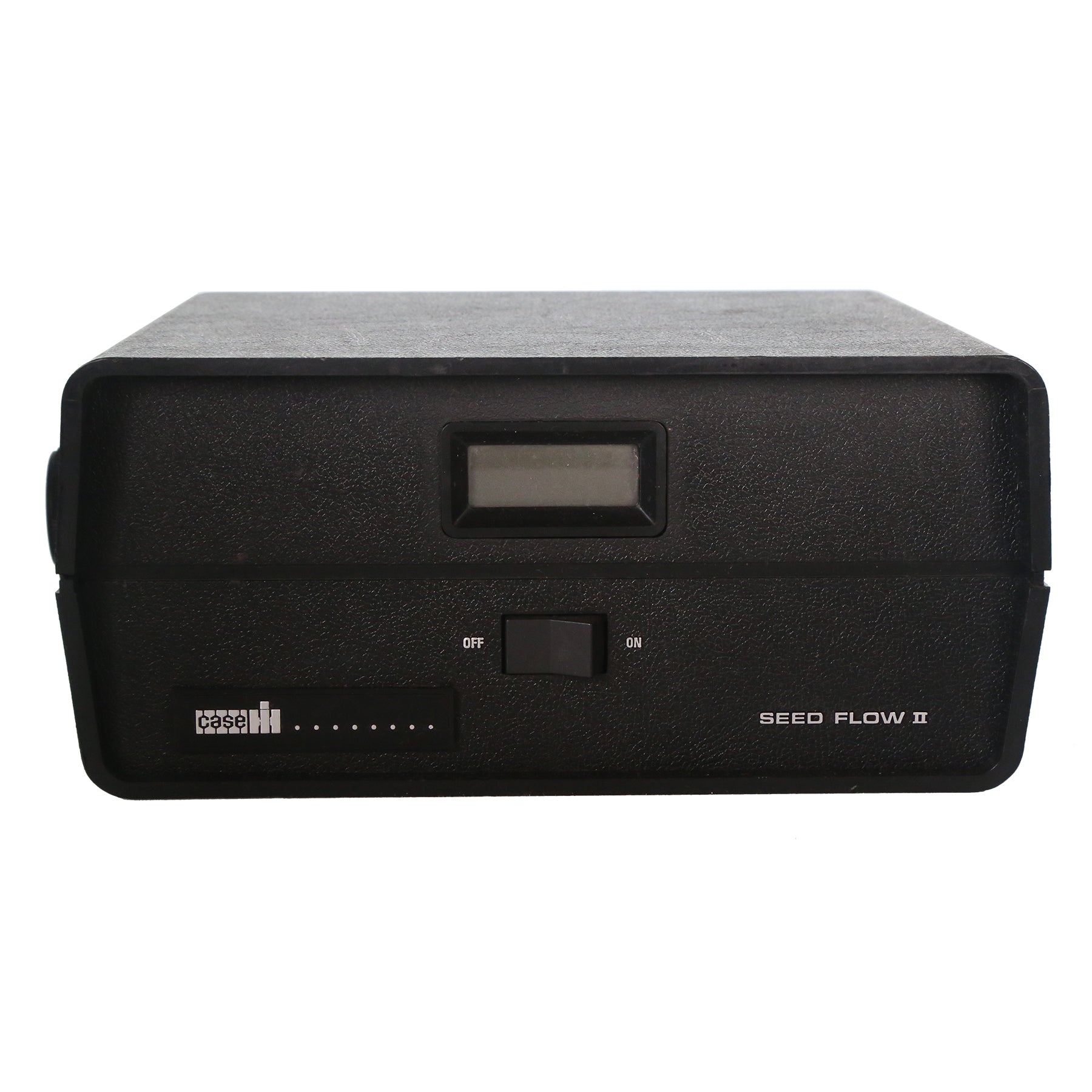
PM-CIHSFII | Case IH Seed Flow II Monitor

The Case IH Seed Flow II Monitor watches seed flow across up to 16 rows and one hopper, alerting the operator the moment a row or hopper stops delivering. It runs in normal-flow mode and only draws attention when something fails, so the display stays quiet during a good pass and unmistakable when it is not.

Key Features

Up to 16 Rows Plus One Hopper – Suits 4, 6, 8, 12 and 16 row planters
Fail-Only Alerting – Runs quietly in normal flow and signals only on a row or hopper failure
Case IH Fitment – Direct replacement for the Seed Flow II system

Limited stock available

PM-CIHSFII | Seed Flow II Monitor
PM-CIHSFII | Seed Flow II Monitor Sale price$850.00 USD

Install Sensor-1 on your iPhone or iPad

  1. Tap the Share button in Safari.
  2. Scroll down and tap “Add to Home Screen.”
  3. Tap “Add.”
  4. Open Sensor-1 from the new icon on your Home Screen.

Install Sensor-1 on Android

  1. Open Sensor-1.com in Google Chrome.
  2. Tap the three-dot menu.
  3. Tap “Install app” or “Add to Home screen.”
  4. Confirm the installation.

Install Sensor-1 on your Mac

  1. In Safari, choose File → Add to Dock.
  2. In Google Chrome, open the browser menu and select Save and Share → Install Page as App, if available.

Install Sensor-1 on Windows

  1. In Microsoft Edge: open the three-dot menu, select “Apps,” then “Install this site as an app.”
  2. In Google Chrome: open the three-dot menu, select “Cast, save, and share,” then “Install page as app” or “Create shortcut.” If available, select “Open as window.”