Skip to content
Sensor-1
Navigation menu
Home
Products
Monitor Systems
Monitors
Sensors
GPS/Radar
Harnesses
Cameras
Now Row
Raven Systems
Micro-Trak Systems
Raven Harnesses
Moisture Testers
Flow Sensors
Extensions
RMA Pigtail Kit
Accessories
Pin Removal / Crimpers
Power Modules
RAM Mounts
Tubes
Repair Kits
Liquid Pump Systems
Radar/GPS Adapters
Adapters
Connectors
Manuals & Catalogs
Sensor-1 Manuals
Dickey John Manuals
Micro-Trak Manuals
Sensor-1 Catalog
Dickey-john Part List
Part & Price List
Live Demo & Video
All Demos & Videos
Videos
PM2022 Monitor
PM2005 Monitor
PMPOP-16 Monitor
MultiAg Tester
Sensor Tester
Row Shut-Off
Acres Counter
Closing Wheel Sensor
PM2022 Update v4.00 (Download)
Dealer
Wholesale Application
Dealers Sign-up
Price List Export
Login
Search
Cart
Close
Home
Products
Manuals & Catalogs
Live Demo & Video
Dealer
Products
Monitor Systems
Monitors
Sensors
GPS/Radar
Harnesses
Cameras
Now Row
Raven Systems
Micro-Trak Systems
Raven Harnesses
Moisture Testers
Flow Sensors
Extensions
RMA Pigtail Kit
Accessories
Pin Removal / Crimpers
Power Modules
RAM Mounts
Tubes
Repair Kits
Liquid Pump Systems
Radar/GPS Adapters
Adapters
Connectors
Manuals & Catalogs
Sensor-1 Manuals
Dickey John Manuals
Micro-Trak Manuals
Sensor-1 Catalog
Dickey-john Part List
Part & Price List
Live Demo & Video
All Demos & Videos
Videos
PM2022 Monitor
PM2005 Monitor
PMPOP-16 Monitor
MultiAg Tester
Sensor Tester
Row Shut-Off
Acres Counter
Closing Wheel Sensor
PM2022 Update v4.00 (Download)
Dealer
Wholesale Application
Dealers Sign-up
Price List Export
!
If you are a Dealer you need to sign in before you get your discount.
Sign in now
Filter
Sort by
Sort by
Featured
Most relevant
Best selling
Alphabetically, A-Z
Alphabetically, Z-A
Price, low to high
Price, high to low
Date, old to new
Date, new to old
5 products
Filters
Main Menu
Home
Products
Manuals & Catalogs
Live Demo & Video
Dealer
View results
View results
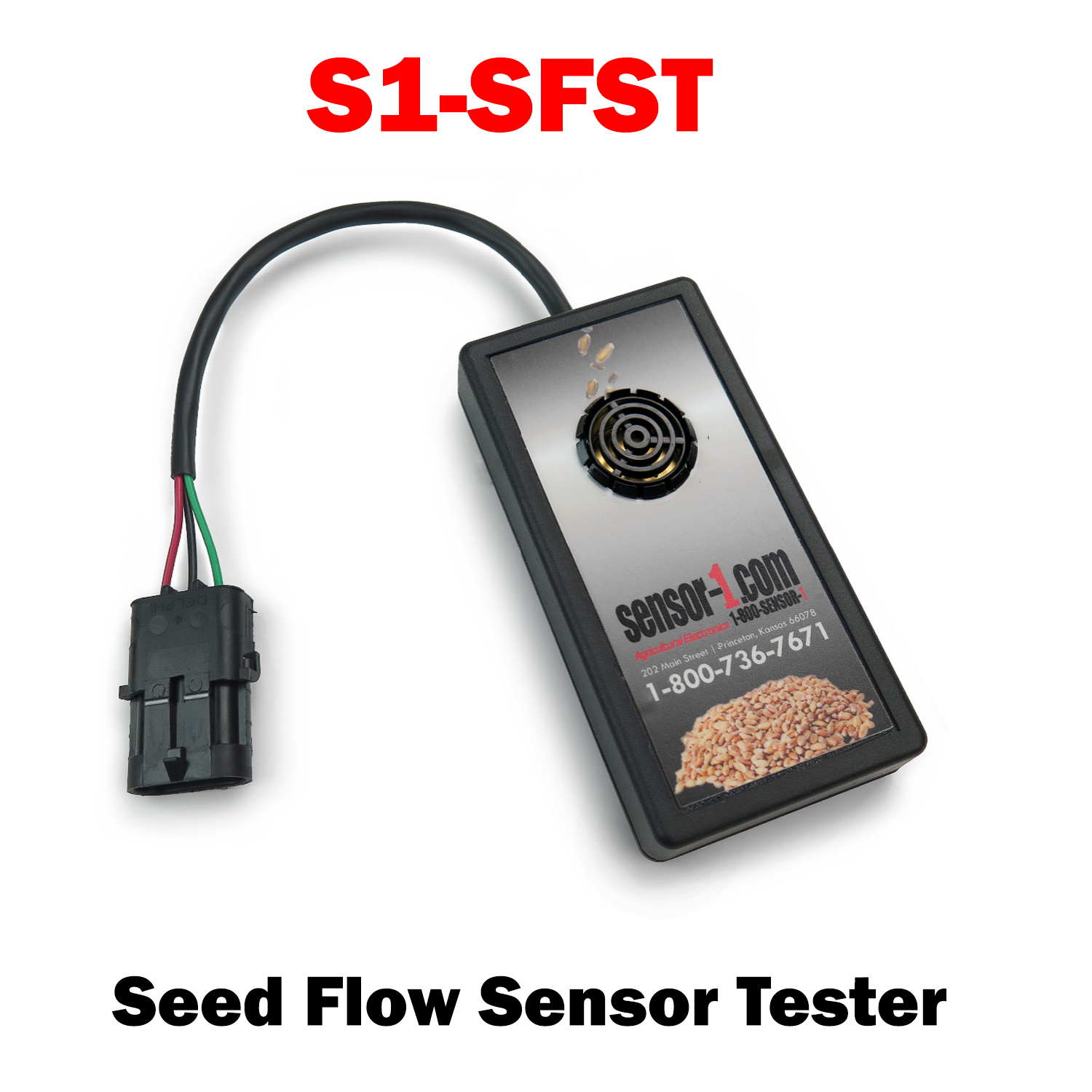
S1-SFST Seed Flow Sensor Tester
Sale price
$75.00 USD
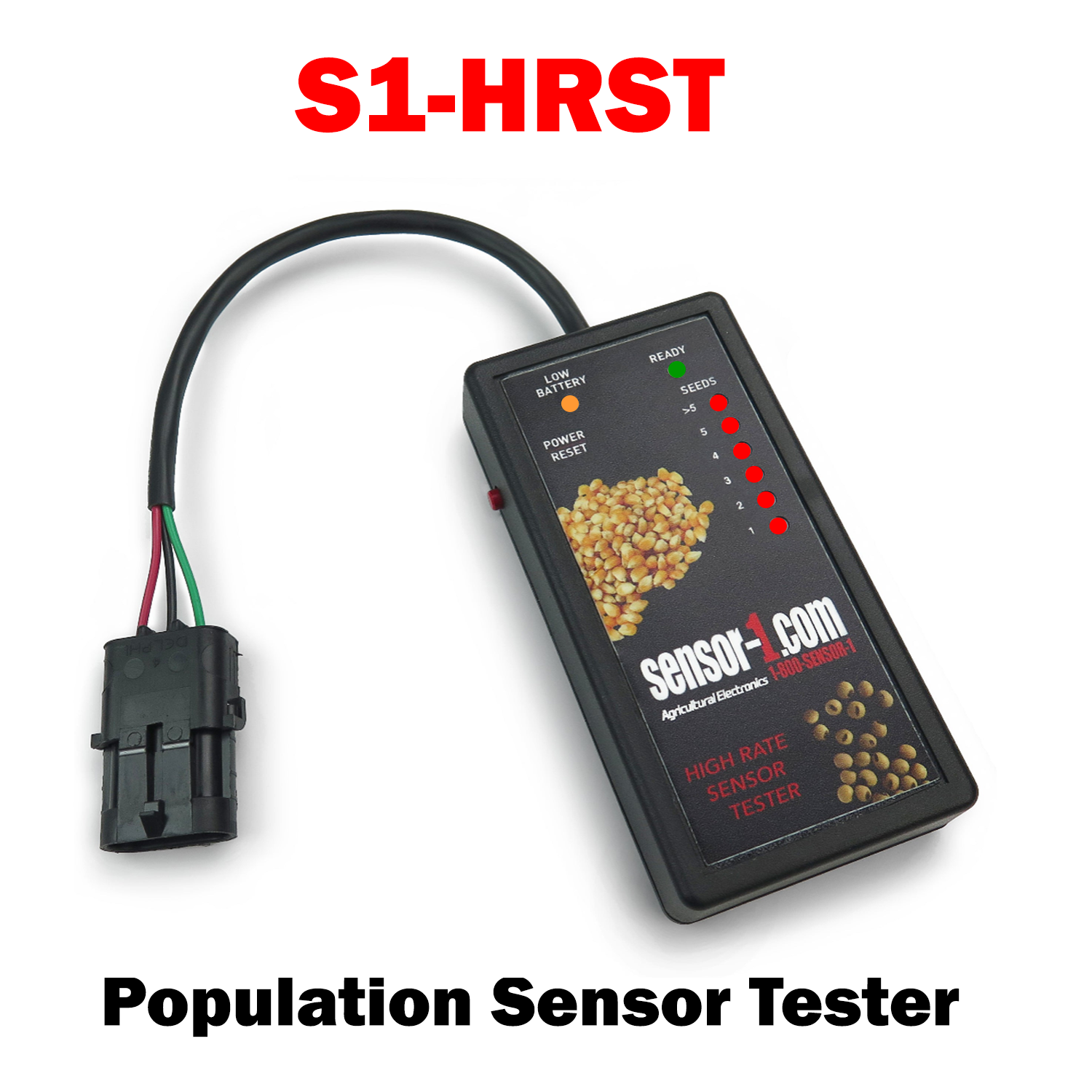
S1-HRST High Rate Sensor Tester
Sale price
$125.00 USD
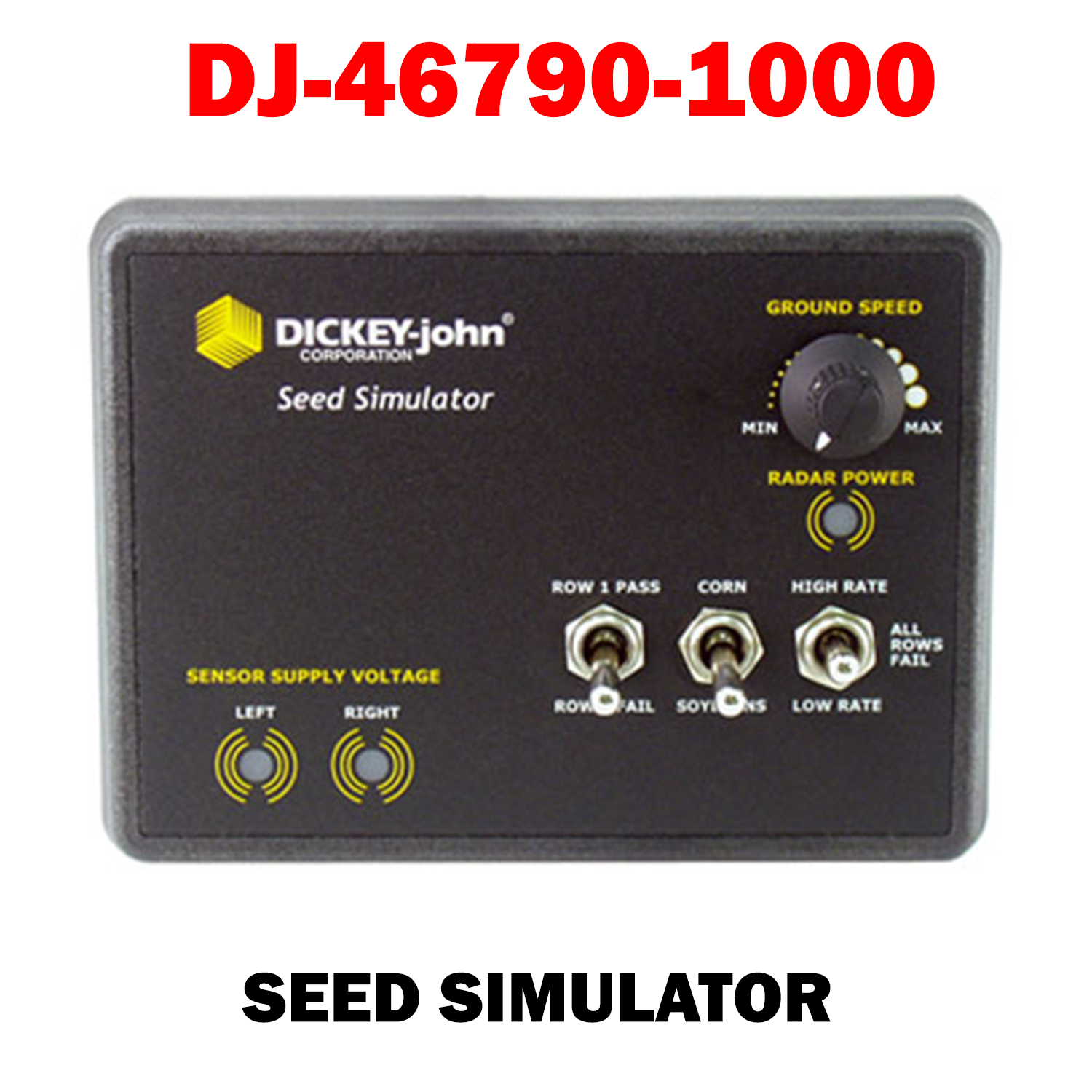
dickey-John Seed Simulator (46790-1000)
Sale price
$750.00 USD
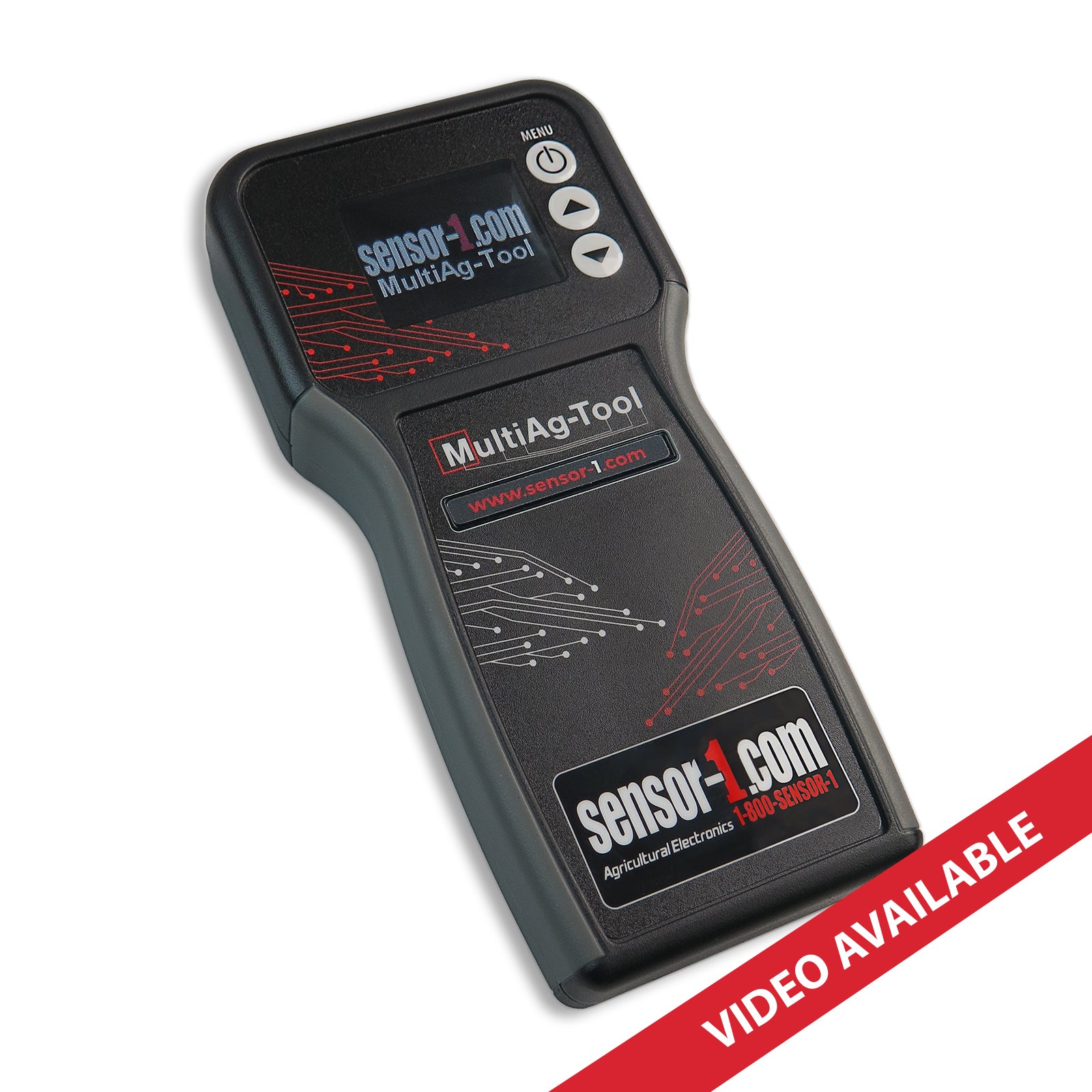
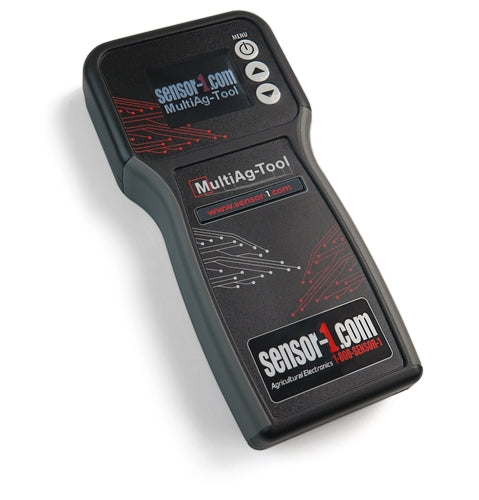
MultiAg-Tool
Sale price
$250.00 USD
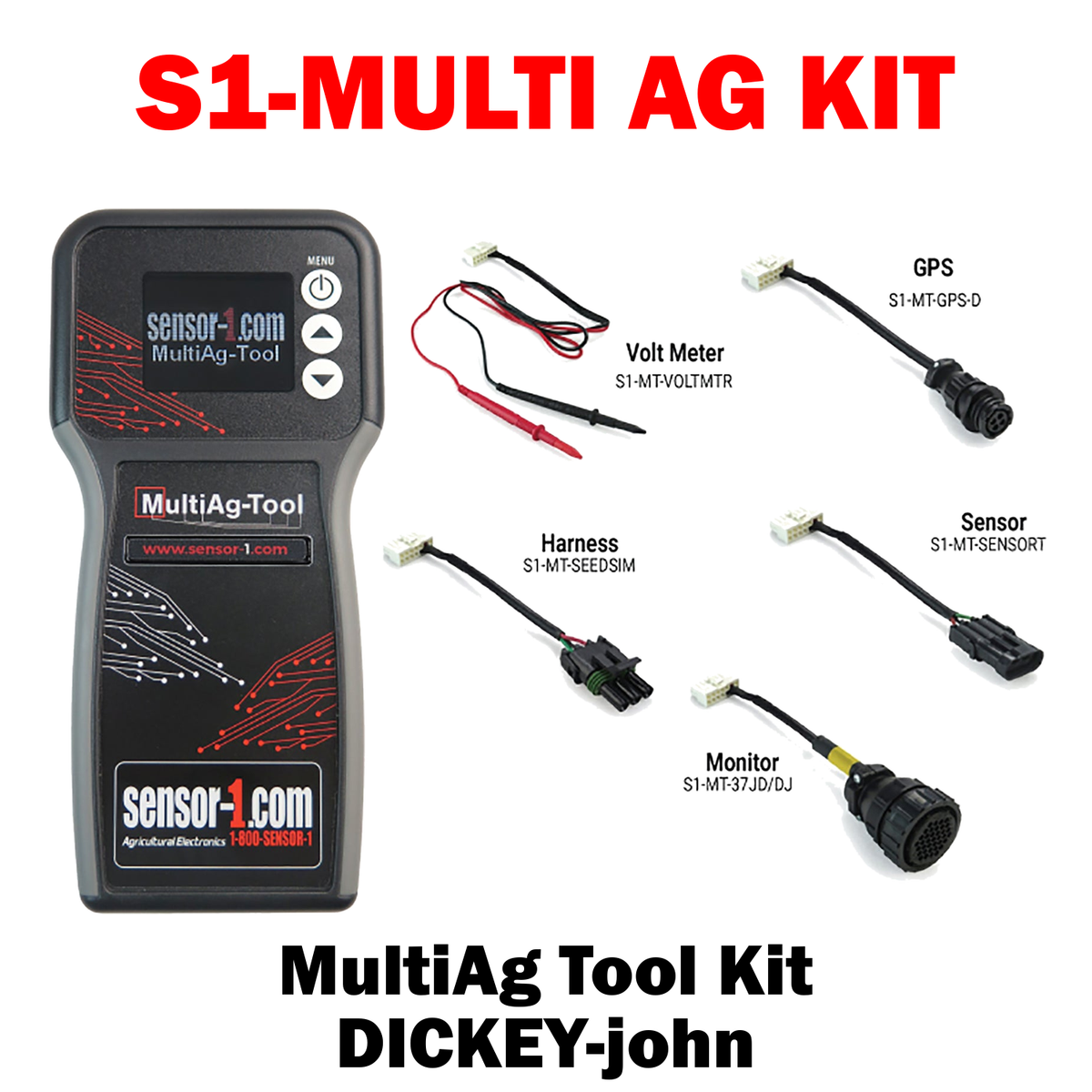
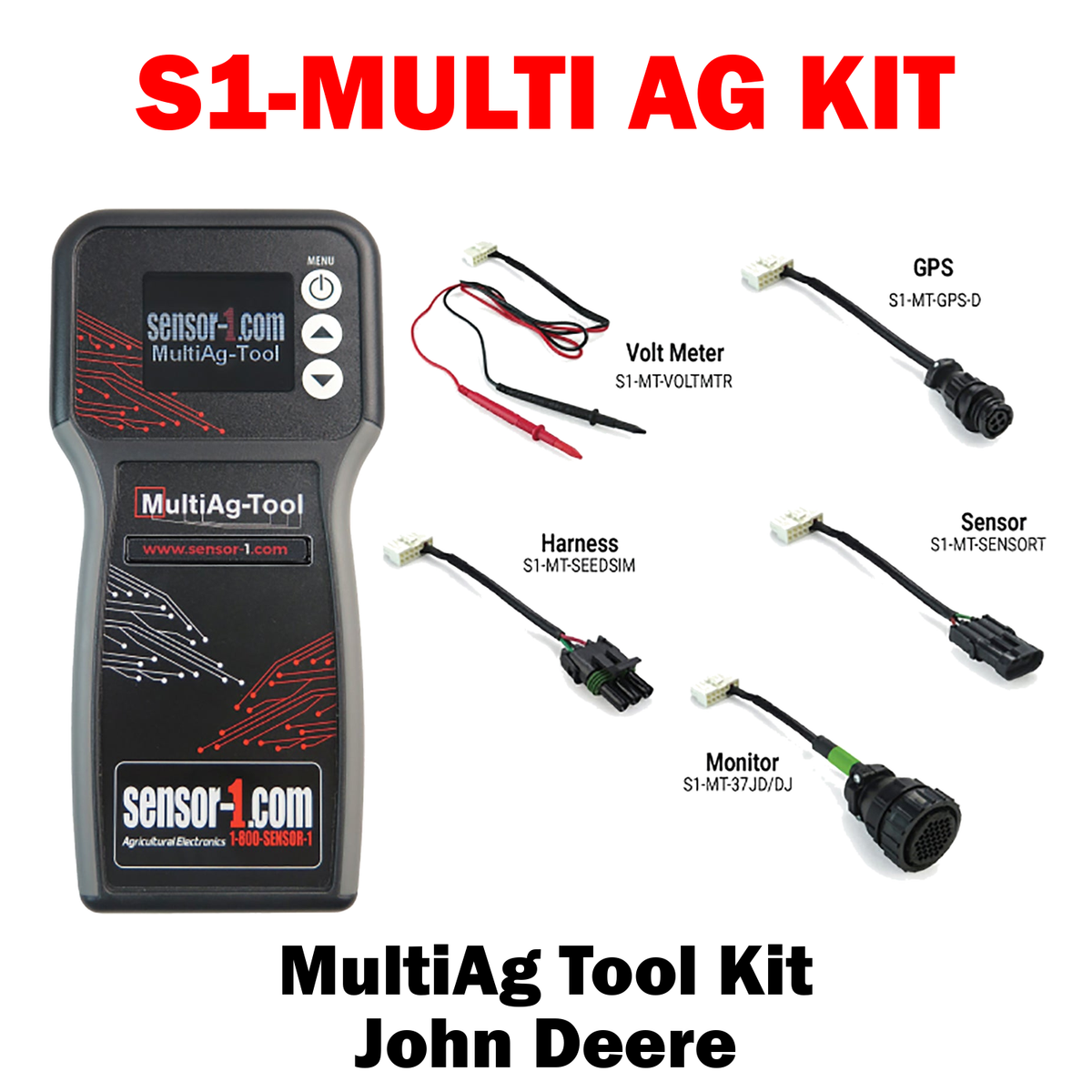
S1-MULTI AG KIT | MultiAg Tool Kit
Sale price
$550.00 USD
Install Sensor-1 on your iPhone or iPad
Tap the Share button in Safari.
Scroll down and tap “Add to Home Screen.”
Tap “Add.”
Open Sensor-1 from the new icon on your Home Screen.
Install Sensor-1 on Android
Open Sensor-1.com in Google Chrome.
Tap the three-dot menu.
Tap “Install app” or “Add to Home screen.”
Confirm the installation.
Install Sensor-1 on your Mac
In Safari, choose File → Add to Dock.
In Google Chrome, open the browser menu and select Save and Share → Install Page as App, if available.
Install Sensor-1 on Windows
In Microsoft Edge: open the three-dot menu, select “Apps,” then “Install this site as an app.”
In Google Chrome: open the three-dot menu, select “Cast, save, and share,” then “Install page as app” or “Create shortcut.” If available, select “Open as window.”