Skip to content
Sale price$125.00 USD

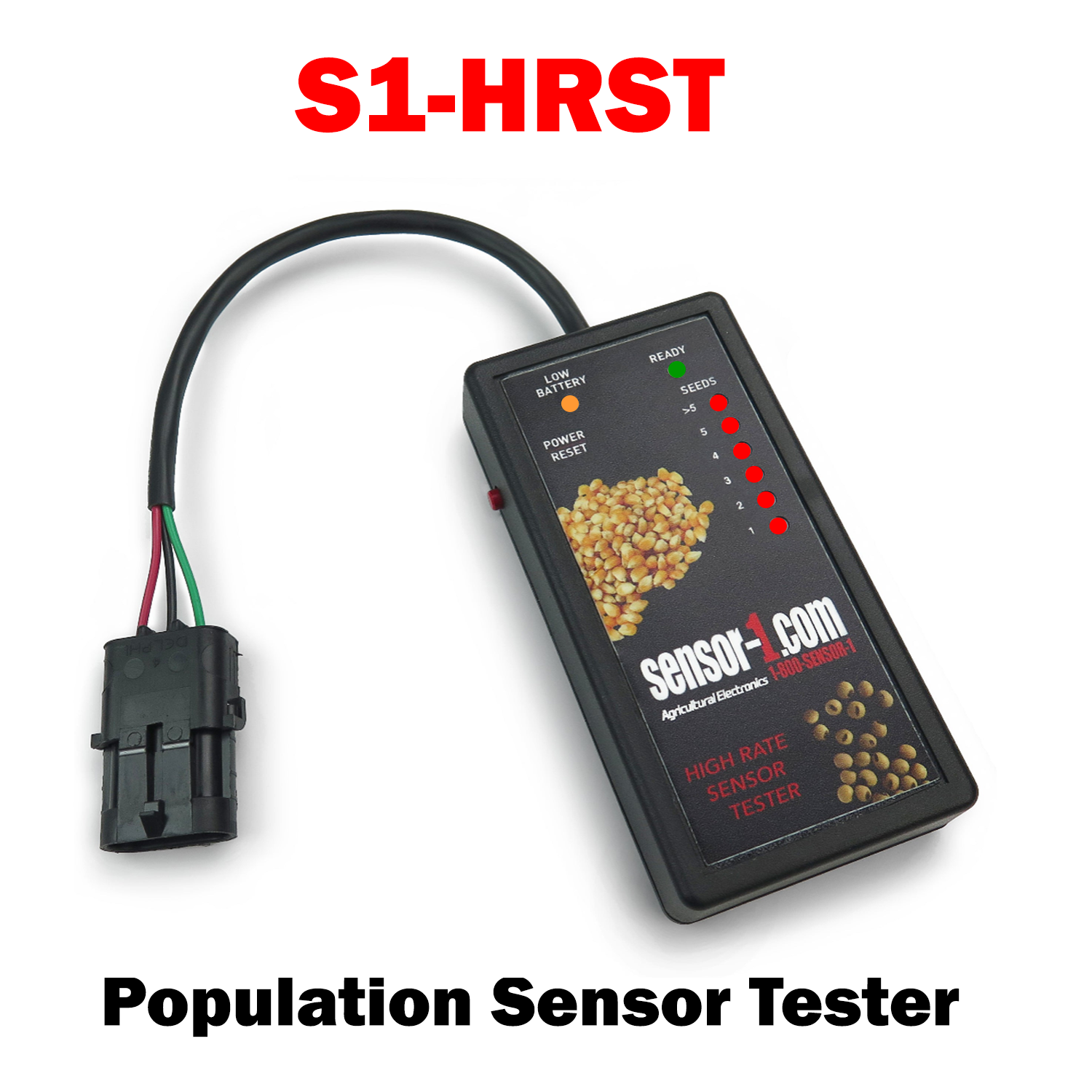
S1-HRST

  • Sensor-1 High Rate Sensor Tester is used on Seed Flow or Population 
  • Test sensors
  • . ounts seeds either individually or by multiples of five
  • Tester will display the number of seeds registered, up to 5 seeds per test.
  • Portable and easy to use.

S1-HRST High Rate Sensor Tester
S1-HRST High Rate Sensor Tester Sale price$125.00 USD

Install Sensor-1 on your iPhone or iPad

  1. Tap the Share button in Safari.
  2. Scroll down and tap “Add to Home Screen.”
  3. Tap “Add.”
  4. Open Sensor-1 from the new icon on your Home Screen.

Install Sensor-1 on Android

  1. Open Sensor-1.com in Google Chrome.
  2. Tap the three-dot menu.
  3. Tap “Install app” or “Add to Home screen.”
  4. Confirm the installation.

Install Sensor-1 on your Mac

  1. In Safari, choose File → Add to Dock.
  2. In Google Chrome, open the browser menu and select Save and Share → Install Page as App, if available.

Install Sensor-1 on Windows

  1. In Microsoft Edge: open the three-dot menu, select “Apps,” then “Install this site as an app.”
  2. In Google Chrome: open the three-dot menu, select “Cast, save, and share,” then “Install page as app” or “Create shortcut.” If available, select “Open as window.”