



























Skip to content
ONE PLUG, MORE PRECISION:
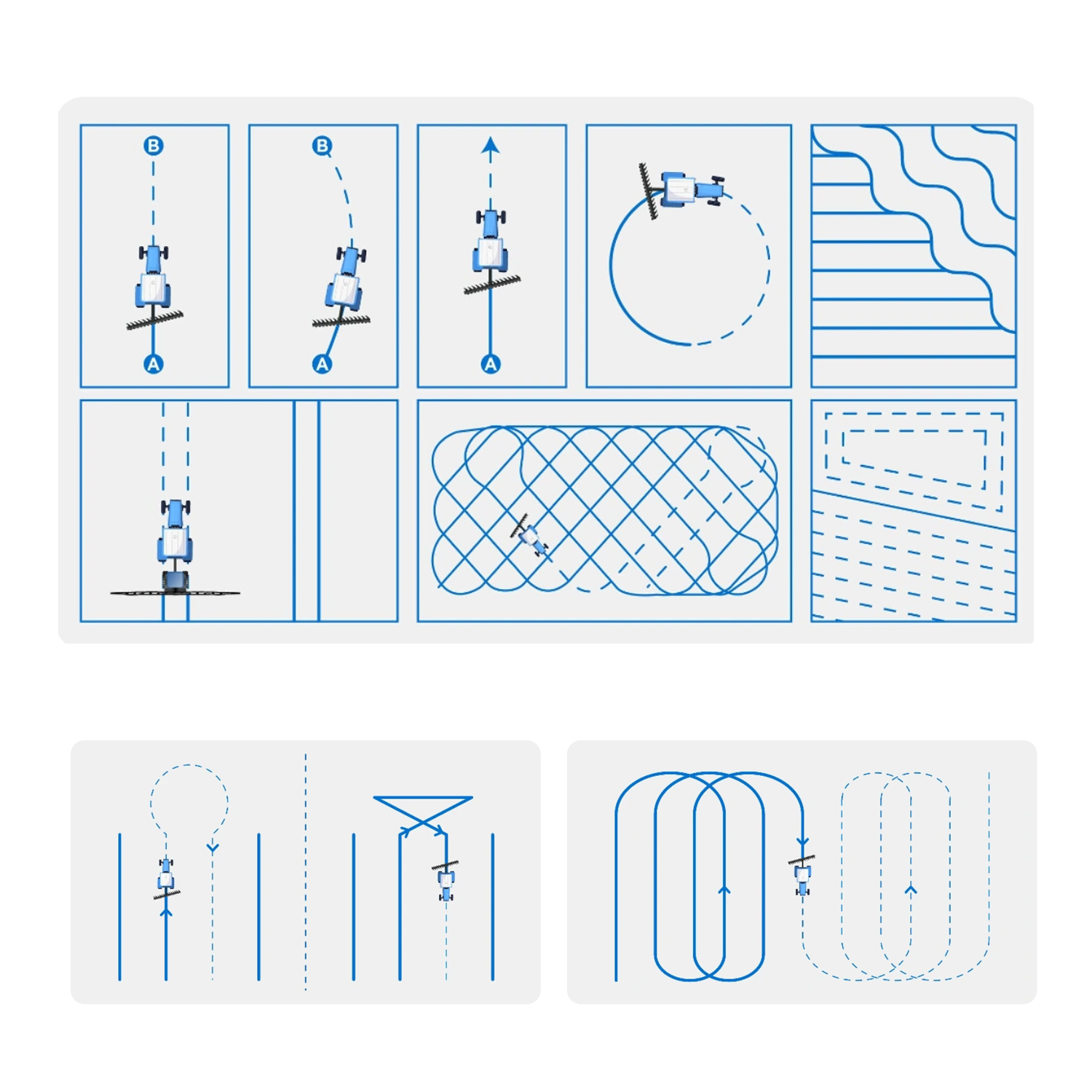
Sveaverken F100 Auto Steer System: is specifically designed for steer-ready vehicles, allowing operators to directly control hydraulic valves from the cab for more precise operations.  Featuring a compact design with simplified components, F100 offers a simple plug-and-play solution for users to quickly unlock auto steering power in precision farming

  • Size 275×180×40 mm

  • Display 10.1'' LED Screen 1280×800 pixels

  • Power Supply 9V-36V

  • Operating Temperature -20 ℃ – 70 ℃

  • Waterproof & Dustproof

  • GPS: L1C/A、L2P (Y)/L2C、L5
    GLONASS: G1, G2
    BDS: B1I, B2I, B3I
    Galileo: E1, E5a, E5b
    QZSS: L1, L2, L5 

  • Electric Steering Wheel
F100 Auto Steer System
F100 Auto Steer System Sale price$6,995.00 USD

Install Sensor-1 on your iPhone or iPad

  1. Tap the Share button in Safari.
  2. Scroll down and tap “Add to Home Screen.”
  3. Tap “Add.”
  4. Open Sensor-1 from the new icon on your Home Screen.

Install Sensor-1 on Android

  1. Open Sensor-1.com in Google Chrome.
  2. Tap the three-dot menu.
  3. Tap “Install app” or “Add to Home screen.”
  4. Confirm the installation.

Install Sensor-1 on your Mac

  1. In Safari, choose File → Add to Dock.
  2. In Google Chrome, open the browser menu and select Save and Share → Install Page as App, if available.

Install Sensor-1 on Windows

  1. In Microsoft Edge: open the three-dot menu, select “Apps,” then “Install this site as an app.”
  2. In Google Chrome: open the three-dot menu, select “Cast, save, and share,” then “Install page as app” or “Create shortcut.” If available, select “Open as window.”