




























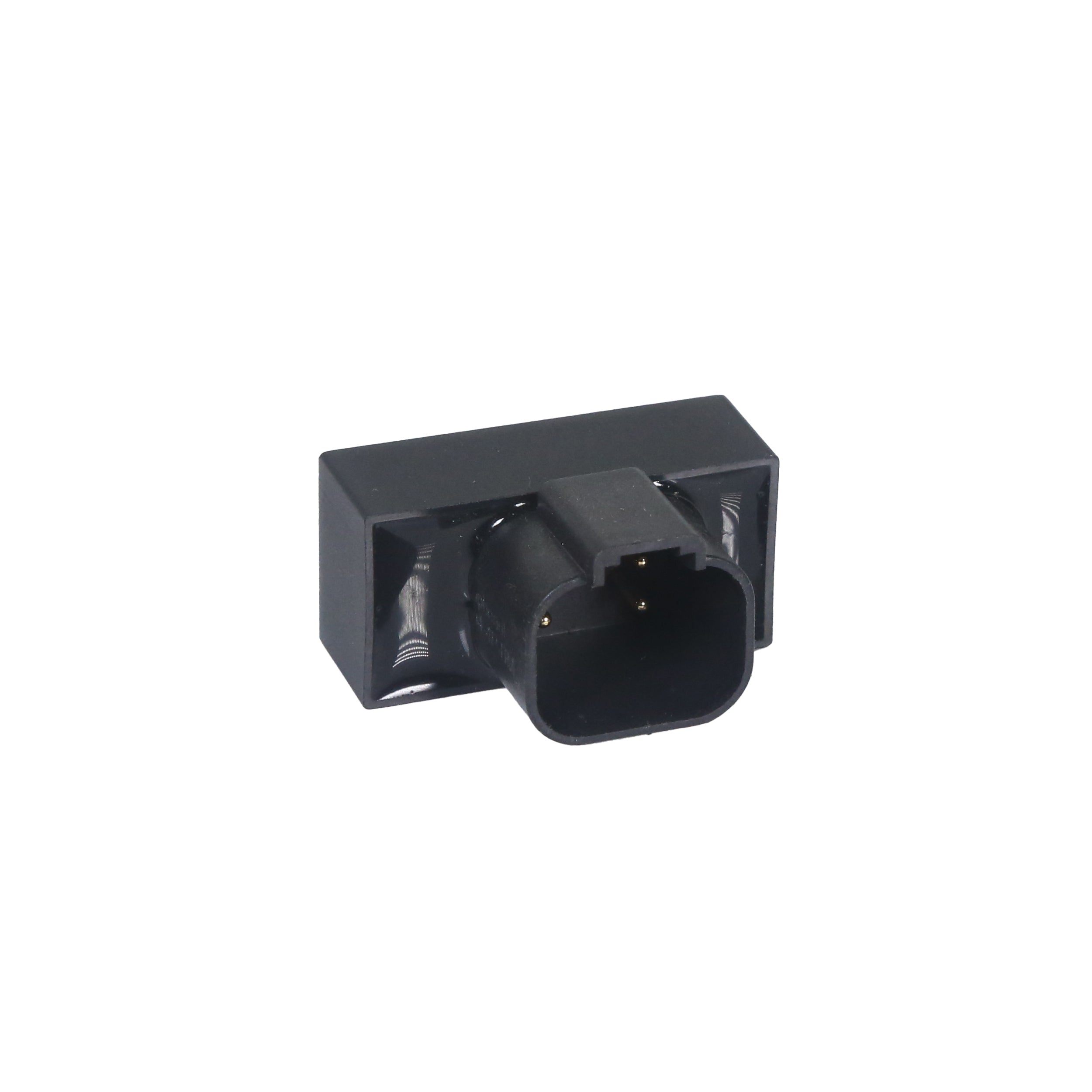
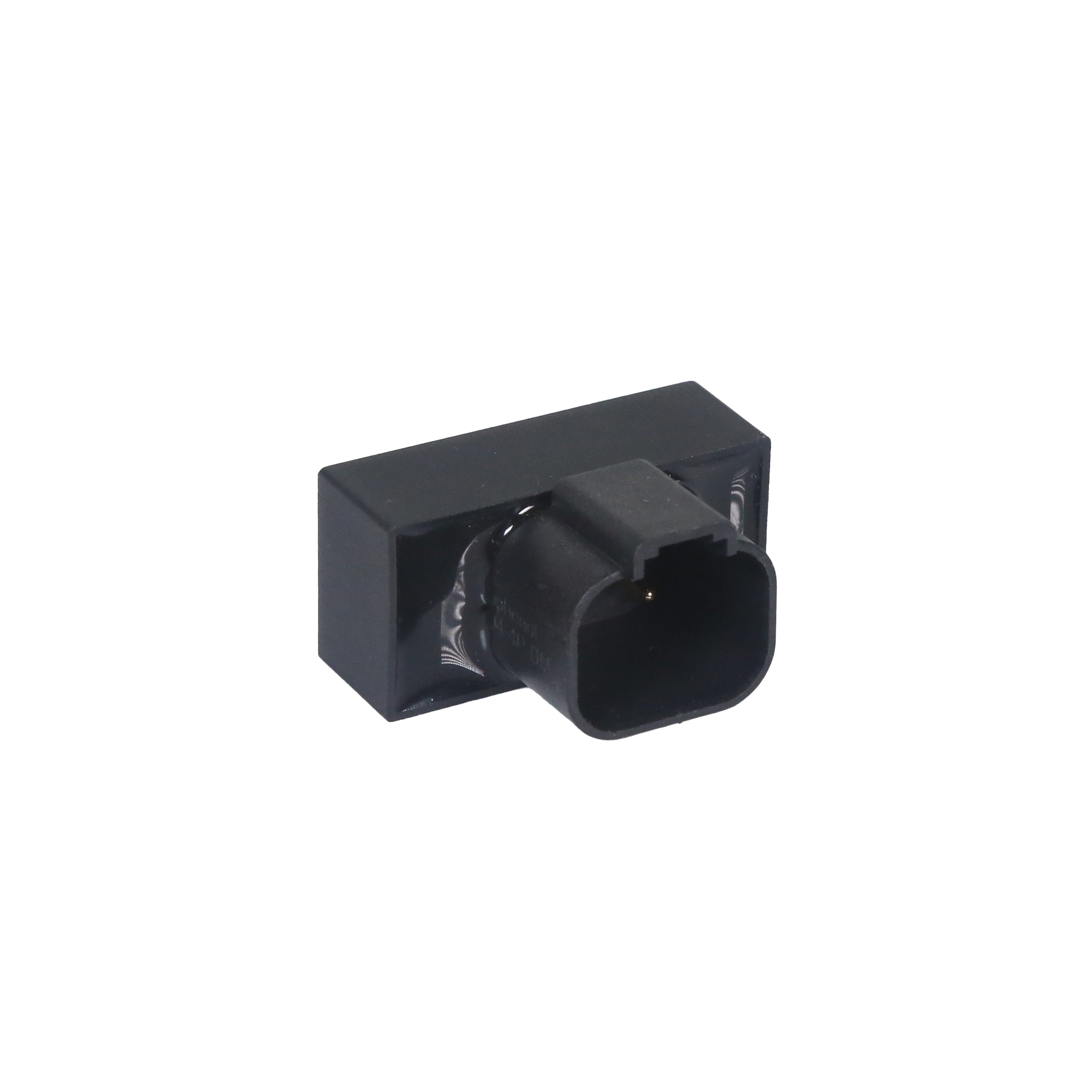
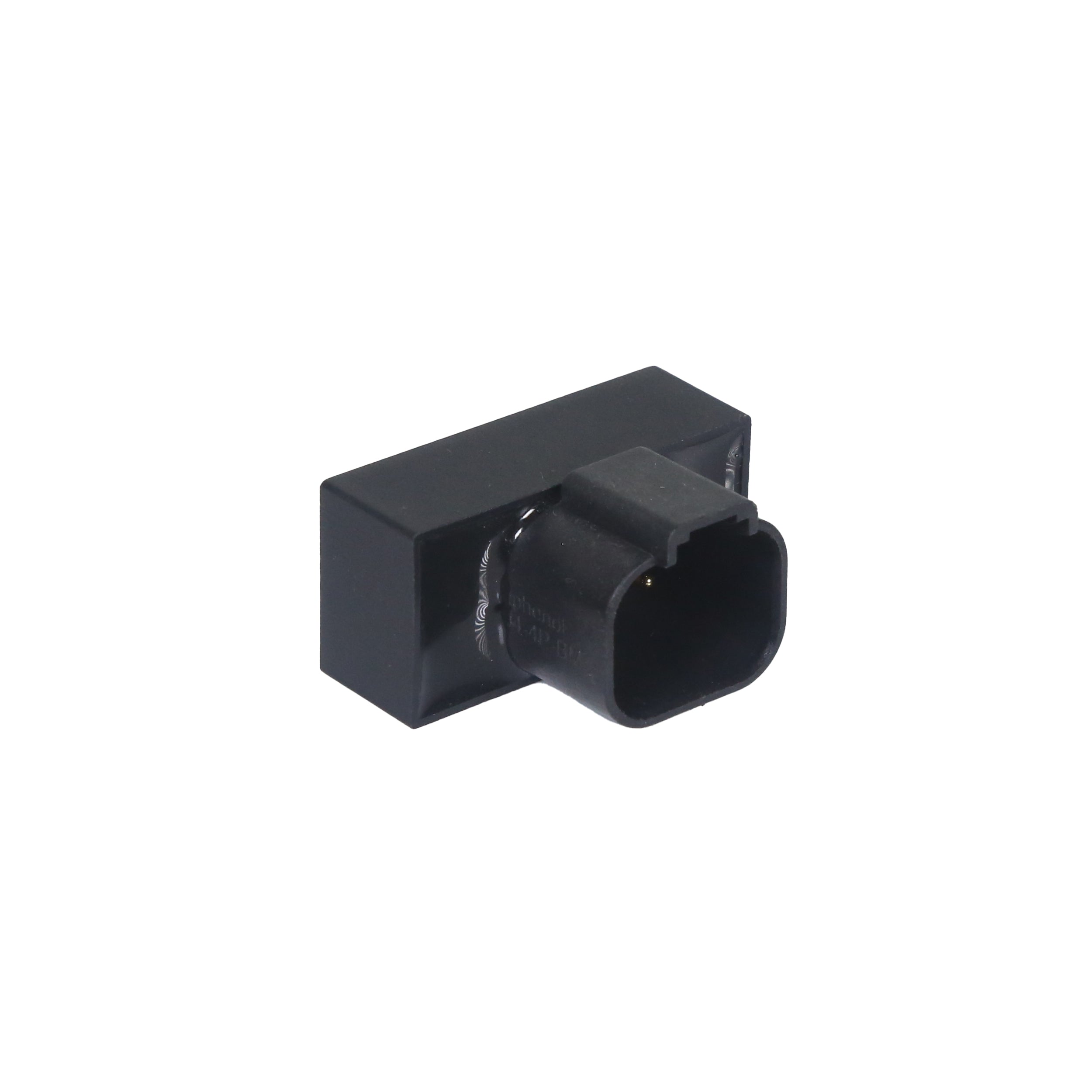
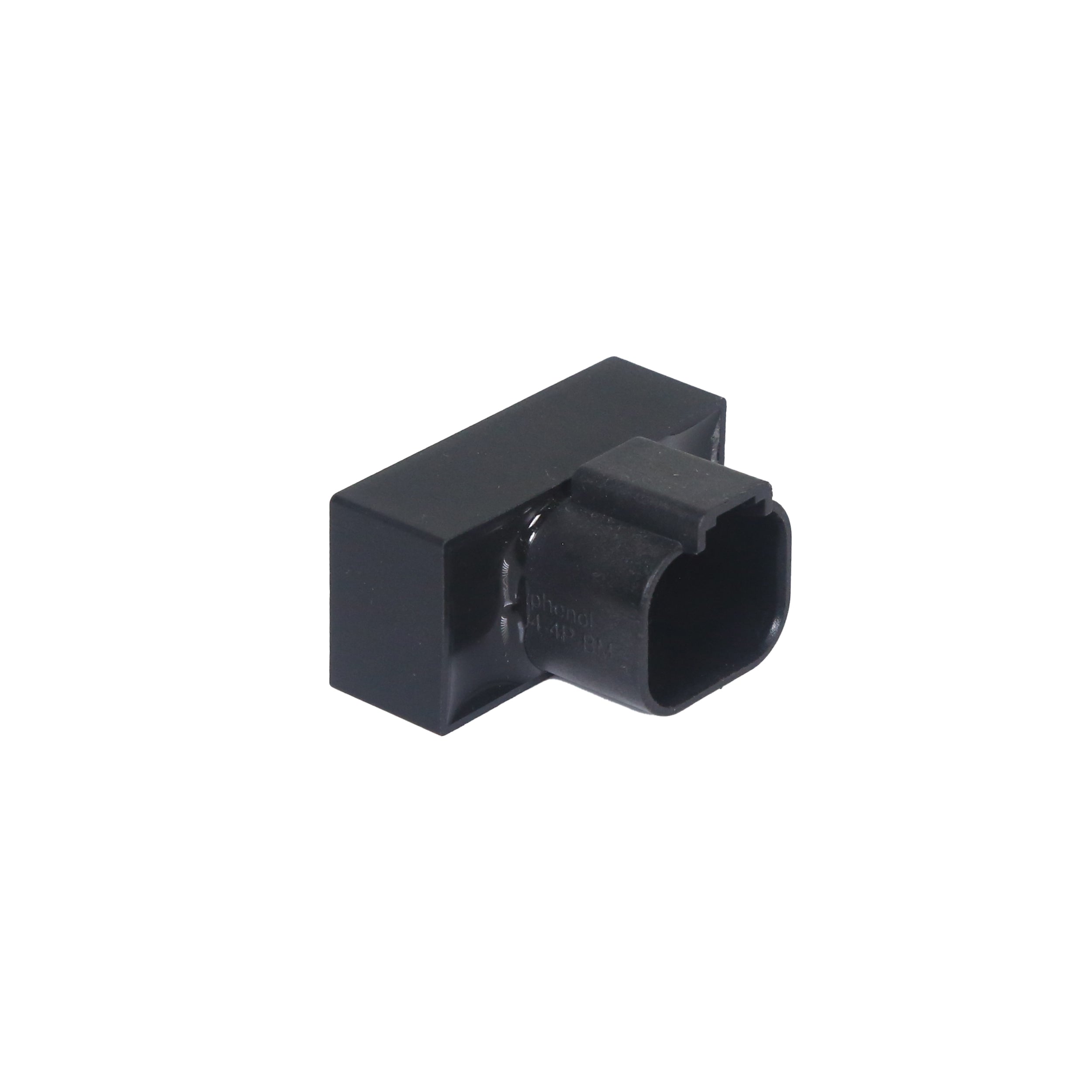
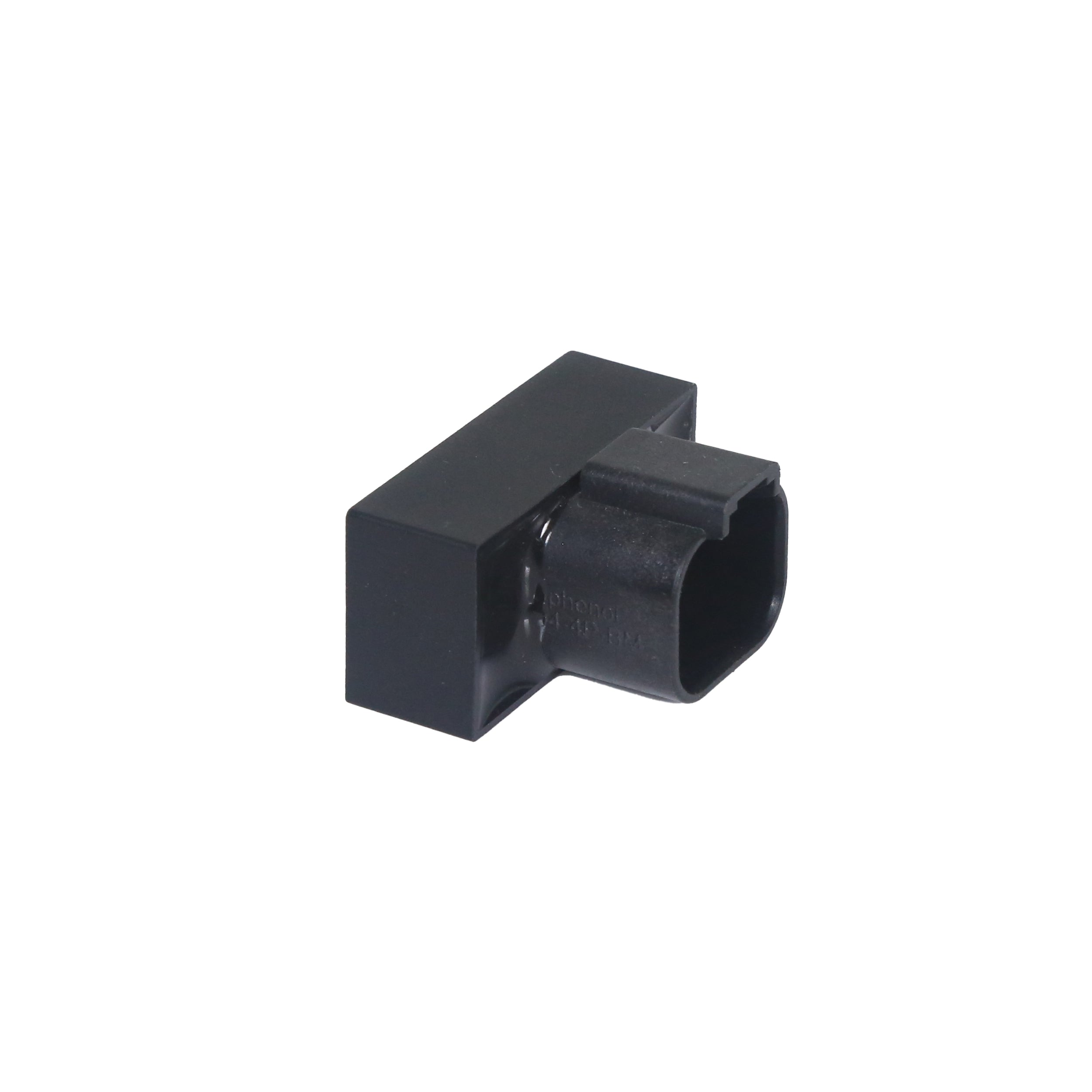
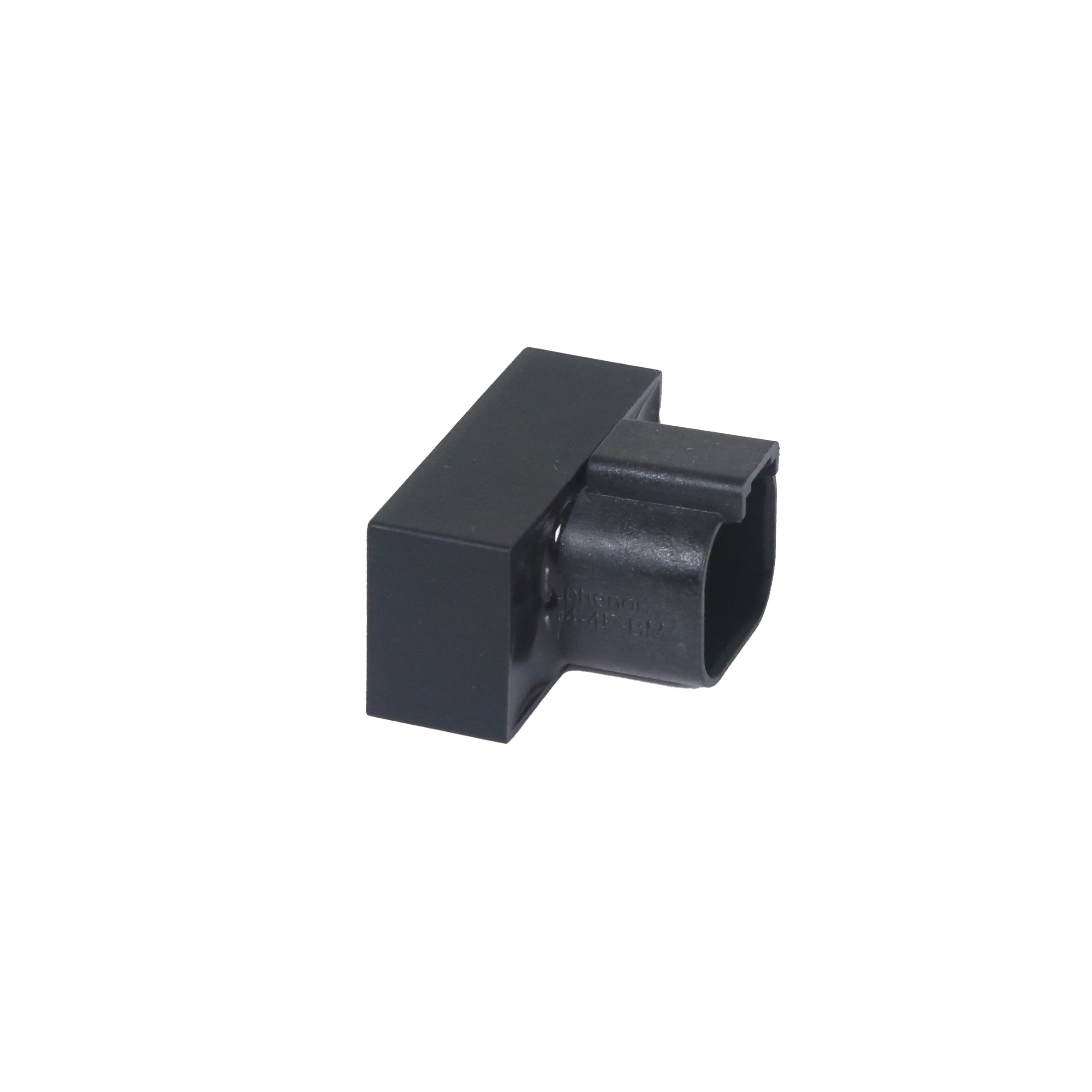
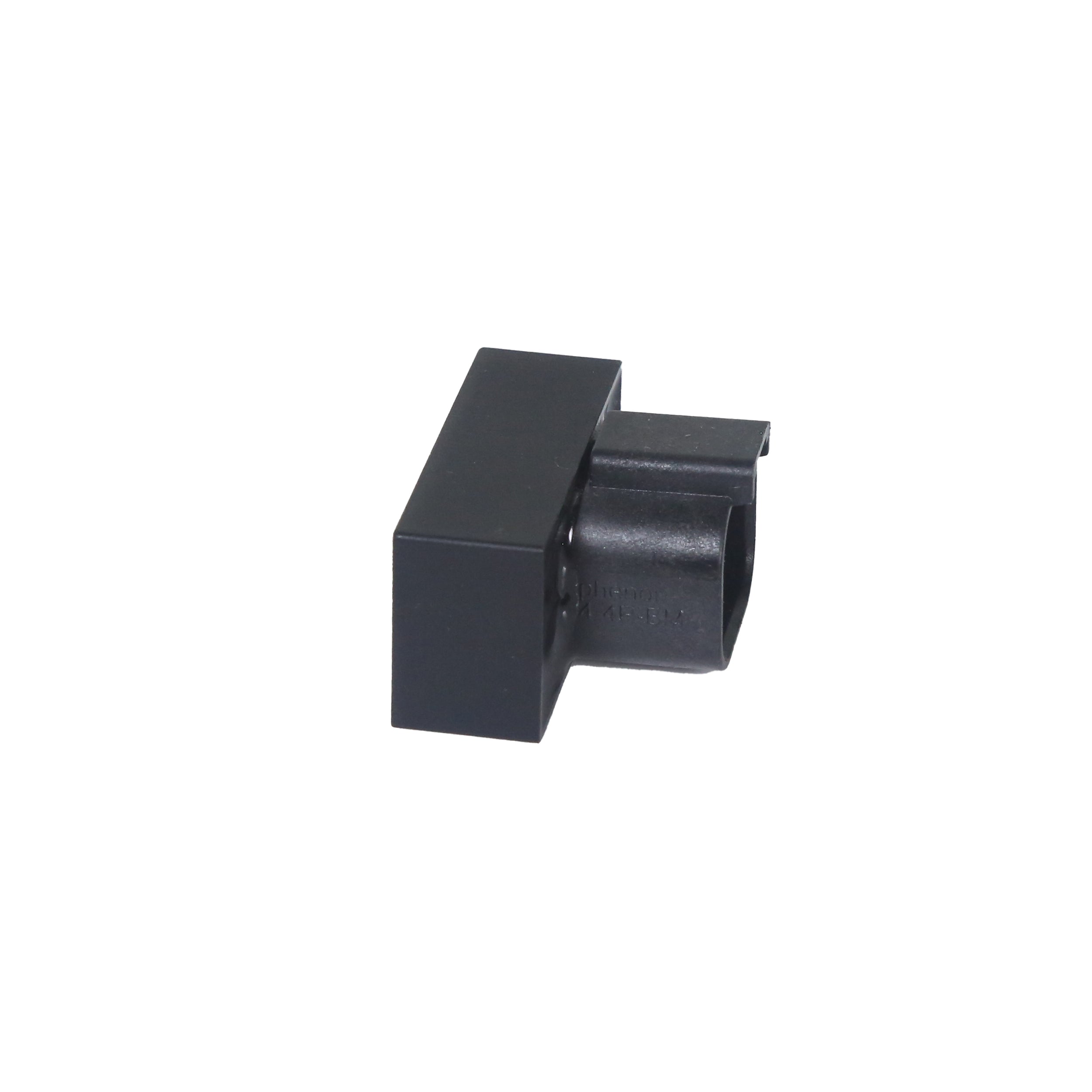
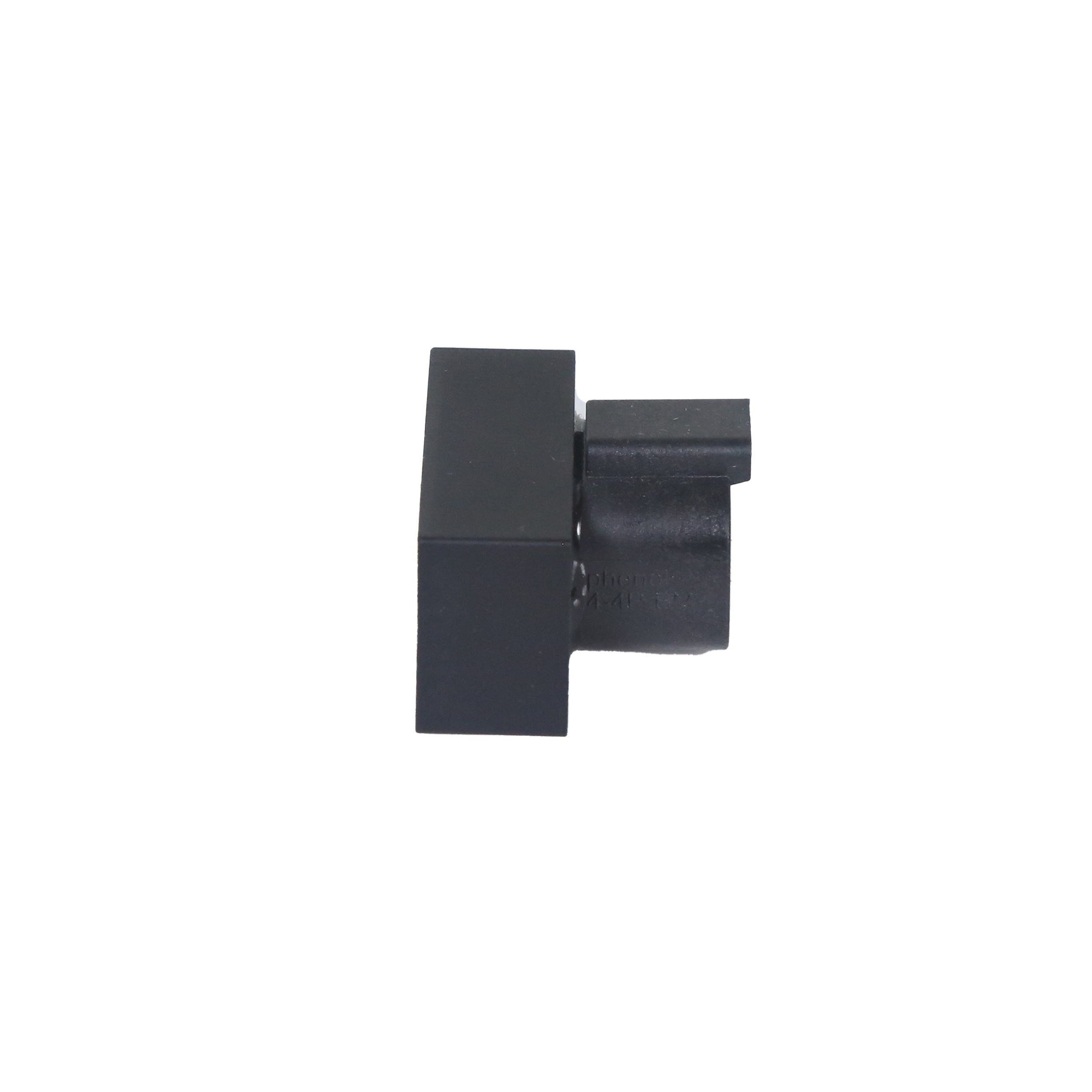
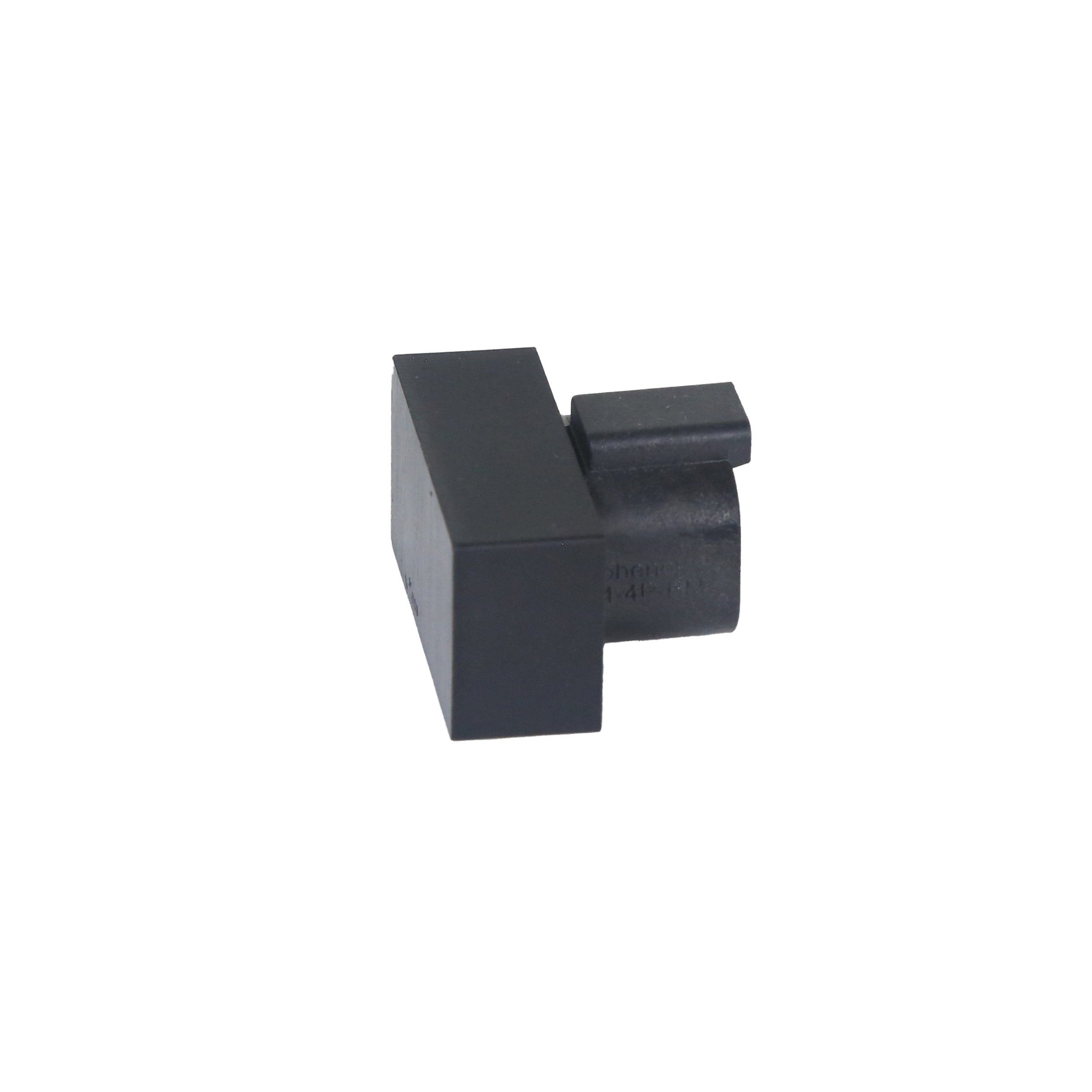
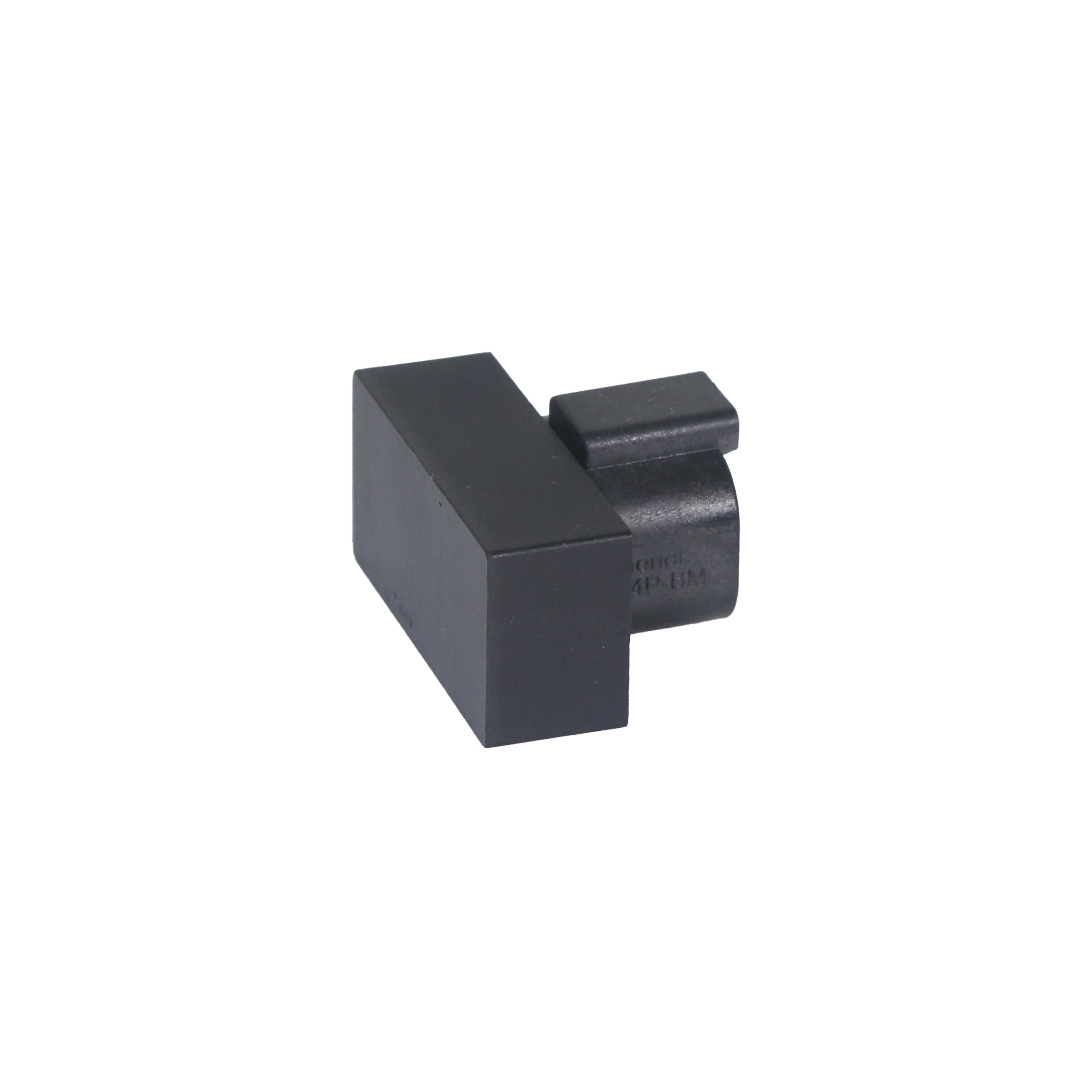
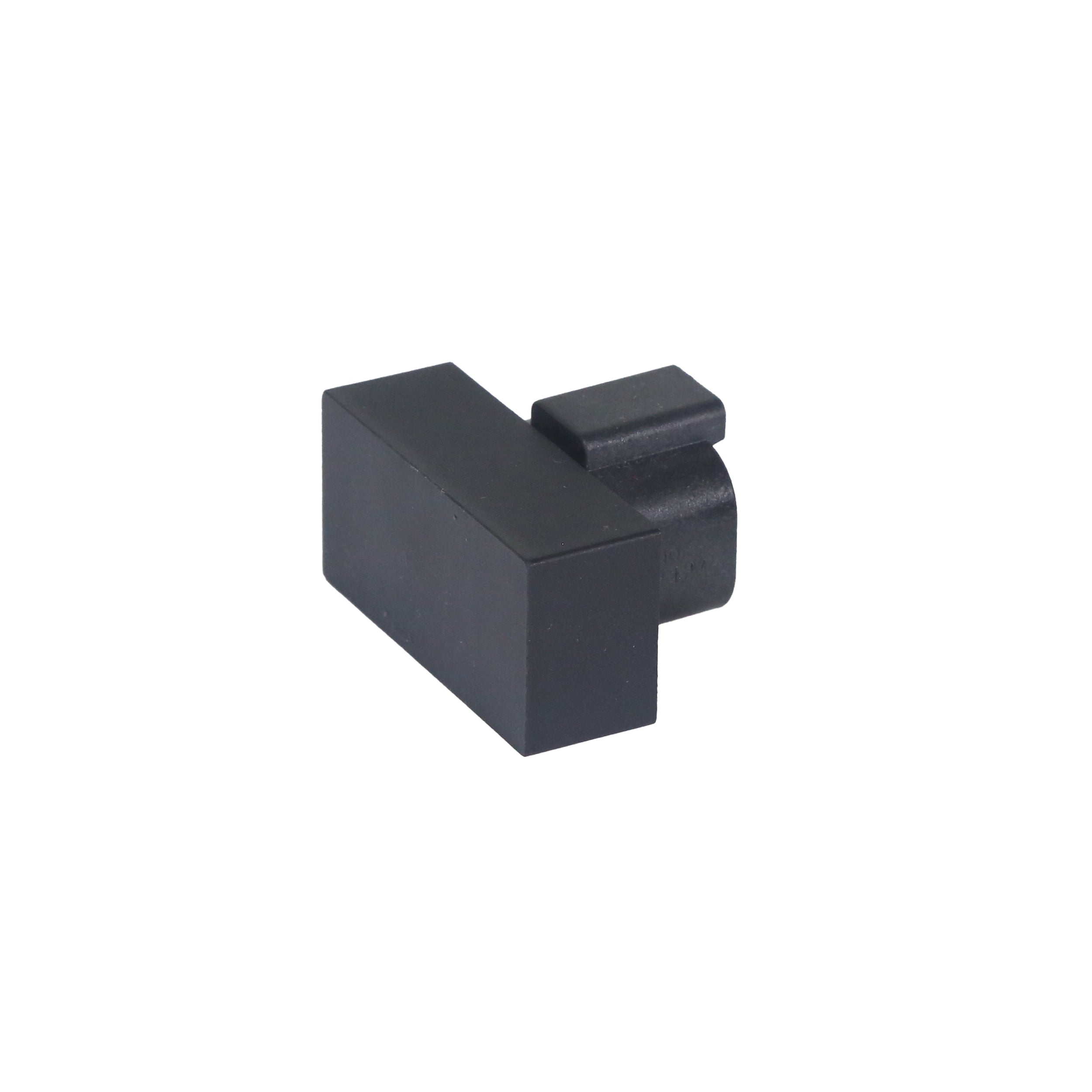
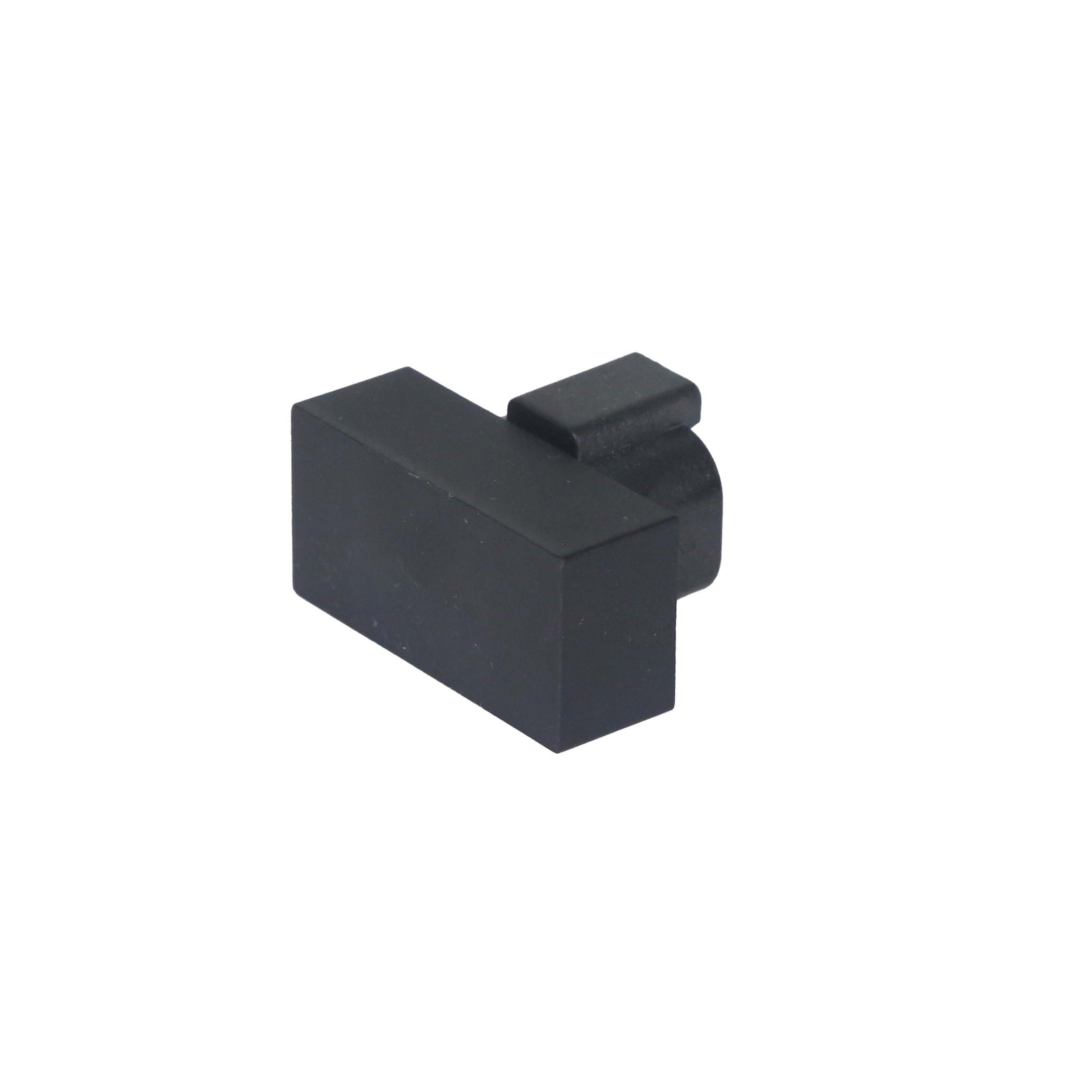
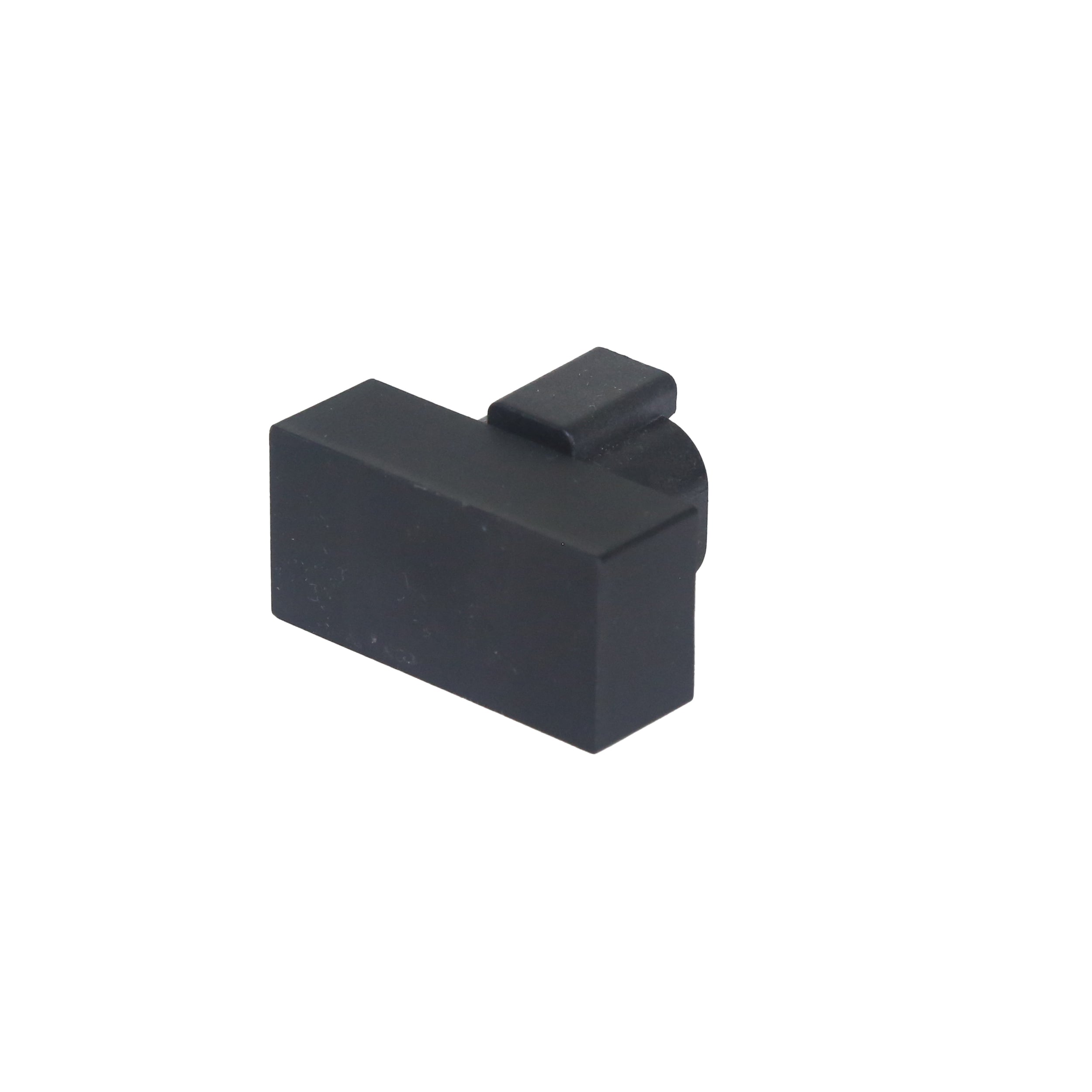
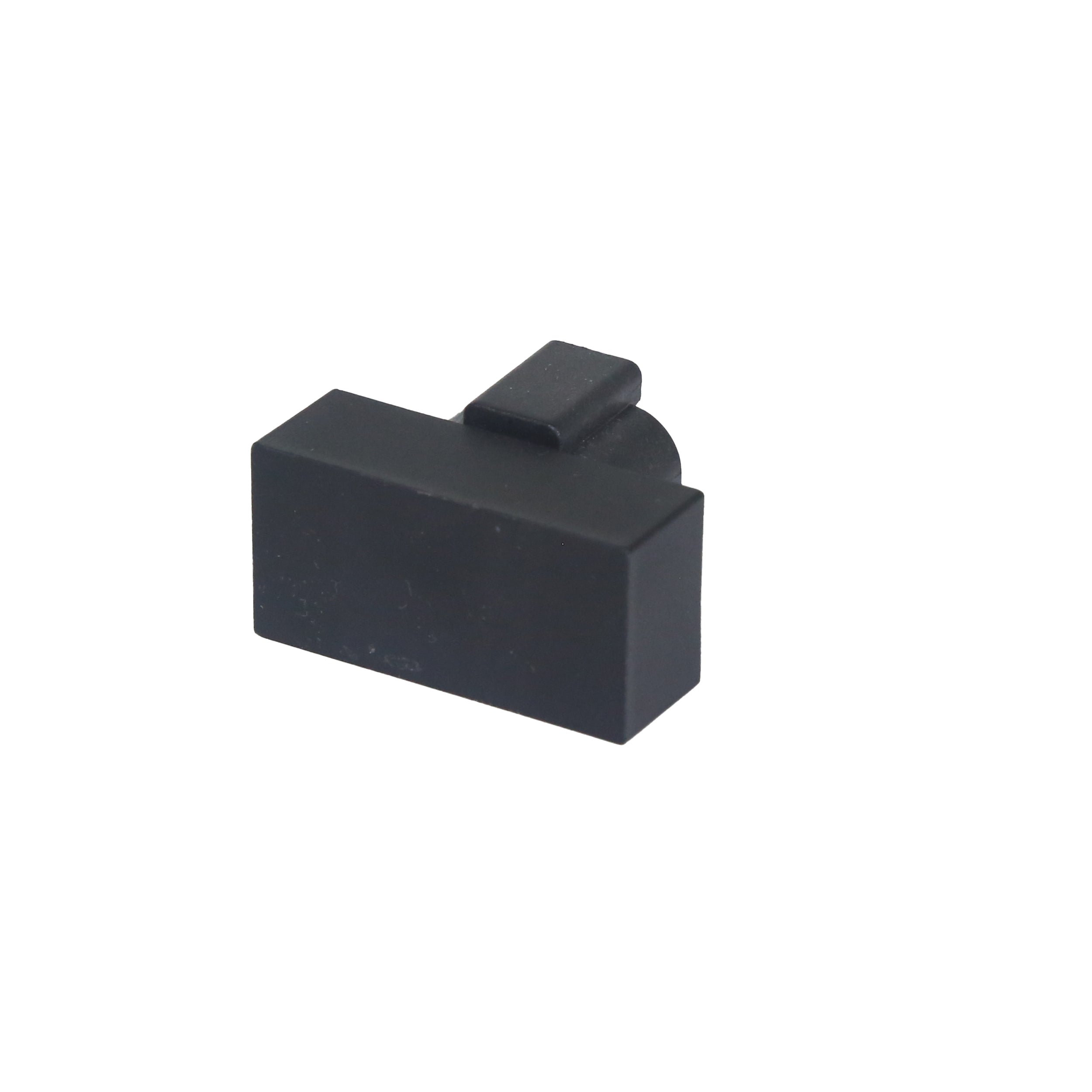
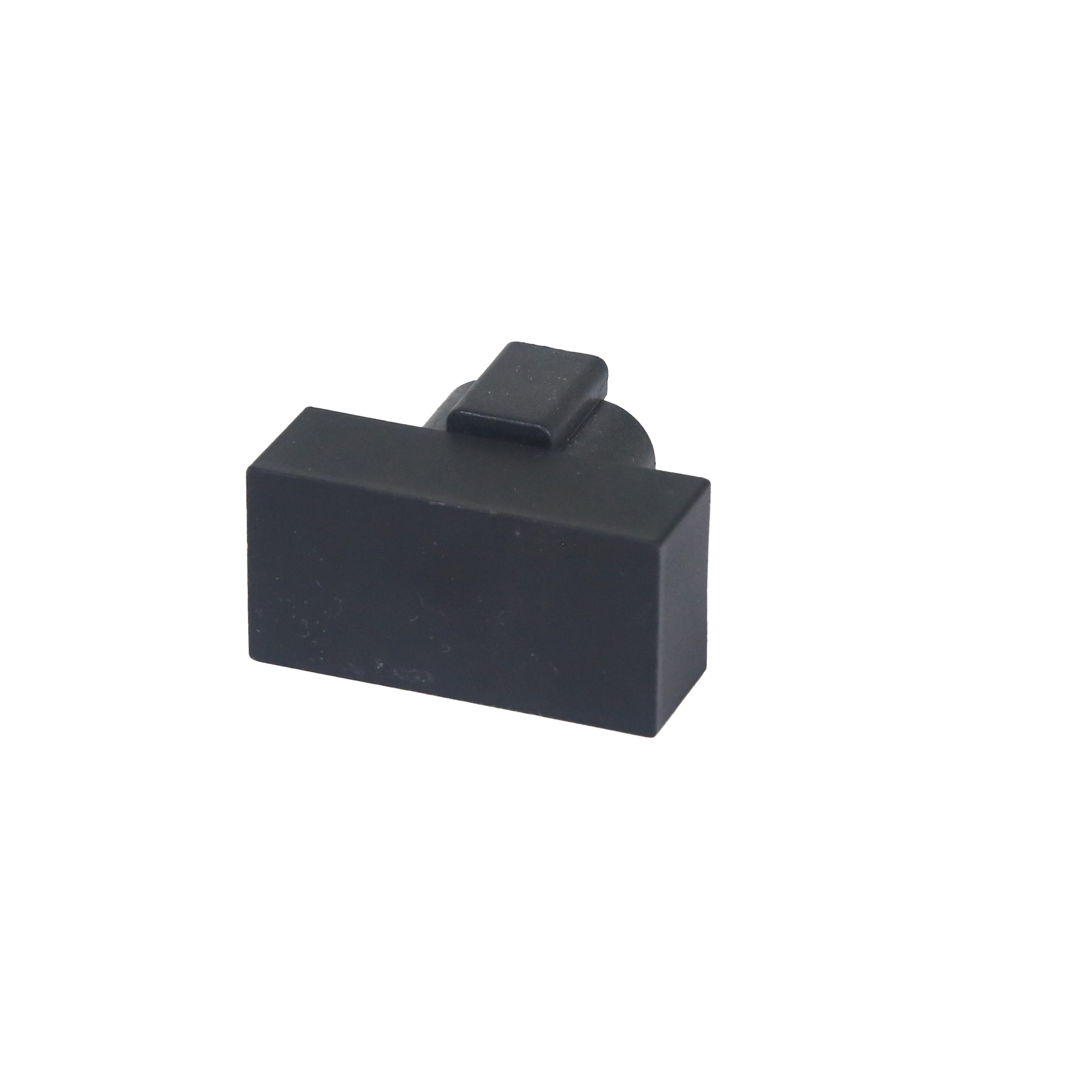
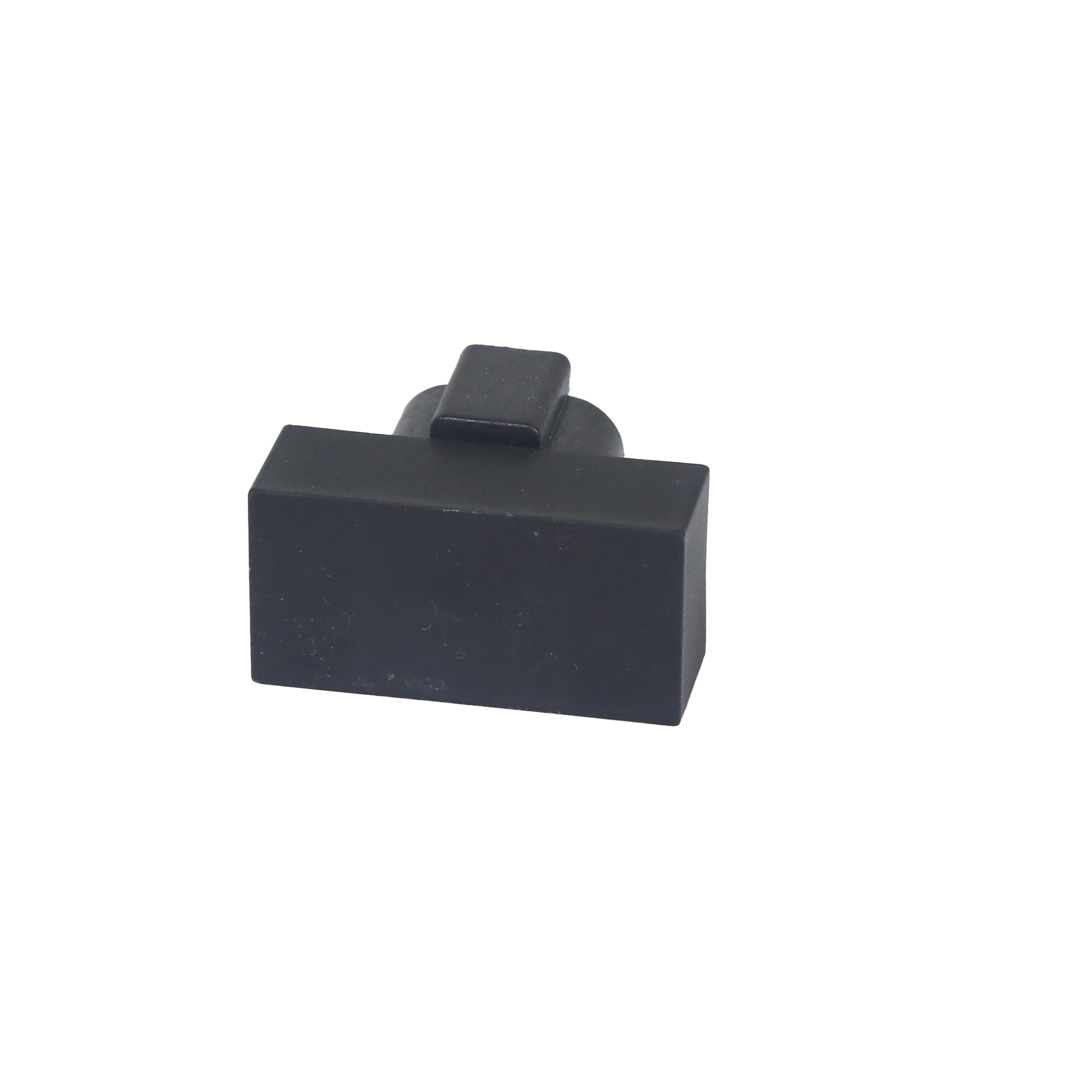
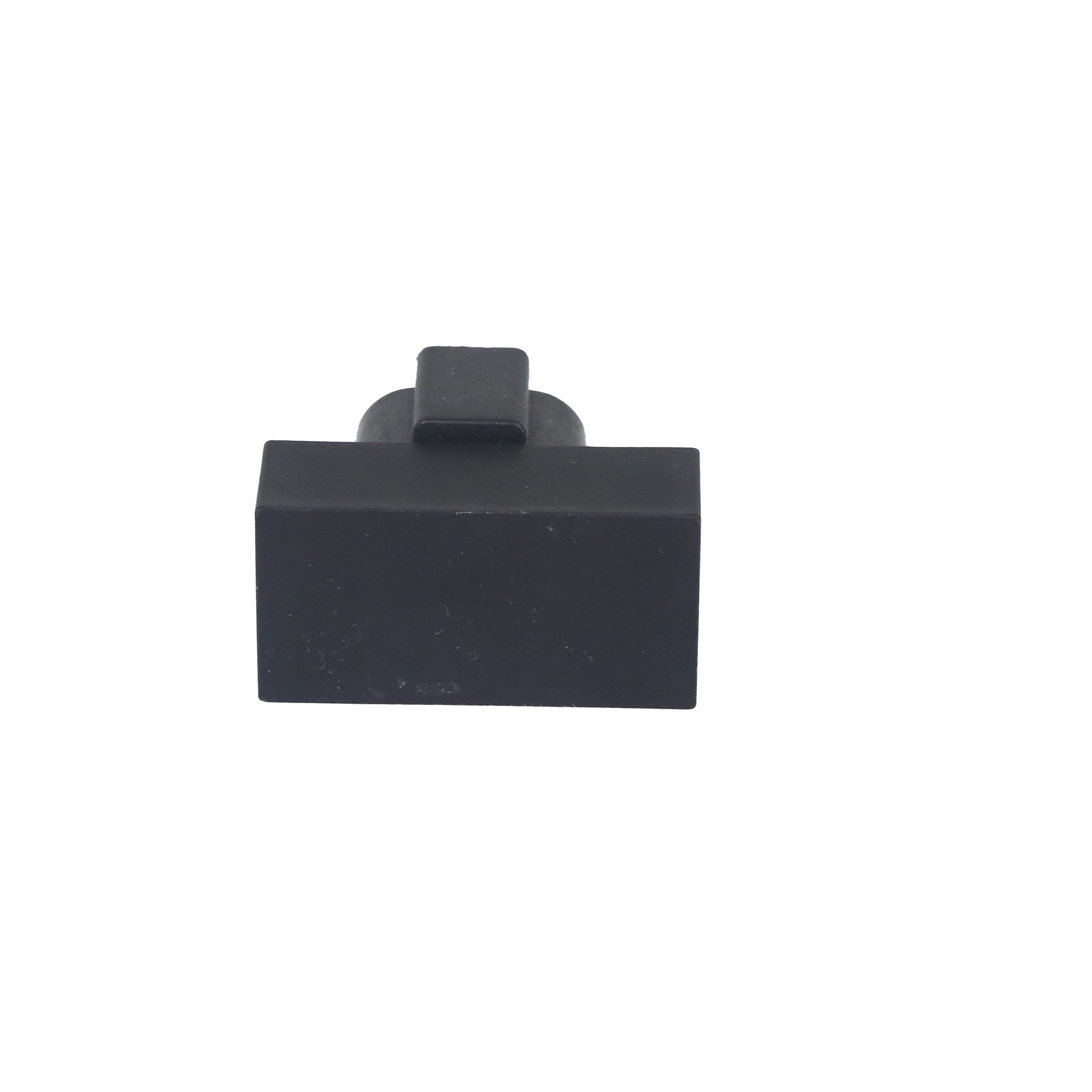
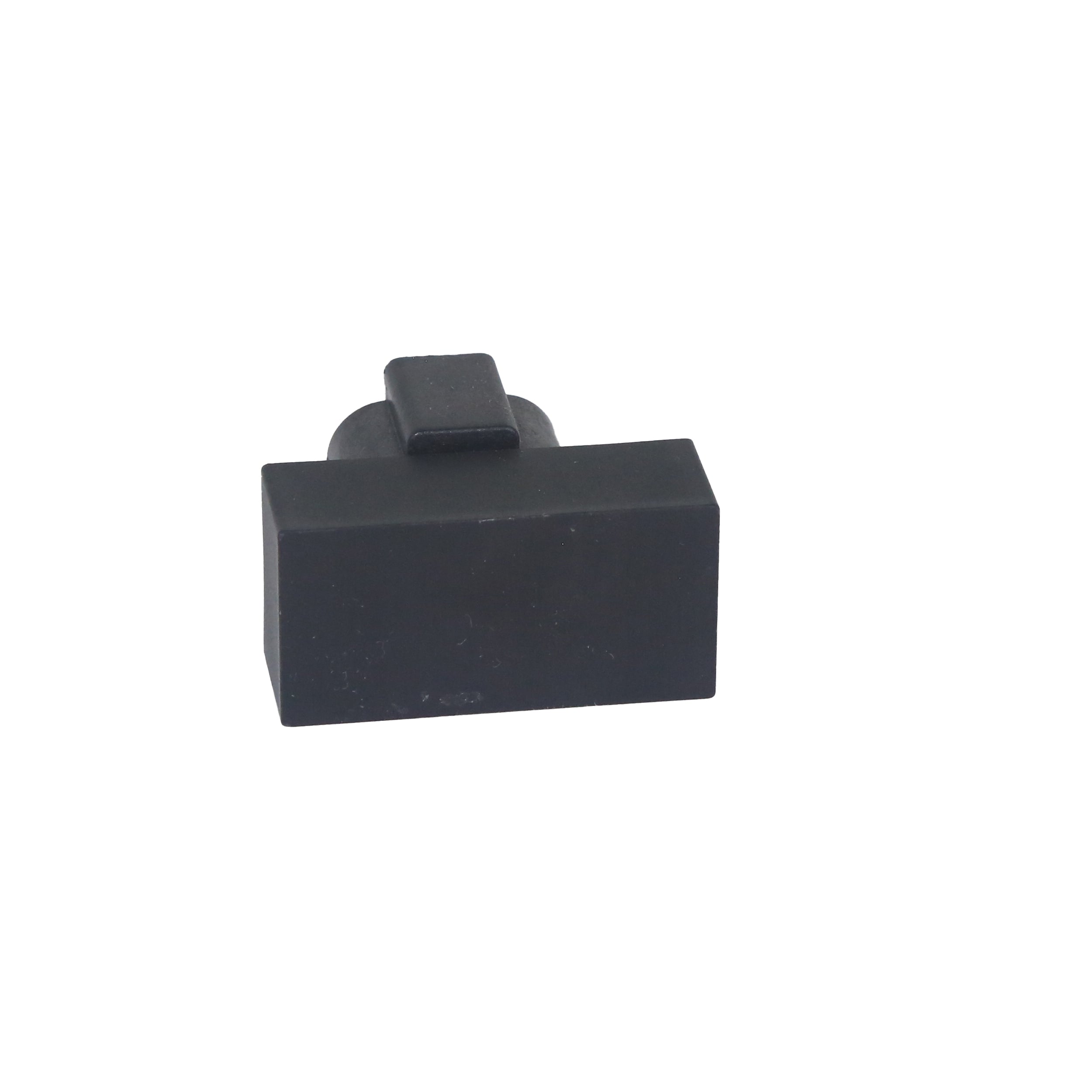
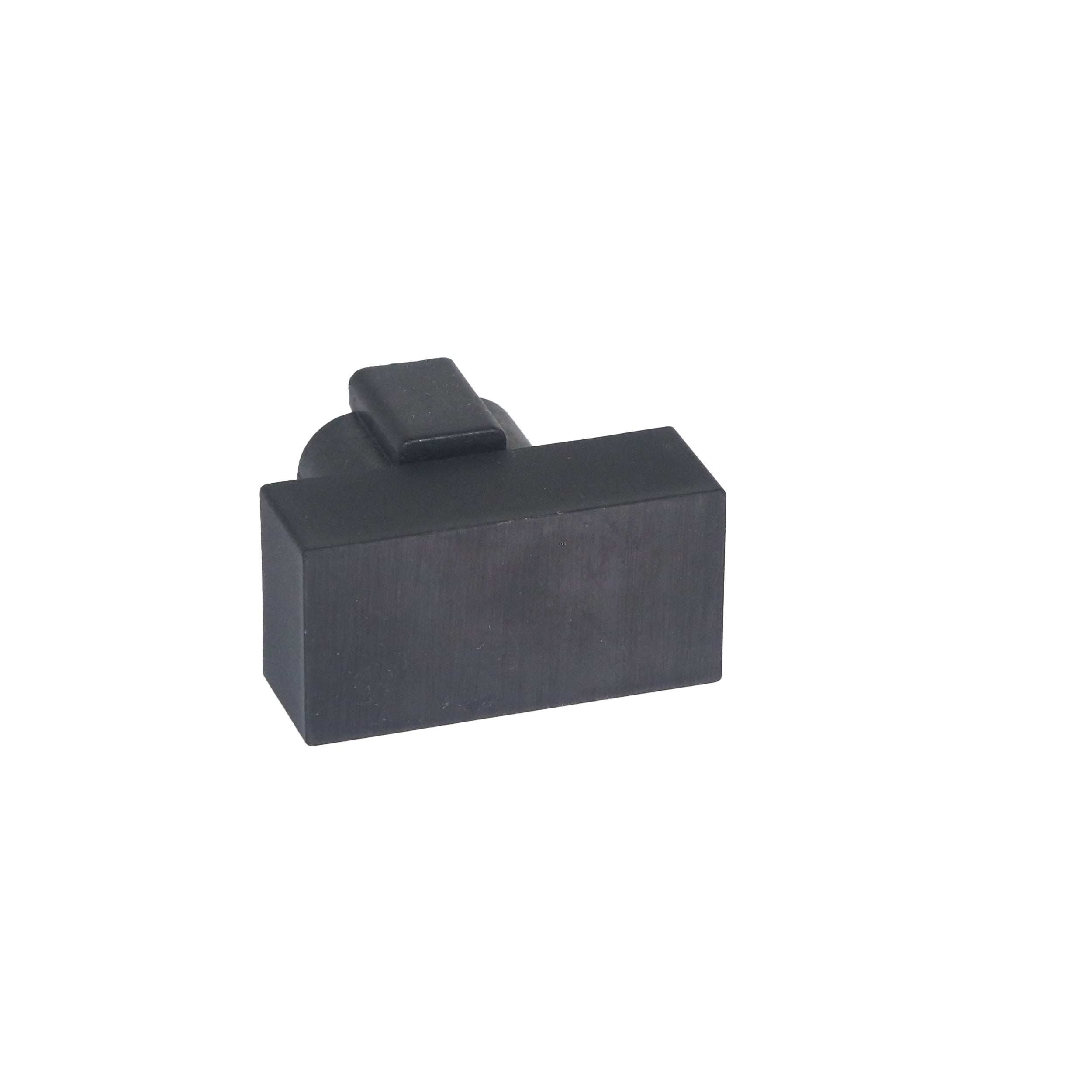
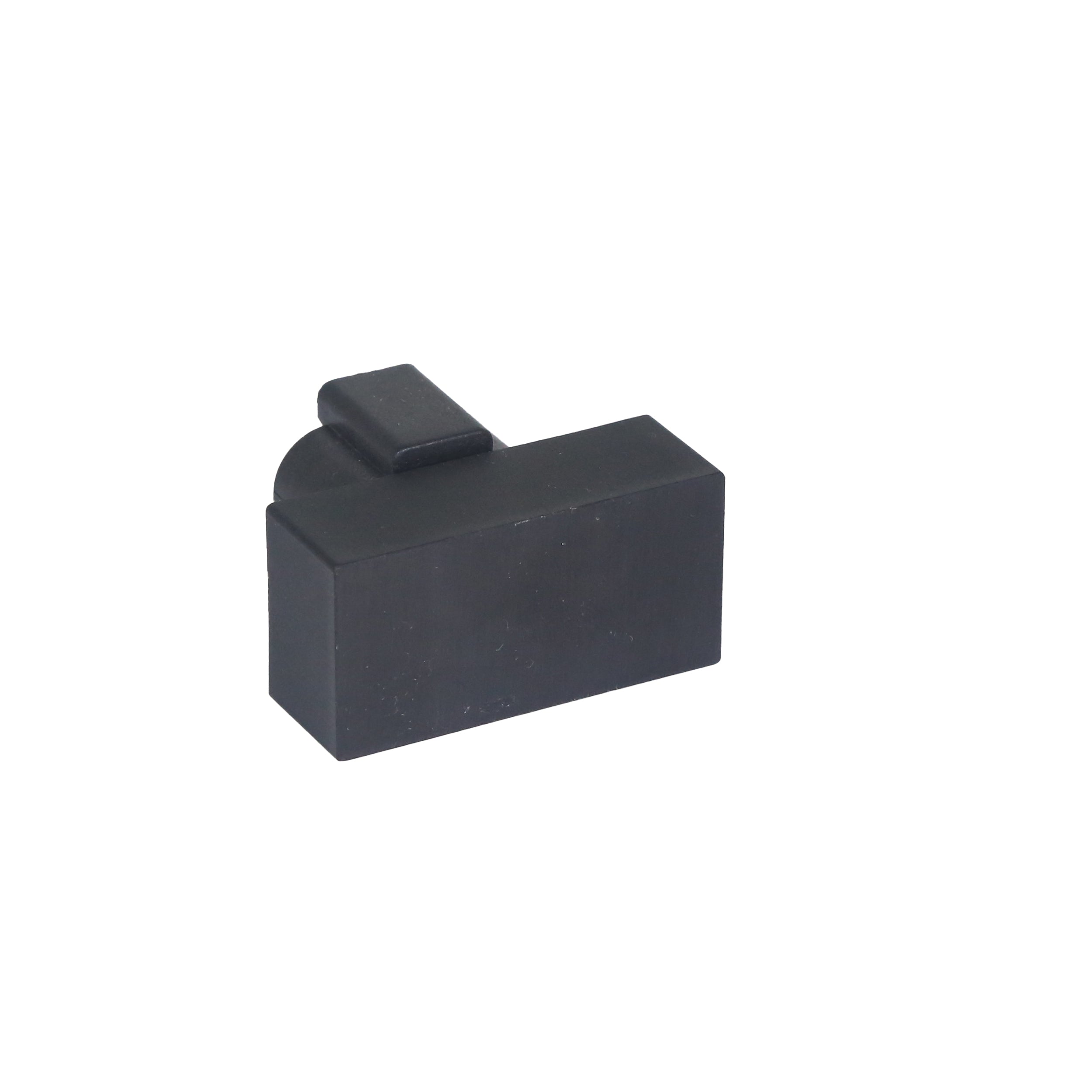
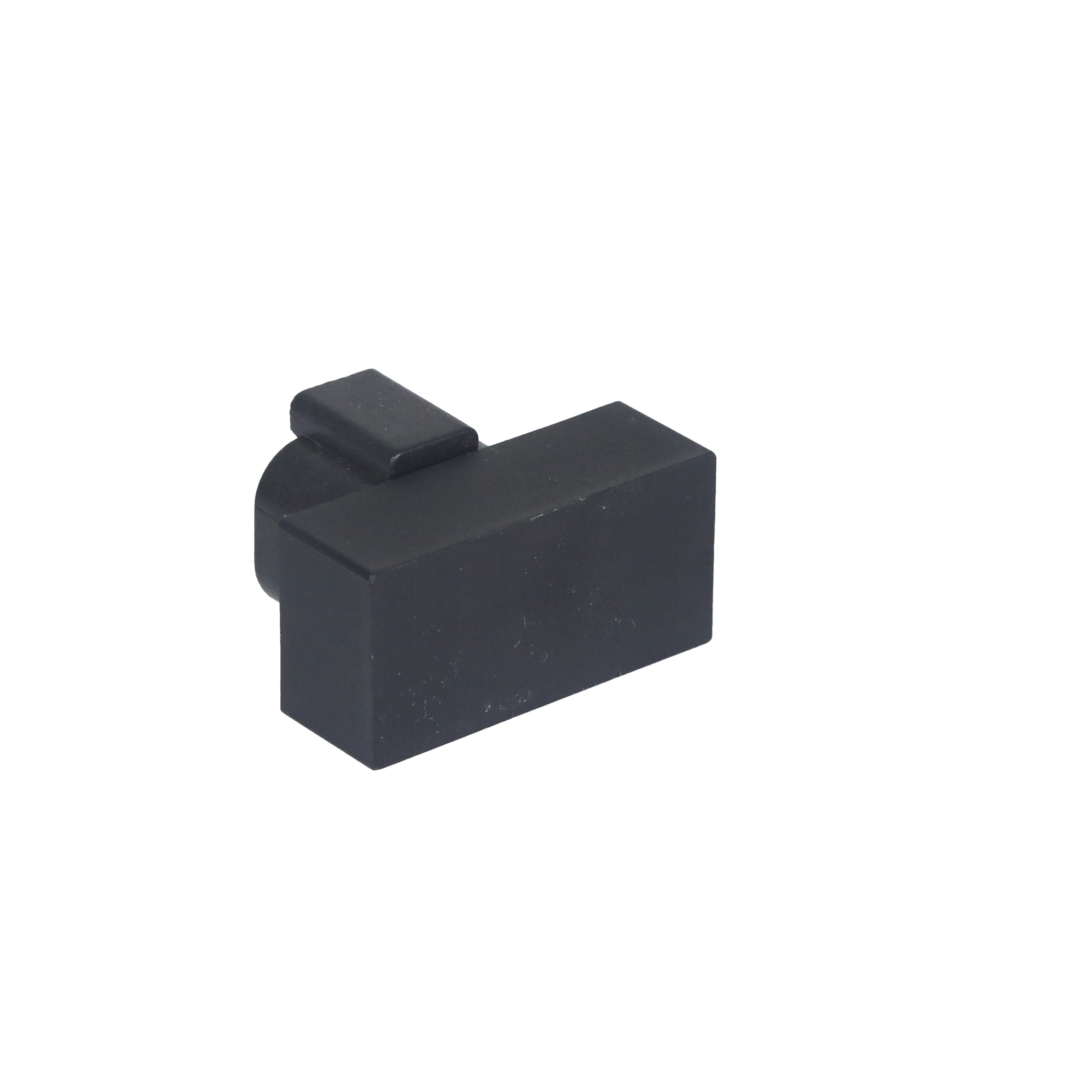
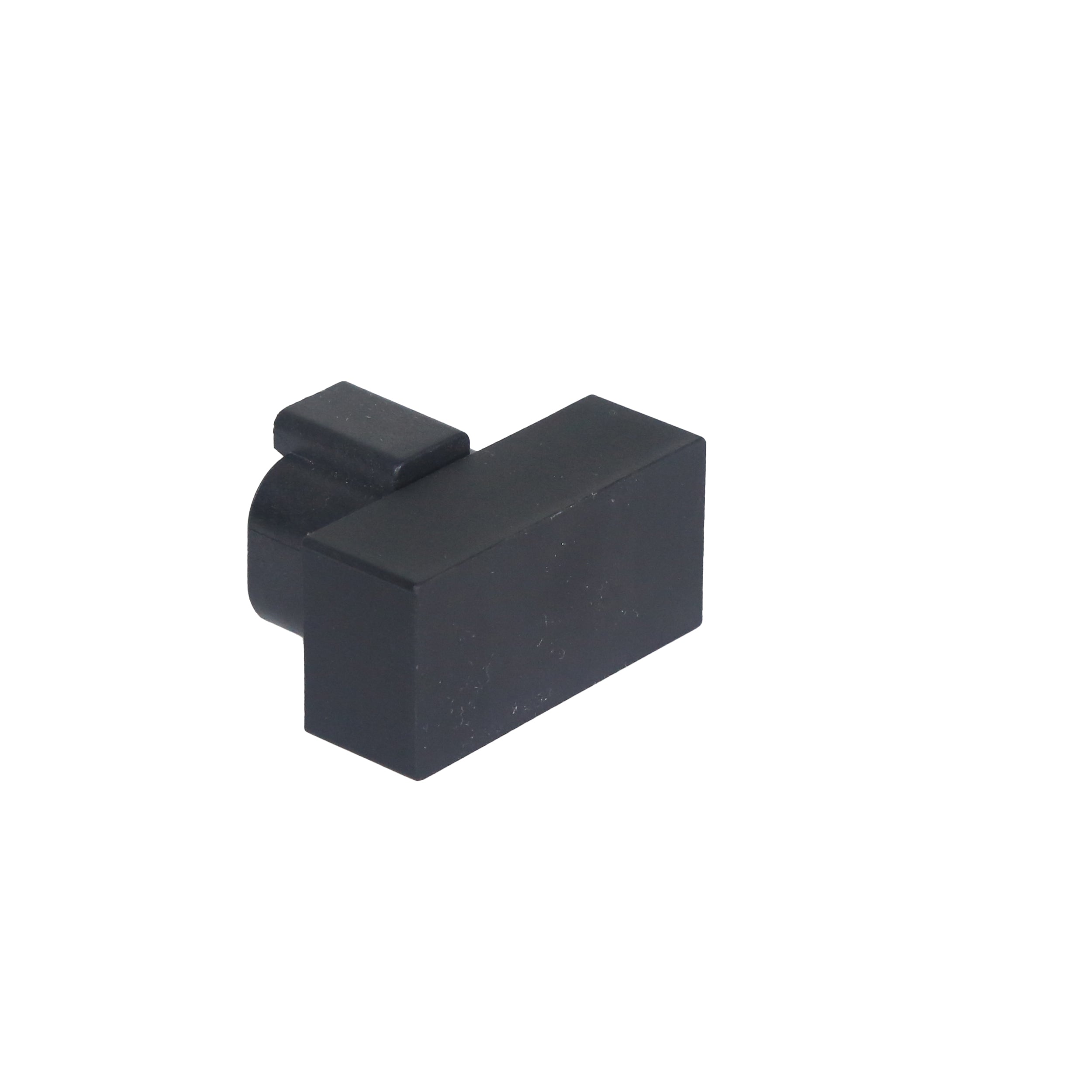
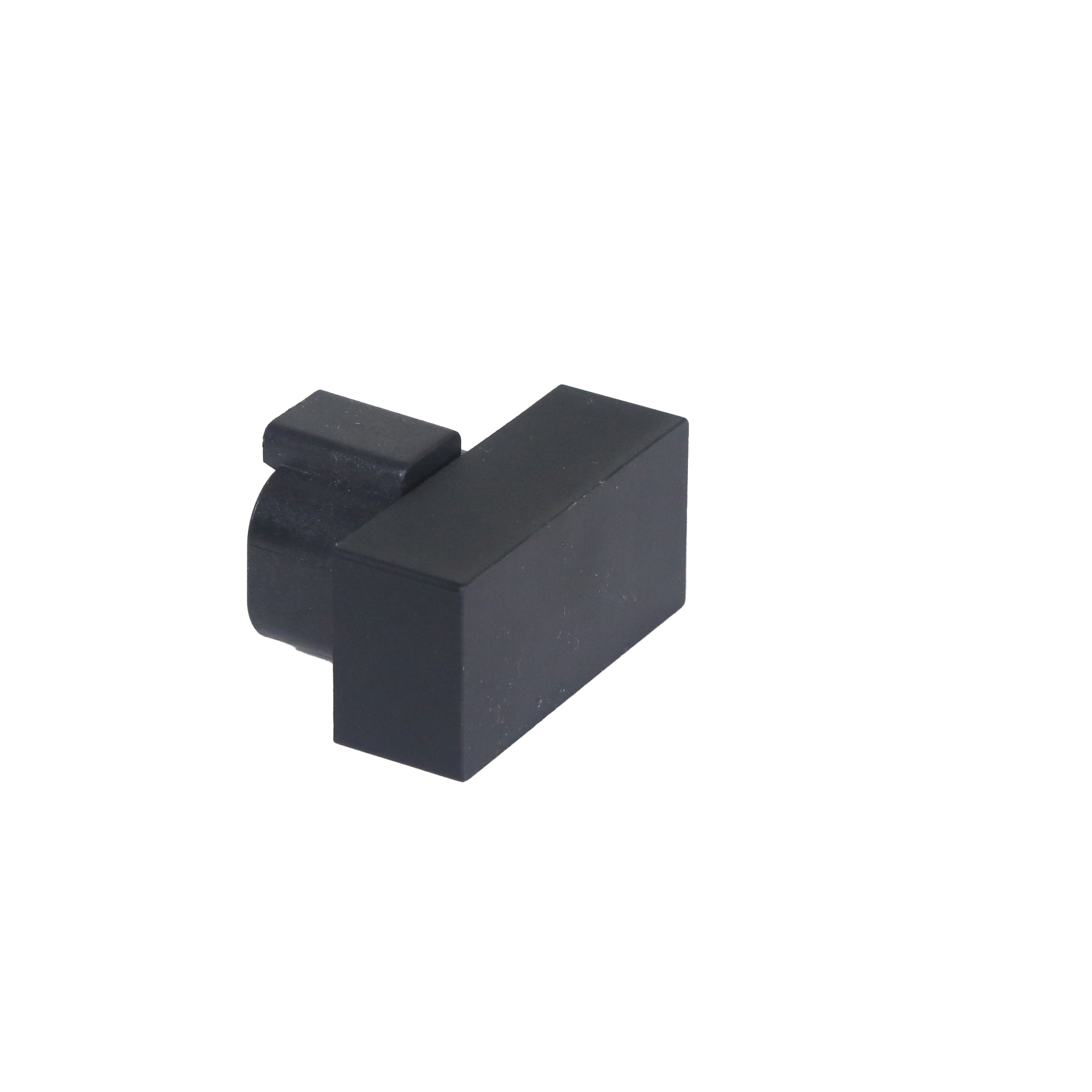
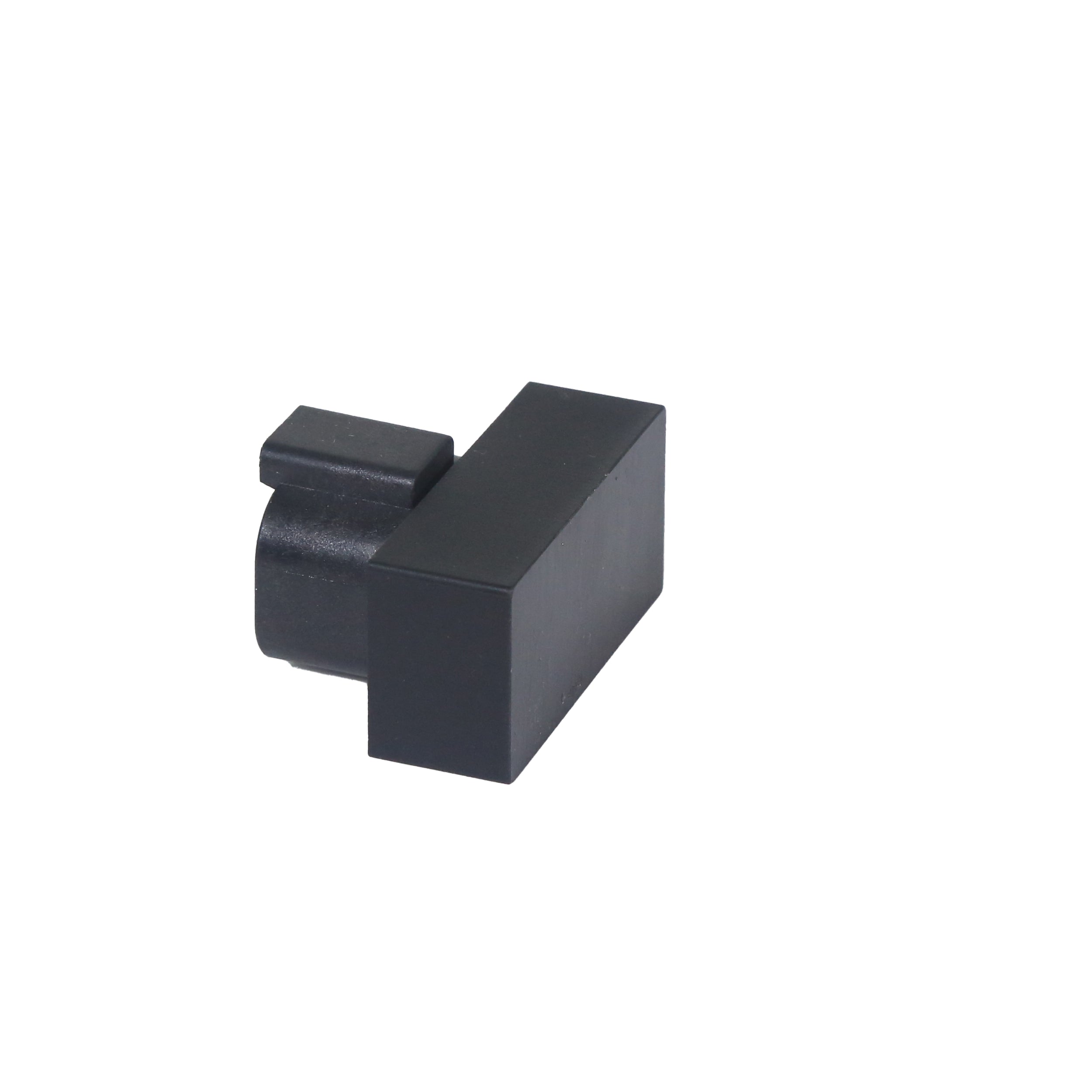
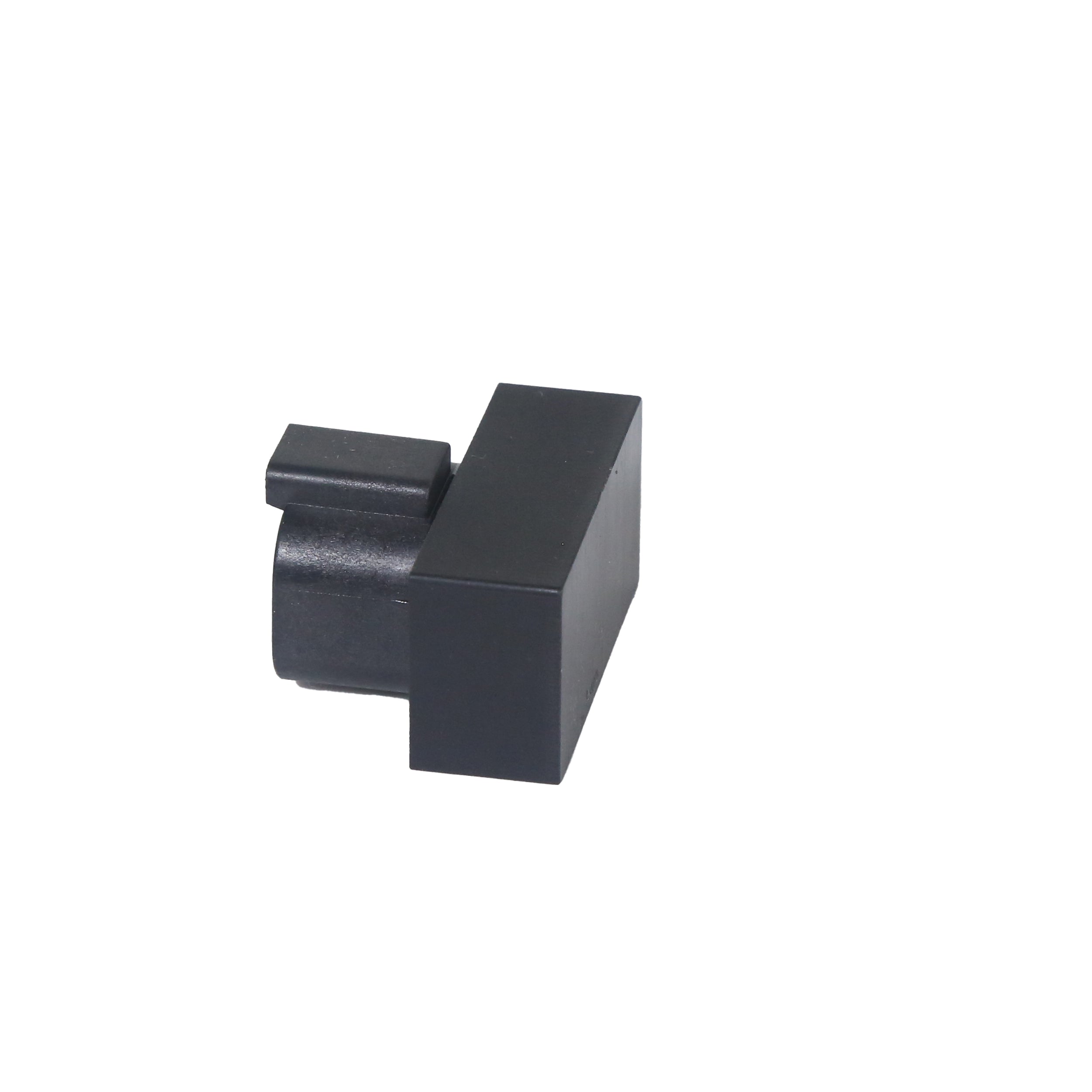
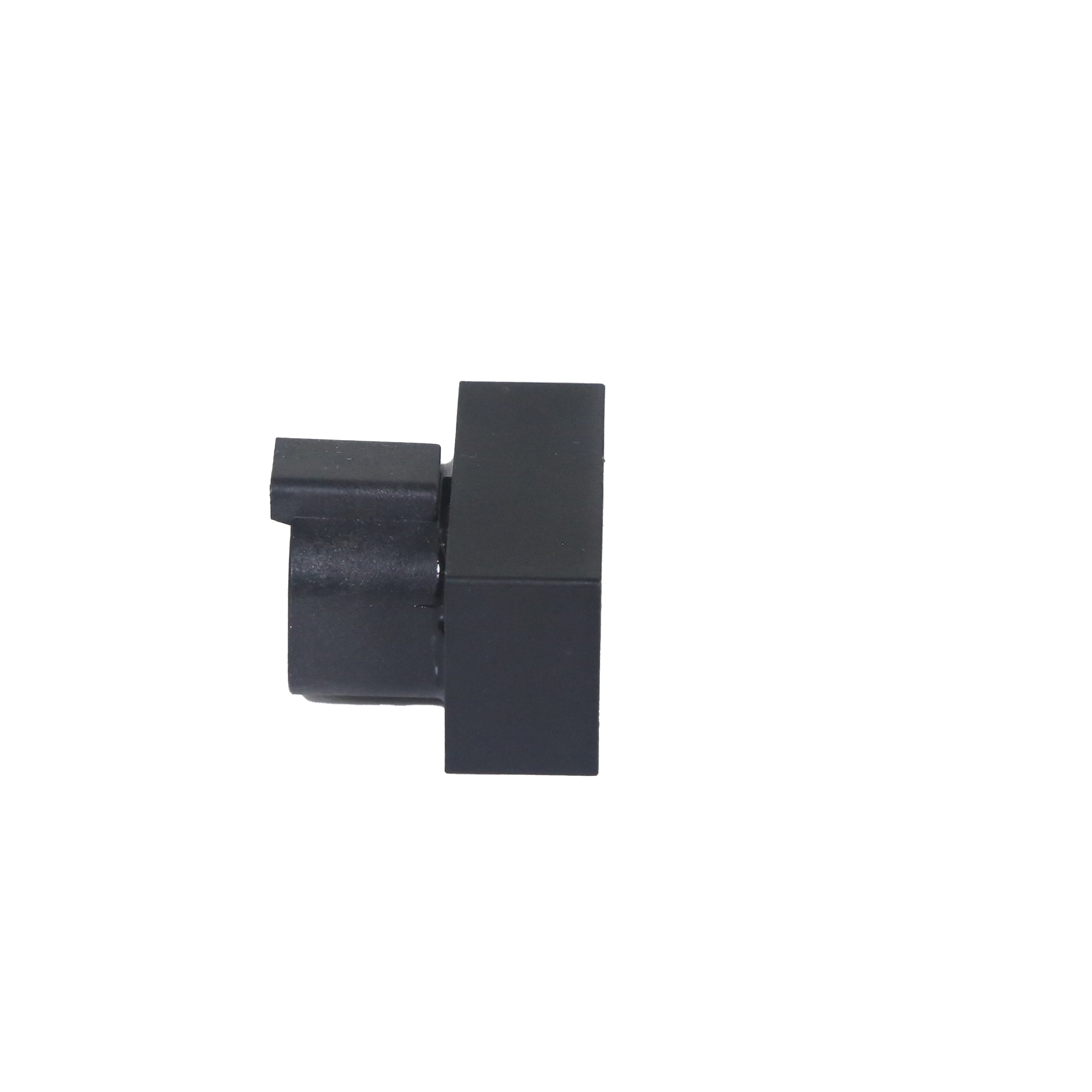
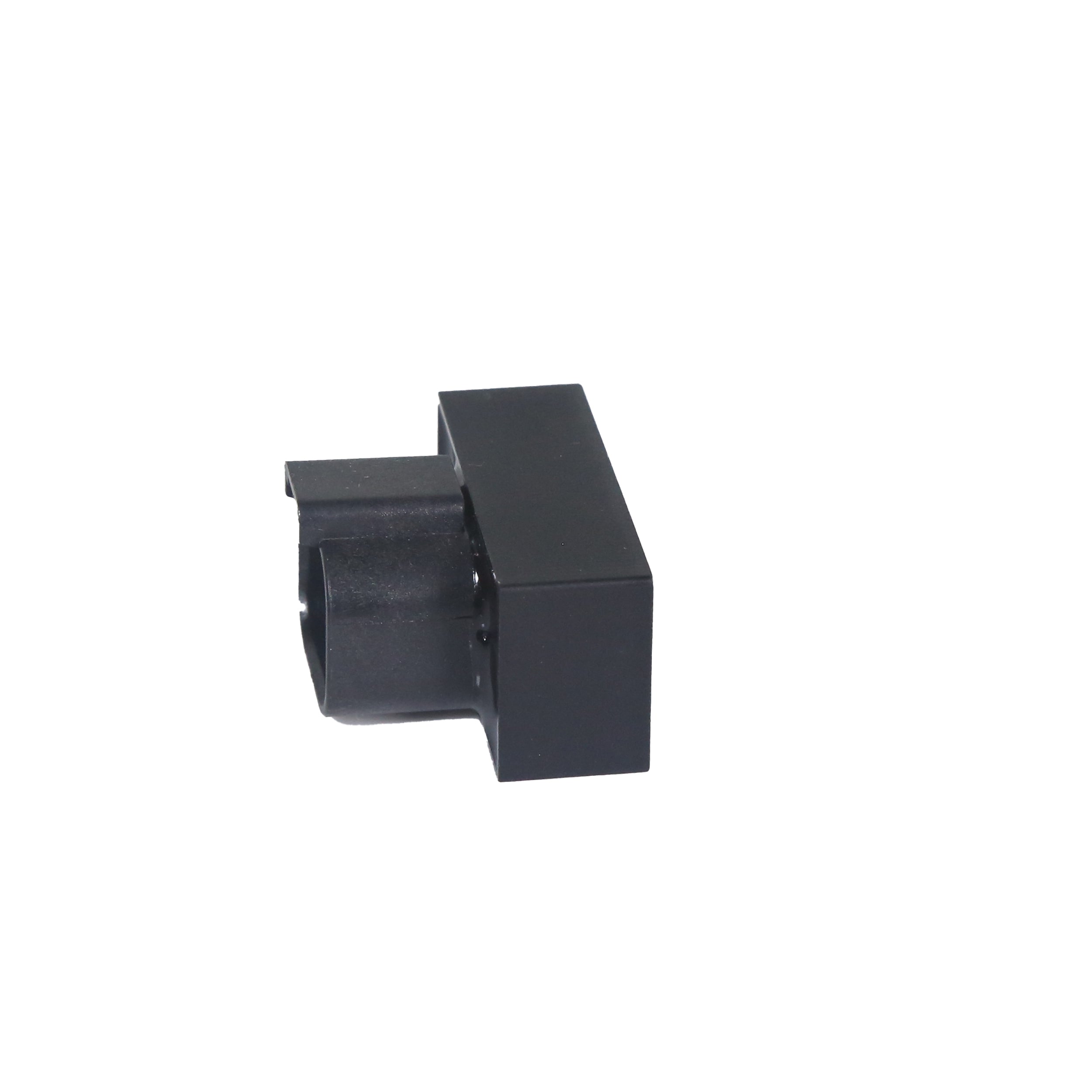
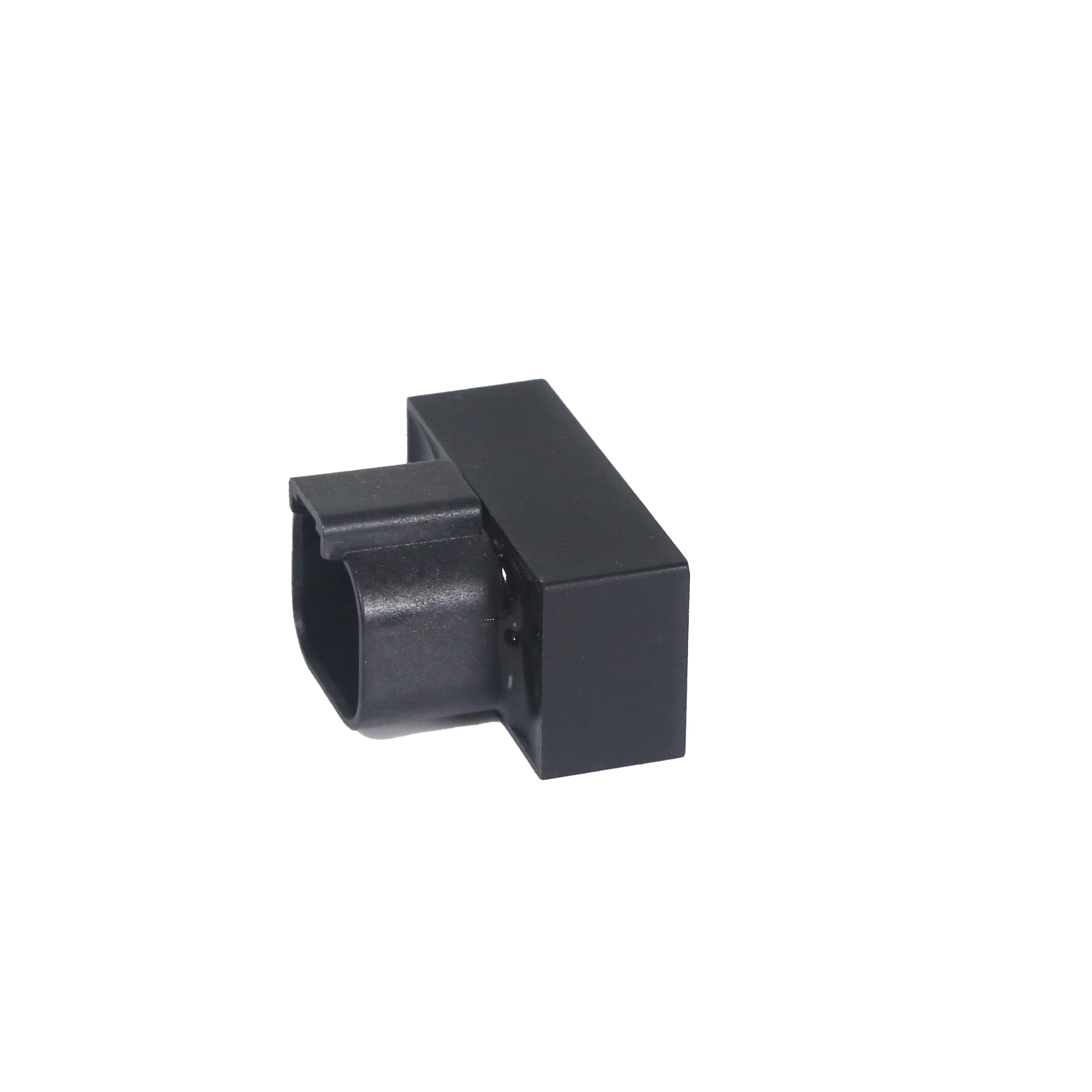
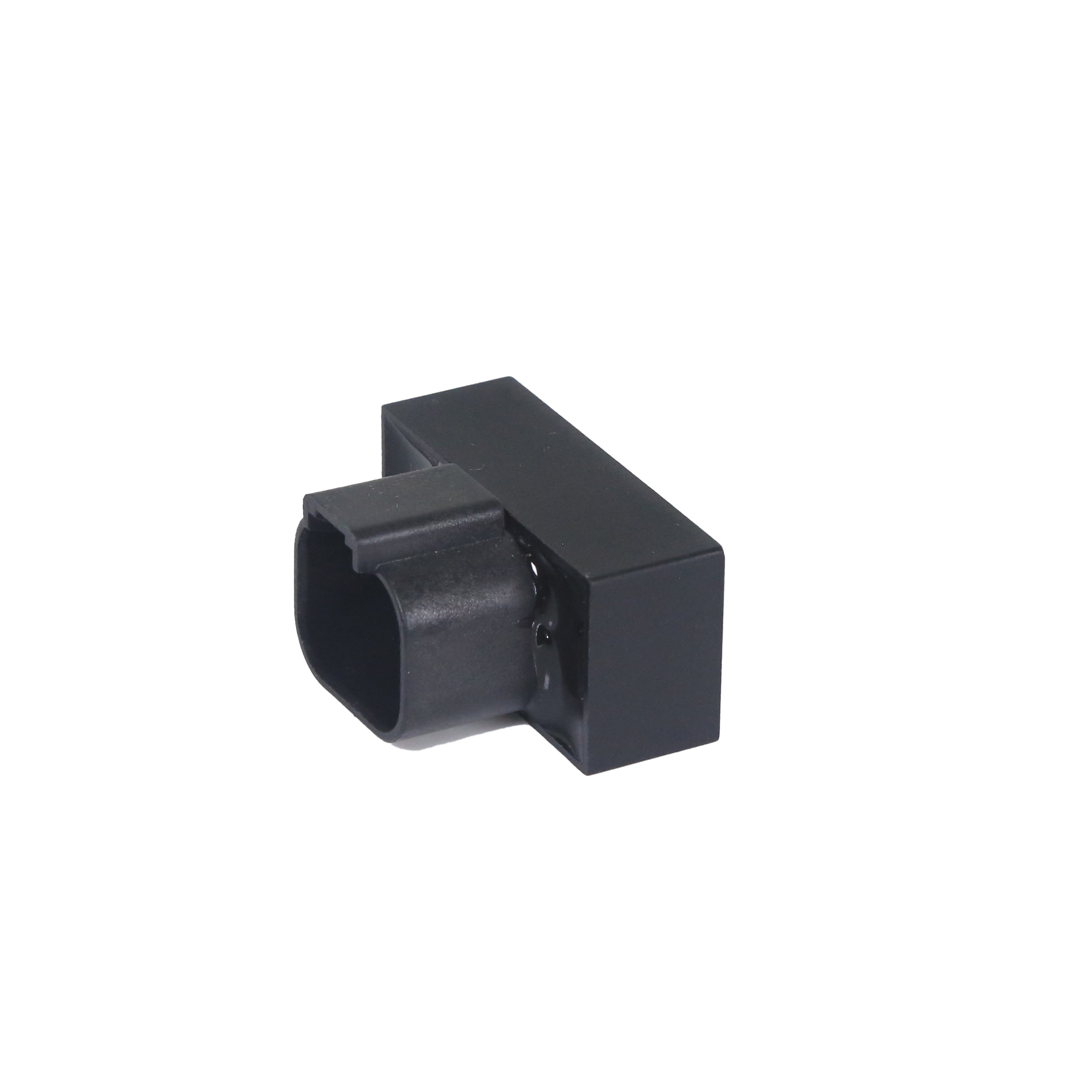
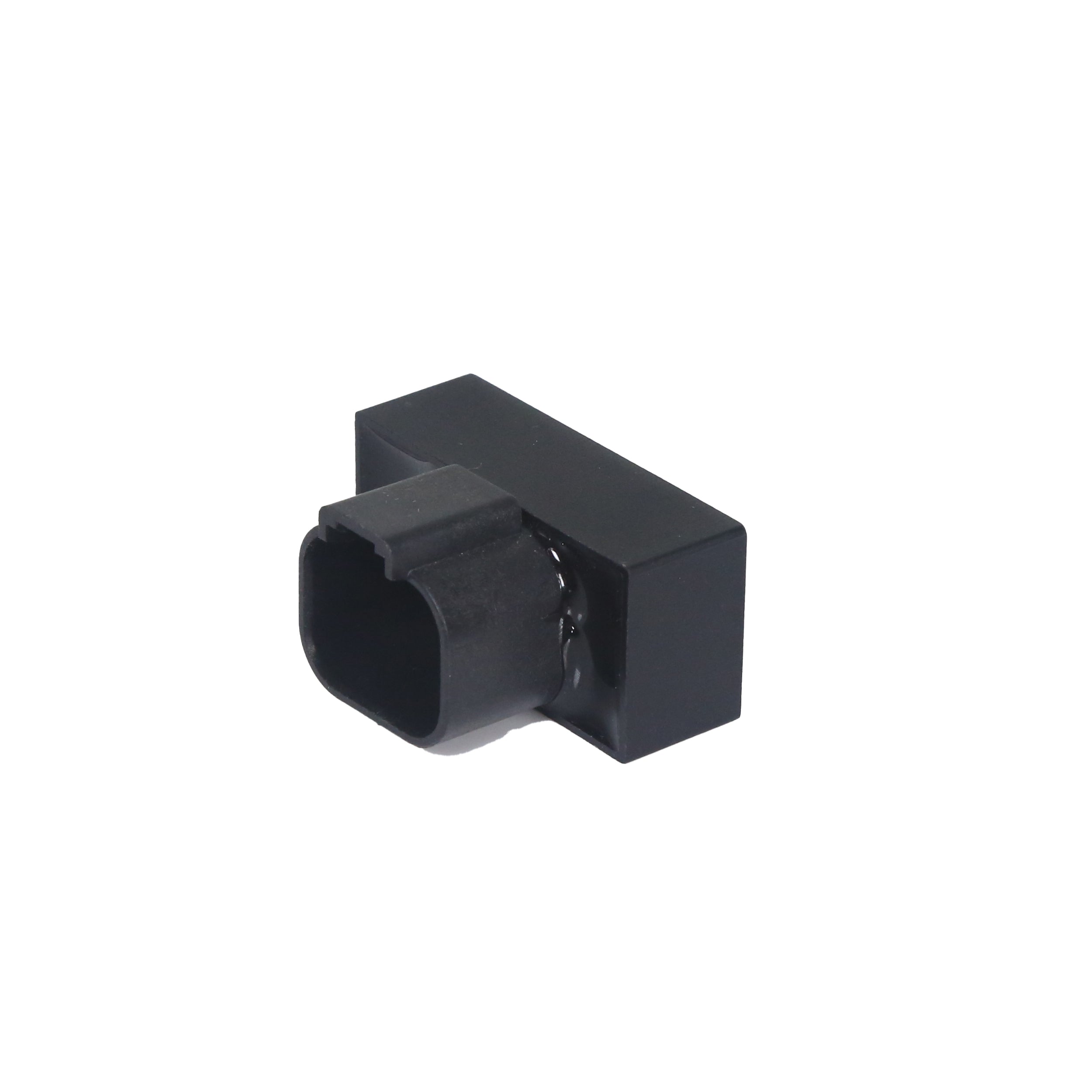
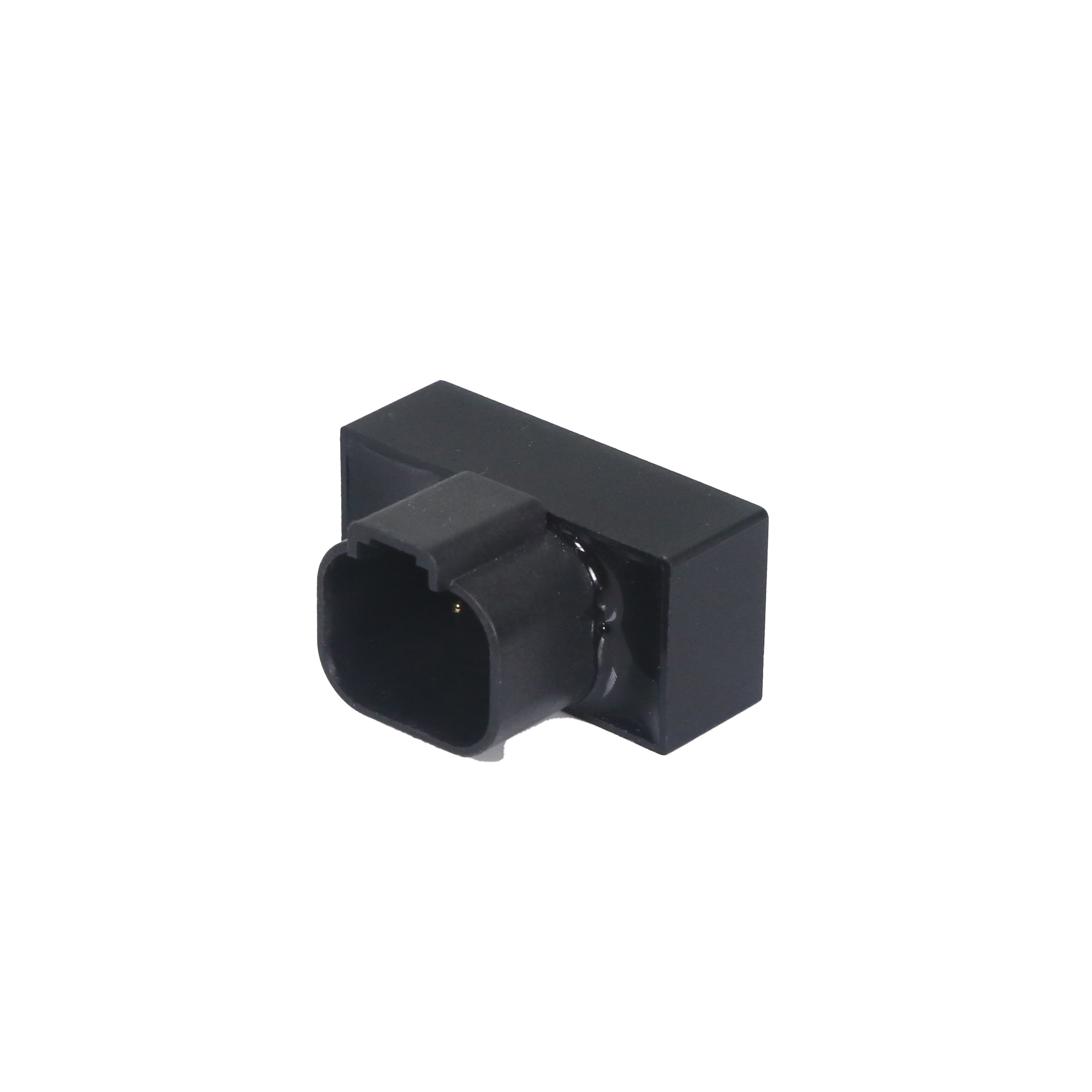
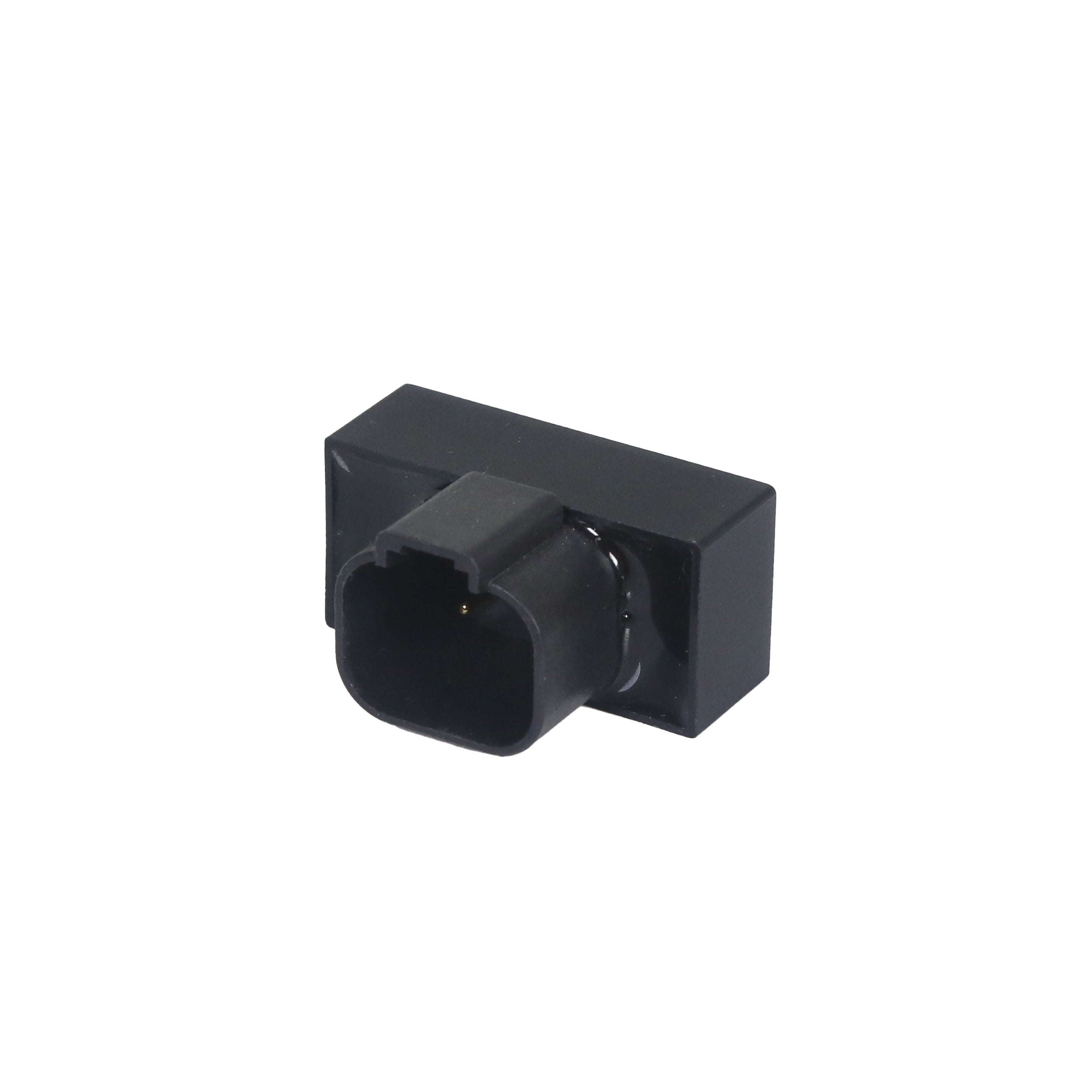
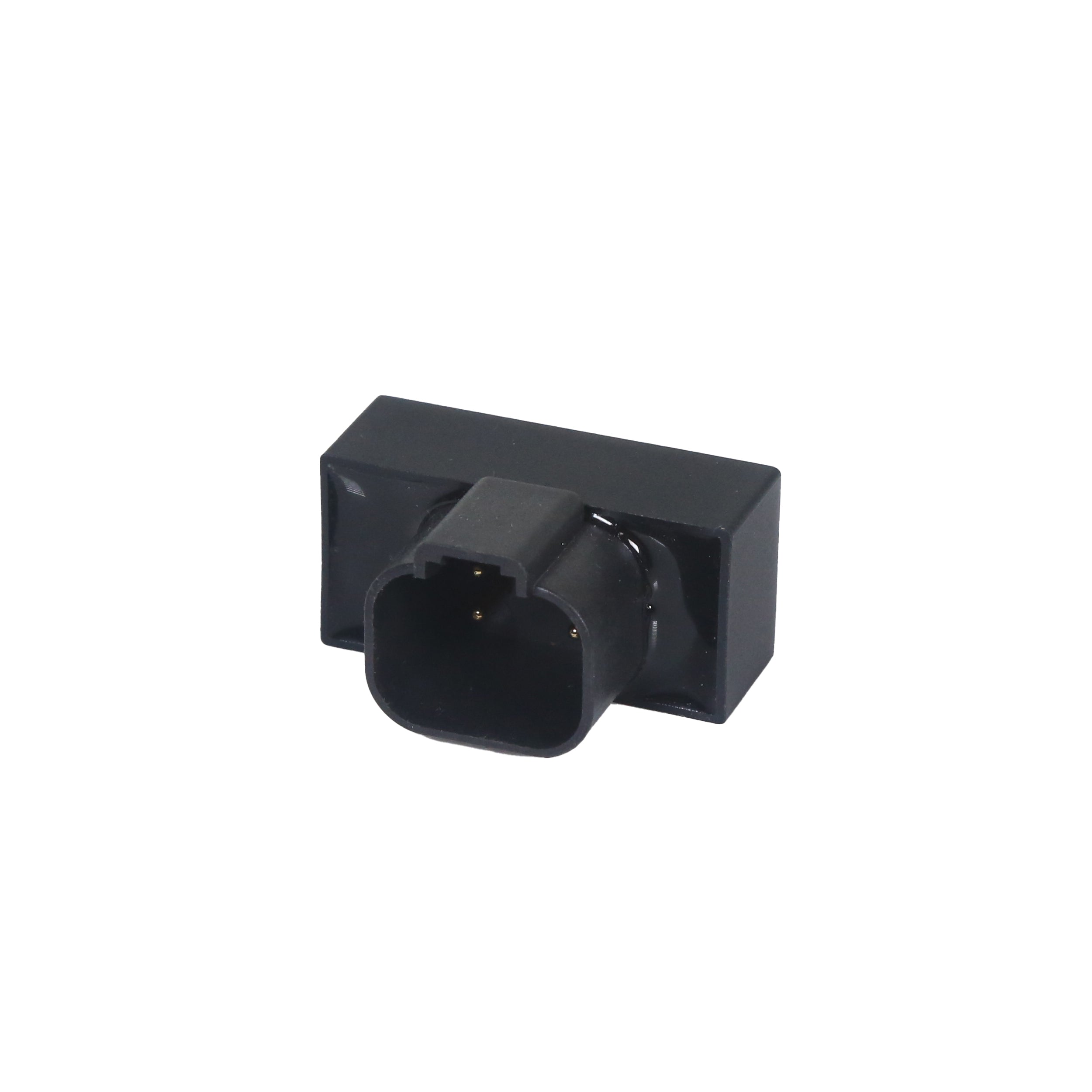
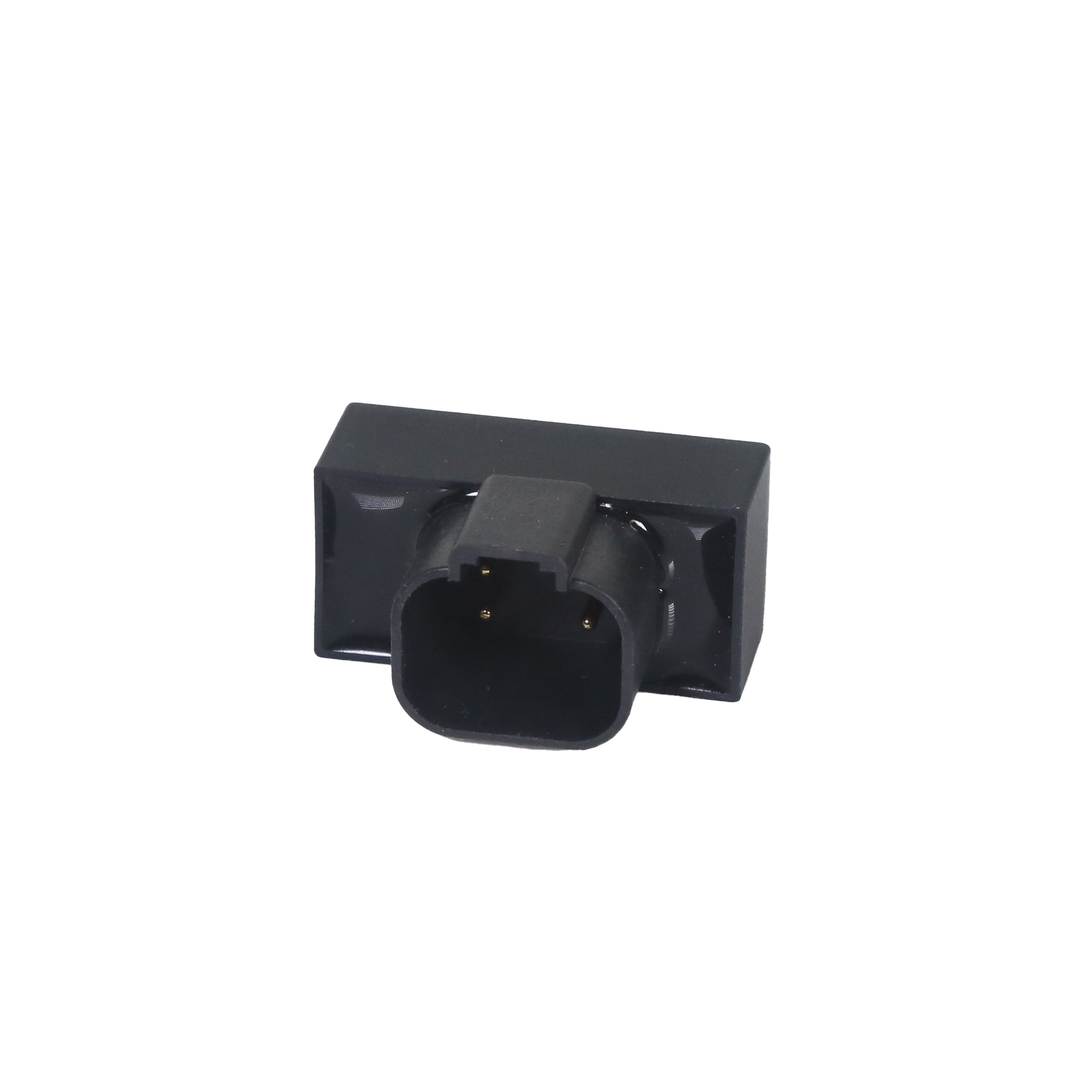
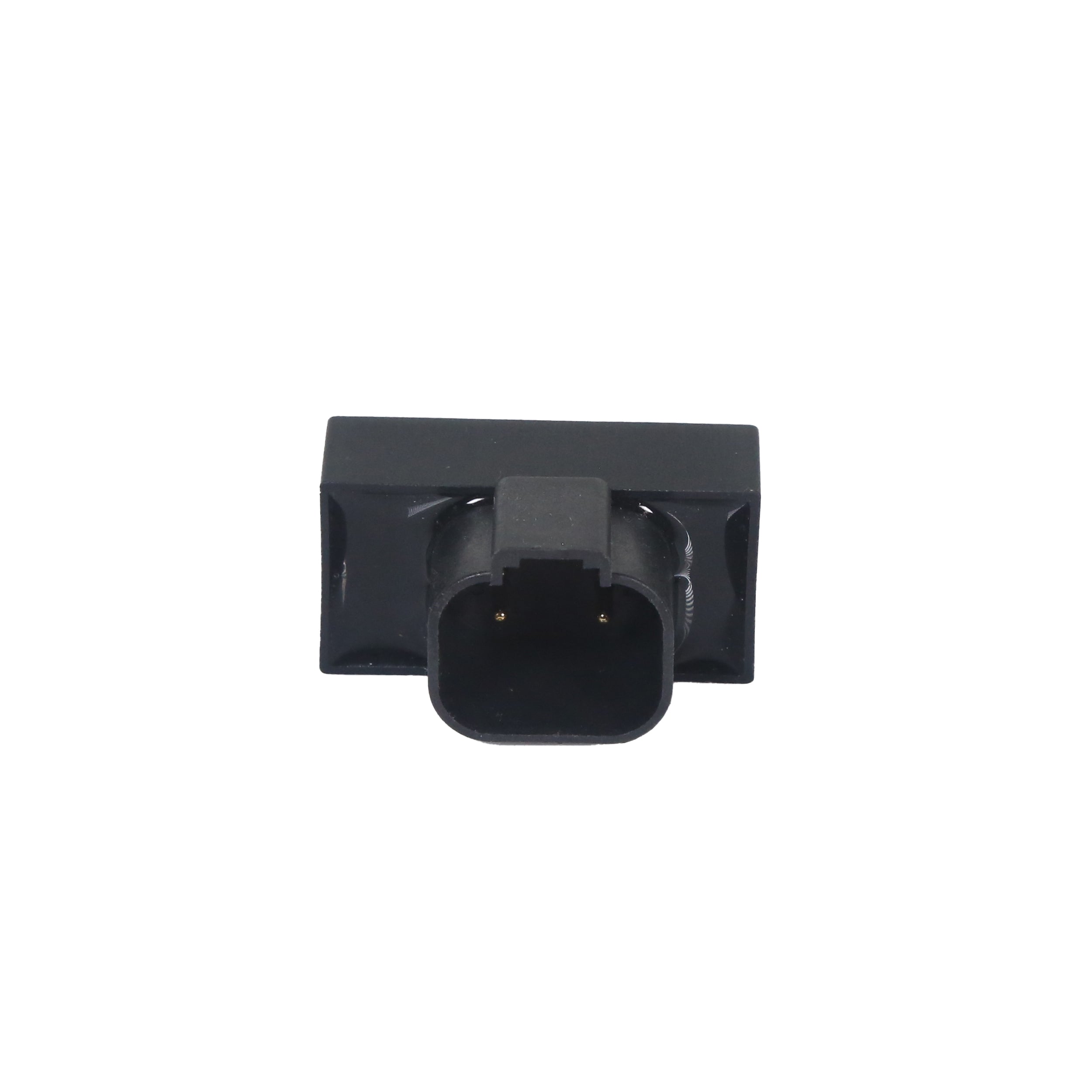
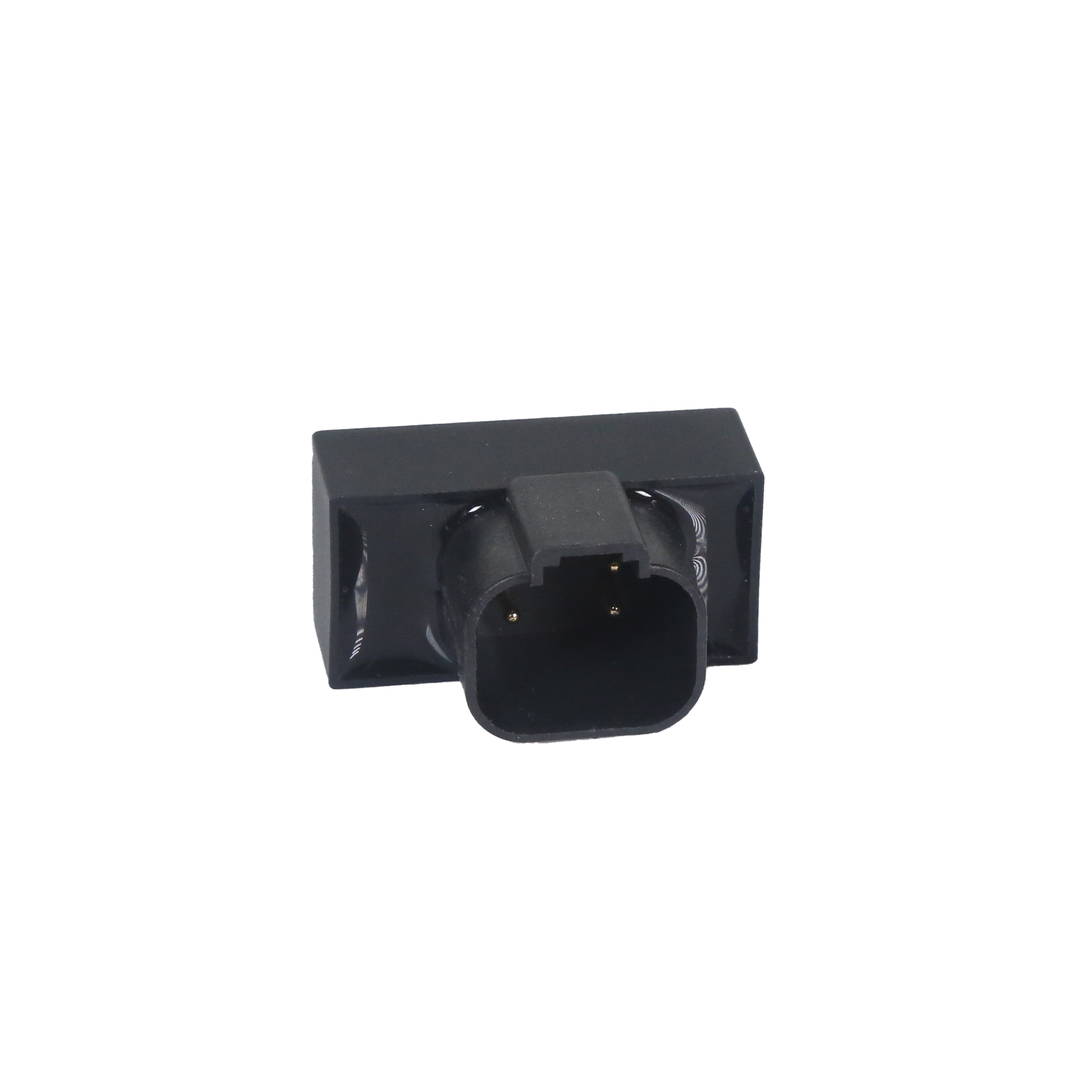
HRAVEN-369B-0172 (063-0172-369B)
The Raven CAN Passive Terminator (063-0172-369B) closes the end of a CAN bus run. A terminator at each end is required for stable communication — without them the network can drop messages or fail to see devices, so this small part is often the fix for intermittent CAN faults.
Key Features
• Passive CAN Bus Terminator – Correctly closes the end of a Raven CAN run
• Prevents Communication Faults – Missing termination is a common cause of intermittent CAN errors
• Durable, Field-Ready Construction – Sealed housing built for moisture, vibration and rough field conditions
HRAVEN-369B-0172 (063-0172-369B)
Sale price$200.00 USD
Choose options
HRAVEN-369B-0172 (063-0172-369B)
Sale price$200.00 USD


%0A%0AThe%20Raven%20CAN%20Passive%20Terminator%20(063-0172-369B)%20closes%20the%20end%20of%20a%20CAN%20bus%20run.%20A%20terminator%20at%20each%20end%20is%20required%20for%20stable%20communication%20%E2%80%94%20without%20them%20the...)