



























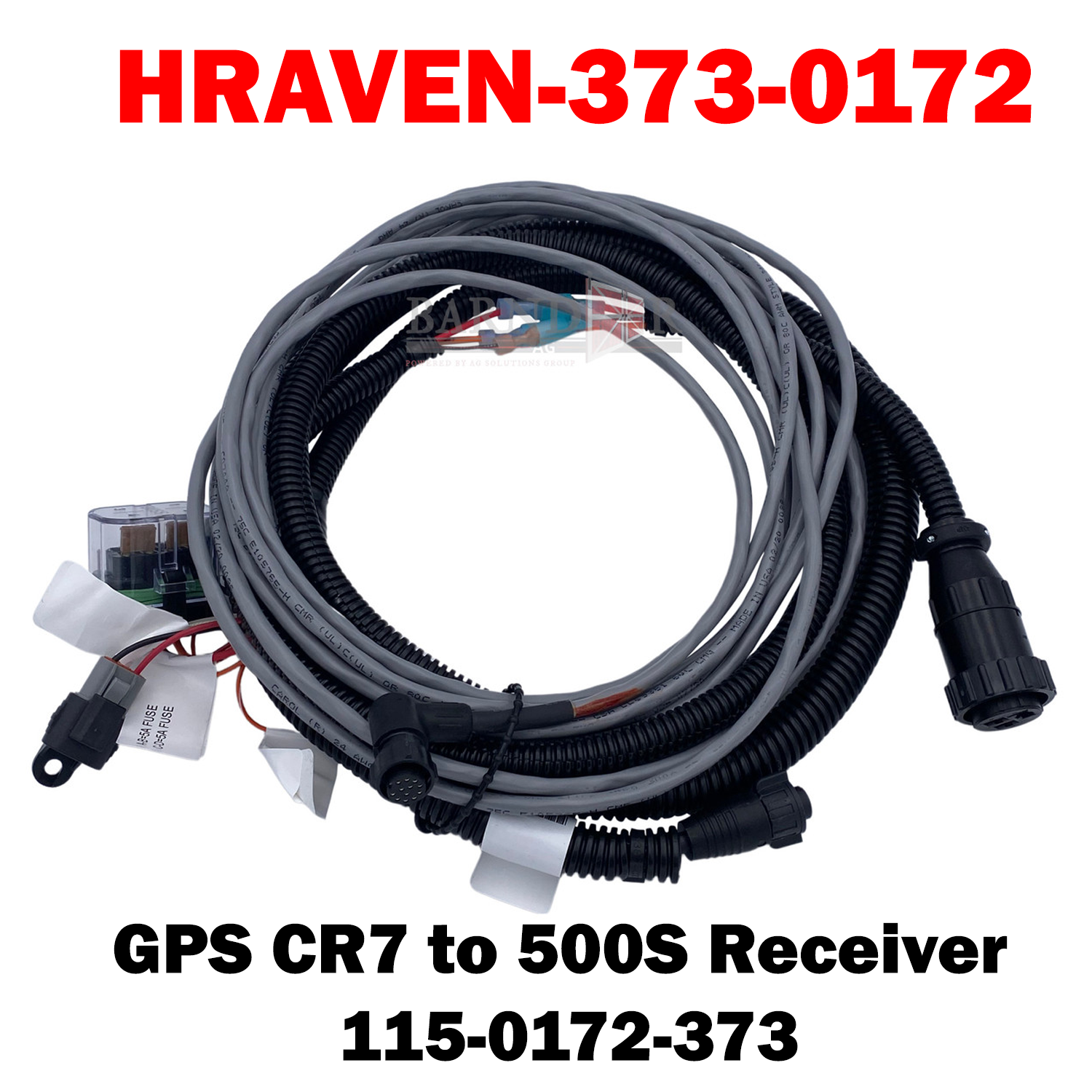
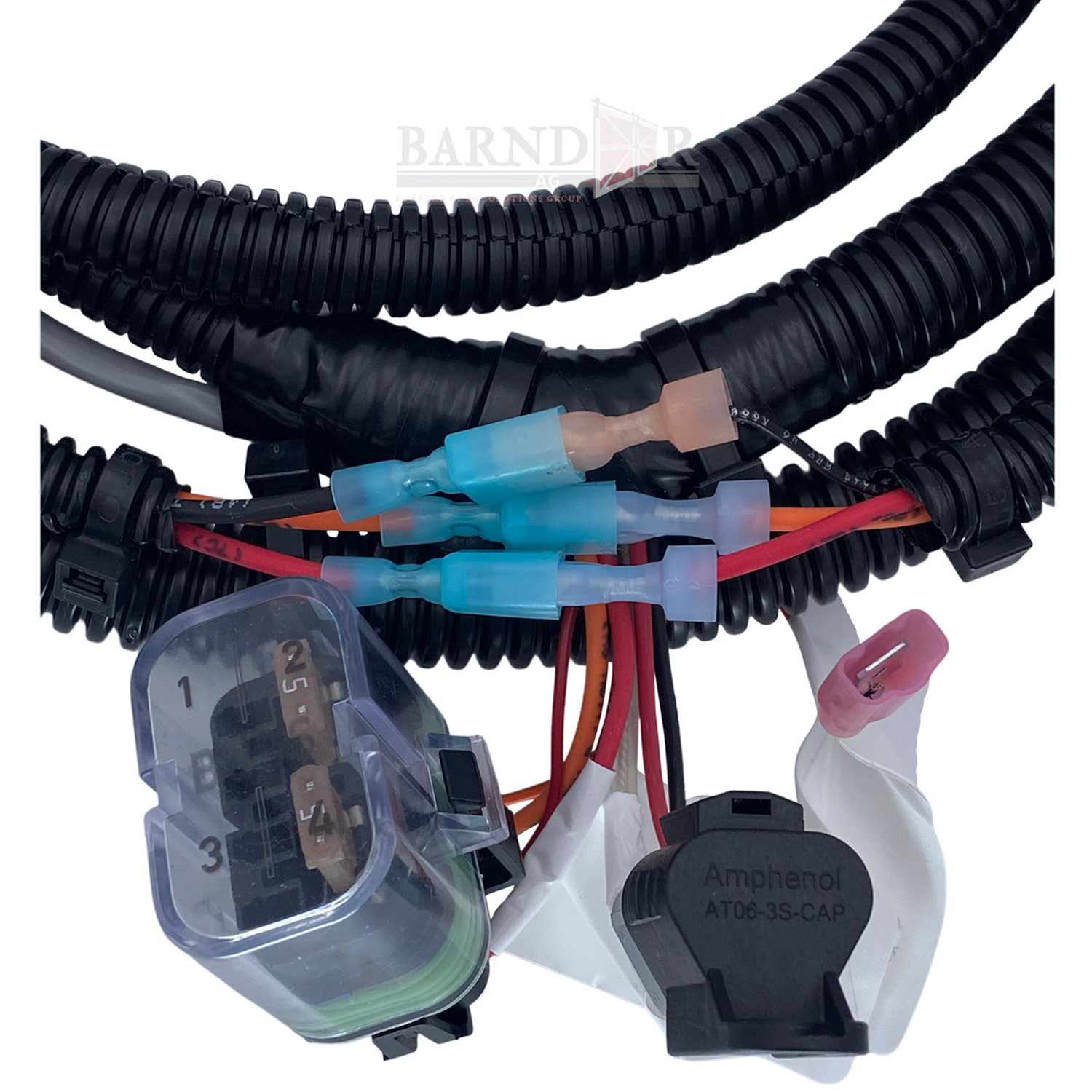
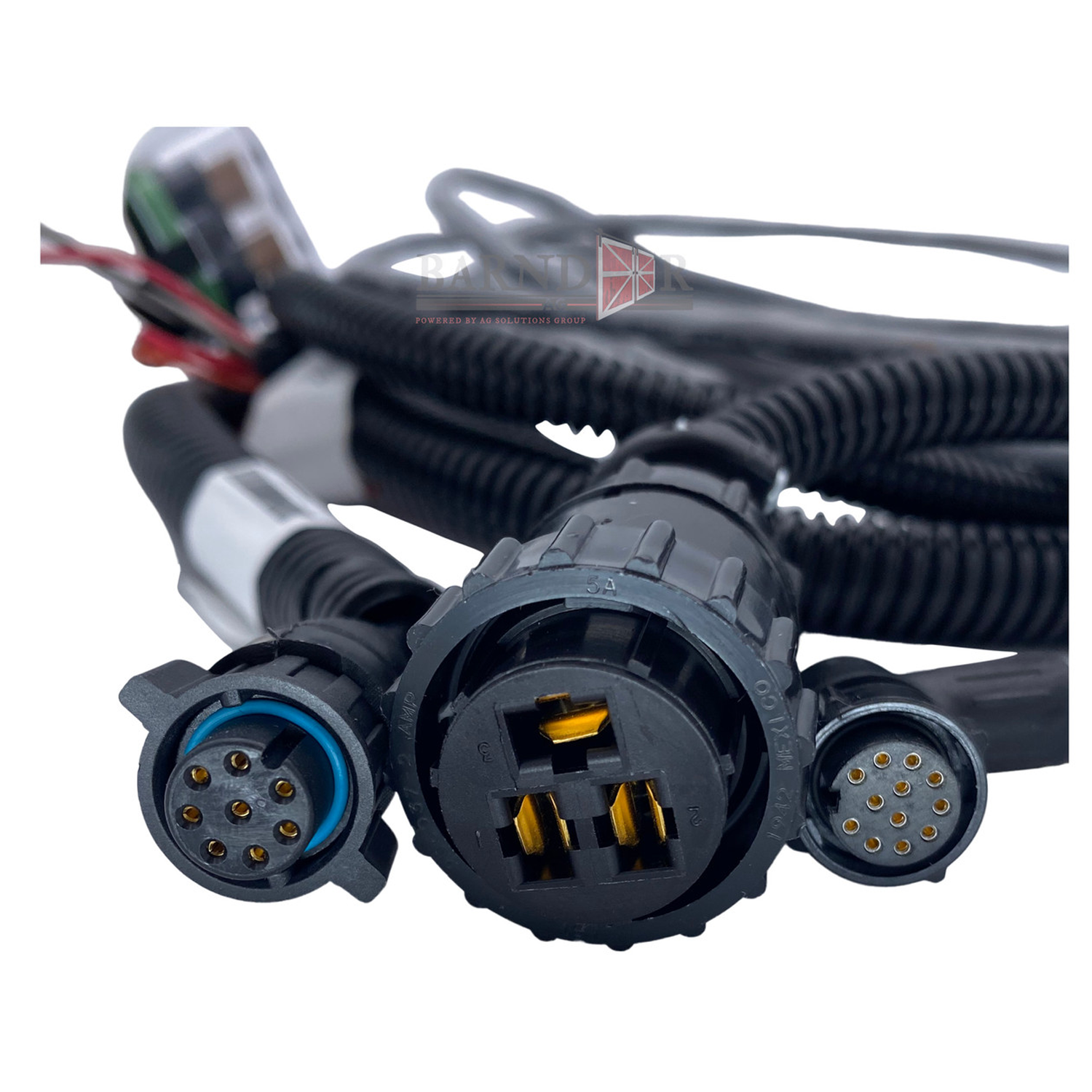
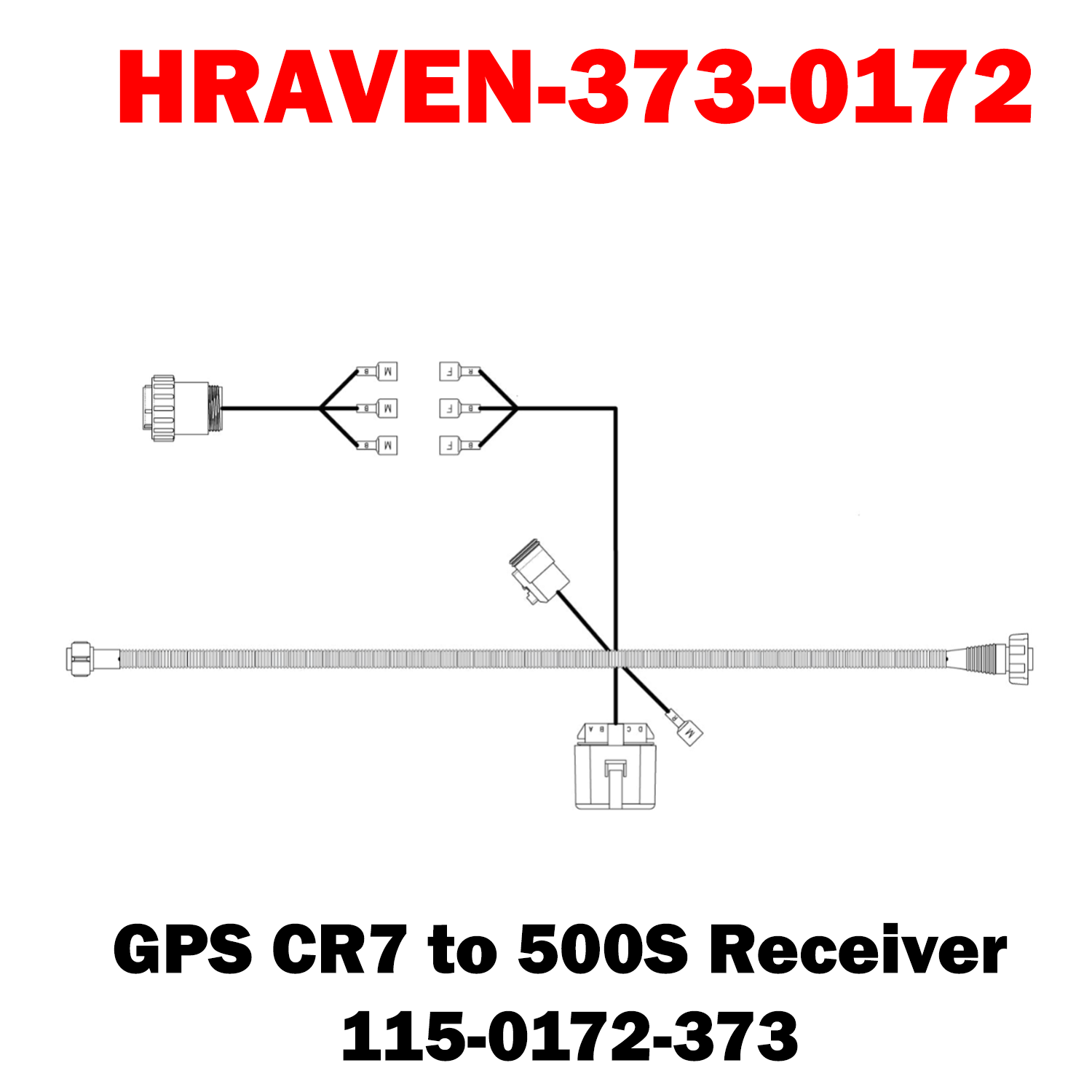
HRAVEN-373-0172 (115-0172-373)
The Raven Cable GPS CR7 to 500S Receiver (115-0172-373) is a precision OEM-grade communication cable engineered to link a Raven CR7 GPS receiver/display with a Raven 500S GPS receiver/antenna. Designed for agricultural precision applications, this rugged cable ensures dependable transmission of GPS and positioning data between the CR7 field computer and the 500S receiver unit, helping maintain accurate guidance, RTK correction transfer and positioning integrity.
Key Features
• OEM-Specified Compatibility – Directly connects Raven CR7 receivers to Raven 500S receiver systems
• Reliable GPS Data Transfer – Accurate signal communication for auto-steering and variable rate application
• Durable Field-Ready Design – Robust cable jacket and field-proven connectors withstand moisture, vibration and rugged conditions
%0A%0AThe%20Raven%20Cable%20GPS%20CR7%20to%20500S%20Receiver%20(115-0172-373)%20is%20a%20precision%20OEM-grade%20communication%20cable%20engineered%20to%20link%20a%20Raven%20CR7%20GPS%20receiver/display%20with%20a%20Rave...)
Choose options