



























HRAVEN-484-0172 (115-0172-484)
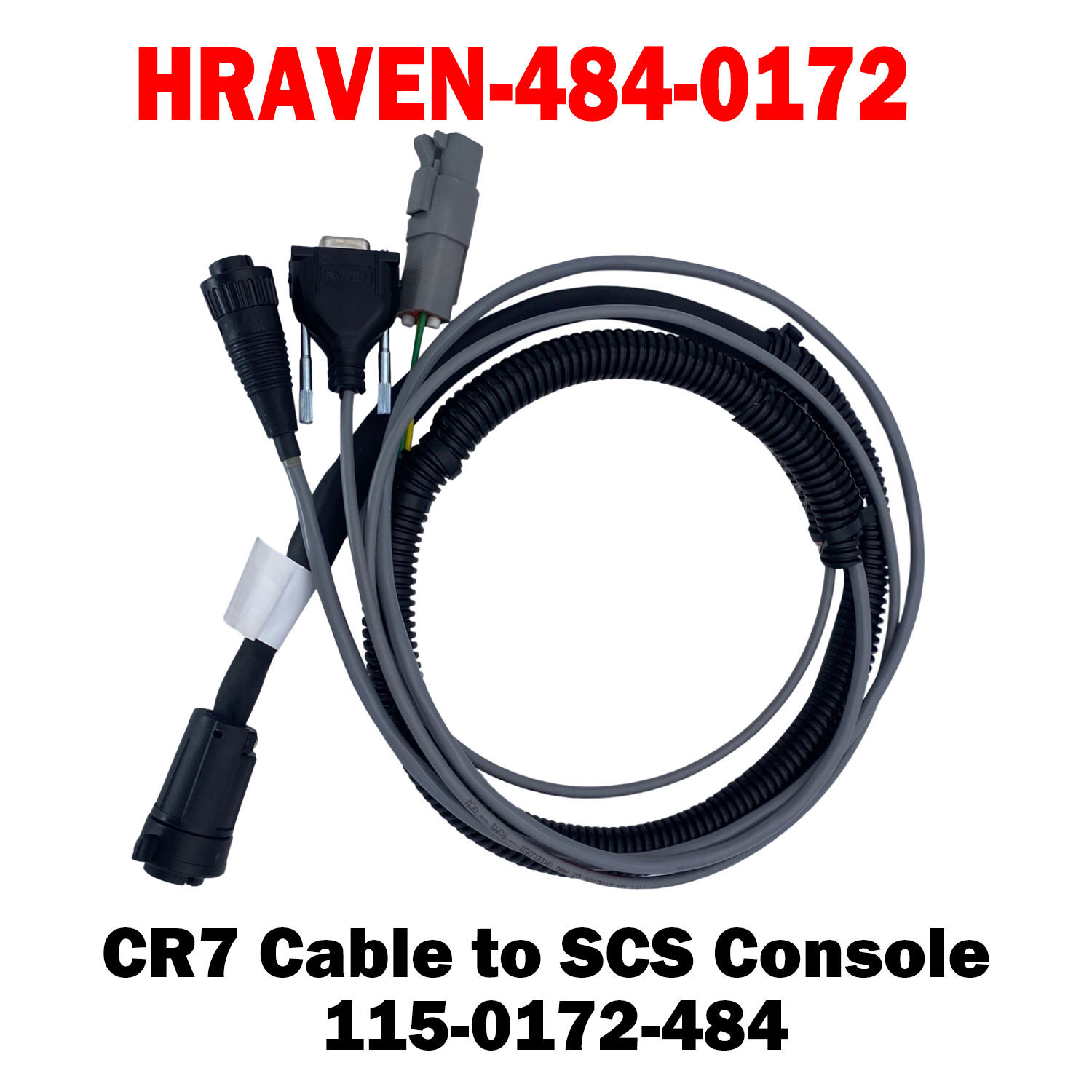
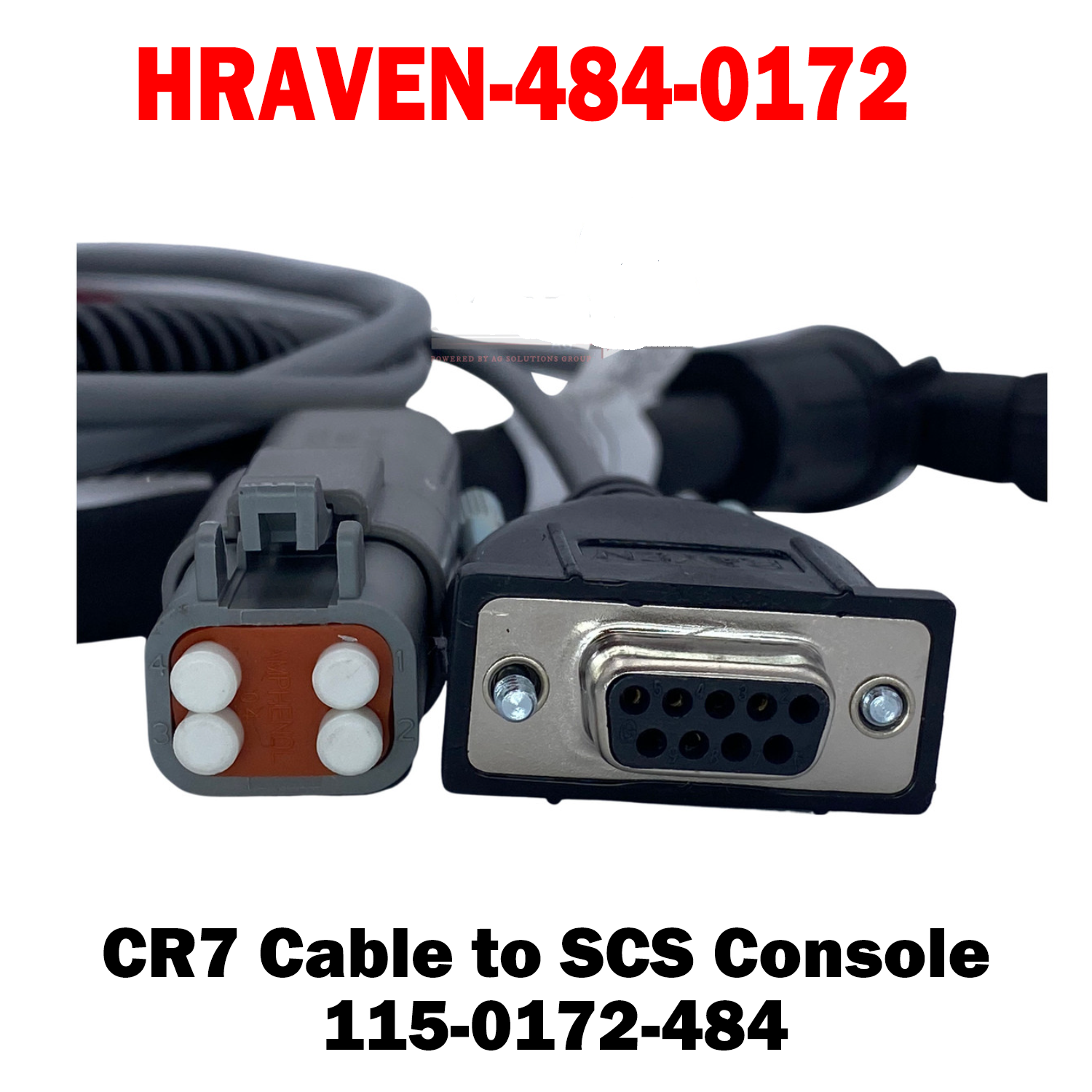
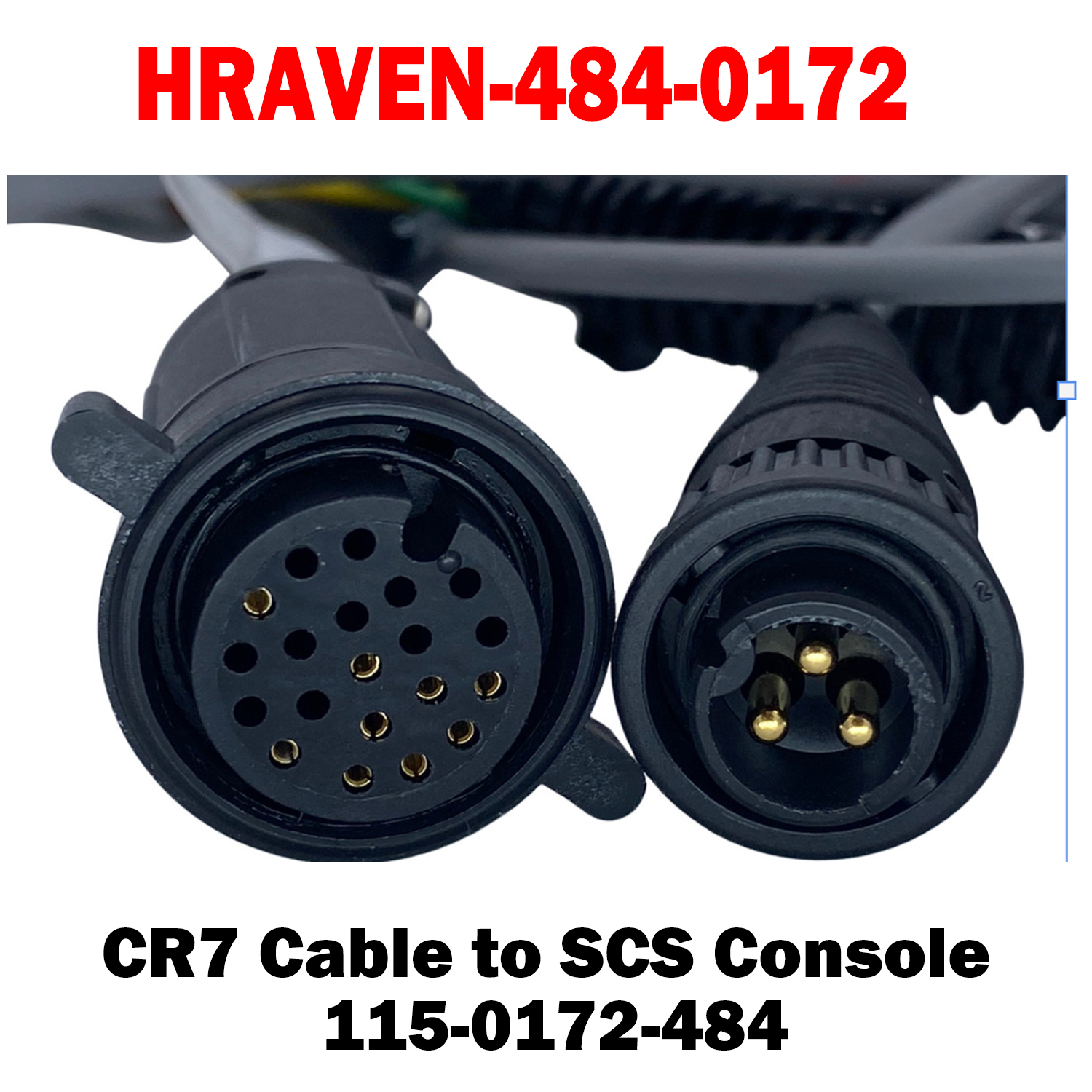
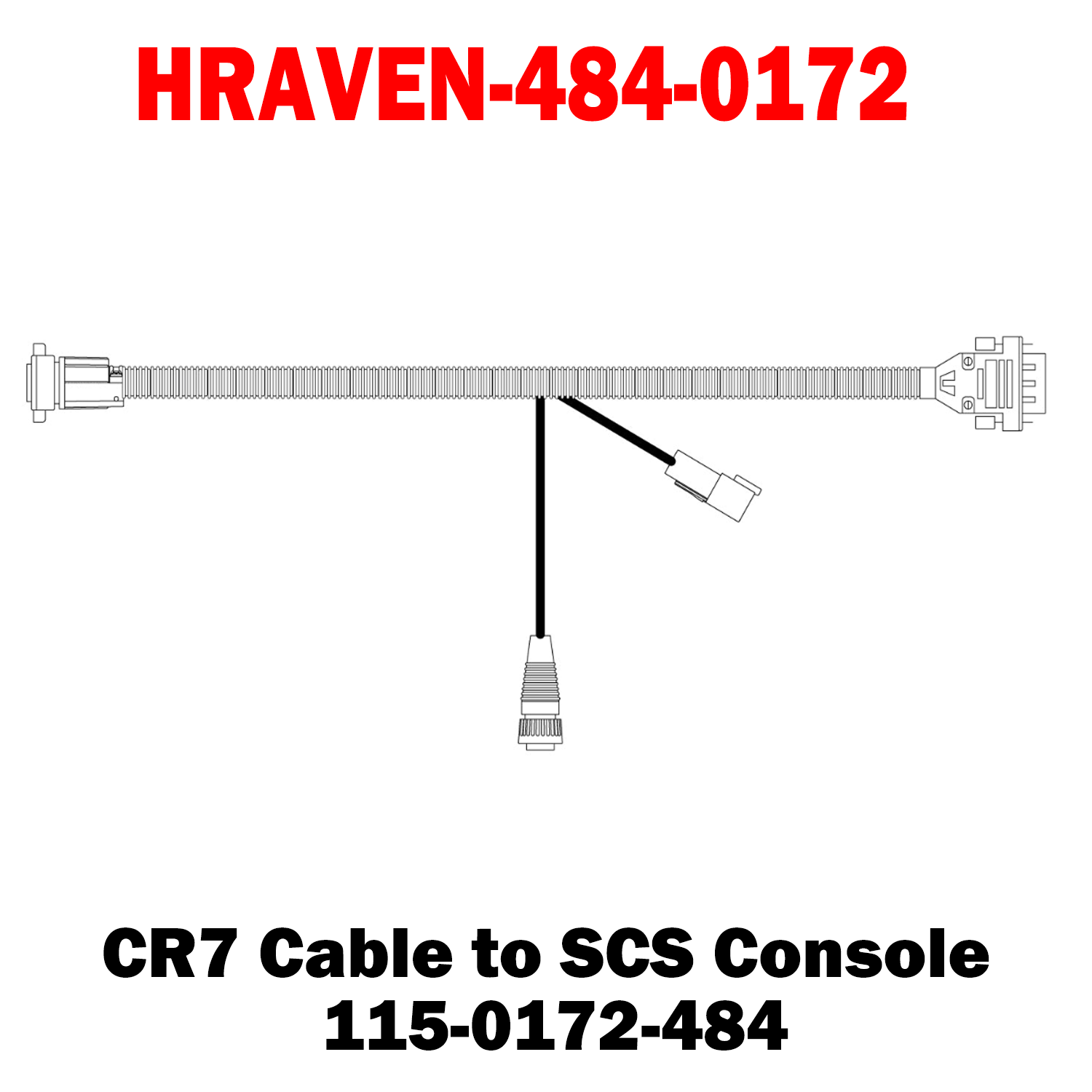
The Raven CR7 to SCS Console Cable (115-0172-484) is a factory-specified harness connecting a CR7 field computer to an SCS series console. It lets the two units share data so guidance and rate control work together on the same machine.
Key Features
• CR7 to SCS Console Connection – Correct OEM interface between the field computer and the rate controller
• Shared Data Between Units – Lets guidance and rate control operate from one setup
• Durable, Field-Ready Construction – Rugged connectors and jacket built to withstand moisture, vibration and rough field conditions
Call for Availability
%0A%0AThe%20Raven%20CR7%20to%20SCS%20Console%20Cable%20(115-0172-484)%20is%20a%20factory-specified%20harness%20connecting%20a%20CR7%20field%20computer%20to%20an%20SCS%20series%20console.%20It%20lets%20the%20two%20units%20sha...)
HRAVEN-484-0172 (115-0172-484)
Sale price$450.00 USD
Choose options
HRAVEN-484-0172 (115-0172-484)
Sale price$450.00 USD