



























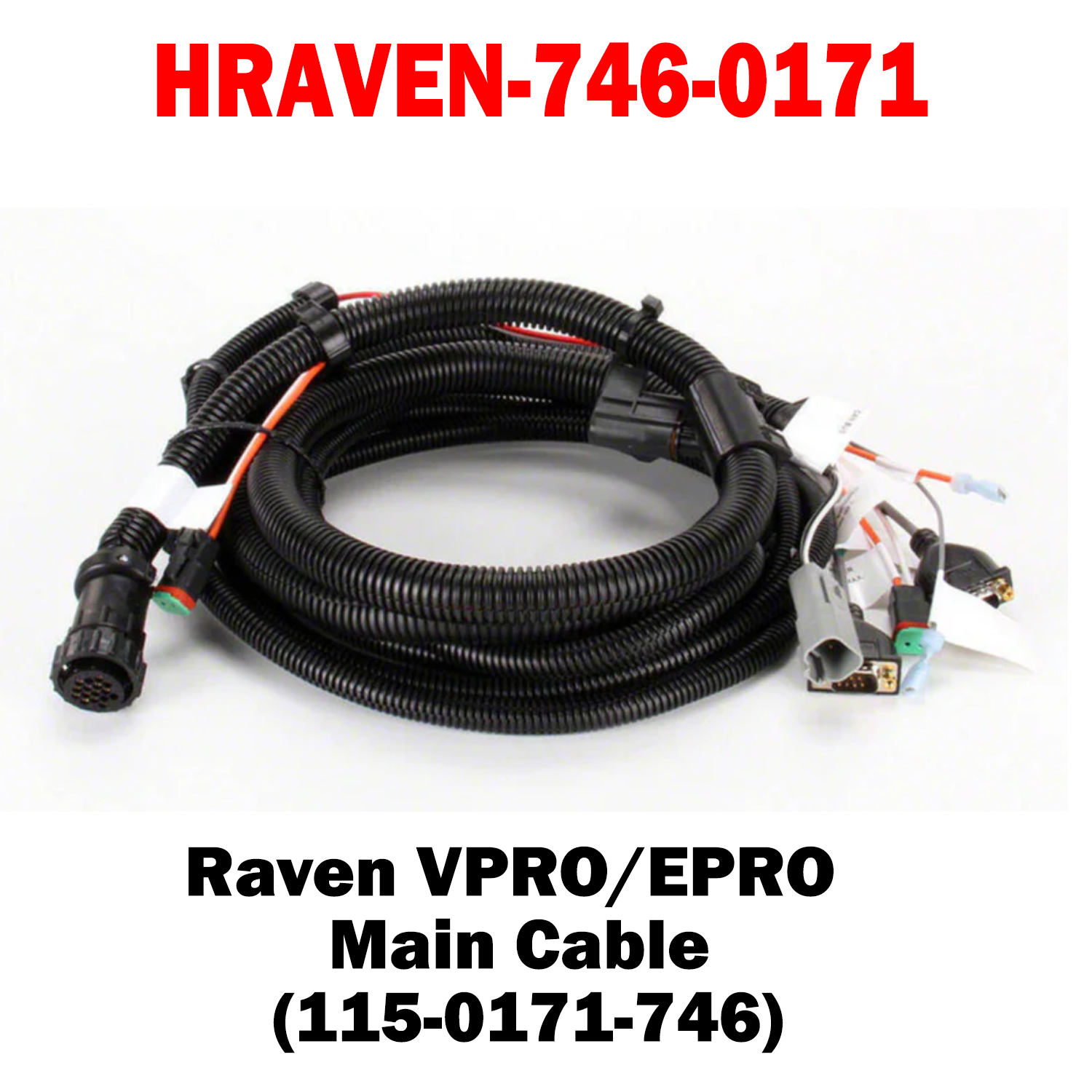
HRAVEN-746-0171 (115-0171-746)
The Raven VPRO/EPRO Main Cable (Part #115-0171-746) is the primary interface cable used in Raven precision agriculture systems. It provides the essential connection between the Viper Pro or Envizio Pro field computer/monitor and the machine’s main harness/controller, enabling power, data, and communication signals to flow between the guidance display and the vehicle’s guidance and control systems for accurate implement control and section/rate management.
Key Features:
• OEM-grade main interface cable designed specifically for Viper Pro and Envizio Pro/Envizio II Raven field computer systems, ensuring proper connectivity and compatibility.
• Reliable communication and power transfer between the monitor and machine electronics so guidance, rate control, and section control functions work correctly.
• Durable agricultural build suitable for harsh field environments and repeated use on tractors, sprayers, and other implements.
%0AThe%20Raven%20VPRO/EPRO%20Main%20Cable%20(Part%20%23115-0171-746)%20is%20the%20primary%20interface%20cable%20used%20in%20Raven%20precision%20agriculture%20systems.%20It%20provides%20the%20essential%20connection%20...)
Choose options