




























HRAVEN-820-0171 (115-0171-820)
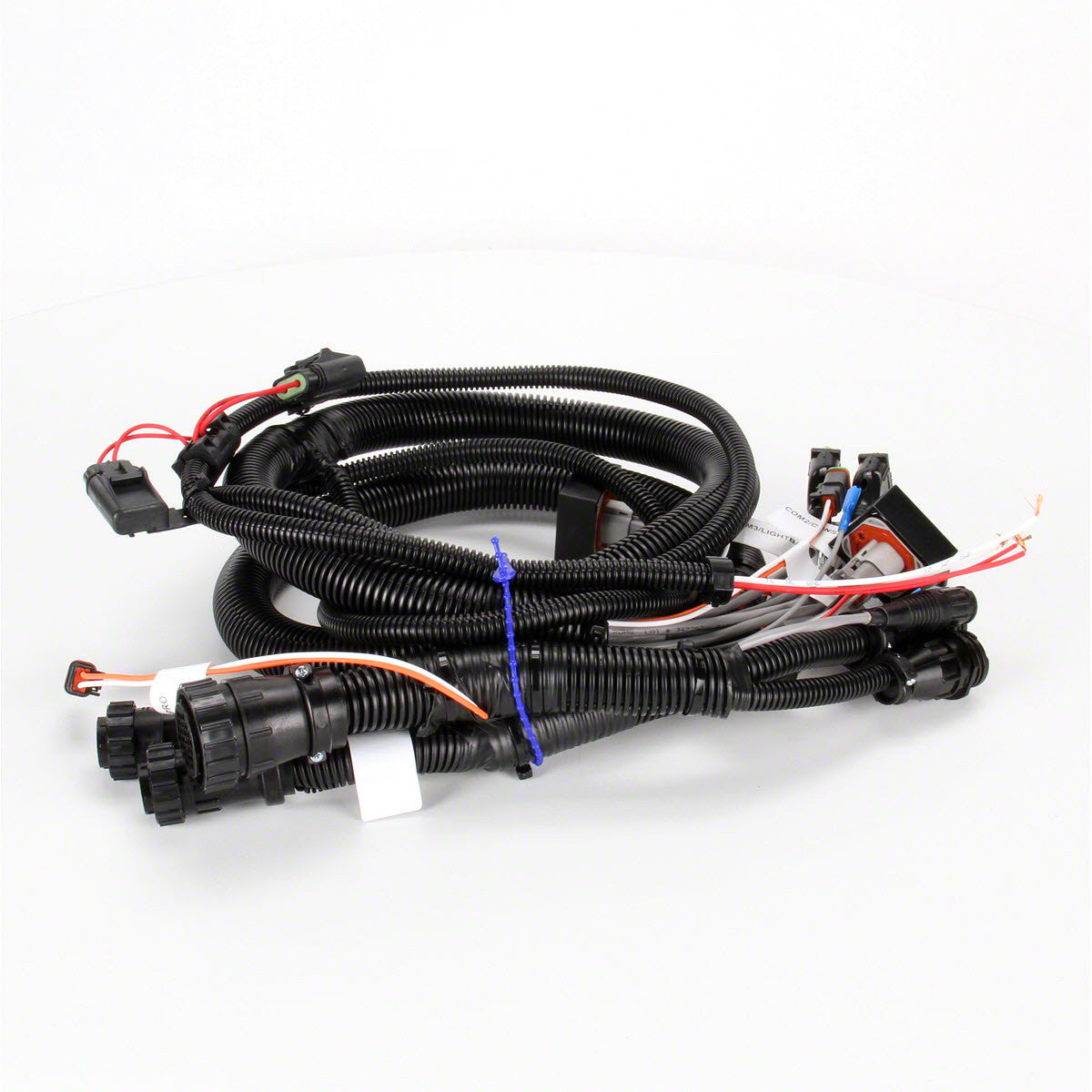
The Raven Envizio Pro / Switch Pro 440-Style Cable (115-0171-820) is a factory-specified harness connecting an Envizio Pro or Switch Pro system using the 440-style connector layout. It carries power and control signals between the console and the application components.
Key Features
• Envizio Pro / Switch Pro, 440-Style – Correct OEM connector layout for these systems
• Power and Control in One Harness – Single cable between console and application components
• Durable, Field-Ready Construction – Rugged connectors and jacket built to withstand moisture, vibration and rough field conditions
%0A%0AThe%20Raven%20Envizio%20Pro%20/%20Switch%20Pro%20440-Style%20Cable%20(115-0171-820)%20is%20a%20factory-specified%20harness%20connecting%20an%20Envizio%20Pro%20or%20Switch%20Pro%20system%20using%20the%20440-style%20...)
HRAVEN-820 (115-0171-820)
Sale price$2,168.00 USD
Choose options
HRAVEN-820 (115-0171-820)
Sale price$2,168.00 USD