



























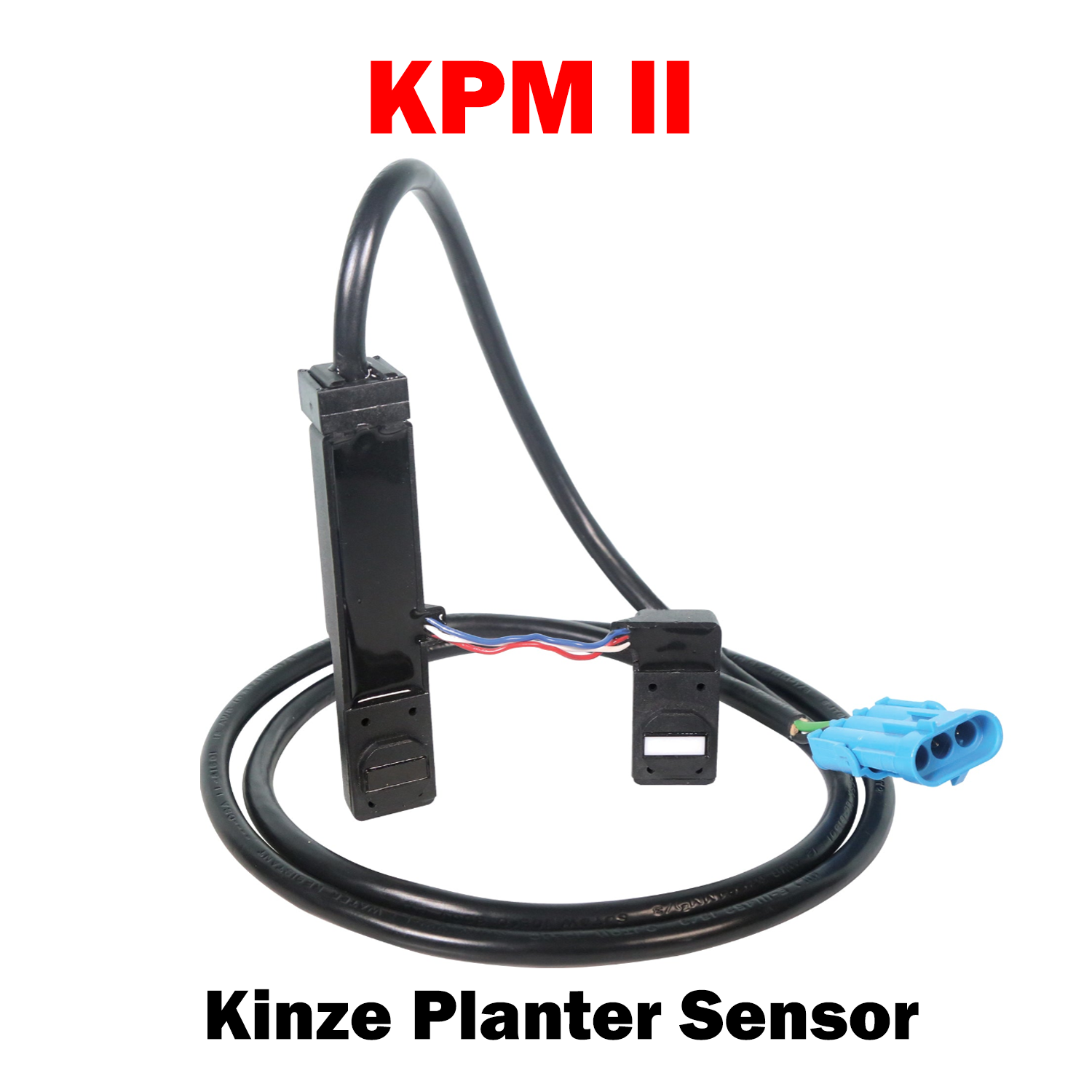
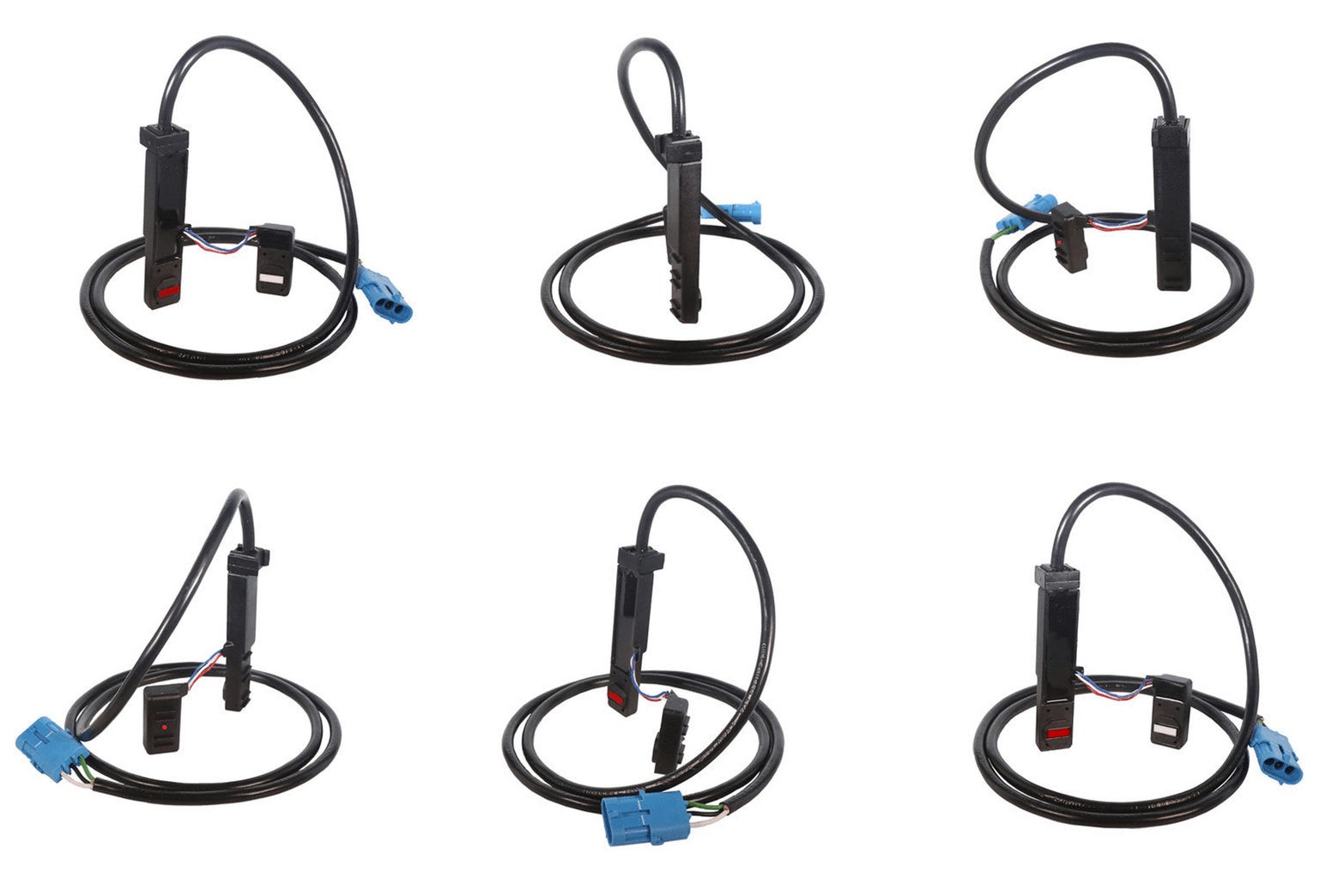
KPM II Kinze Part Number: GR1629, GA9847
Description:
The KPM II Smart Sensor is designed for second-generation Kinze monitoring systems and uses advanced “Smart” Sensor Technology to deliver accurate seed flow data to the planter monitor. This sensor communicates through a 3-wire multiplex (mux) bus, allowing multiple sensors to share the same communication line for simplified wiring and reliable performance.
This unit serves as a direct replacement for Kinze KPM II planter sensors as well as Monosem MPM II monitor systems. It mounts to the seed tube housing (tube not included) and provides precise seed population detection for row-crop planters.
Specifications
-
Monitor Compatibility:
-
Monosem Monitor Systems
-
KPM I, KPM II, KPM III
-
-
Connector Style: Weather Pack (sealed, moisture-resistant)
-
Supported Equipment: Kinze row units and compatible seed tubes
-
Function: Detects seed flow, population, and skips
-
Outputs signal to compatible population monitors
-
Kinze Part Number: GR1629, GA9847
-

Choose options