



























KIT-MASTER HARN
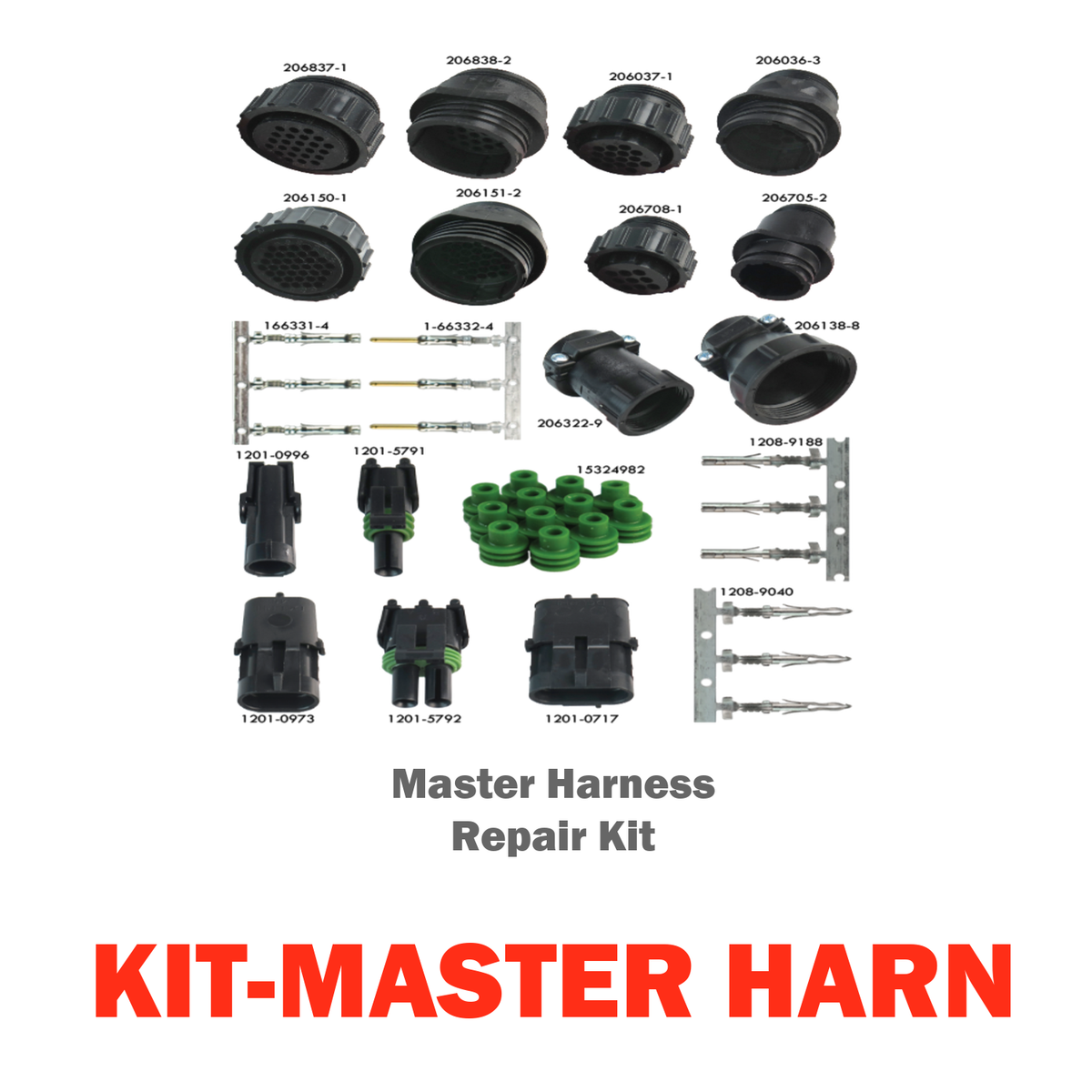
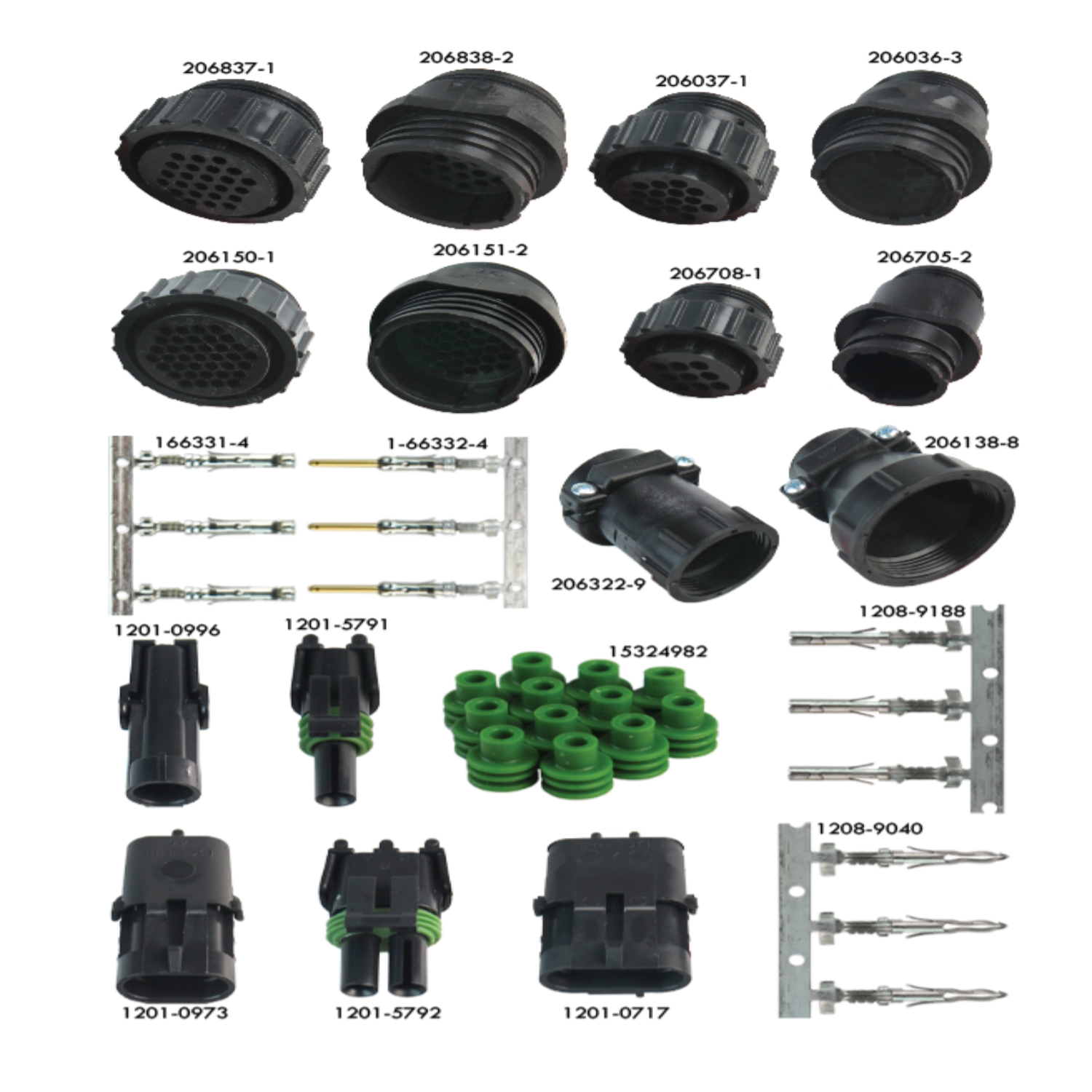
Master Harness Repair Kit (KIT-MASTER HARN)
4 – 37-Pin AMP Plug Housing, Lock Ring (Harness Side)
4 – 37-Pin AMP Receptacle Housing, Threaded (Monitor Side)
2 – 24-Pin AMP Plug Housing (Harness Side)
2 – 24-Pin AMP Receptacle Housing (Monitor Side)
2 – 16-Pin AMP Plug Housing, Lock Ring (Harness Side)
2 – 16-Pin AMP Receptacle Housing, Threaded (Monitor Side)
2 – 9-Pin AMP Plug Housing, Lock Ring (Harness Side)
2 – 9-Pin AMP Receptacle Housing, Threaded (Monitor Side)
12 – Back Shell for 24 & 37 Pin Connectors
8 – Back Shell for 16 & 9 Pin Connectors
246 – AMP Connector Female Sockets, Tin Crimp, 20-24AWG
246 – AMP Connector Male Pins, Tin Plated, 20-24AWG
4 – 1-Pin Weather-Pack Receptacle Connector Housing
4 – 1-Pin Weather-Pack Plug Connector Housing
4 – 2-Pin Weather-Pack Receptacle Connector Housing
4 – 2-Pin Weather-Pack Plug Connector Housing
24 – 3-Pin Weather-Pack Plug Connector Housing (Harness Side)
96 – Weather-Pack Green Grommets
84 – Weather-Pack Connector Male Pins (Harness Side)
12 – Weather-Pack Connector Female Sockets (Sensor Side)
4%20%E2%80%93%2037-Pin%20AMP%20Plug%20Housing,%20Lock%20Ring%20(Harness%20Side)4%20%E2%80%93%2037-Pin%20AMP%20Receptacle%20Housing,%20Threaded%20(Monitor%20Side)2%20%E2%80%93%2024-Pin%20AMP%20Plug%20Housing...)
Choose options