





























PMSF-16-JD| 1-16 Row Seed Flow Planter/Drill Monitor
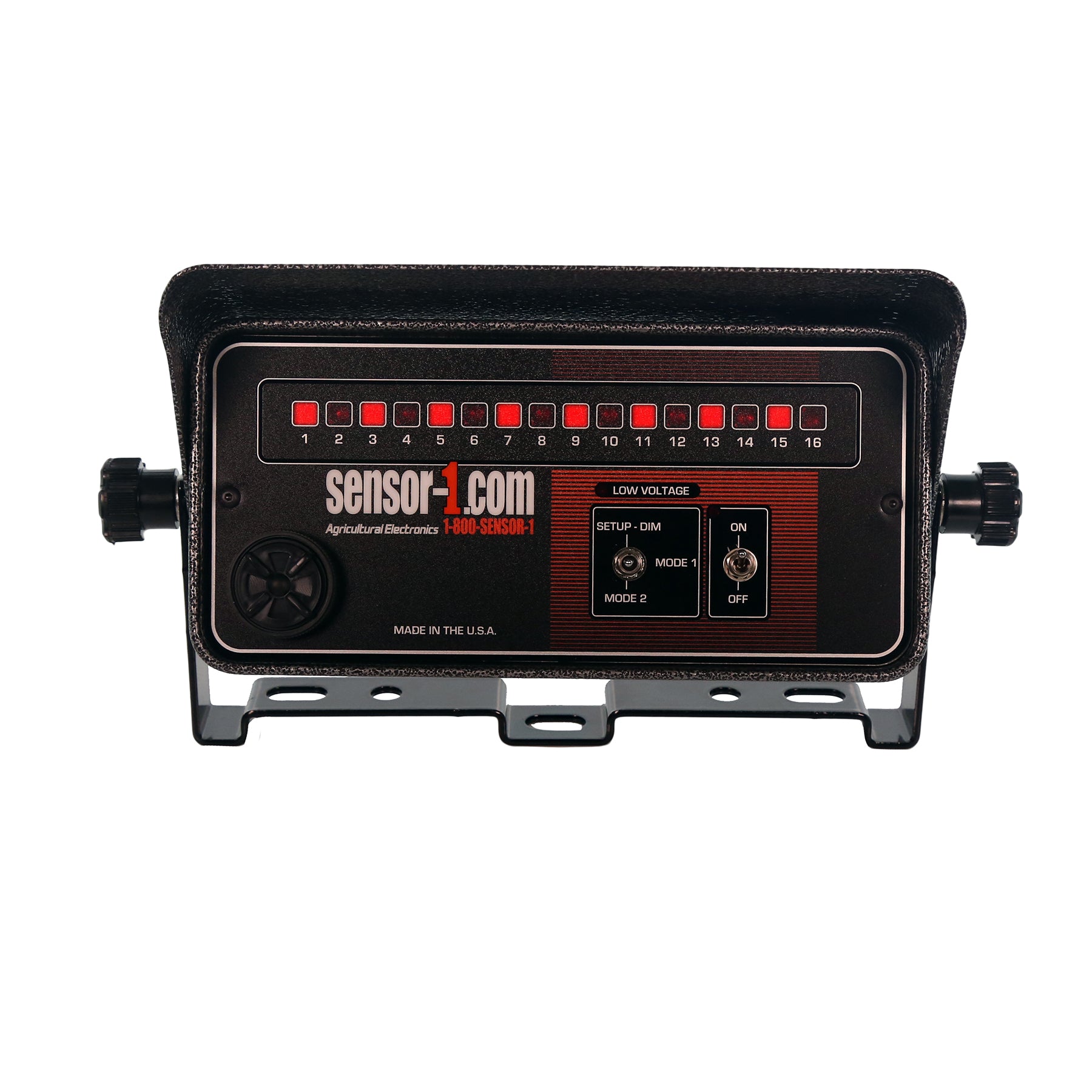
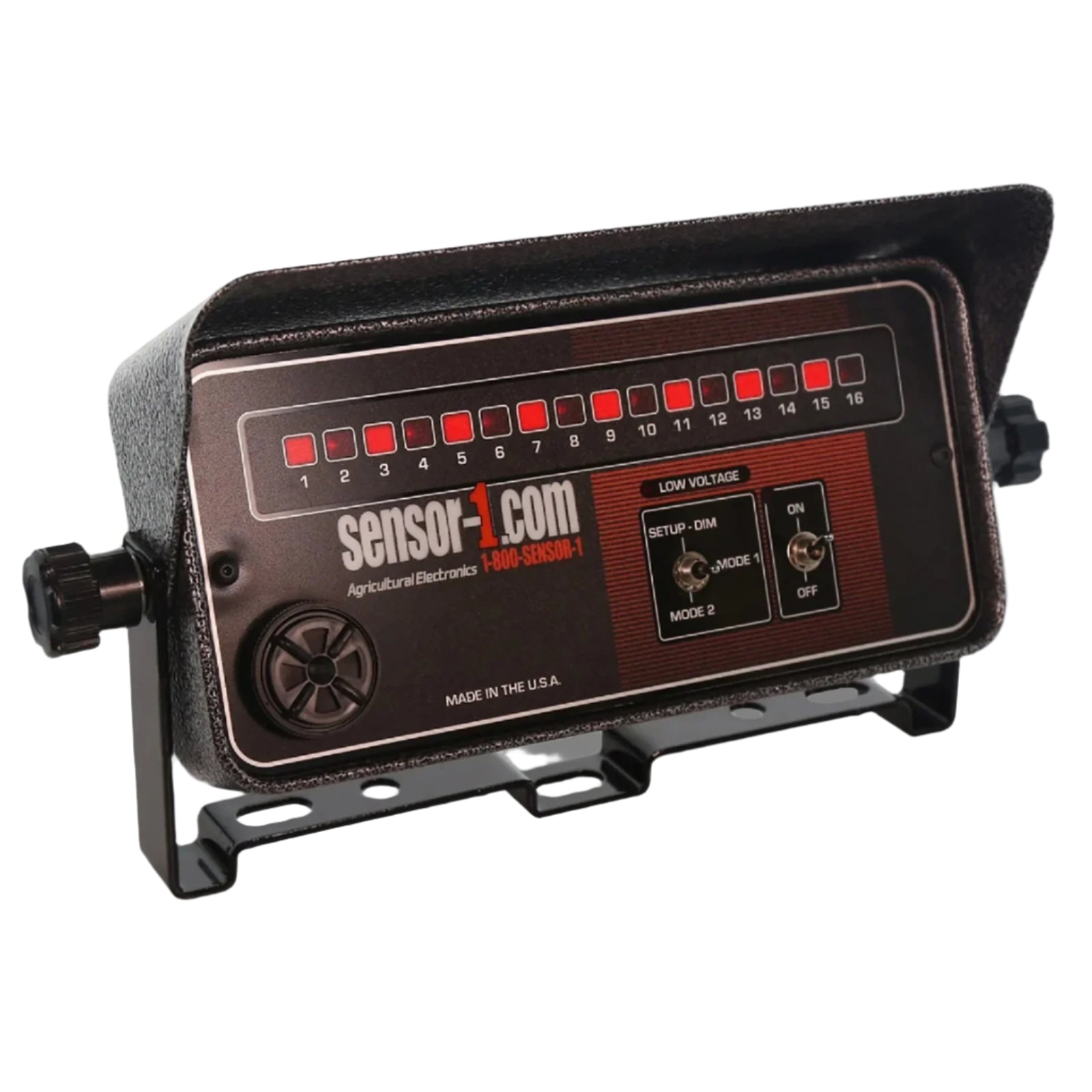
SENSOR-1 Seed Flow Monitor is a compact design measuring 8-½” long, 4-½” wide and only 1-¾” deep. Features two display modes: Mode 1 - LED lights flash each time a seed drops; Mode 2 - LED lights remain off until a row fails. Set up switch to set a base point to measure average seed flow. If the seed count drops below 50% of set-up point, the alarm will sound to indicate reduced seed flow and the LED lights will flash to indicate row failing. Includes sun cap, bracket, monitor & power cord and user manual.
NOTE: If ordering just the Monitor know your pin out to match your harness!
- Sensor-1 Monitor Pins out John Deere or Dickey-john
- John Deere Pin out Power 27 Ground 28
- Made in the USA

PMSF-16-JD | 1-16 Row Seed Flow Planter/Drill Monitor
Sale price$950.00 USD
Choose options
PMSF-16-JD | 1-16 Row Seed Flow Planter/Drill Monitor
Sale price$950.00 USD