



























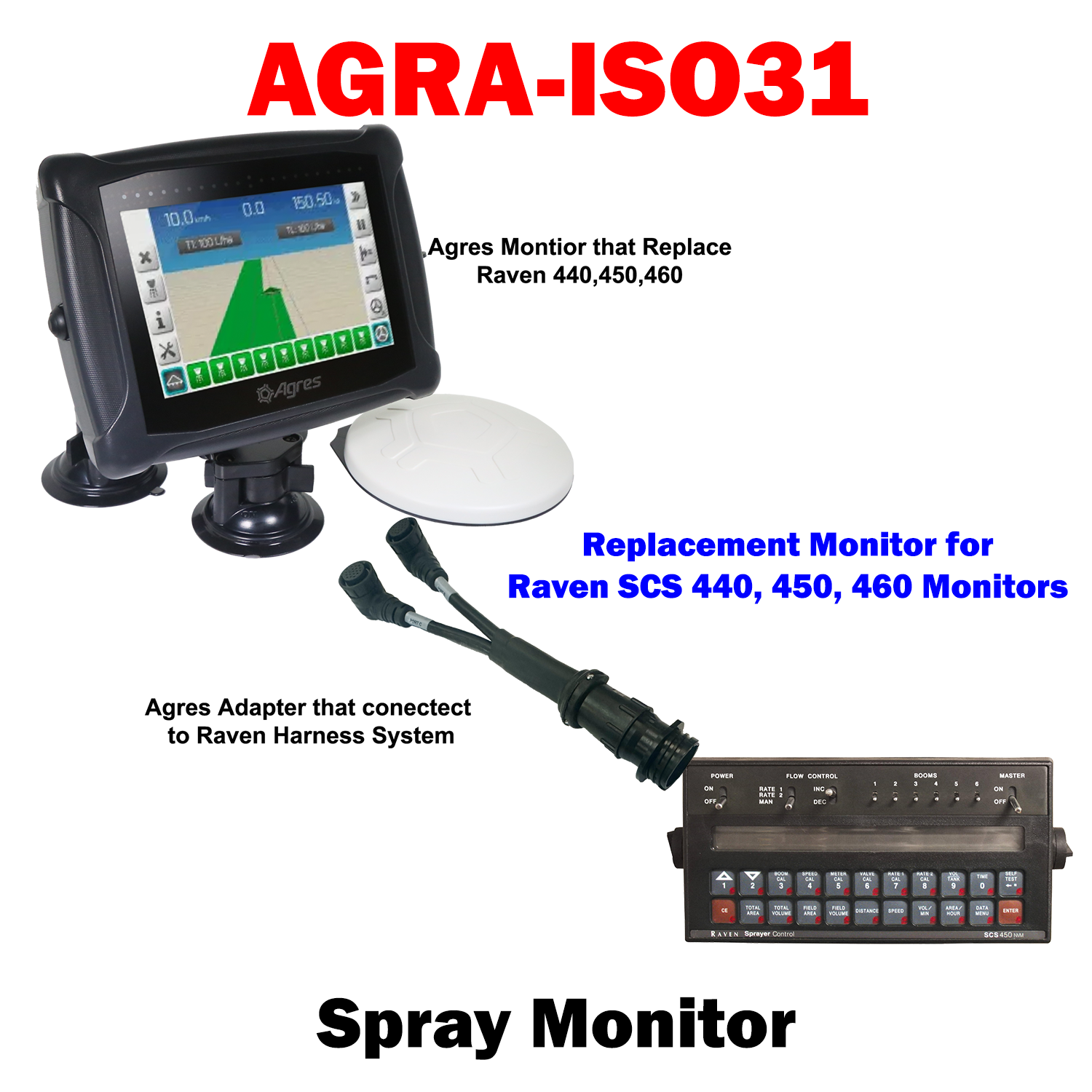
AGRA-ISO31
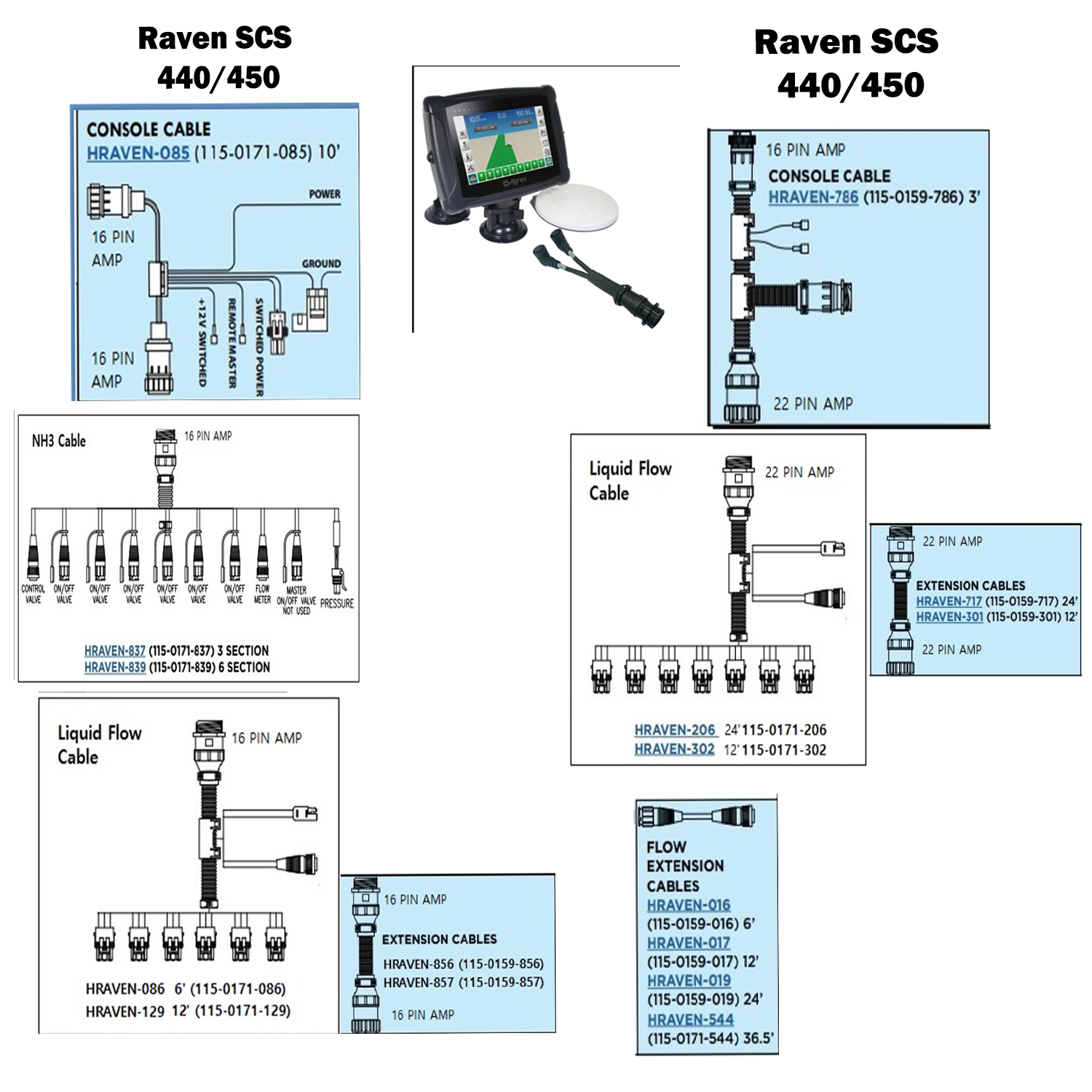
Agra Sensor-1 Replacement Monitor for the Raven SCS 440, 450, 460 Monitors, Agres Monitor + Sprayer Unlock + Monitor Adaptor
One of the most common jobs in the field has now become much easier!
ISO 30 works as a virtual guide, which will control the layout of the machines in your cultivation area, navigating in parallel paths, regardless of whether the route starts on a straight or curve, requiring only one start point and another end.
The system allows diverse field operations to be carried out, such as preparing the soil, planting seeds, cultivating the plantation and harvesting the crops. Thus, with the information generated and stored in ISO 30, you can manage your entire agricultural operation in a more effective and strategic way, in order to improve your productivity.
FEATURES
- Navigation on straight or curved parallel lines
- Control of break points and activity restart
- Recording of routes and maps of areas covered
- Real-time calculation of areas covered by the machine
- Record speed, distance and operating time
- Importing the guides project
- Storage and downloading of all recorded data

Choose options