



























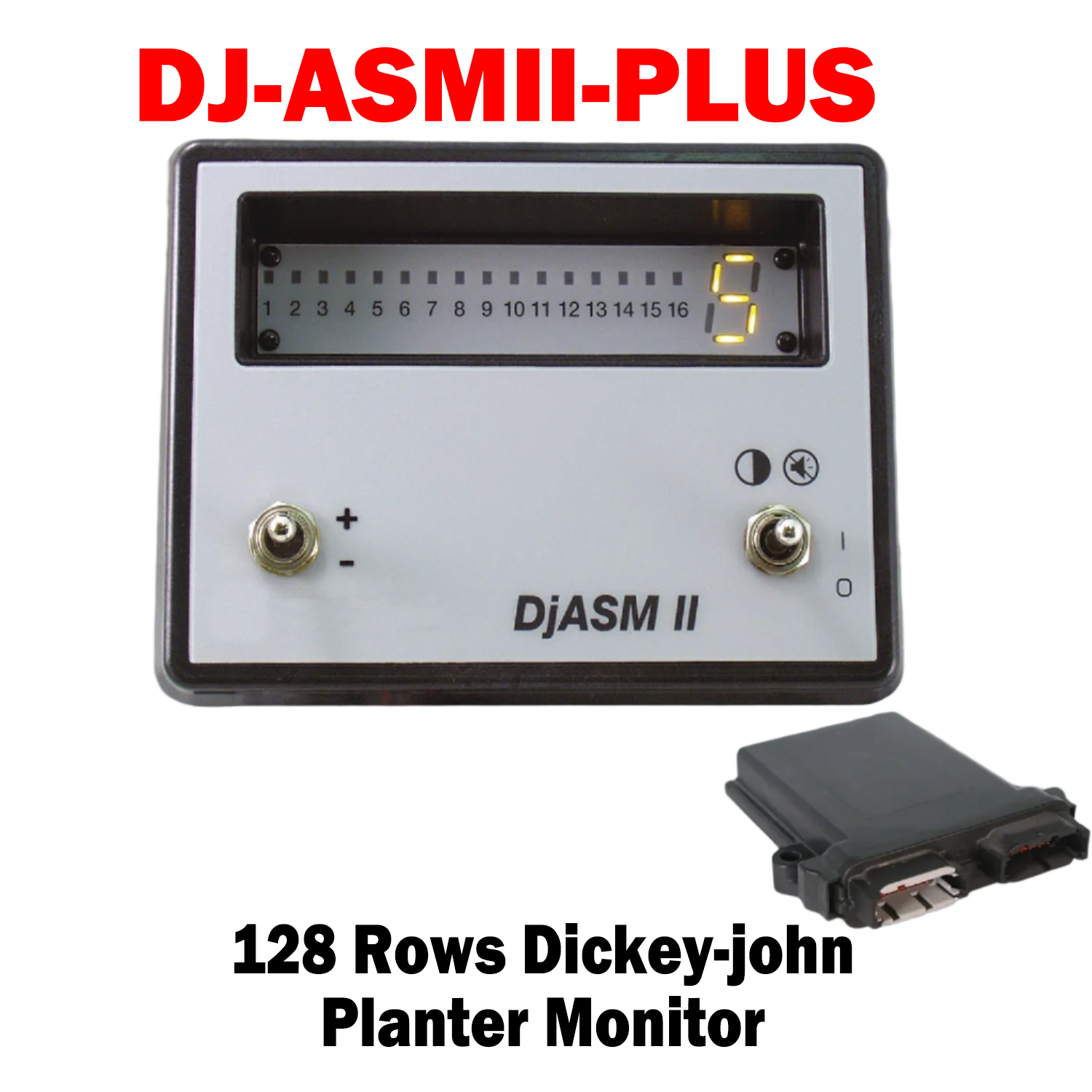
DJ-ASMIIPLUS- (467942002S1)
The DICKEY-john® Dj Air Seeder Monitor (Dj ASMII) provides accurate blockage and low-cost monitoring of up to 128 rows and 8 hopper levels. With 16 row indicators per module and a seven-segment display, the DjASM II is user-friendly and precise. It also allows you to add up to eight additional modules and adjust the blockage threshold alarm. Module sold Separated 46794-2057S1
Modular and customizable, the DjASM™ air cart monitor delivers top-level monitoring without draining your budget.
Modular and customizable, the DjASM™ air cart monitor delivers top-level monitoring without draining your budget.
Features and Benefits:
- 128 row maximum monitoring capability
- 8 ASM II module scanning capability
- 16 row or 15 row and 1 hopper level sensor display capability per ASM II Module
- Implement lift switch input
- 16 row indicators • 7 segment indicator (displays 1,2,3,4,5,6,7,8,9,0, A,C,E,H,L)
- OFF/ON/DIM-ALARM CANCEL toggle switch
- 5 step LED dimming for full sunlight/night time use
- Internal audible alarm (chirp/blare output)
- 12 VDC power relay switching output (for modules)
- Minimum seeding rate adjustment switch/split row enable
%0A%0AThe%20DICKEY-john%C2%AE%20Dj%20Air%20Seeder%20Monitor%20(Dj%20ASMII)%20provides%20accurate%20blockage%20and%20low-cost%20monitoring%20of%20up%20to%20128%20rows%20and%208%20hopper%20levels.%20With%2016%20row%20indicators%20per%20...)
DJ-ASMIIPLUS- (467942002S1)
Sale price$785.00 USD
Choose options
DJ-ASMIIPLUS- (467942002S1)
Sale price$785.00 USD