



























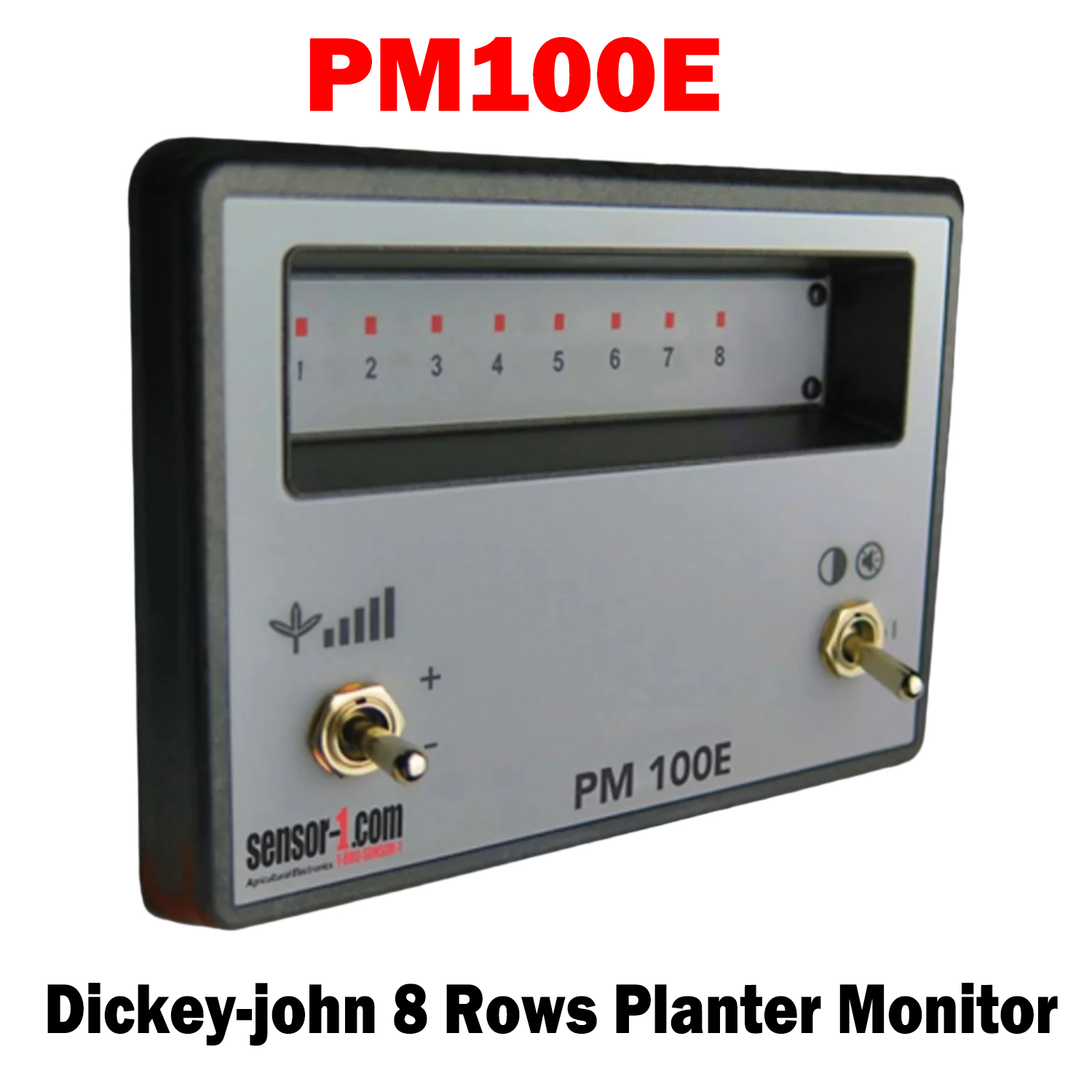
PM100E (467940112S1)
1-8 Rows Planter Monitors
The DICKEY-john® PM100 and PM100E seed flow monitoring systems allow you to optimize your seed planting process. By monitoring the seed flow, the PM100 and PM100E help to reduce skips and misses in seeds with light-up LED indicator sensors. The PM100 and PM100E are cost-effective and easy-to-use solutions to provide you with the most accurate planting possible.
Features and Benefits:
Monitoring of 1-8 rows (PM100E)
- Simple LED to indicate seed flow or no seed flow
- Alarms in event of no seeding
- Automatic sensor detection
- Ability to set different failure threshold parameters
- Adjustable failure threshold settings
- 2 Modes
- Monitor Mode – LED’s will blink as seeds pass sensor
- Row Failure Mode – LED will illuminate upon a failed row
%0A%0A1-8%C2%A0Rows%20Planter%20Monitors%0AThe%20DICKEY-john%C2%AE%20PM100%20and%20PM100E%20seed%20flow%20monitoring%20systems%20allow%20you%20to%20optimize%20your%20seed%20planting%20process.%20By%20monitoring%20the%20seed%20flow,%20the%20P...)
DJ-PM100E | Planter Monitor 1-8 Rows (467940112S1)
Sale price$700.00 USD
Choose options
DJ-PM100E | Planter Monitor 1-8 Rows (467940112S1)
Sale price$700.00 USD