



























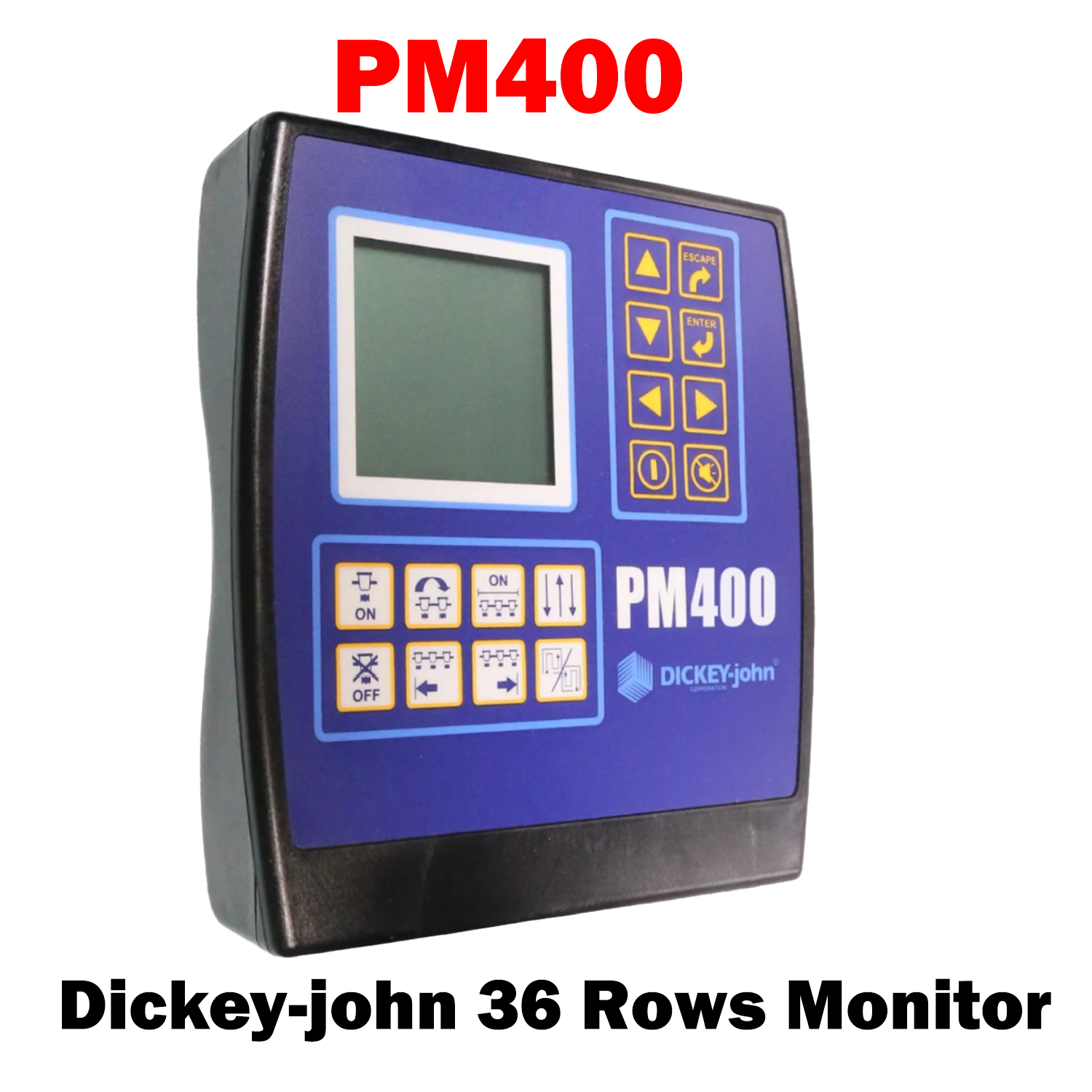
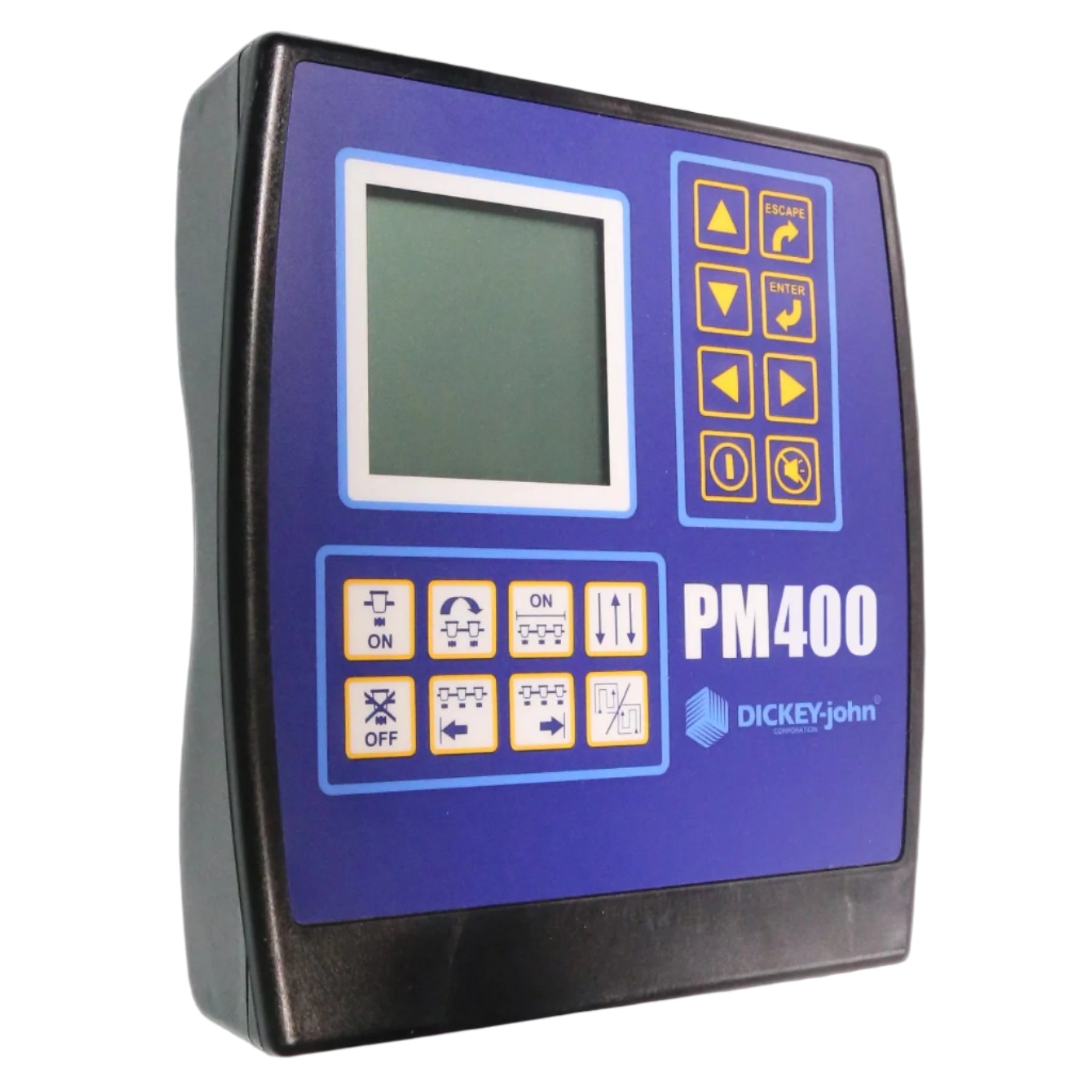
36 Row | PM400 Planter Monitor
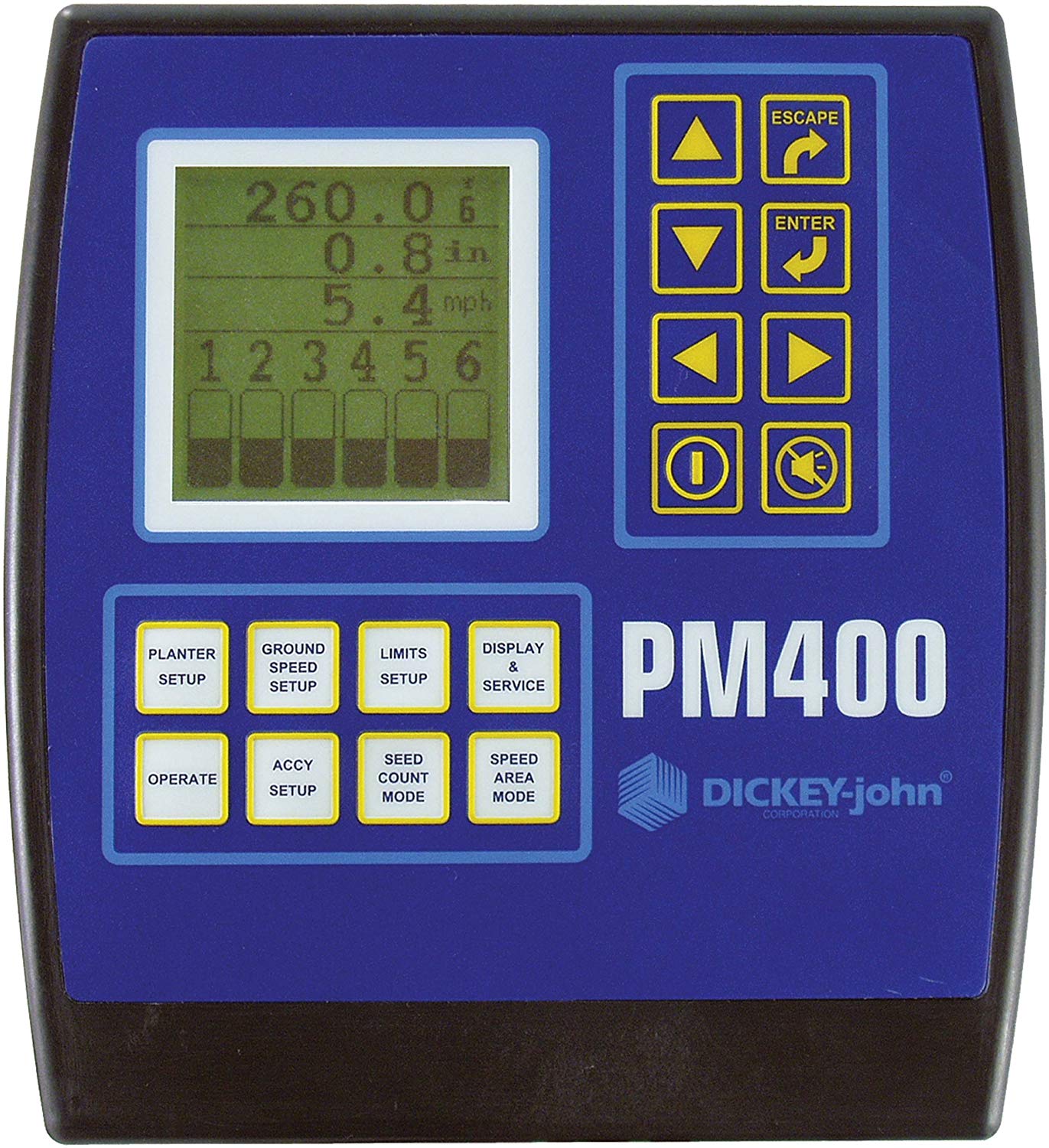
PM400 PLANTER MONITOR
The DICKEY-john® PM400 planter monitor is the ideal choice for large-scale operations. With capabilities of monitoring up to 36 rows, the PM400 monitors seed and fertilizer flow with unmatched precision. The unit display screen can also be customized to output a comprehensive set of parameters so that you can maximize your results.
Features and Benefits:
- Monitor up to 36 rows
- Monitor ground speed, hopper levels and fan/shift rotation
- Displays:
- Population (min, max, average)
- Seed Spacing (min, max, average)
- Seeds/Distance (min, max, average)
- Field Area Up to 2
- Total Area / Total Area per hour
- Ground Speed
- Fan, Shaft speed, flow indicator
- Audible alarms
- Automatic Sensor Detect
- Ability to set up different sensor states: on, off, blockage and disabled
- Ability to set different high/low pop alarms
- Adjustable bar graph size
- Simple and easy to use with large buttons
- Display is backlit with customizable settings
- Store up to 3 planter configurations
- Password restriction to lock out screens
- Display individual row seed counts
- Two 37 pin implement leads

Choose options
DJ-PM400 | Planter Monitor
Sale price$1,625.00 USD