



























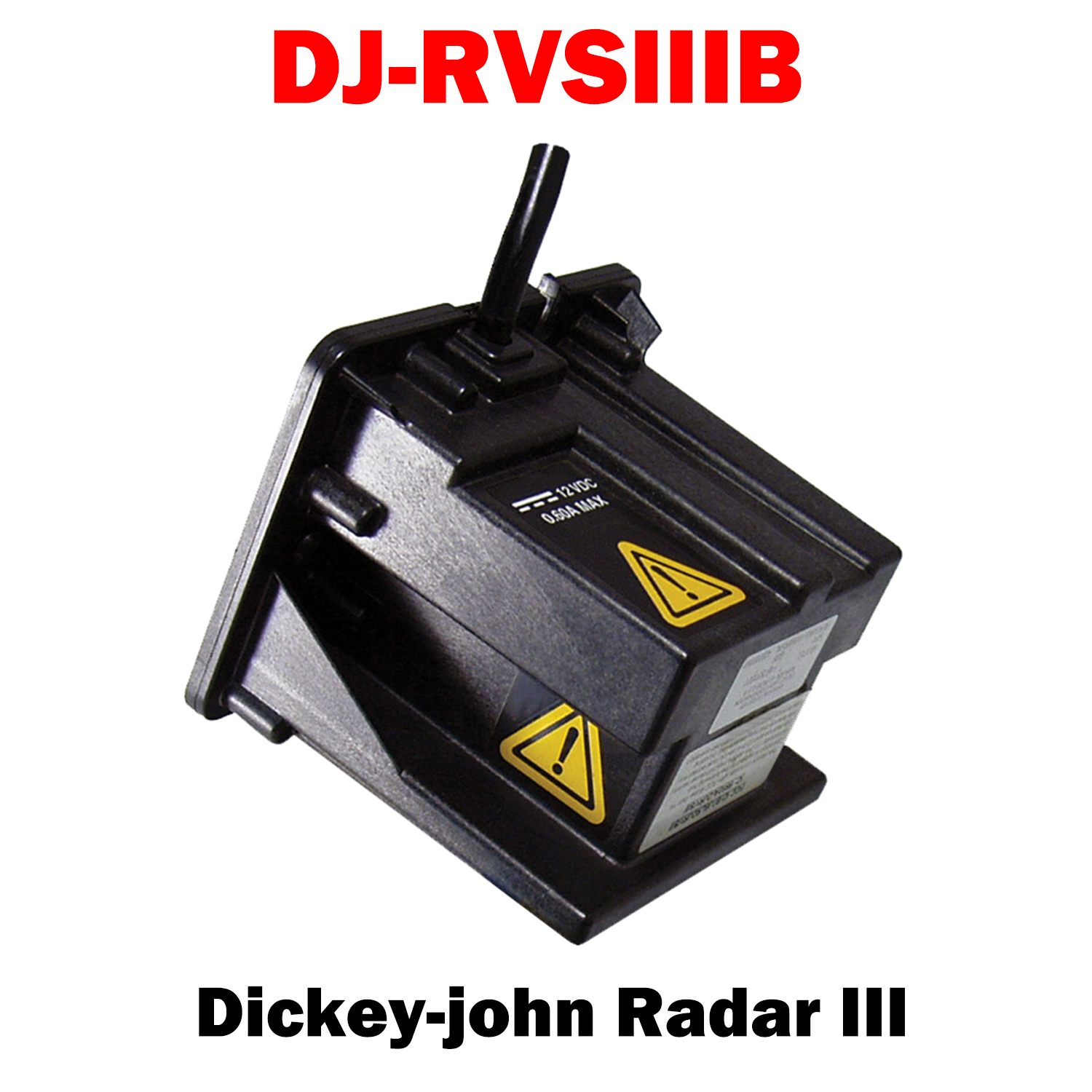
DJ-RVSIIIB
DICKEY-john Radar III (467831000S9)
(Call for Availability)
The DICKEY-john® Radar III Speed Sensor is a streamlined, more compact version of DICKEY-john’s Radar II ground speed sensor. The Radar III does not use the movement of a wheel or drive shaft, therefore, errors in signal due to wheel slippage or wheel distortion from varying loads and ground conditions are eliminated. The DICKEY-john® Radar III may also be used to improve the performance of other monitors and control systems that require a speed sensor signal to better optimize your operation.
Features and Benefits:
- Easy to install
- Weighs 1 lb.
- Dimensions: 4” x 3.4” x 3.1”
- High-tech planar array for the truest velocity measurement possible
- Views ground surface for accurate ground speed detection
- Velocity errors of less than or equal to 1-3% after in-field calibration
- Can be mounted to view forward or backward from vehicle
%C2%A0%0A(Call%20for%20Availability)%0AThe%20DICKEY-john%C2%AE%20Radar%20III%20Speed%20Sensor%20is%20a%20streamlined,%20more%20compact%20version%20of%20DICKEY-john%E2%80%99s%20Radar%20II%20ground%20speed%20senso...)
Choose options
DJ-RVSIIIB | DICKEY-john Radar III (467831000S9)
Sale price$890.00 USD