




























DJ-USS 467701002S1
UNIRATE SEED SENSOR 467701002S1
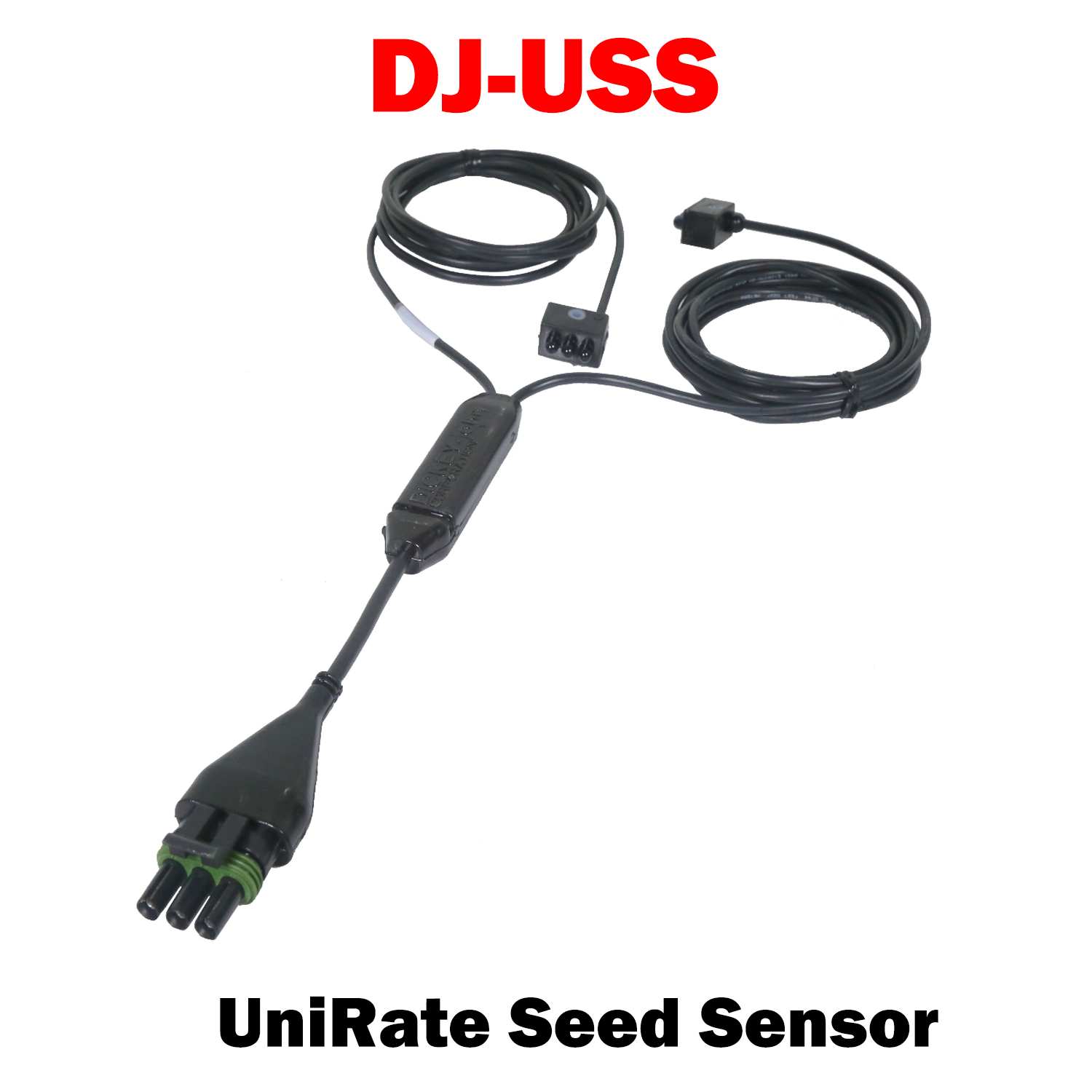
The DICKEY-john® UniRate™ Seed Sensor accurately counts seeds while planting to ensure that the correct rate is being applied. The UniRate Seed sensor is an extremely accurate sensor with up to 98 percent accuracy depending upon the seed size and planting rate. Be confident that your precision planting unit is working to its full potential and ensuring the maximum yield and profitability for your planted crop. Its design allows the customization of the sensor mounting brackets by the machine’s OEM, thereby utilizing a standard sensor product which makes the UniRate Seed Sensor an extremely cost-effective solution.Features and Benefits:
• Appropriate for Rapeseed, Sugar Beets, Peas, Beans, Onions, Corn and Broccoli• Compact design fits a variety of different planters
• Accurately monitors seeding rates between 2 - 122 seeds/sec across multiple seed types and sizes
• Low susceptibility to sunlight
• Compact design allowing easy customization of mounting brackets to fit many different planter types
• Uses a 3-Pin Weather Pak connector for direct connection to existing planter harnessing
• Compatible with existing DICKEY-john PM series planter monitors, IntelliAg® AI series controllers and the IntelliAg® MVT
• Compatible with most OEM planter monitors in use with older DICKEY-john seed sensors
DJ-USS UniRate™ Seed Sensor 467701002S1

DJ-USS 467701002S1 UniRate Seed Sensor
Sale price$150.00 USD
Choose options
DJ-USS 467701002S1 UniRate Seed Sensor
Sale price$150.00 USD