



























Skip to content
Sale price$1,468.00 USD

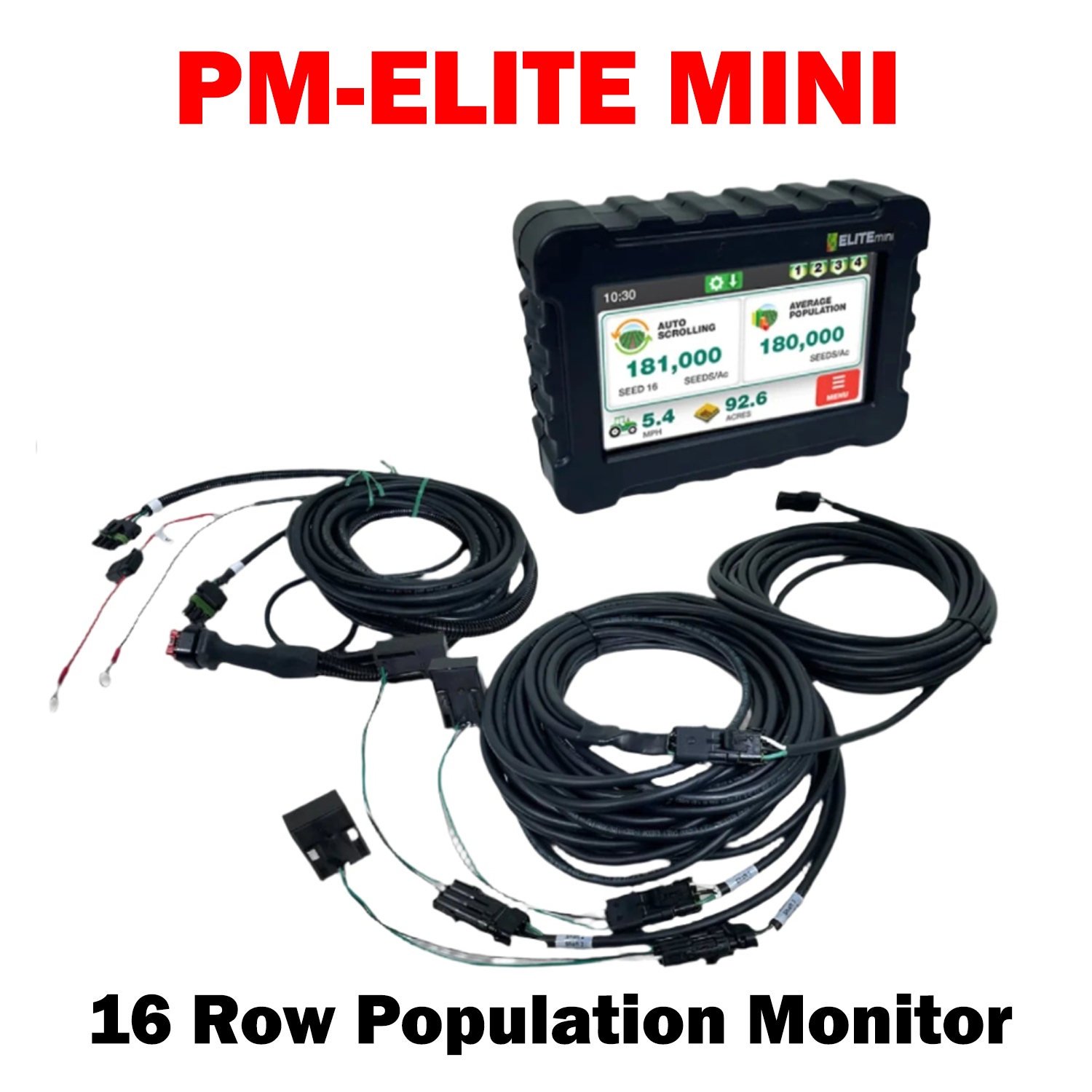
PM-ELITE MINI

The Elite Mini accurately displays basic population readings for up to 16 rows on a gravity drill or air seeder through an easy-to-use touch screen display. Customize two display windows to show information such as Auto Scanning population, Average population, Flow Status, Seeds/Ft., and Shaft RPM.

Display Features

  • Easy to use Touch Screen operation
  • True population for up to 16 Rows.
  • Display Average Population
  • Over 95% Accurate in Soybeans.
  • Bargraph display for up to 4 hopper levels.
  • Advantages
  • Displays 2 options at once
  • Accurate Population Readings
  • Accurate Acres
  • Adjustable Volume
  • 3 Wire Harness


Install Sensor-1 on your iPhone or iPad

  1. Tap the Share button in Safari.
  2. Scroll down and tap “Add to Home Screen.”
  3. Tap “Add.”
  4. Open Sensor-1 from the new icon on your Home Screen.

Install Sensor-1 on Android

  1. Open Sensor-1.com in Google Chrome.
  2. Tap the three-dot menu.
  3. Tap “Install app” or “Add to Home screen.”
  4. Confirm the installation.

Install Sensor-1 on your Mac

  1. In Safari, choose File → Add to Dock.
  2. In Google Chrome, open the browser menu and select Save and Share → Install Page as App, if available.

Install Sensor-1 on Windows

  1. In Microsoft Edge: open the three-dot menu, select “Apps,” then “Install this site as an app.”
  2. In Google Chrome: open the three-dot menu, select “Cast, save, and share,” then “Install page as app” or “Create shortcut.” If available, select “Open as window.”