



























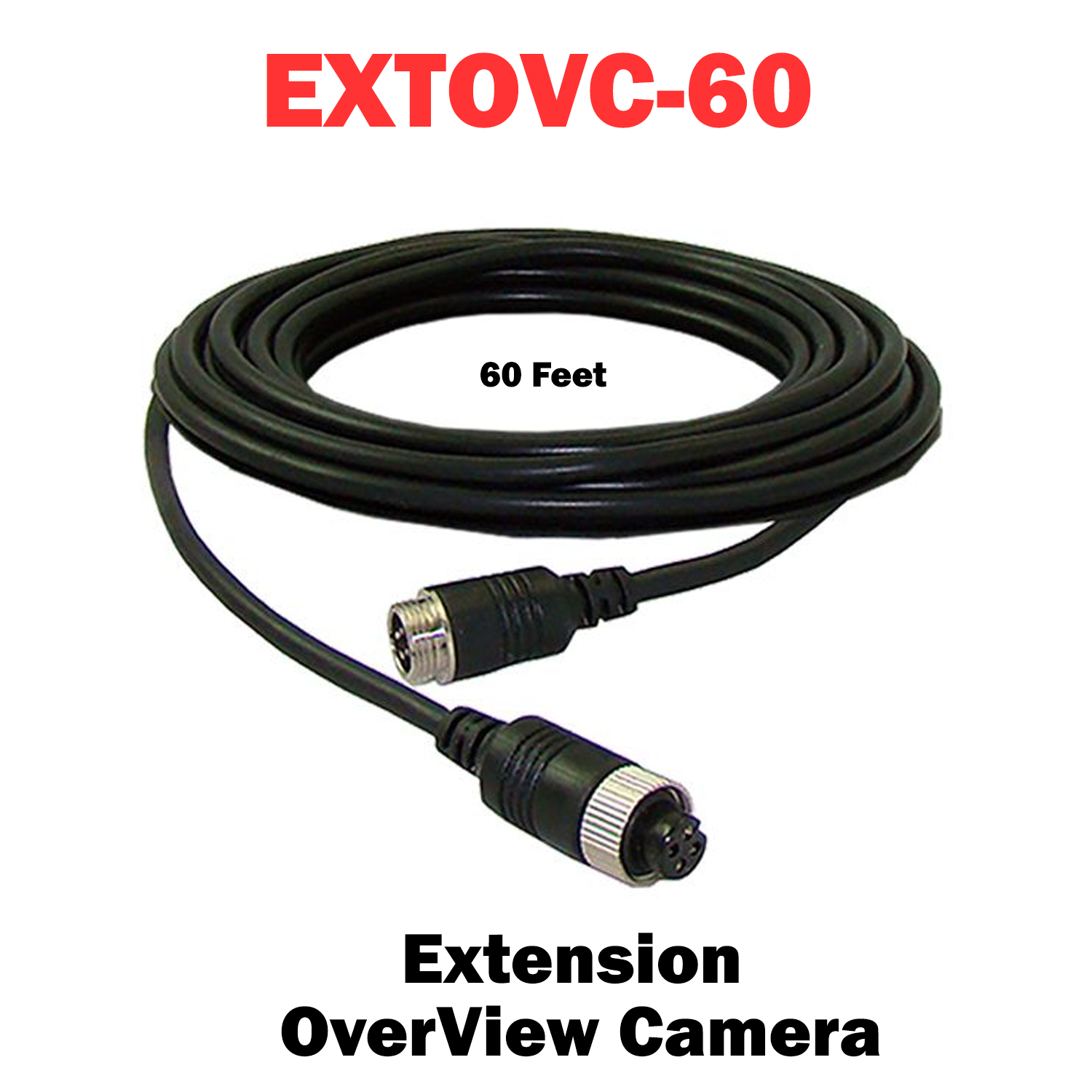
EXTOVC-60
Extension Cable for OverView Camera Systems – 60-Foot (Dakota Micro DMOV-EC60)
Extend your OverView® camera system with this rugged 60-foot extension cable assembly featuring industry-standard CabCam®-style 4-pin connectors. Designed for dependable, weather-resistant performance in agricultural, construction, transportation, and industrial applications, this extension lets you position cameras exactly where you need them — with no loss of video quality or signal integrity.
Key Features:
• Reliable CabCam®-Style 4-Pin Connectivity: Male to female 4-pin connectors ensure a secure, plug-and-play connection with OverView camera systems and compatible Dakota Micro components.
• Durable 60-Foot Cable: Provides ample length to reposition cameras or add distance between the camera and monitor/control unit, while maintaining signal strength and clarity.
• Built for Tough Environments: Rugged construction resists moisture, vibration, and abrasion — ideal for farms, fleets, and jobsite vehicles
Extend%20your%20OverView%C2%AE%20camera%20system%20with%20this%20rugged%2060-foot%20extension%20cable%20assembly%20featuring%20industry-stan...)
Choose options