



























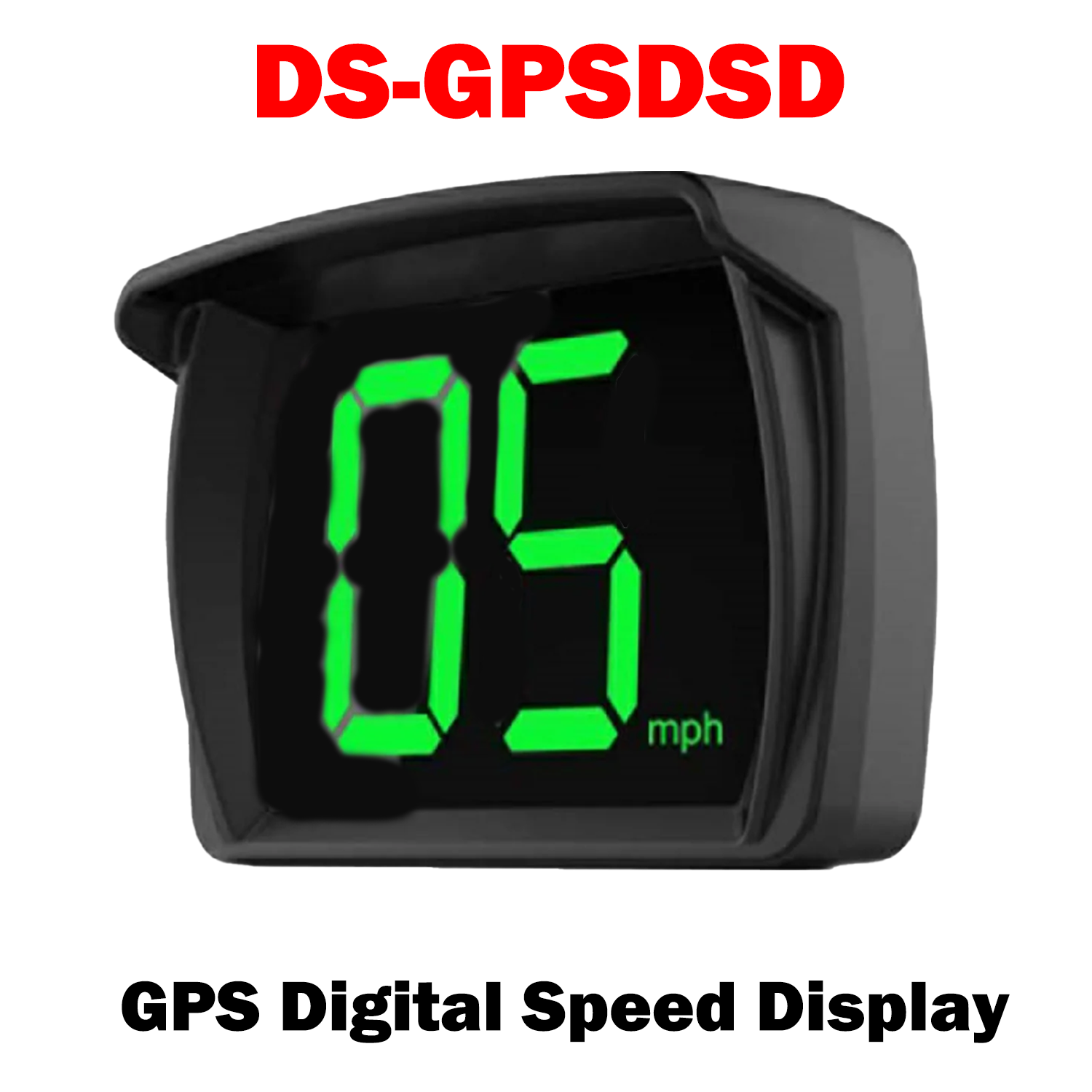


DS-GPSDSD
GPS Digital Speed Display (Display Speed only No plus)
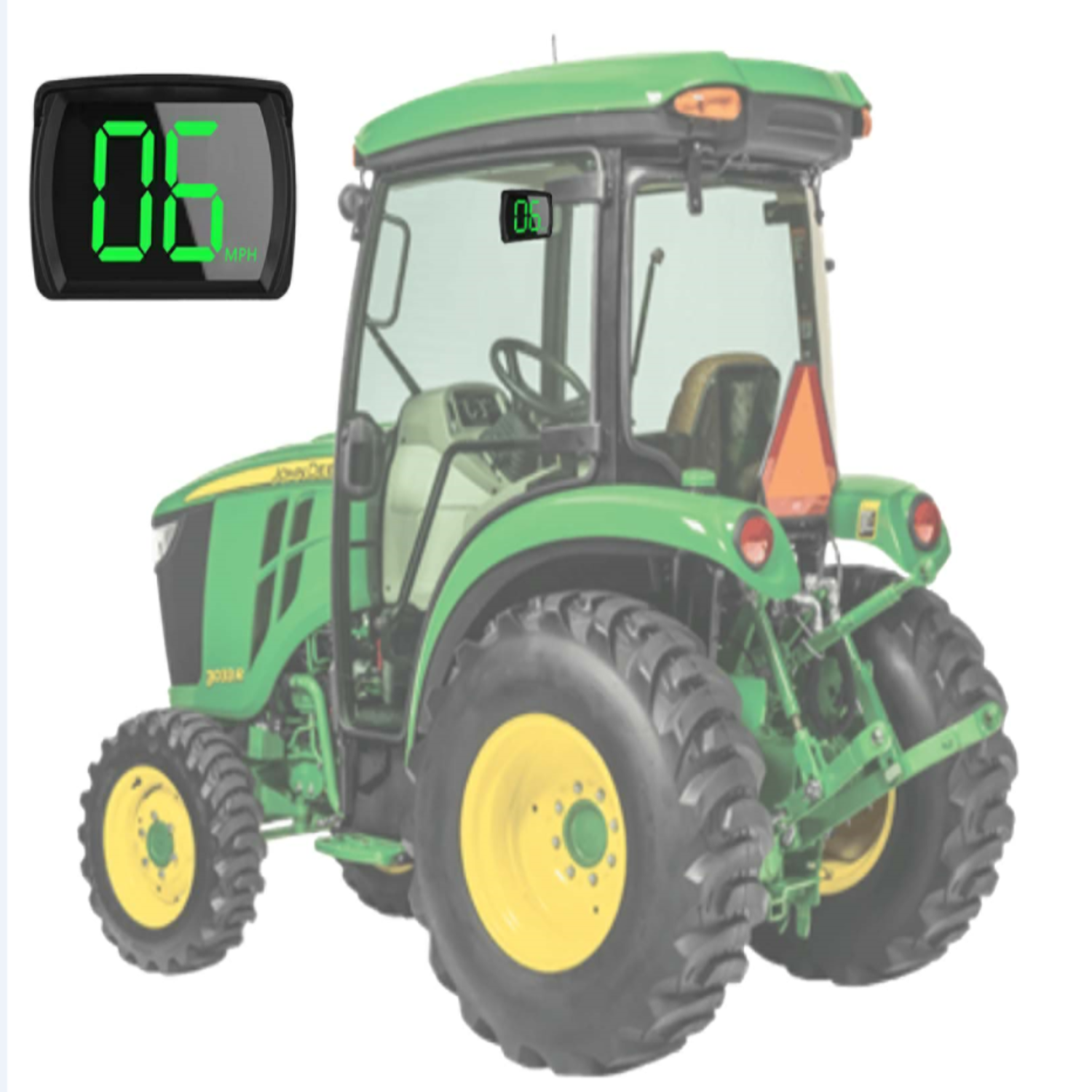
- GPS Speedometers the speed data from GPS satellites, no relation with car engine, no destroy to car circuit board or OBD port, and can be widely used on SUV ATV Pick-up Truck Scooter Golf Cart Bus Boat Train Bike Motorcycle...all vehicles. Its speed will be 1%-5% different from car dashboard which speed is .
- Easy install and use, no buttons, no need any setting, no need read manual, its package include one USB cable, just need connect the USB with our GPS speedometer, then connect to your car. If your car has a USB port, pls plug the USB cable to USB port; if your car doesn't have a USB port, then give it a car adaptor. Plug and Play.
%0A%0AGPS%20Speedometers%20the%20speed%20data%20from%20GPS%20satellites,%20no%20relation%20with%20car%20engine,%20no%20destroy%20to%20car%20circuit%20board%20or%20OBD%20port,%20and...)
DS-GPSDSD GPS Digital Speed Display
Sale price$75.00 USD
Choose options
DS-GPSDSD GPS Digital Speed Display
Sale price$75.00 USD