



























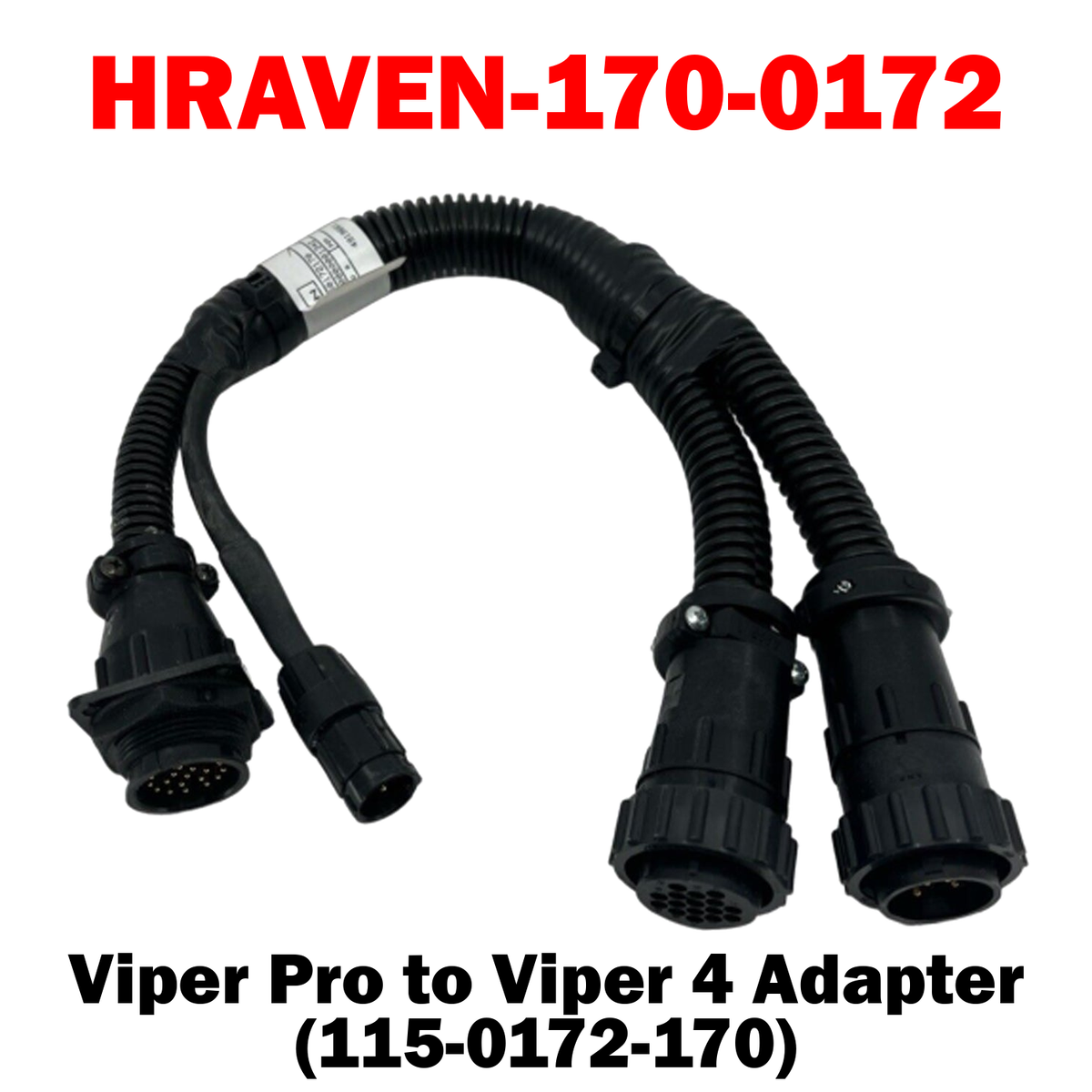
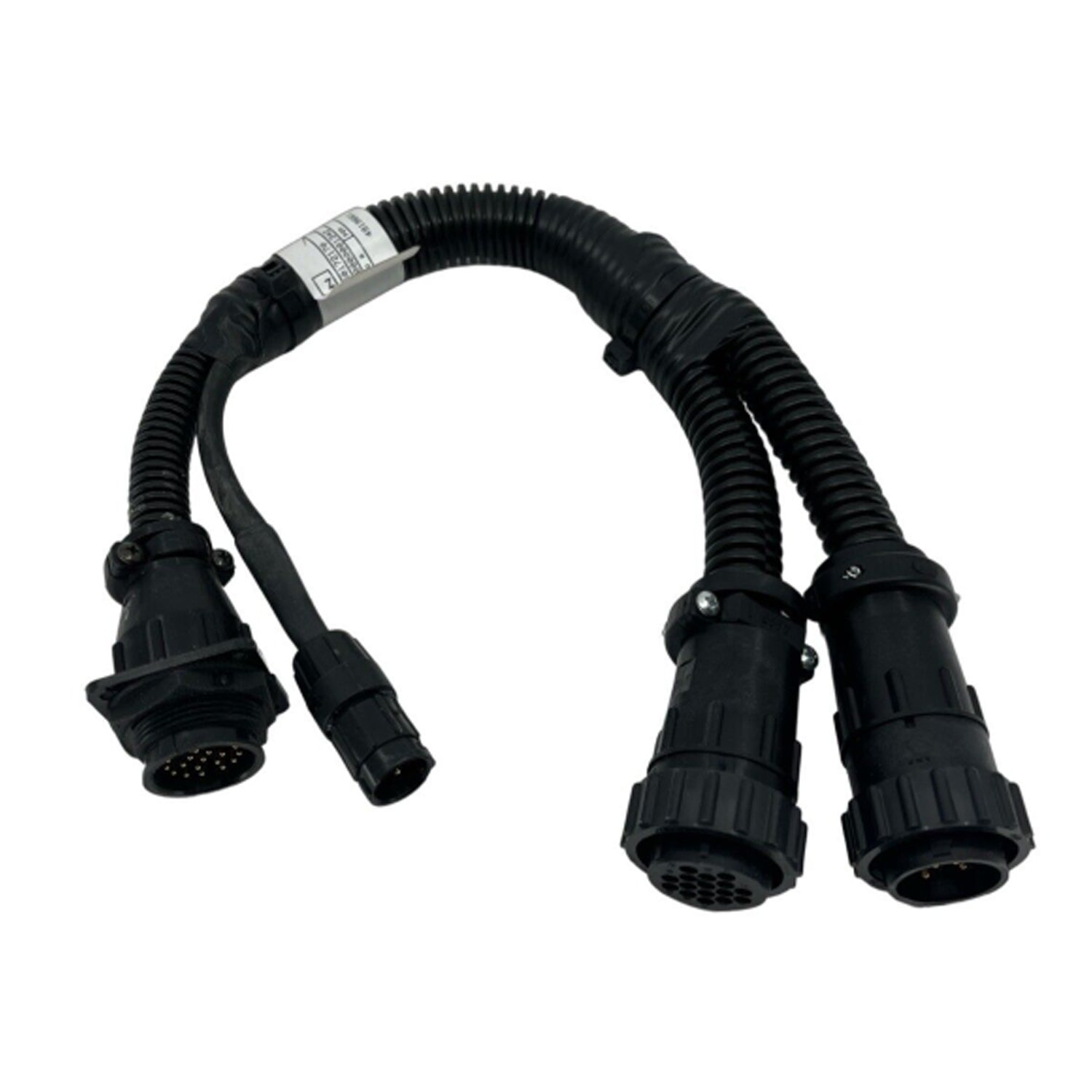
HRAVEN-170-0172 (115-0172-170)
The Raven Viper Pro / Envizio Pro to Viper 4 Adapter (115-0172-170) lets a Viper 4 console run on harnessing originally fitted for a Viper Pro or Envizio Pro. It makes the display upgrade possible without rewiring the cab.
Key Features
• Viper Pro / Envizio Pro to Viper 4 – Fits a new console to existing cab wiring
• No Rewiring Required – Plugs between the console and the existing harness
• Durable, Field-Ready Construction – Rugged connectors and jacket built to withstand moisture, vibration and rough field conditions
%0A%0AThe%20Raven%20Viper%20Pro%20/%20Envizio%20Pro%20to%20Viper%204%20Adapter%20(115-0172-170)%20lets%20a%20Viper%204%20console%20run%20on%20harnessing%20originally%20fitted%20for%20a%20Viper%20Pro%20or%20Envizio%20Pro.%20It%20ma...)
HRAVEN-170 (115-0172-170)
Sale price$650.00 USD
Choose options
HRAVEN-170 (115-0172-170)
Sale price$650.00 USD