



























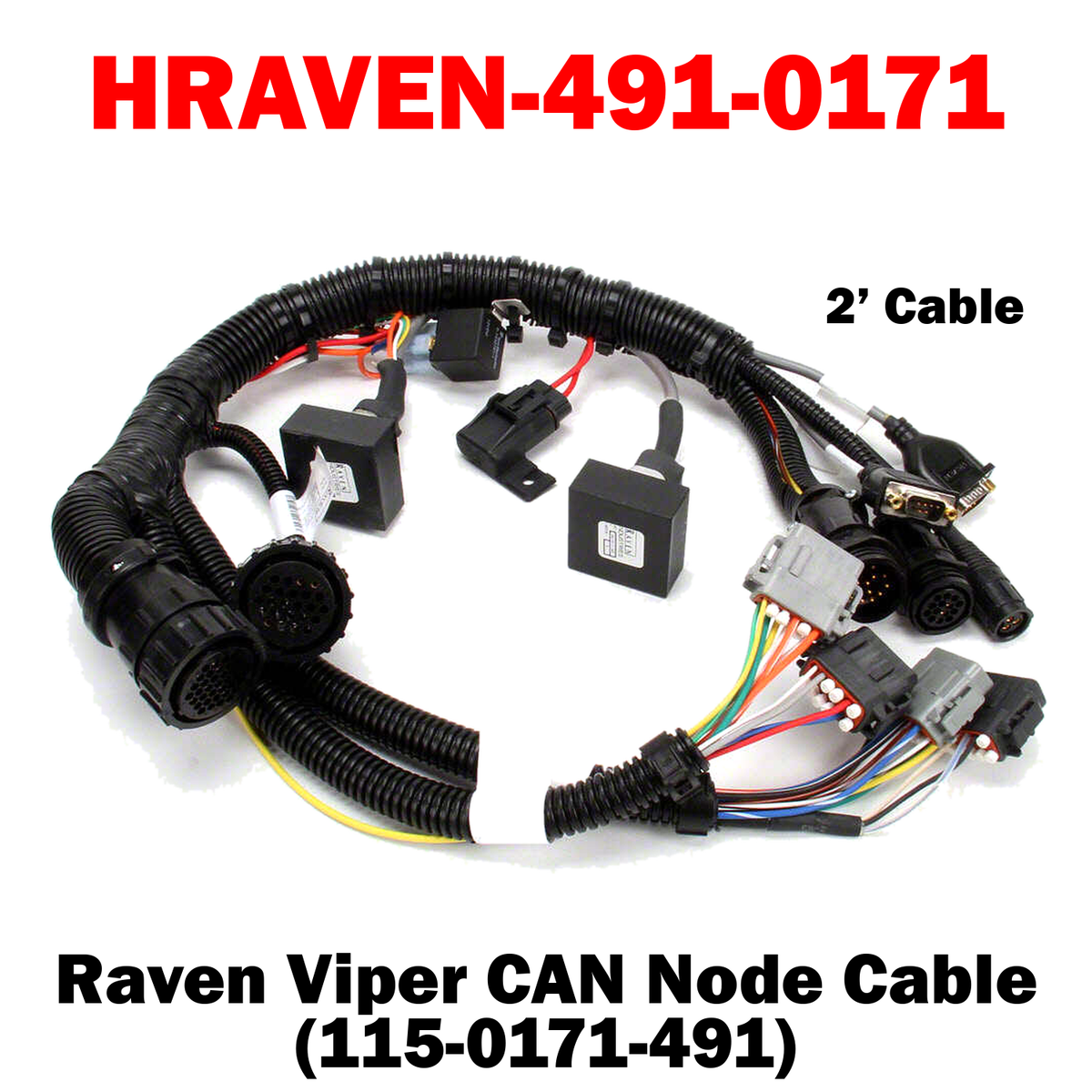
HRAVEN-491-0171 (115-0171-491)
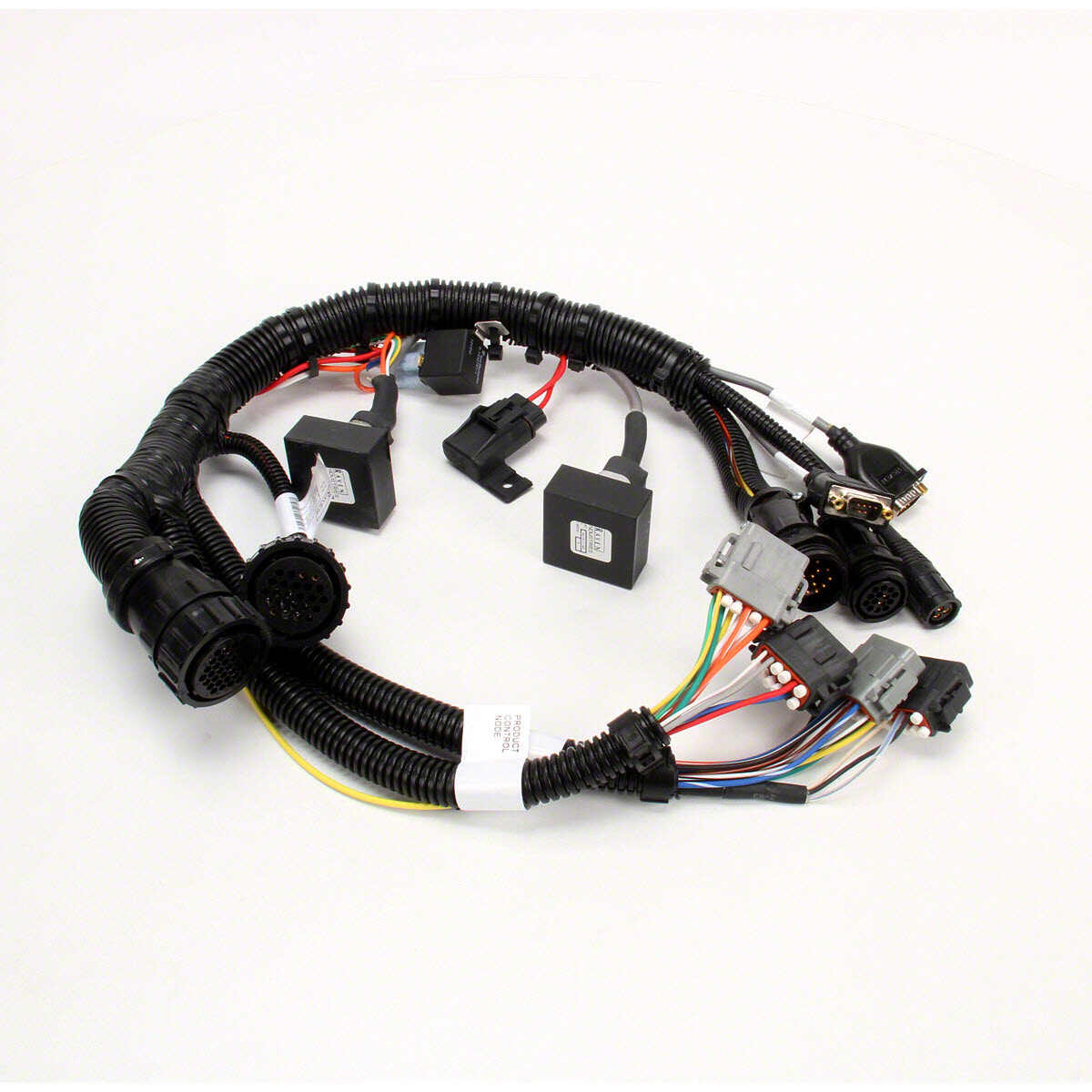
The Raven 2-Foot Viper CAN Node Cable (115-0171-491) is a factory-specified harness connecting CAN nodes to a Viper console on 661 systems. The short run suits close-coupled installations where the node sits beside its connection point.
Key Features
• Viper CAN Node Cable, 661 Systems – Correct OEM interface for CAN node communication
• 2-Foot Length – Compact run for close-coupled installation
• Durable, Field-Ready Construction – Rugged connectors and jacket built to withstand moisture, vibration and rough field conditions
%0A%0AThe%20Raven%202-Foot%20Viper%20CAN%20Node%20Cable%20(115-0171-491)%20is%20a%20factory-specified%20harness%20connecting%20CAN%20nodes%20to%20a%20Viper%20console%20on%20661%20systems.%20The%20short%20run%20suits%20clos...)
HRAVEN-491-0171 (115-0171-491)
Sale price$1,344.00 USD
Choose options
HRAVEN-491-0171 (115-0171-491)
Sale price$1,344.00 USD