



























Skip to content
Sale price$114.60 USD

JDPOWERSTRIP

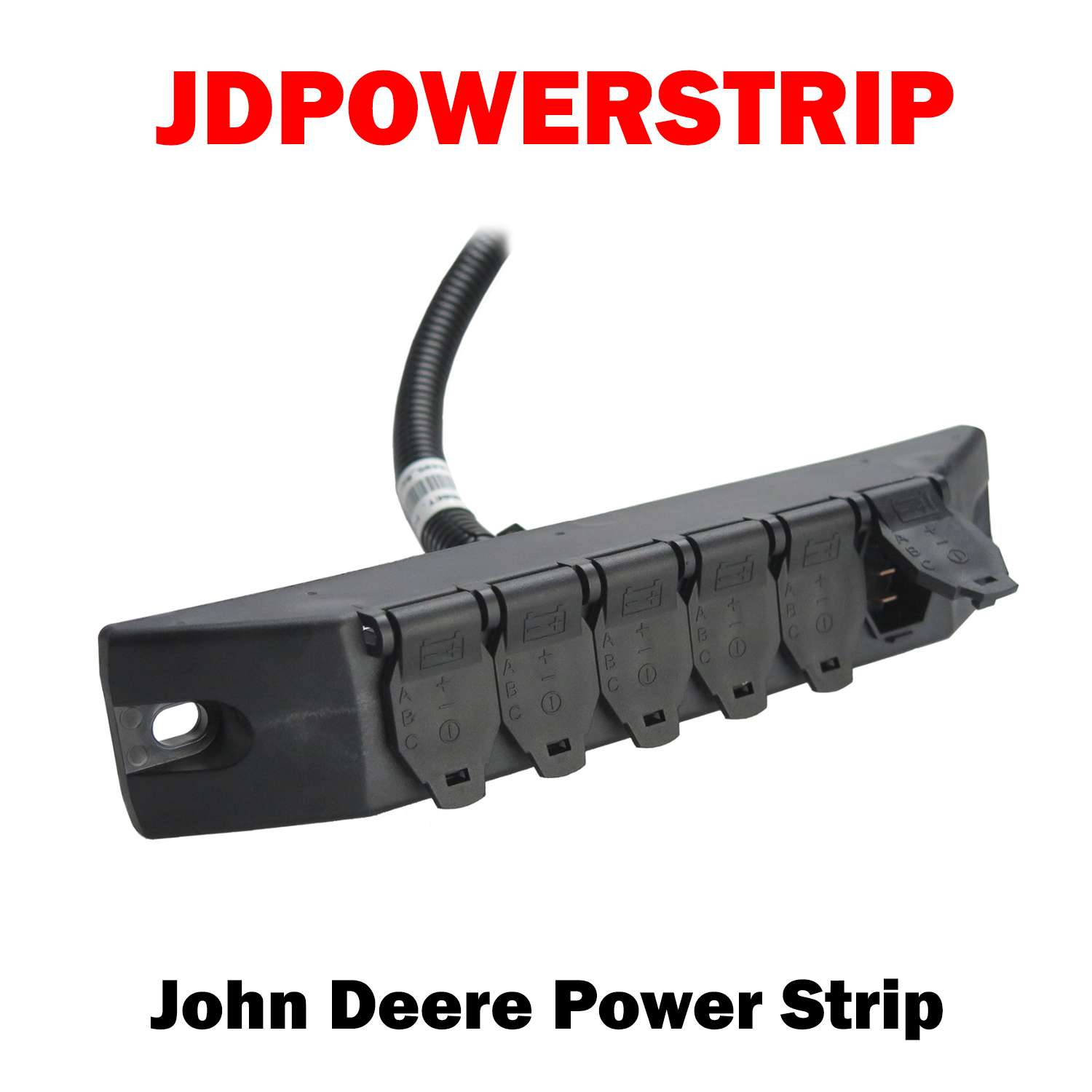
The John Deere Power Strip allows you to hook up six different monitors at the same time. All without the hassle of running each power lead to the battery. The wiring configuration is compatible to the John Deere, Case, New Holland, Ford, Agco, and Cat tractors.

(6 Socket John Deere Power Strip Replacement | JD: RE68495)

JDPOWERSTRIP | John Deere Power Strip
JDPOWERSTRIP | John Deere Power Strip Sale price$114.60 USD

Install Sensor-1 on your iPhone or iPad

  1. Tap the Share button in Safari.
  2. Scroll down and tap “Add to Home Screen.”
  3. Tap “Add.”
  4. Open Sensor-1 from the new icon on your Home Screen.

Install Sensor-1 on Android

  1. Open Sensor-1.com in Google Chrome.
  2. Tap the three-dot menu.
  3. Tap “Install app” or “Add to Home screen.”
  4. Confirm the installation.

Install Sensor-1 on your Mac

  1. In Safari, choose File → Add to Dock.
  2. In Google Chrome, open the browser menu and select Save and Share → Install Page as App, if available.

Install Sensor-1 on Windows

  1. In Microsoft Edge: open the three-dot menu, select “Apps,” then “Install this site as an app.”
  2. In Google Chrome: open the three-dot menu, select “Cast, save, and share,” then “Install page as app” or “Create shortcut.” If available, select “Open as window.”