



























PM-Elite
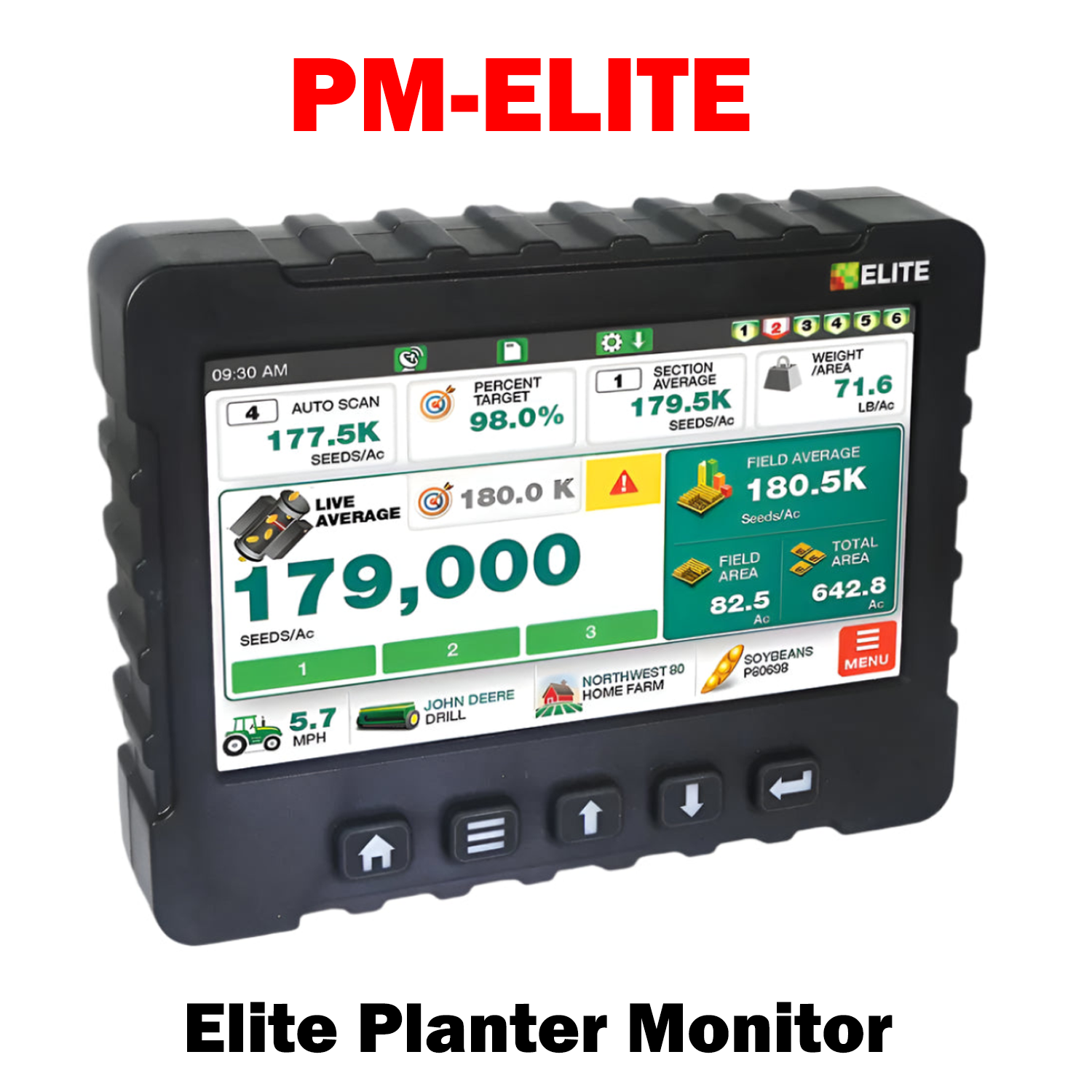
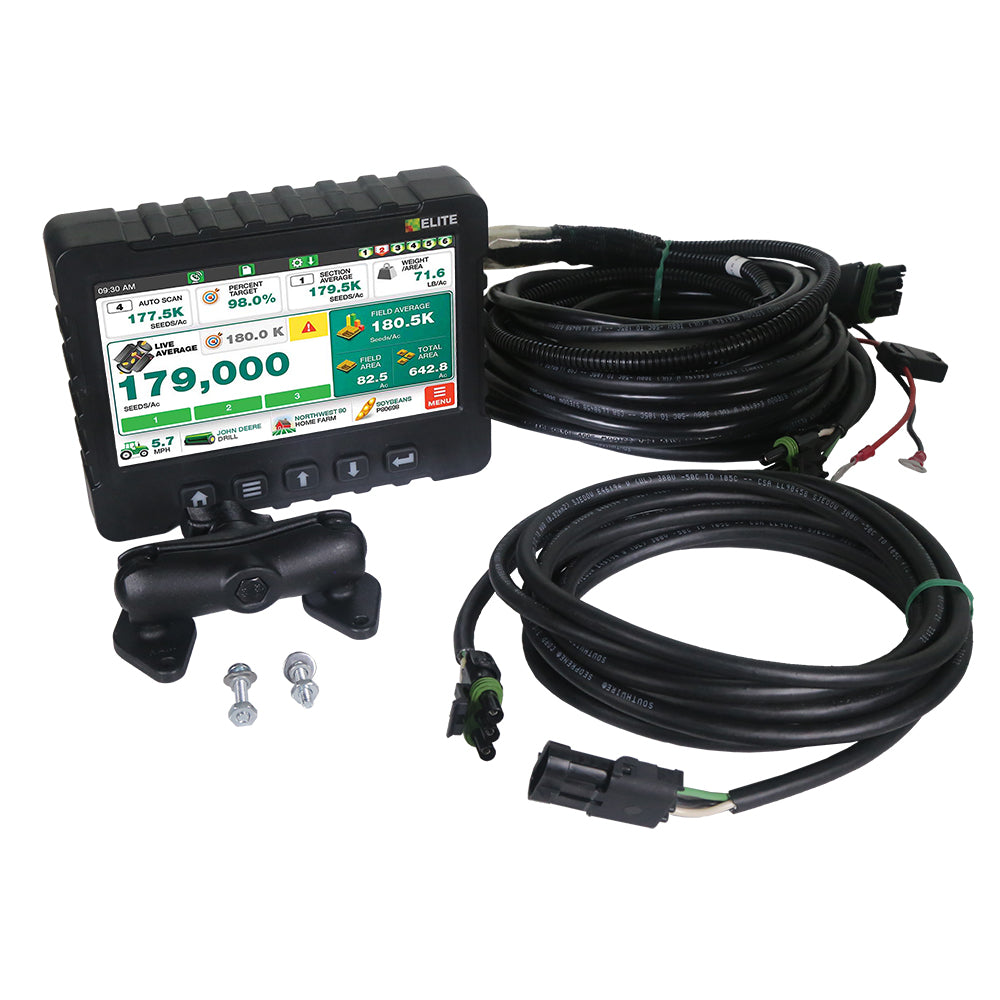
The New Elite Planter Monitor provides accurate Seeds/Acre population for any drill, Air Seeder or Planter. Log field maps to SD Memory, view section averages, control active sections and more through easy-to-use Touchscreen display.
Display Features:
- Easy to use Touch Screen operation
- True population for up to 48 Rows.
- Display Independent section averages
- Set your target population rate
- Log Field Maps to SD Card (sold separately)
- Load data into multiple mapping platforms including Google Earth.
- Learn up to 3 implements including planters.
- Bar graph display when monitoring planters.
- Optical blockage for up to 192 Rows.
- Over 95% Accurate in Soybeans.
- Displays up to 6 shaft RPM’s.
- Bargraph display for up to 6 hopper levels.
- Fan Speed Direct readout for Seeds/Acre, Seeds/Foot, LB/Acre and more.
- View & change up to 4 display options on one screen.

Choose options
Elite Planter Monitor
Sale price$2,200.00 USD