



























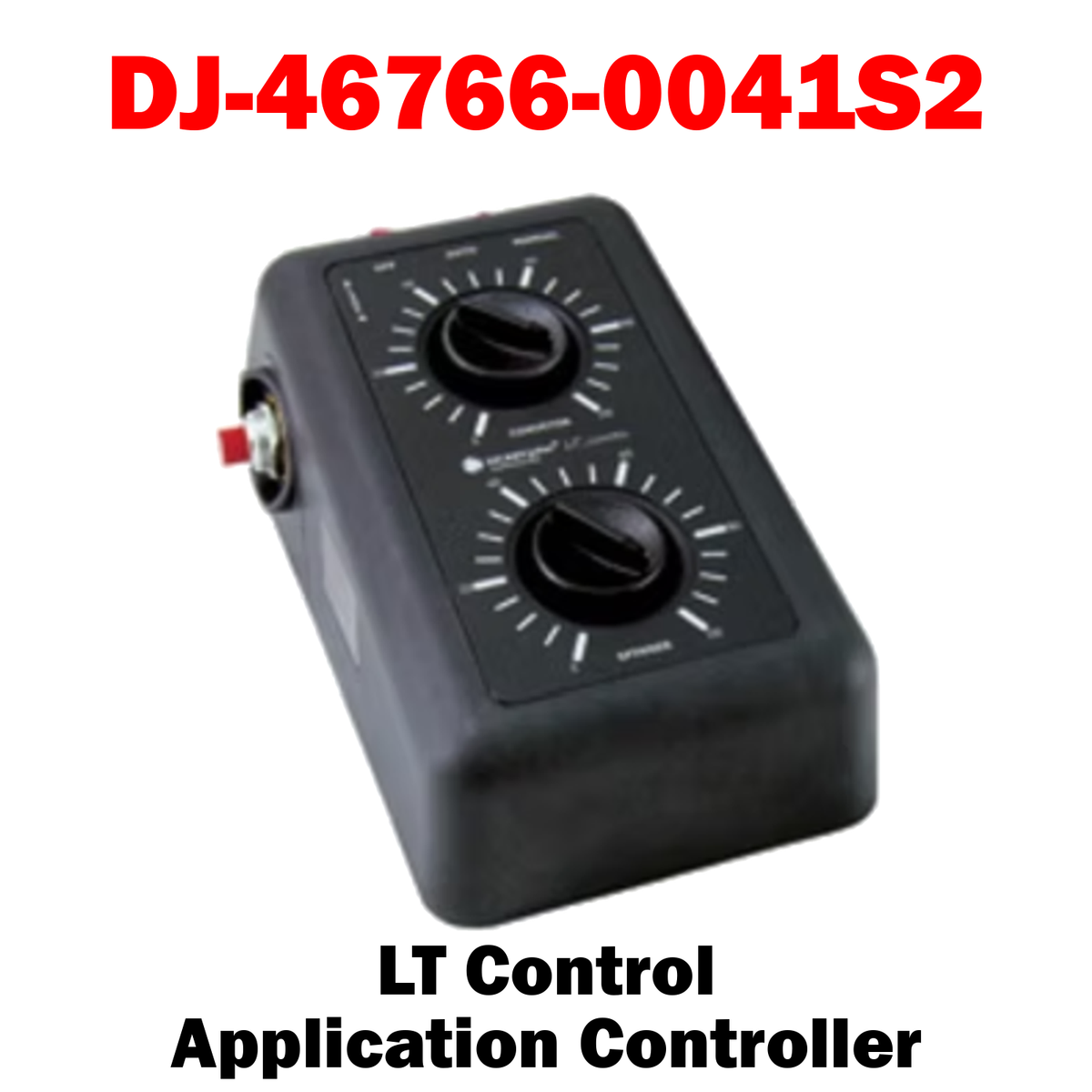
LT Control - #46766-0041S2
The most cost-effective ice control
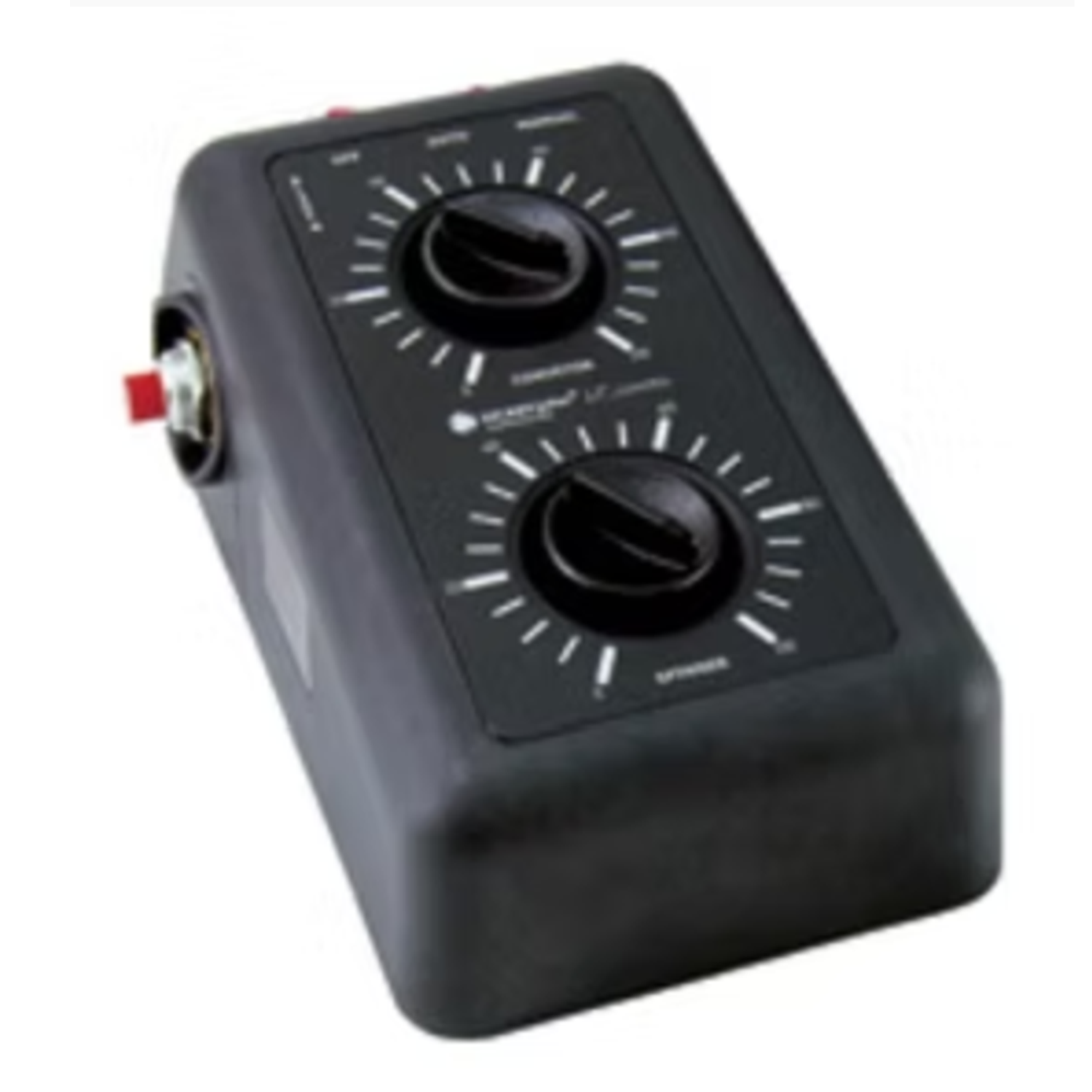
LT Control™ application controller delivers precision control when you need it most.
This versatile, open-loop system operates in automatic, manual, or spot spreading modes under even the harshest weather conditions. Plus, it lets you connect to your truck's speedometer to synchronize your conveyor and ground speed, saving you time and money.
LT Control application controller offers the accuracy you need at a price you can afford.
Combined with the SFCC15 cartridge kit, LT Control delivers economical ground speed control using existing two-knob manual valves. Easy to Use Simple to install, this open-loop system provides conveyor and spinner control through two 20-position knobs.
We’re out here Versatile With or without ground speed input, LT Control effectively controls material application. Setting the spreader control switch to manual lets drivers adjust material application to the rate of their choice without reprogramming. Spot Spreading LT Control’s momentary blast switch lets you spread at smaller amounts in tricky areas like intersections, curves, and bridges.
Ground Speed/Conveyor Synchronization When connected to truck speedometers, LT Control can even help reduce costs and increase efficiency. As it synchronizes truck ground speed with the conveyor, you can reduce wasted material at intersections and achieve more uniform material application. Backed by the Power of DICKEY-john When you buy LT Control, you get all this, plus the dependability and reliability you expect from DICKEY-john products. DICKEY-john’s advanced technology and superior electronics are backed by a team of expert in-house mechanical, electrical, software, and test engineers. And, we manufacture all of our products, ensuring total quality control—we’re ISO 9001 certified.

Choose options