



























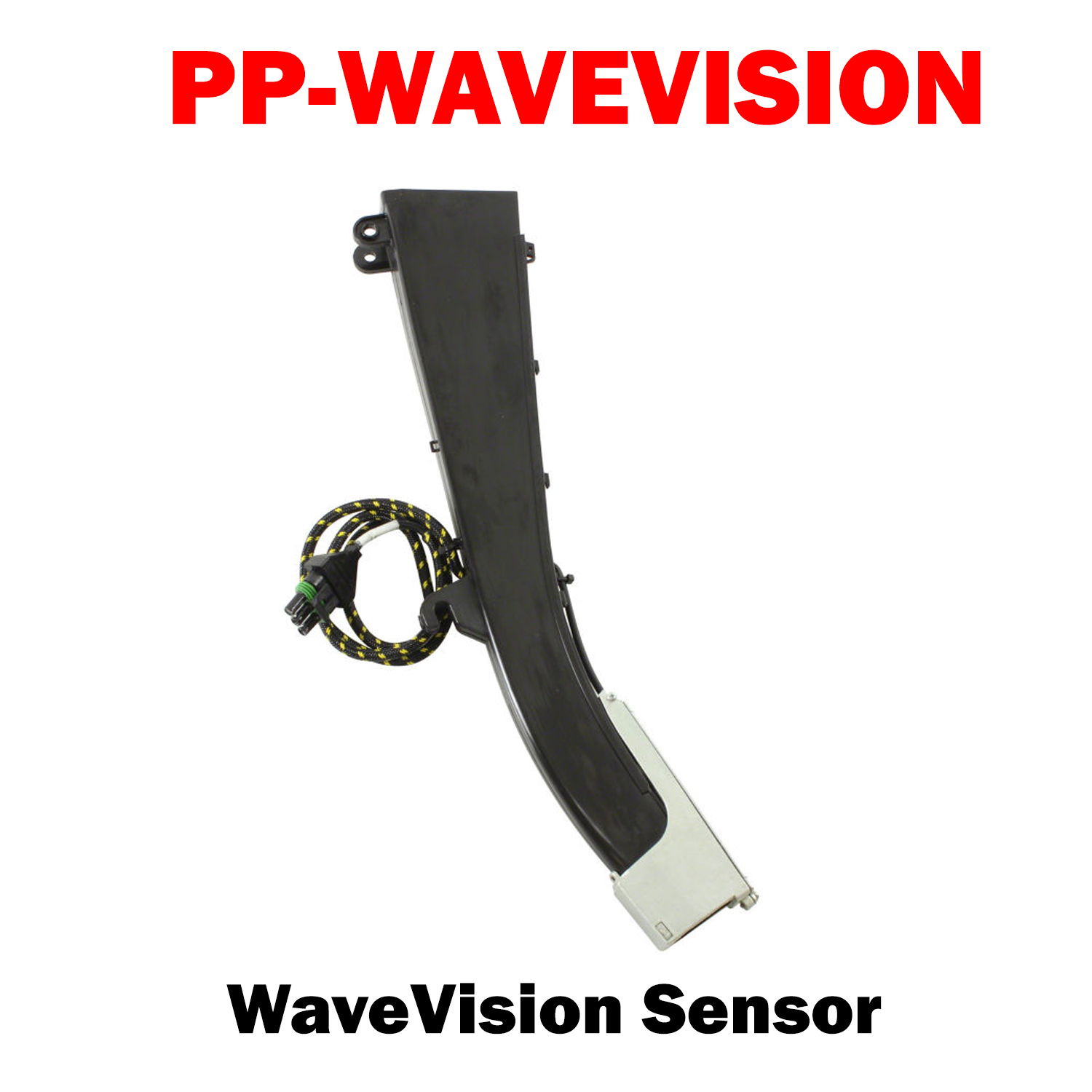
PP-WAVEVISION
Features:
- Plug-and-play. Just swap out your Dickey-john® optical sensor and seed tubes. If your Dickey-john® sensors worked with your current monitor, so will WaveVision™
- Uses high-frequency waves to look at falling objects from every angle. This allows the sensor to distinguish a single seed from a double or triple, or from dust or debris, because they all register a different mass.
- Counts seeds lower on the seed tube, closer to the trench, which increases accuracy.
Notes:
- 10V power module required on most 8-row or larger planters and 6-row with John Deere SeedStar™. Not required for any size John Deere or 8-row Kinze® equipped with Precision Planting 20/20 SeedSense®.
- Not compatible with AGCO GTA; Kinze® Vision, KPM I, II, III; Monosem MPM; White SM400SE.
- Planters equipped with Keeton® firmers installed prior to 2011 will require a new tail for clearance.

PP-WAVEVISION
Sale price$195.00 USD
Choose options
PP-WAVEVISION
Sale price$195.00 USD