



























Skip to content
Sale price$122.38 USD
Style:

STR-X

StarFire Receiver Output Cable for NMEA & Speed Signal

Plug this cable in between your StarFire receiver and the receiver harness to provide NMEA and/or speed to monitors and display units. Does not work with Sensor-1 monitors.

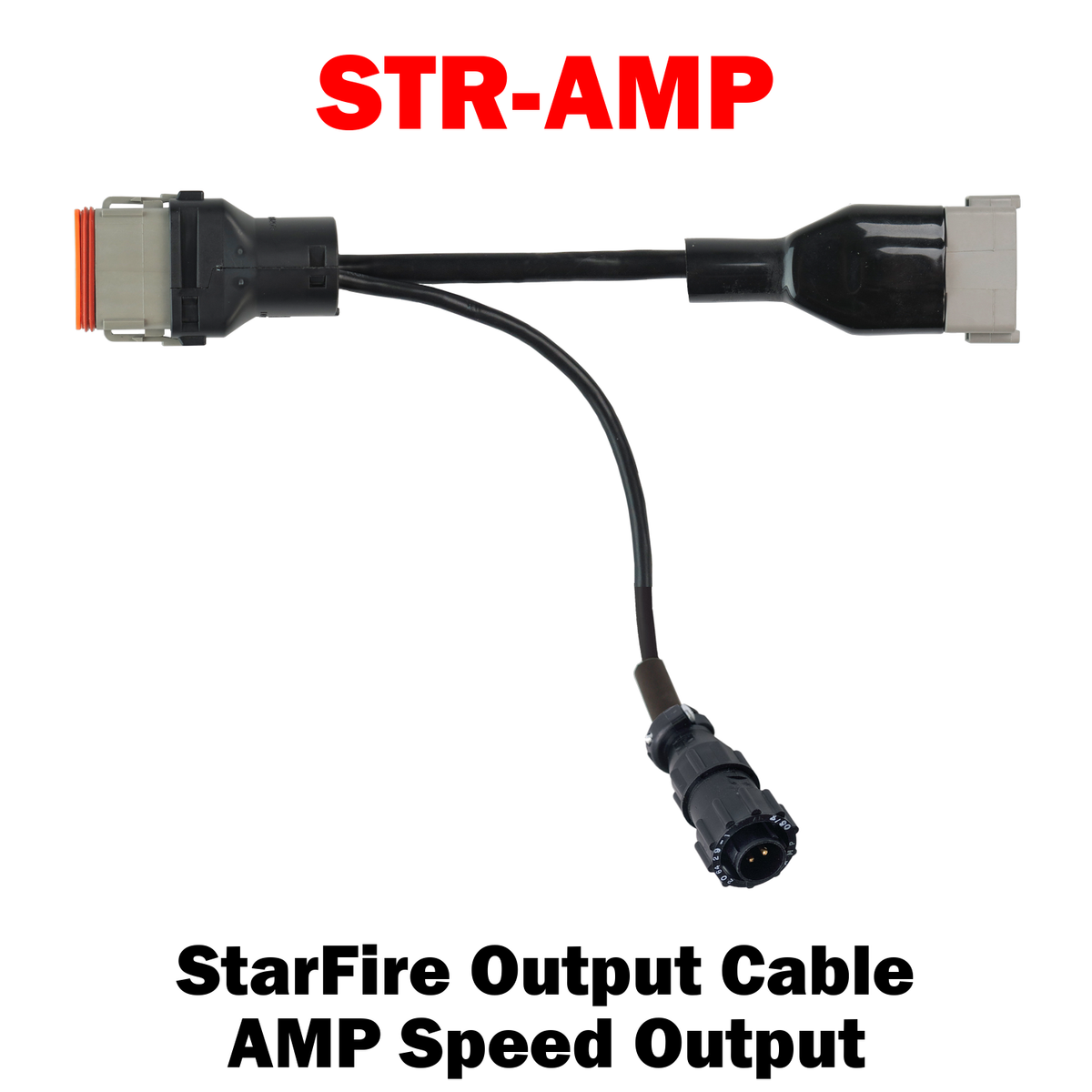
  • STR-AMP – GPS AMP speed output only. Works with ITC & 3000.
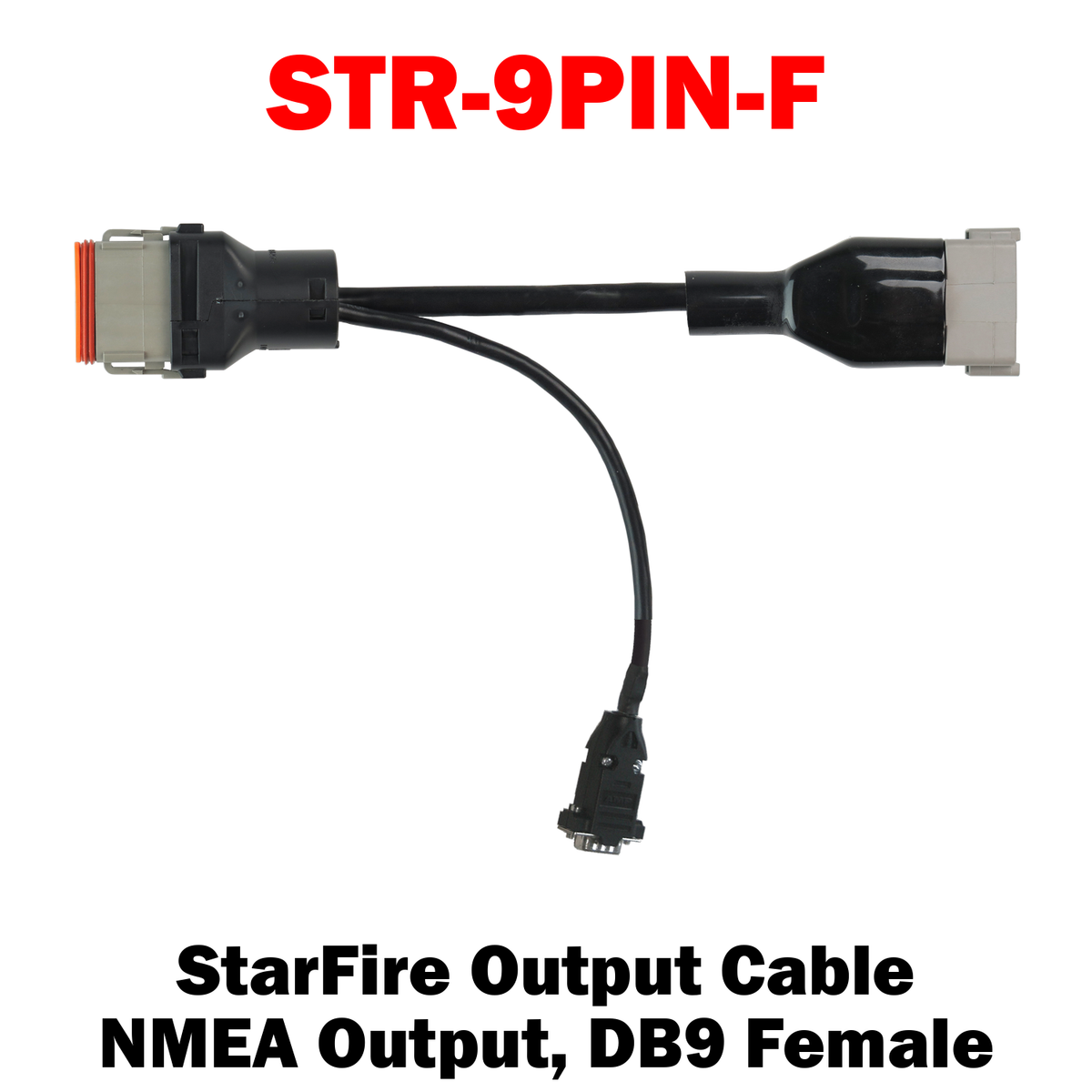
  • STR-9PIN-F – GPS RS232 (NMEA) for CNH Pro600/700 & Raven V/E Pro, DB9 female. Works with GenII, ITC & 3000.
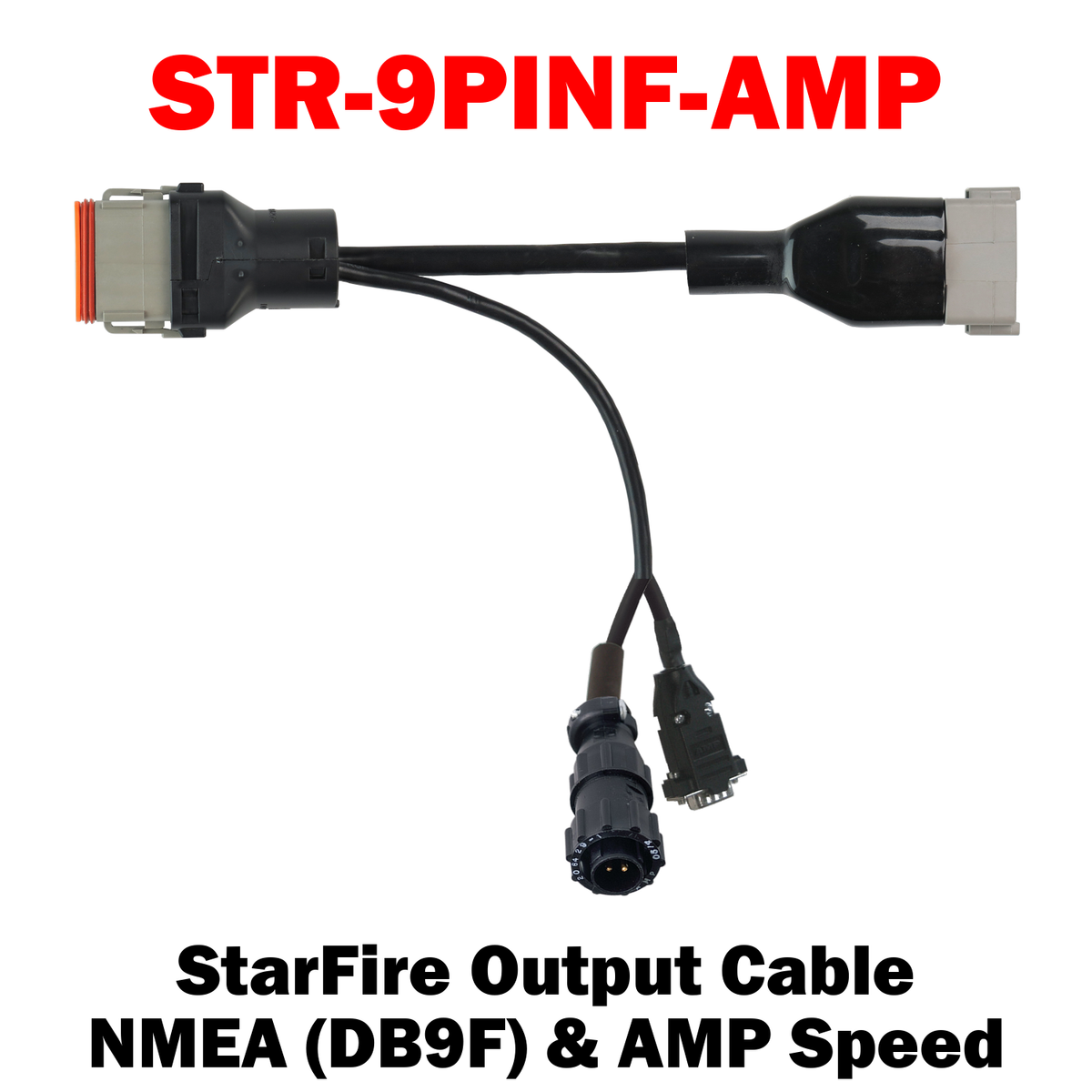
  • STR-9PINF-AMP – GPS RS232 (NMEA) & AMP speed output. Works with ITC & 3000.
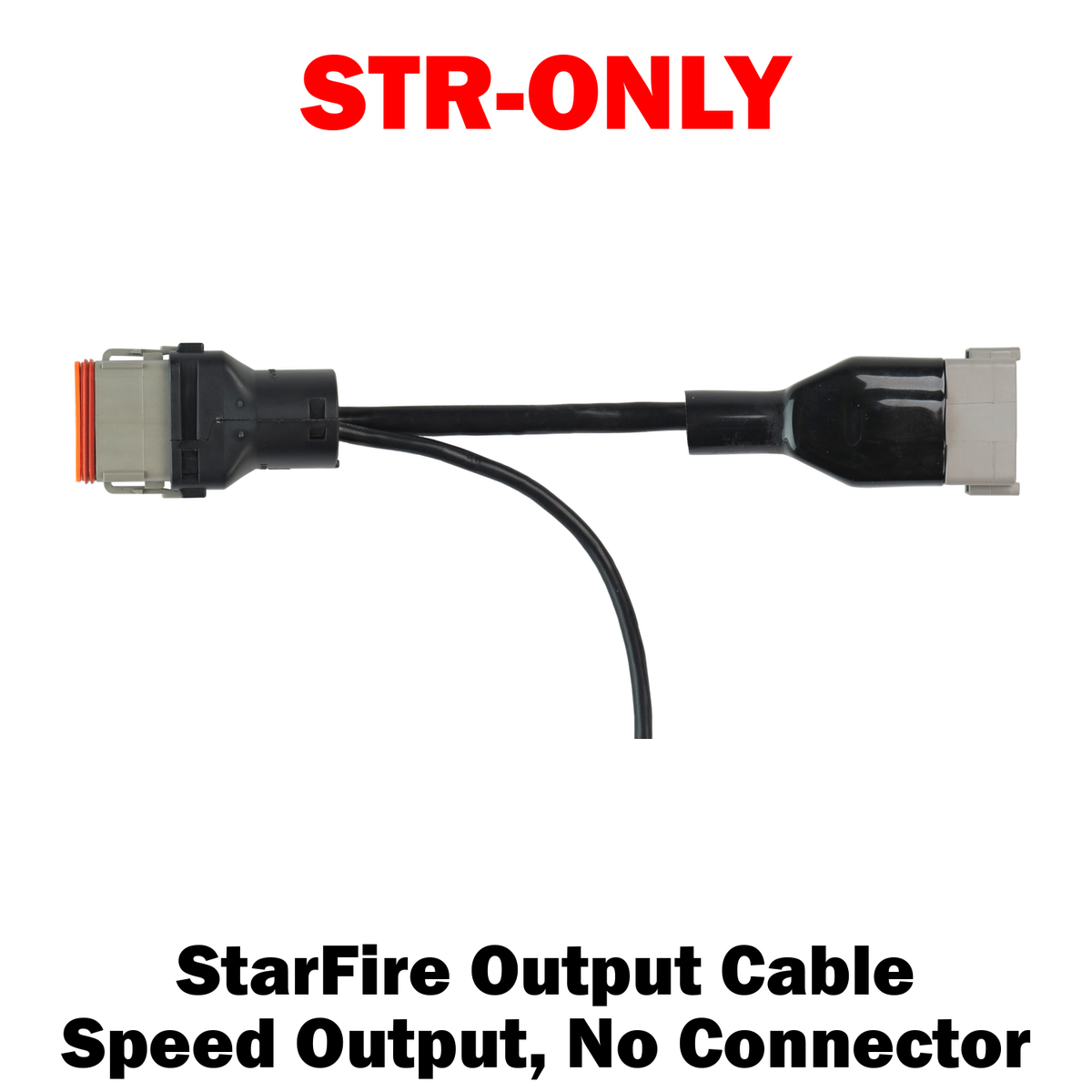
  • STR-ONLY – GPS speed output only, no connector. Works with ITC & 3000.
STR-X | StarFire Output Cable for NMEA & Speed Signal
STR-X | StarFire Output Cable for NMEA & Speed Signal Sale price$122.38 USD

Install Sensor-1 on your iPhone or iPad

  1. Tap the Share button in Safari.
  2. Scroll down and tap “Add to Home Screen.”
  3. Tap “Add.”
  4. Open Sensor-1 from the new icon on your Home Screen.

Install Sensor-1 on Android

  1. Open Sensor-1.com in Google Chrome.
  2. Tap the three-dot menu.
  3. Tap “Install app” or “Add to Home screen.”
  4. Confirm the installation.

Install Sensor-1 on your Mac

  1. In Safari, choose File → Add to Dock.
  2. In Google Chrome, open the browser menu and select Save and Share → Install Page as App, if available.

Install Sensor-1 on Windows

  1. In Microsoft Edge: open the three-dot menu, select “Apps,” then “Install this site as an app.”
  2. In Google Chrome: open the three-dot menu, select “Cast, save, and share,” then “Install page as app” or “Create shortcut.” If available, select “Open as window.”